Version History
Every draft or AI generation, compared word by word and restored safely.
PROGet Version History and 168 other Pro components with pro lifetime — Get Pro
- Category
- Documents
- Access
- ProPro · unlocked
- Source
- 1,211 lines · one file
- States
- 9 drawn
The decision inside it
Signed versions cannot be restored over
Restoring over a signature would invalidate it, so the component refuses rather than warning.
When to use it
Use Version History for a document's or a generation's versions: who changed what and when, compare two versions word by word (or line by line for code), and restore with confirmation.
Installation
How you get it
Paste this into Claude Code, Cursor, Codex or any coding agent. It installs the file and uses it as it is, instead of writing a new one.
Use Liro's Version History for this.
Install it: npx shadcn@latest add @liro/version-history
(the @liro registry is set up in components.json, with LIRO_KEY in .env.local)
Import it from @/components/ui/version-history.
Do not rewrite or restyle it. Pass my data through its props
and keep its built-in states.
For the full brief with every prop and the mistakes assistants usually make, use Copy prompt above. Pro components install through the @liro registry with your CLI token: see the Namespaced tab.
Usage
import { VersionHistory, type DocumentVersion } from "@/components/ui/version-history";

const versions: DocumentVersion[] = [
  { id: "v2", label: "Version 2", at: "2026-10-12T10:00:00Z", author: { email: "ada@vertically.dev", name: "Ada Moss" }, content: "Payment is due within 30 days." },
  { id: "v1", label: "Version 1", at: "2026-10-10T09:00:00Z", author: { email: "michael@madgixs.com", name: "Michael Carter" }, content: "Payment is due within 14 days." },
];

export function Versions({ restore }: { restore: (id: string) => Promise<void> }) {
  return <VersionHistory documentName="Vertically MSA" versions={versions} currentId="v2" onRestore={(version) => restore(version.id)} />;
}
API reference
“Copy prompt” above puts a full brief on your clipboard, install command, dependencies, props, and the mistakes an assistant usually makes with this component.
Props
Read from the component’s own TypeScript interface when the site is built, so this table cannot drift from the file you install.
| Type | Notes | ||
|---|---|---|---|
title | string | No | – |
documentName | string | No | – |
versions | DocumentVersion[] | No | – |
currentId | string | No | The one in play. Defaults to the newest. |
loading | boolean | No | – |
onRestore | (version: DocumentVersion) => void | Promise<void> | No | Put a version back. Returning a promise keeps the row in its working state until it settles; throwing leaves the row with its error visible. |
onDownload | (version: DocumentVersion) => void | No | – |
onCompare | (a: DocumentVersion, b: DocumentVersion) => void | No | Given, a Compare control appears and calls back with exactly two. When the versions carry `content`, Compare is offered anyway and opens a diff. |
diffMode | "inline" | "split" | No | How the diff is laid out. Controlled. |
defaultDiffMode | "inline" | "split" | No | – |
onDiffModeChange | (mode: "inline" | "split") => void | No | – |
onCopyVersion | (version: DocumentVersion) => void | No | Told after a version's text is copied from the diff. |
contentType | "text" | "code" | No | What `content` holds. `"code"` diffs line by line with line numbers and folds long unchanged stretches, the way a code review does. Default `"text"`. |
defaultCompare | [string, string] | No | Open with these two compared: [older id, newer id]. |
onClose | () => void | No | – |
look | Look | No | Layered sets the history in a tray, the heading above the card and the compare controls in the strip below it. Flat is one card. |
Dependencies
npm packages
clsxframer-motionlucide-reacttailwind-mergeLiro foundations, installed alongside it
liro-themeavatarsegmented-controltooltipStates
All of them are drawn by the component. None is left for you to design.
- Browsing
- Choosing two
- Diff inline
- Diff side by side
- Identical
- Confirming restore
- Restoring
- Locked
- Empty
Accessibility
- Keyboard reachable throughout, in visual order
- Focus trapped in overlays, Escape closes them
- Focus returns to whatever opened it
- Live regions announce what changed, not that something did
- Honours prefers-reduced-motion
Responsive behavior
- Sizes to its container, not the viewport
- Usable from 320px up
- Pointer-based interaction, so trackpad and touch both work
- No hover-only affordances
More like Version History
All Documents Free
Signature Pad
Draw, type or upload a signature.
 Free
File Upload
Drag-and-drop file upload with progress and retry.
 Pro
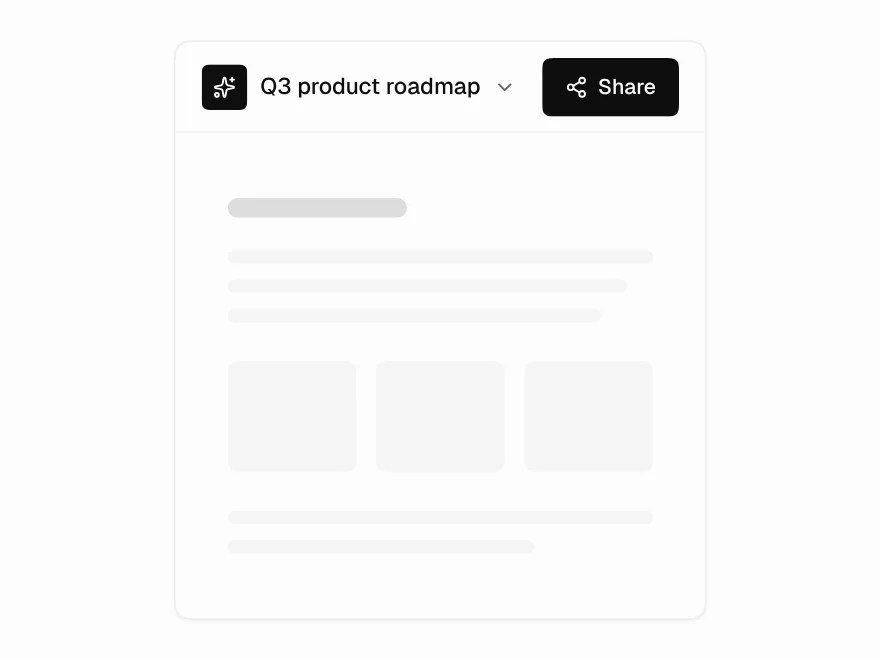
Share Dialog
Share dialog with roles and link access.
 Pro
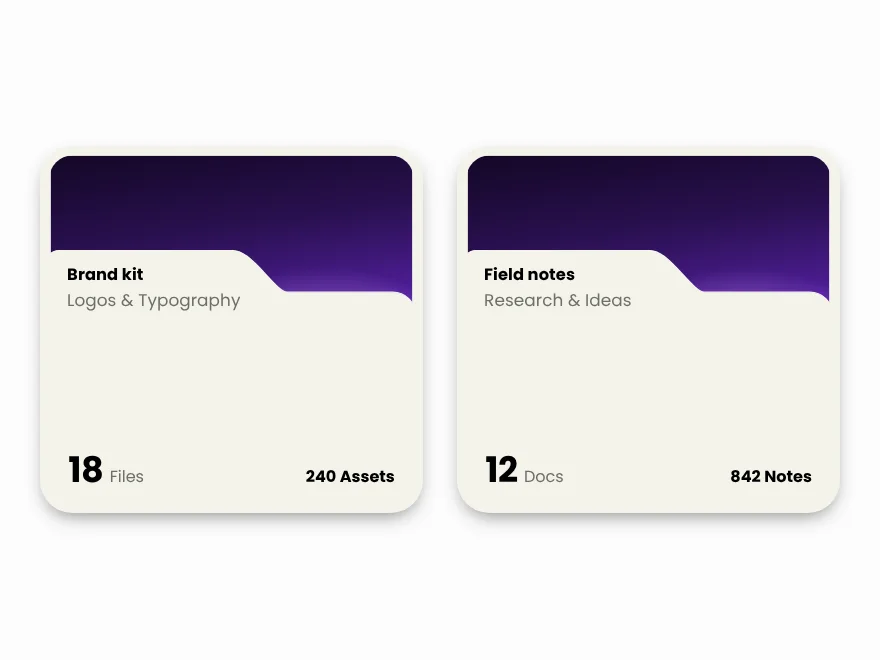
Folder Card
Folder card with file previews and count.
 Pro
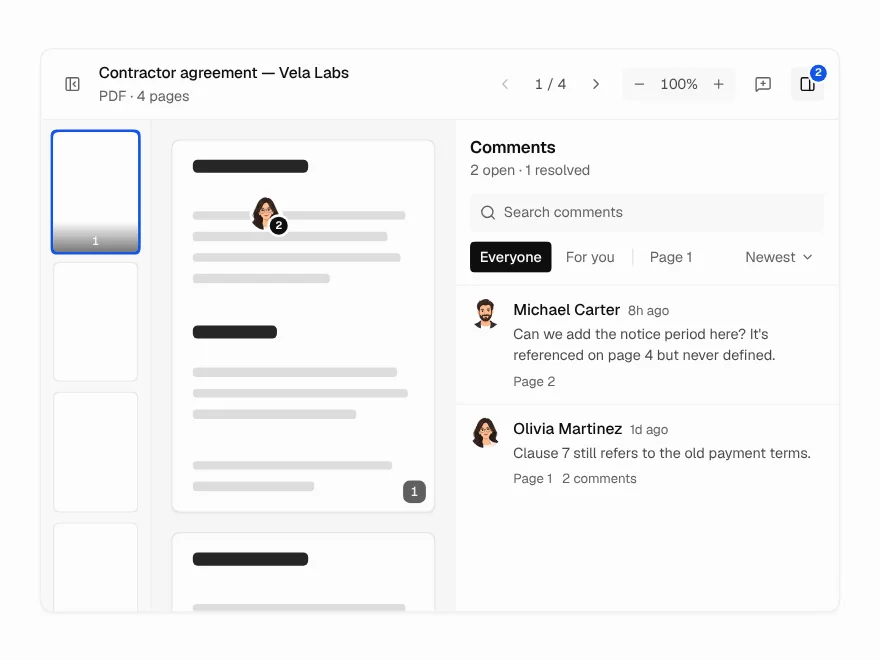
Document Viewer
PDF and document viewer with zoom and comments.
 Pro
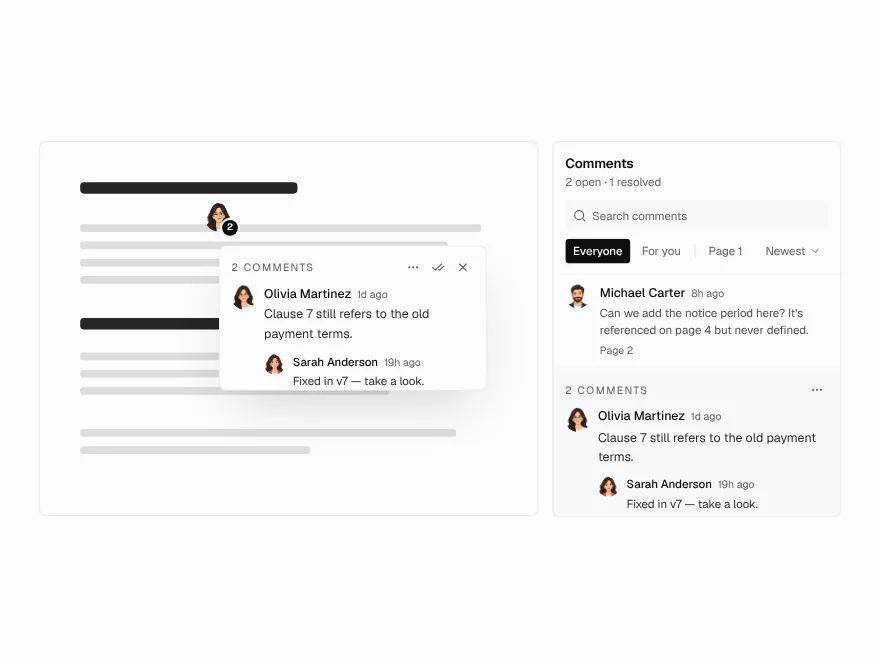
Annotation Pins
Pin comments on a document page.