File Upload
Per-file progress, retry, and type and size guards that explain themselves.
- Category
- Documents
- Access
- Free with an account
- Source
- 1,109 lines · one file
When to use it
Use File Upload wherever people attach files: documents, avatars, imports. Set accept, maxSize and maxFiles and it explains each refusal in words. Pass an uploader that sends the file to your storage and reports progress; each file then shows its own progress, retry and remove. FileUploadDialog wraps the same thing in a modal. It is layered by default, a card resting in a lit tray; look="flat" makes it a single card for pages that already frame it.
Installation
How you get it
Paste this into Claude Code, Cursor, Codex or any coding agent. It installs the file and uses it as it is, instead of writing a new one.
Use Liro's File Upload for this.
Install it: npx shadcn@latest add @liro/file-upload
(the @liro registry is set up in components.json, with LIRO_KEY in .env.local)
Import it from @/components/ui/file-upload.
Do not rewrite or restyle it. Pass my data through its props
and keep its built-in states.
For the full brief with every prop and the mistakes assistants usually make, use Copy prompt above. Free components install through the @liro registry with your CLI token: see the Namespaced tab.
Usage
"use client";

import { FileUpload, type Uploader } from "@/components/ui/file-upload";

/* Send each file to your own endpoint and report progress as it goes. */
const uploader: Uploader = (item, { onProgress, signal }) =>
  new Promise((resolve, reject) => {
    const xhr = new XMLHttpRequest();
    xhr.open("POST", "/api/upload");
    xhr.upload.onprogress = (e) => onProgress(e.loaded);
    xhr.onload = () => (xhr.status < 300 ? resolve({ url: JSON.parse(xhr.responseText).url }) : reject(new Error("Upload failed")));
    xhr.onerror = () => reject(new Error("Network error"));
    signal.addEventListener("abort", () => xhr.abort());
    const body = new FormData();
    if (item.file) body.append("file", item.file);
    xhr.send(body);
  });

export function Attachments() {
  return (
    <FileUpload
      title="Attach files"
      accept={[".pdf", "image/*"]}
      maxSize={10 * 1024 * 1024}
      maxFiles={5}
      uploader={uploader}
      onComplete={(item) => console.log("Uploaded", item.name, item.url)}
    />
  );
}
API reference
“Copy prompt” above puts a full brief on your clipboard, install command, dependencies, props, and the mistakes an assistant usually makes with this component.
Dependencies
npm packages
clsxframer-motionlucide-reacttailwind-mergeLiro foundations, installed alongside it
liro-themeAccessibility
- Keyboard reachable throughout, in visual order
- Focus trapped in overlays, Escape closes them
- Focus returns to whatever opened it
- Live regions announce what changed, not that something did
- Honours prefers-reduced-motion
Responsive behavior
- Sizes to its container, not the viewport
- Usable from 320px up
- Pointer-based interaction, so trackpad and touch both work
- No hover-only affordances
More like File Upload
All Documents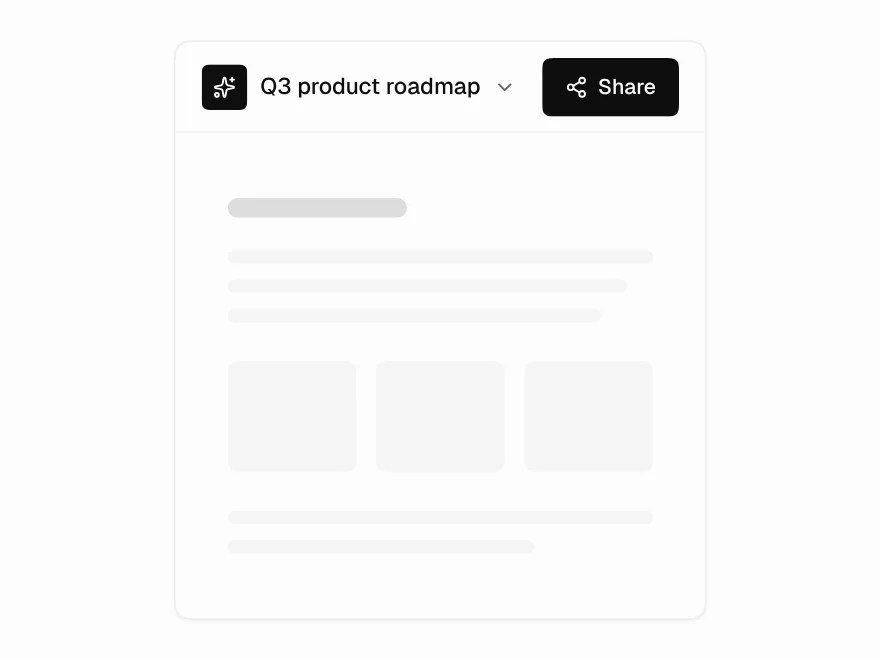 Pro
Share Dialog
Share dialog with roles and link access.
 Pro
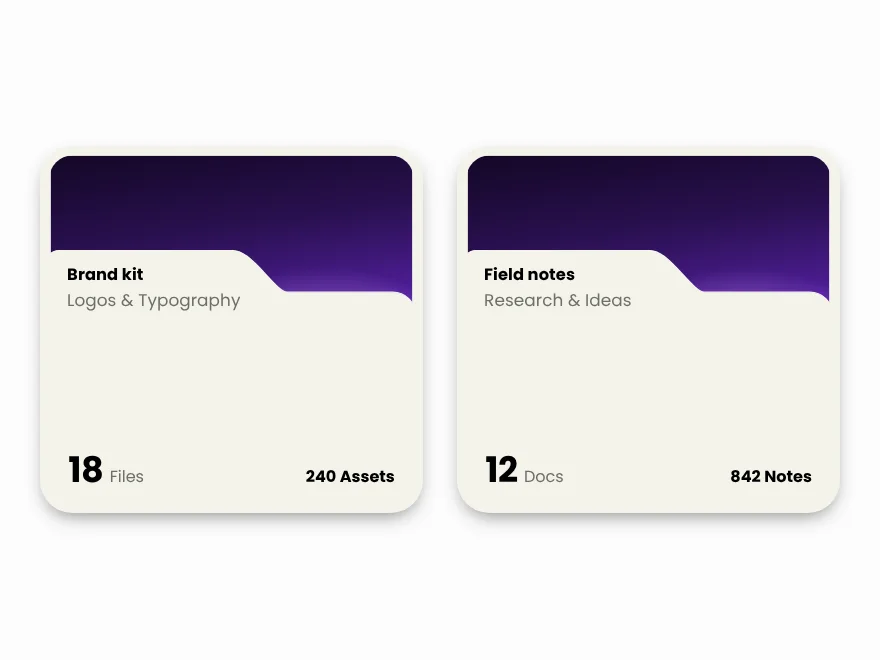
Folder Card
Folder card with file previews and count.
 Pro
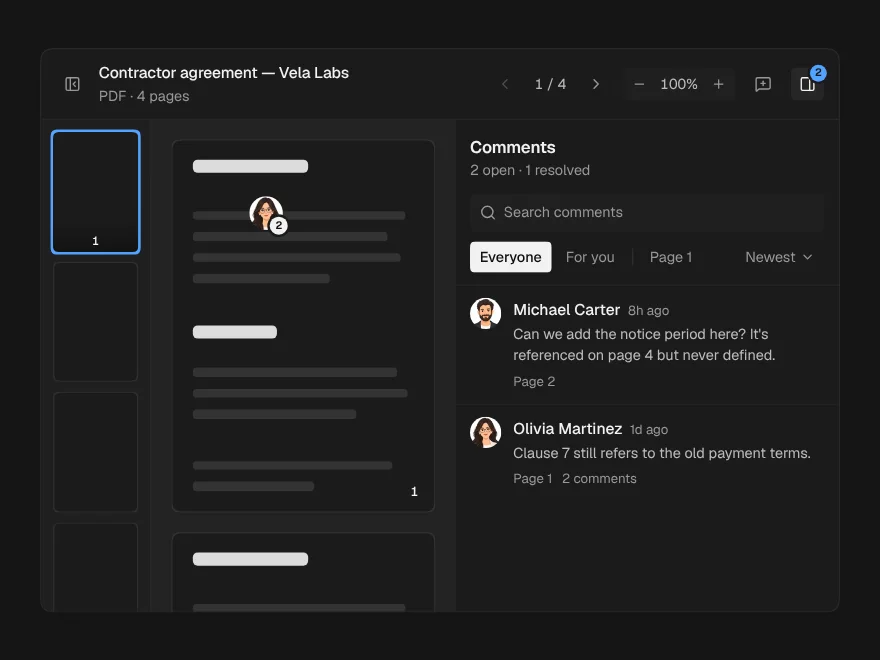
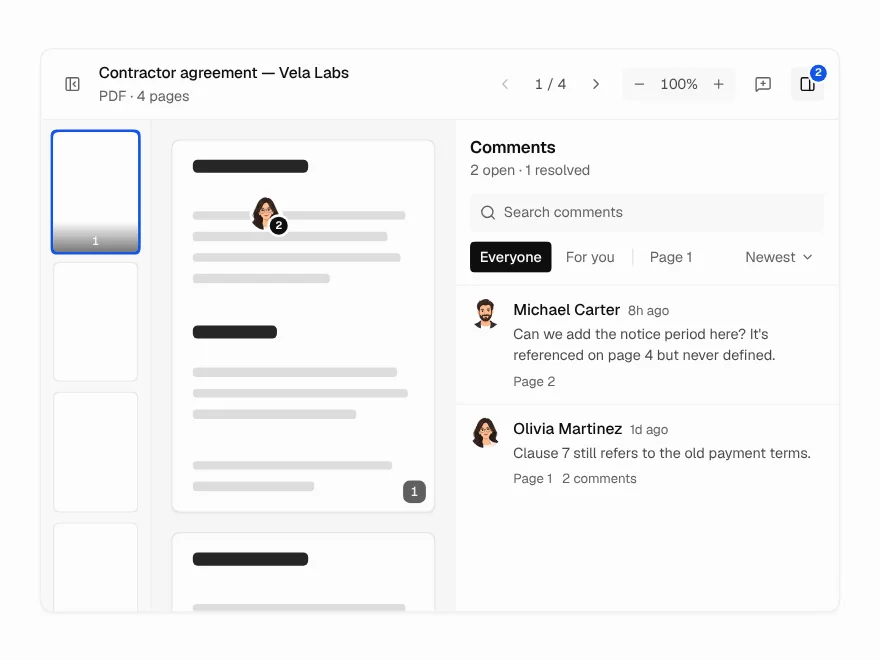
Document Viewer
PDF and document viewer with zoom and comments.
 Pro
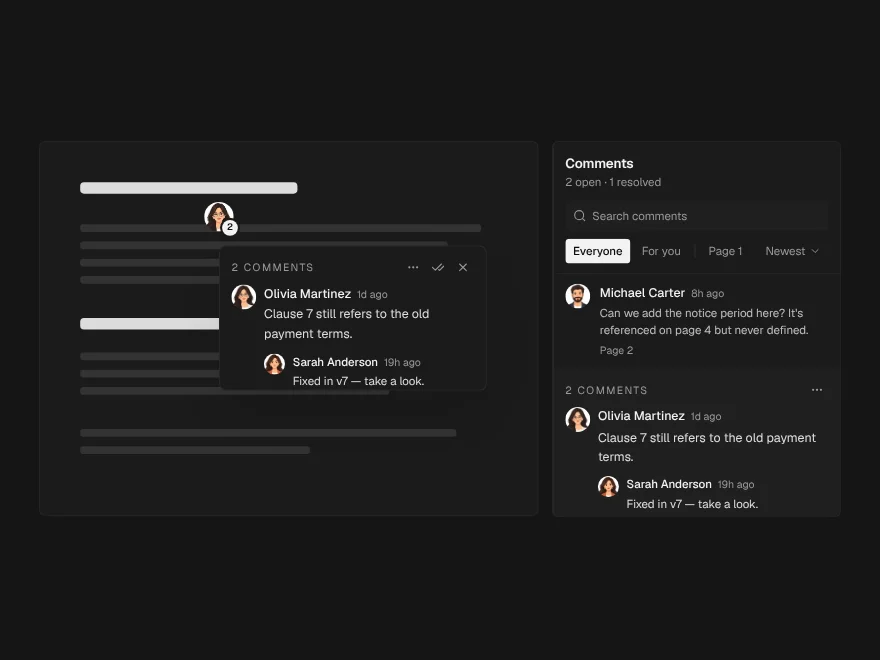
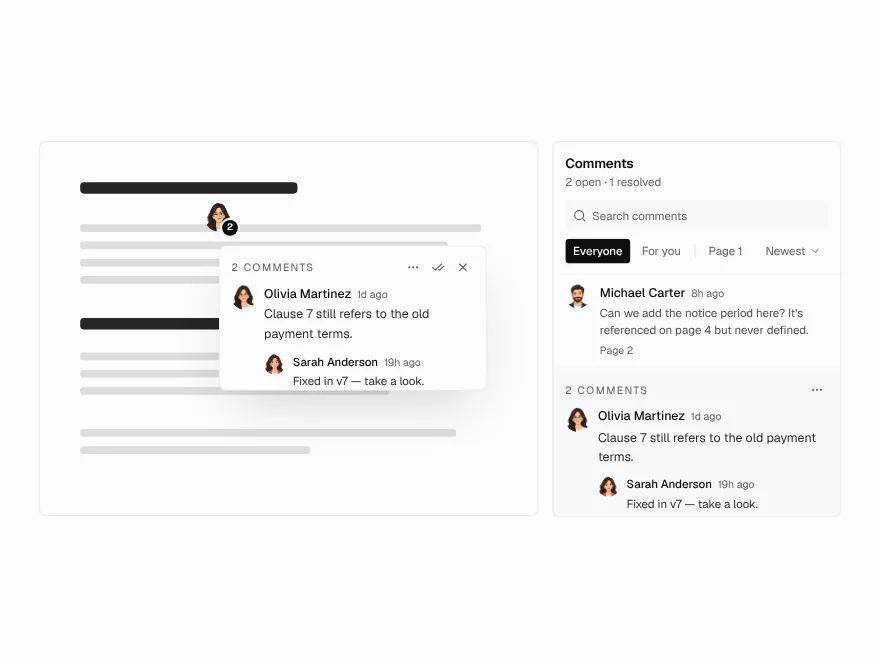
Annotation Pins
Pin comments on a document page.
 Pro
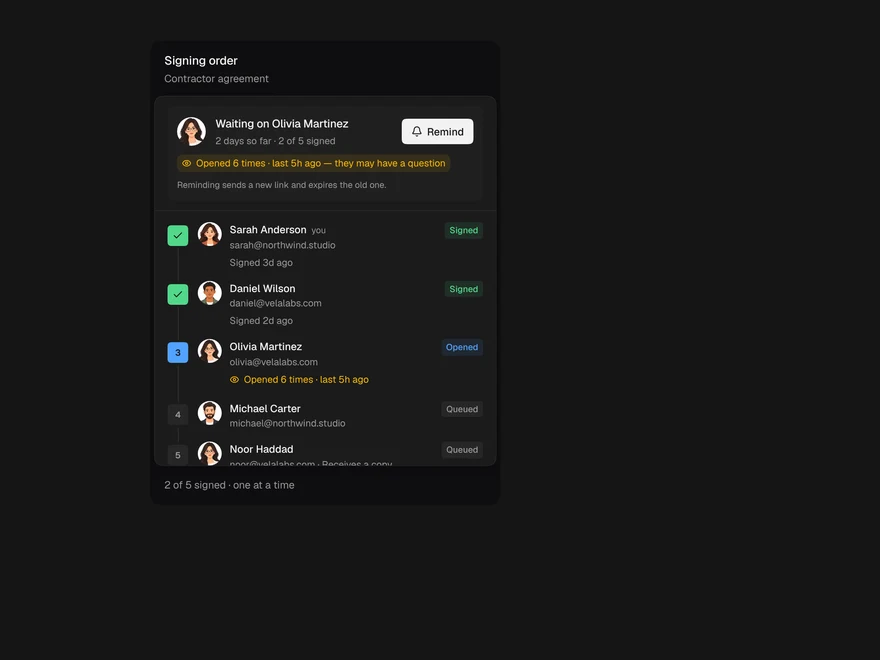
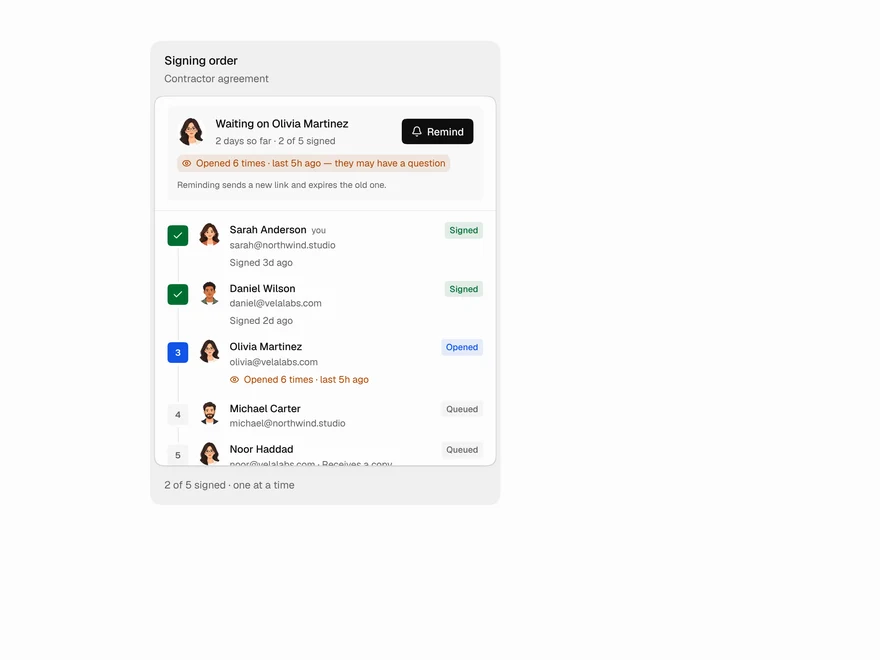
Signer Flow
E-signature status: who still needs to sign.
 Pro
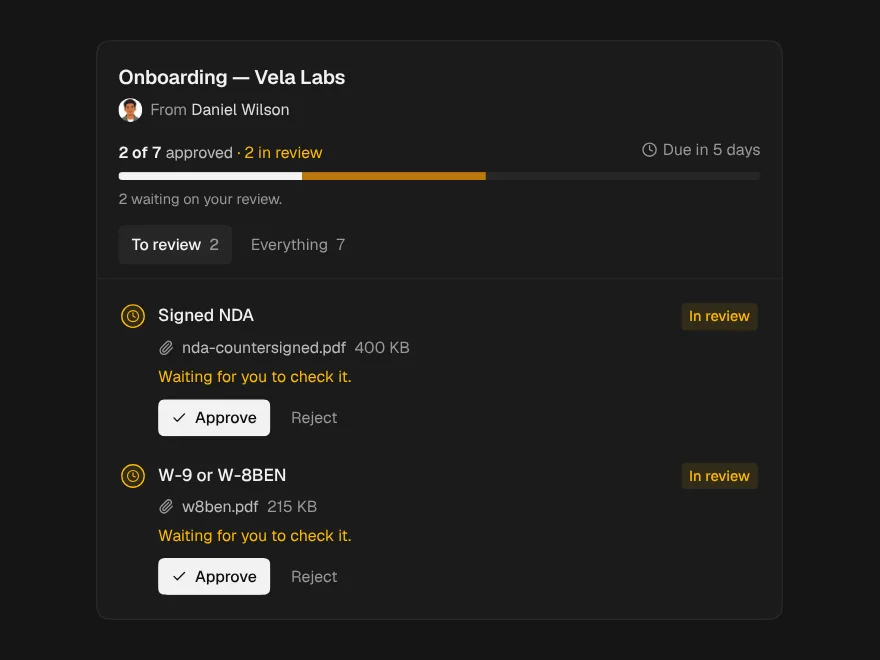
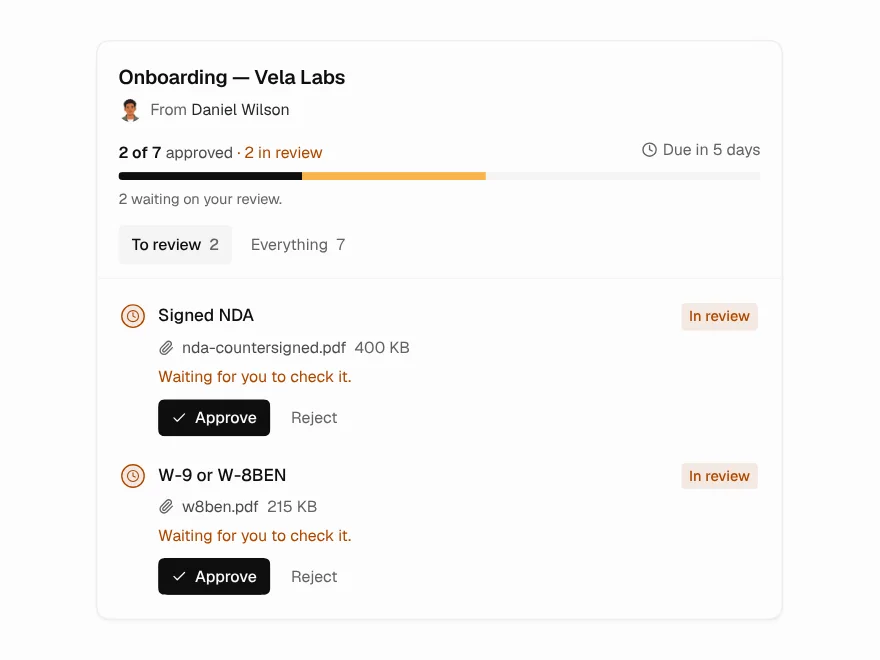
Document Request
Checklist for requesting documents from clients.