The component library your AI agents are missing.
Liro MCP connects Claude Code, Cursor, Codex and any MCP client to 258 production-ready React components, so what your agent builds starts from UI that already works.
Free with a Liro account · Pro components with lifetime access
Trusted by 50+ developers and indie hackers. Works with the tools you already use.
- Claude Code
- Cursor
- Codex
- Copilot
- Windsurf
- Claude
- Gemini CLI
- Antigravity
- Kiro
- Cline
 Official MCP Registry
 mcp.so
 Cursor Directory
Create a free account
Your account's token is what lets your agent install. Free components work with a free account.
- Free components: a free account, no card
- The 169 Pro components: lifetime access
- One token, for the CLI and for MCP
AI agents can write UI. But they don't know what works. Liro MCP fixes that.
Claude Code
I'll search Liro for billing components that already handle every state, then install the best fit.
Found 11 Billing components. Installing three that cover the page.
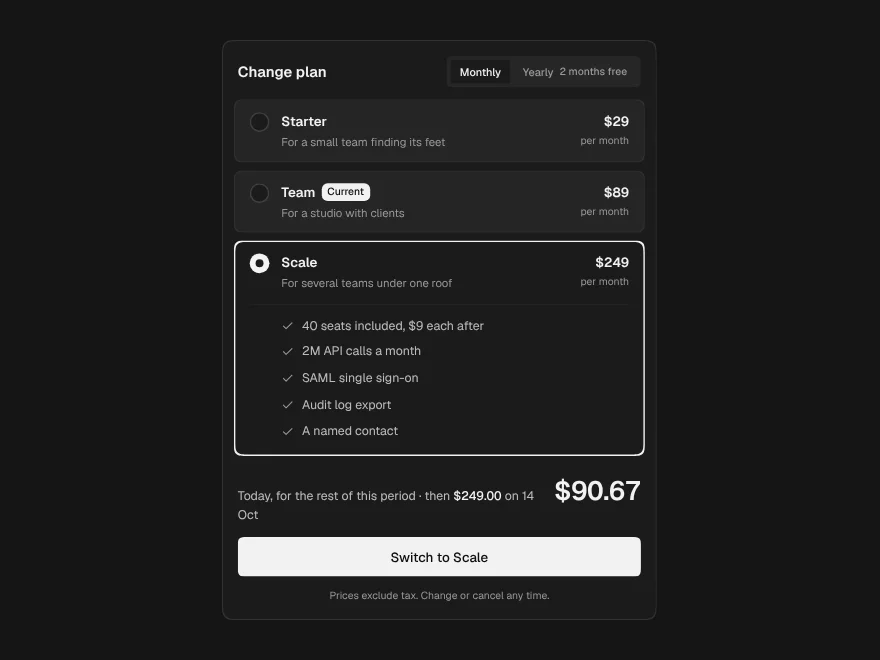
Plan Picker
components/ui/plan-picker.tsx
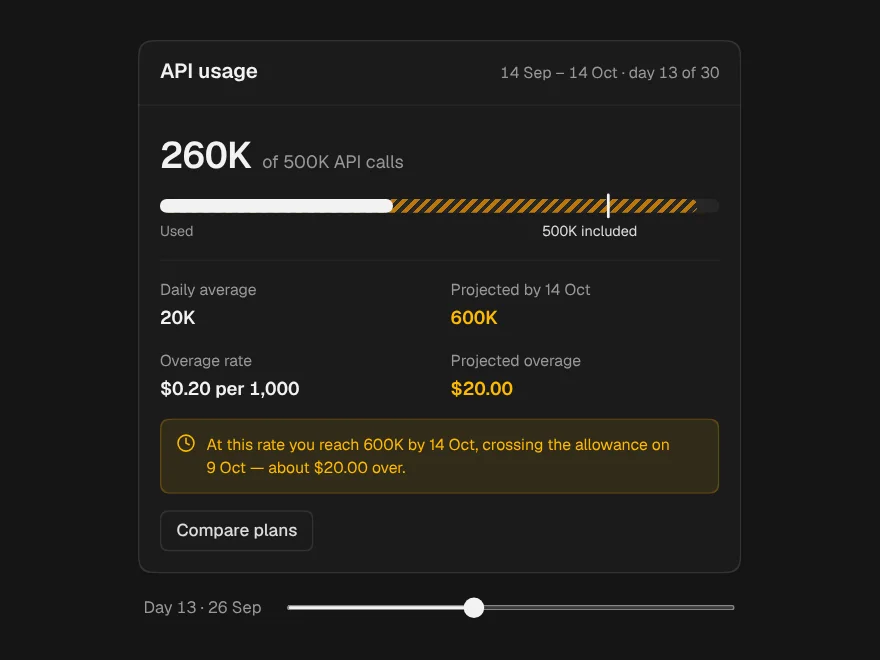
Usage Meter
components/ui/usage-meter.tsx
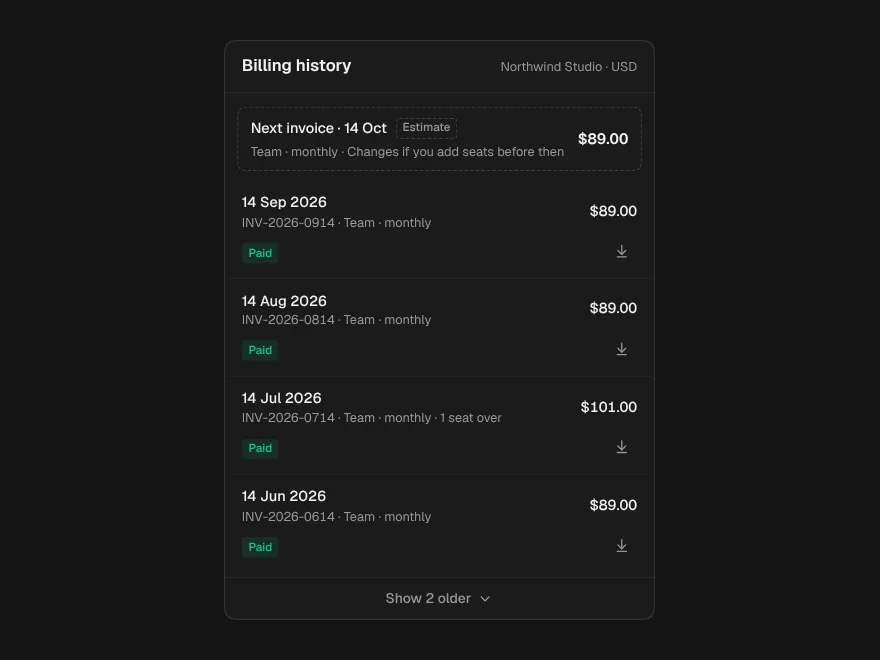
Invoice History
components/ui/invoice-history.tsx
250+ production components. Now your AI agents can use them too.
AI chat apps
The chat window, streaming answers, the prompt box and every state between them.
Voice Orb
Animated voice assistant orb for talk mode.
Agent interfaces
Plans, tool calls and approvals, so an agent's work is visible while it happens.
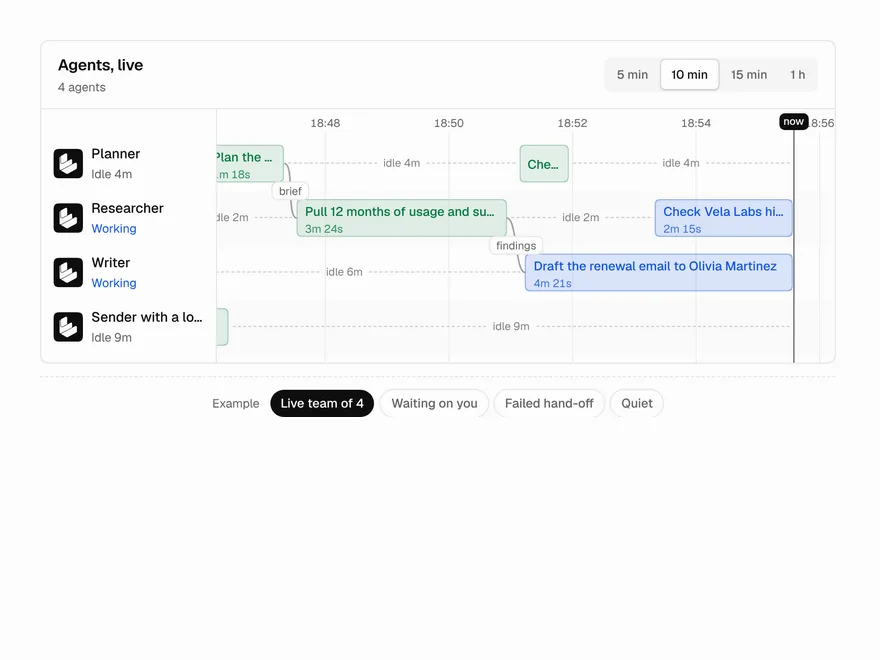
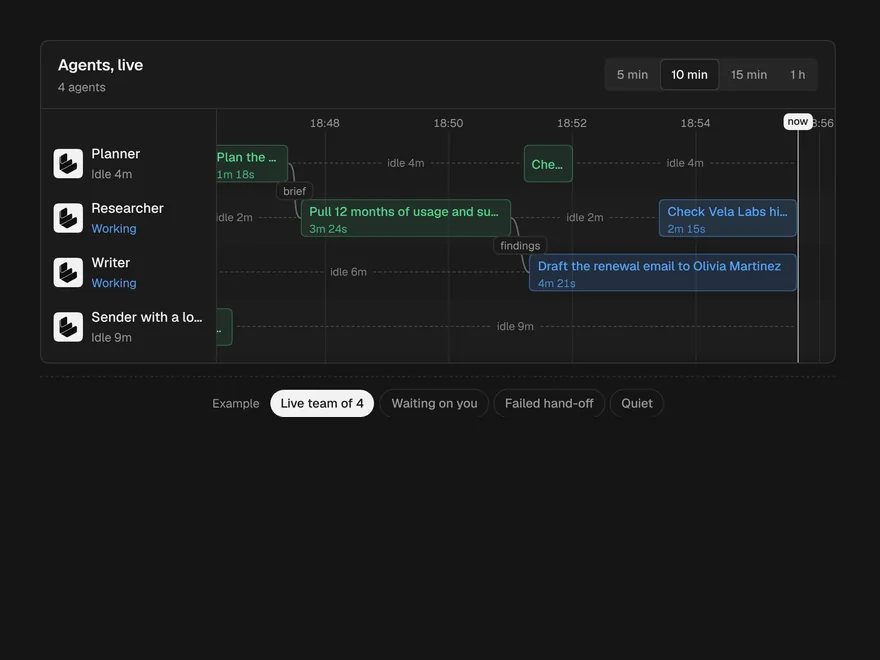
Agent Lanes
Multi-agent timeline with one lane per agent.
Dashboards
Charts, tables and empty states that already know what to show with no data, little data and a lot.
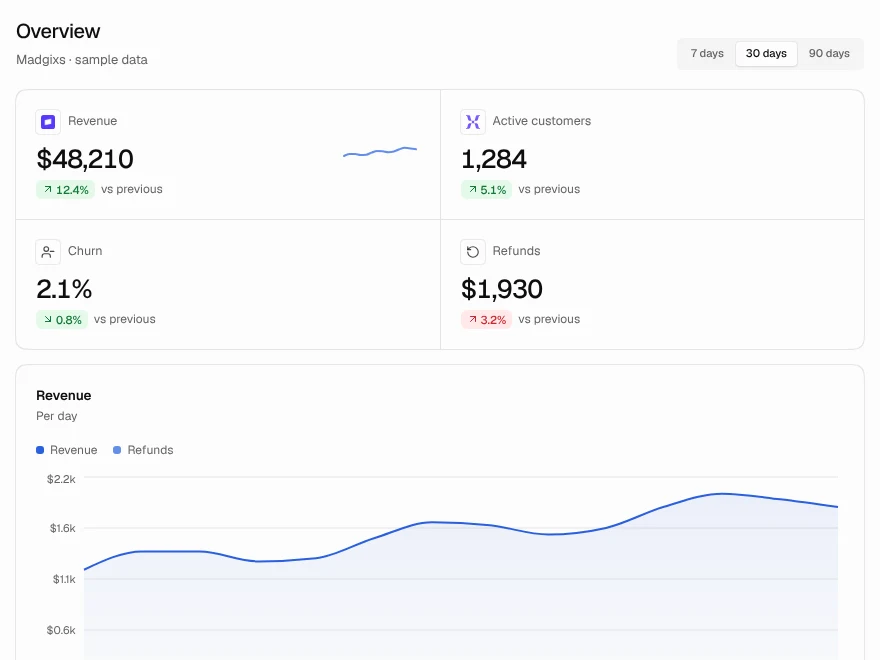
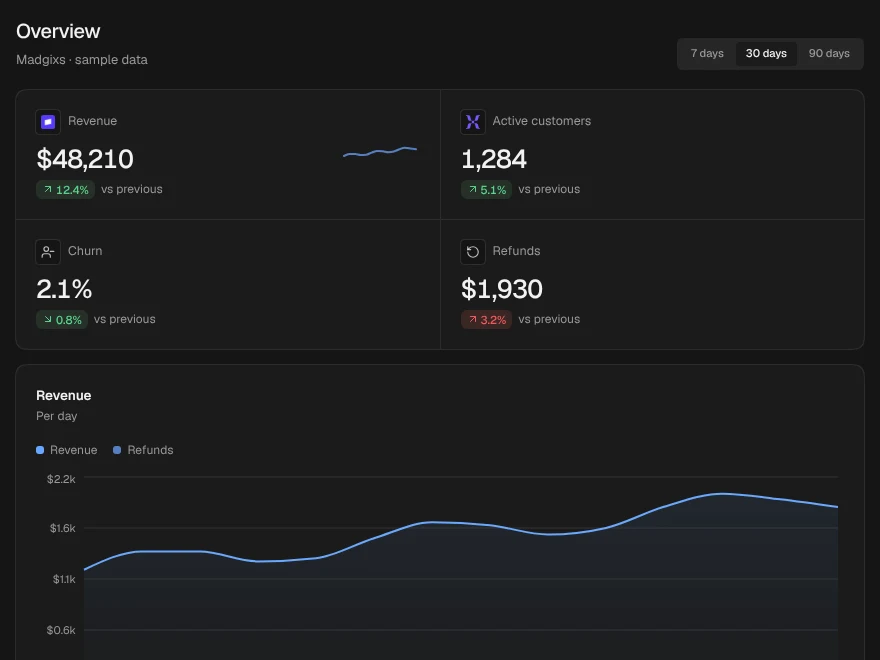
Dashboard
Complete analytics dashboard screen.
Billing & SaaS
Plan pickers, usage meters, invoices and the cancel flow, written for real money moving.
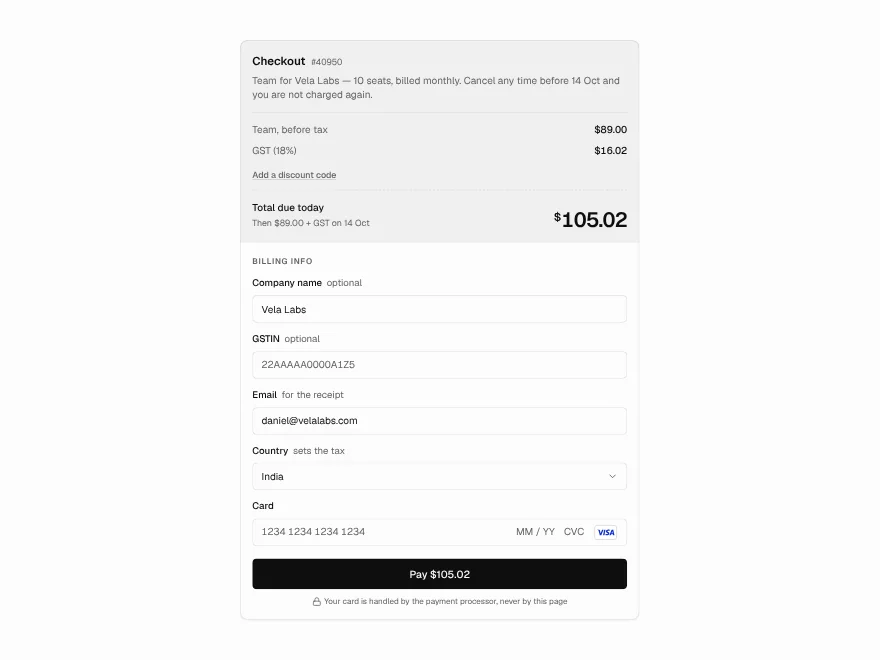
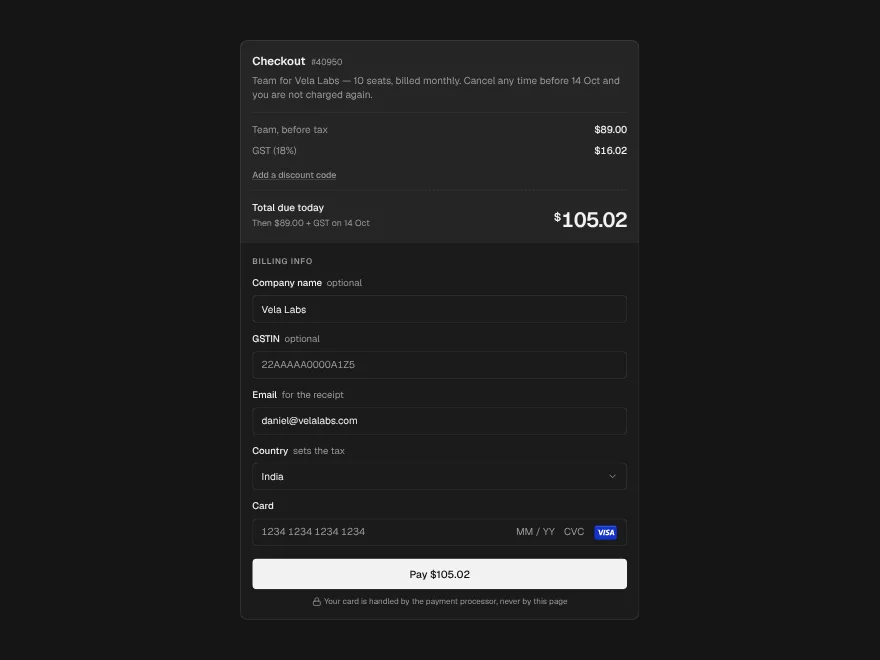
Checkout
Checkout form with tax and discount code.
Ask anything. Get real components back.
Pick a prompt to see what your agent gets back, or copy it into your own tool.
Find me a SaaS pricing or plan picker from Liro.
Used Liro MCP search_components
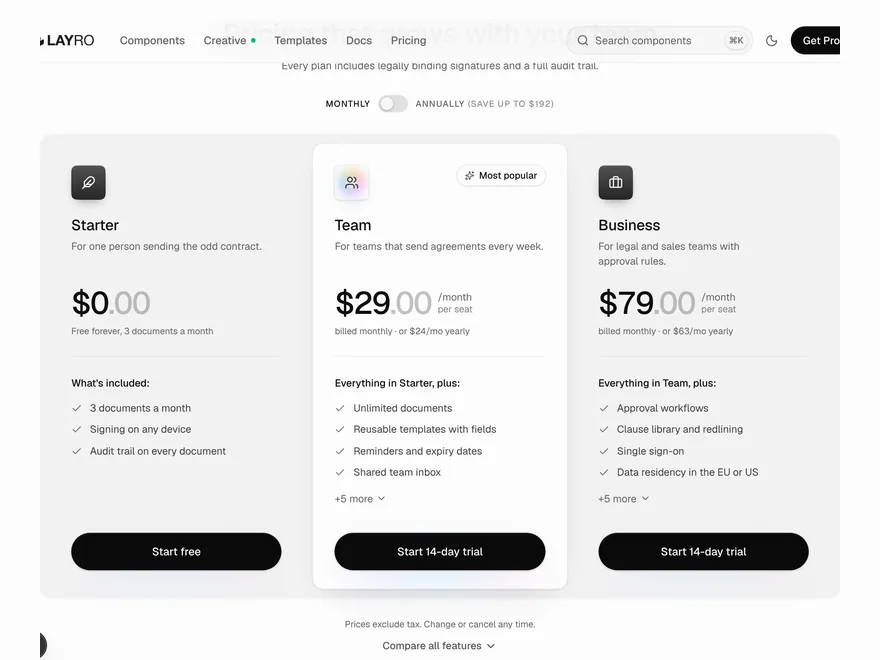
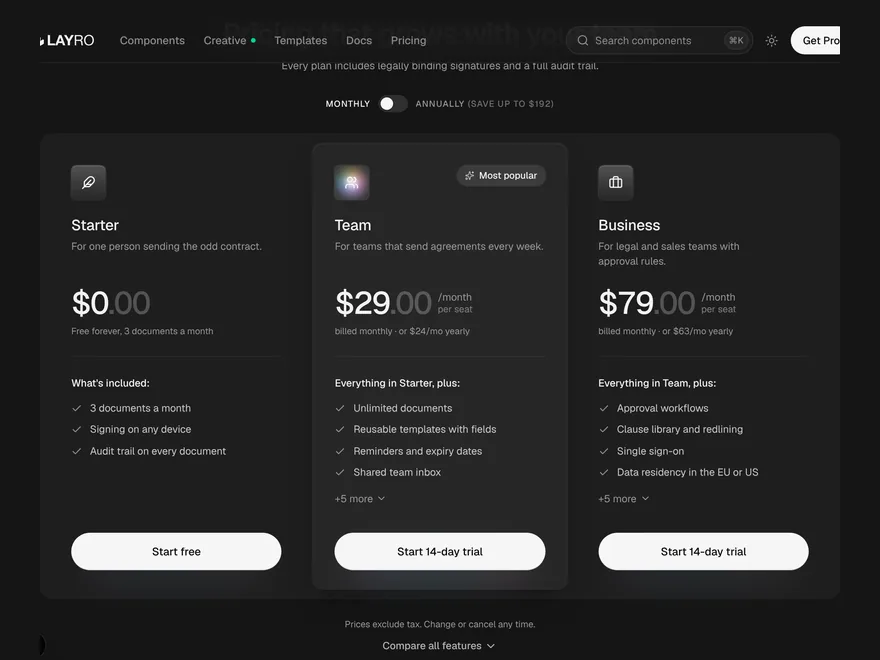 Pricing PlansPricing section with monthly and yearly plans.
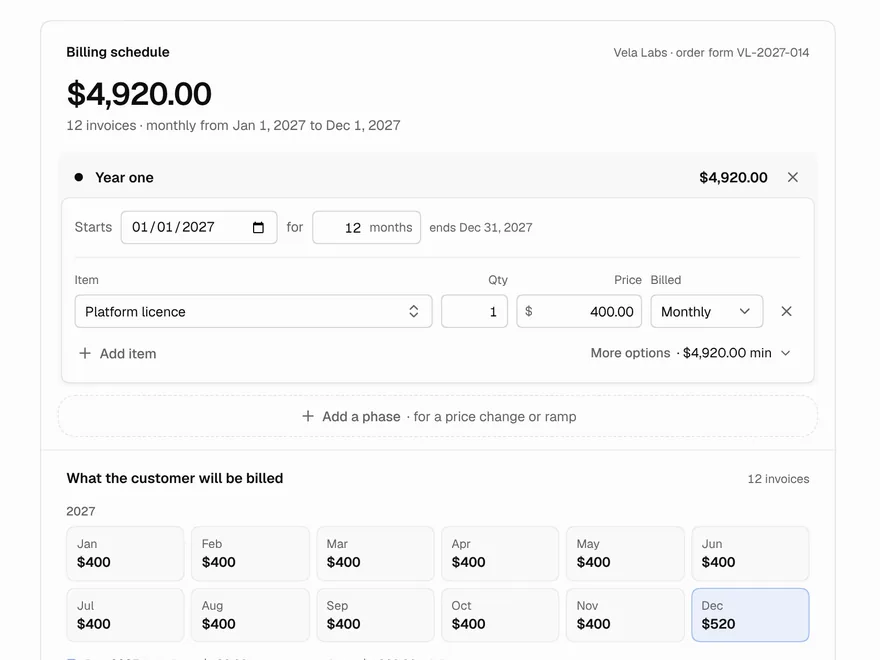
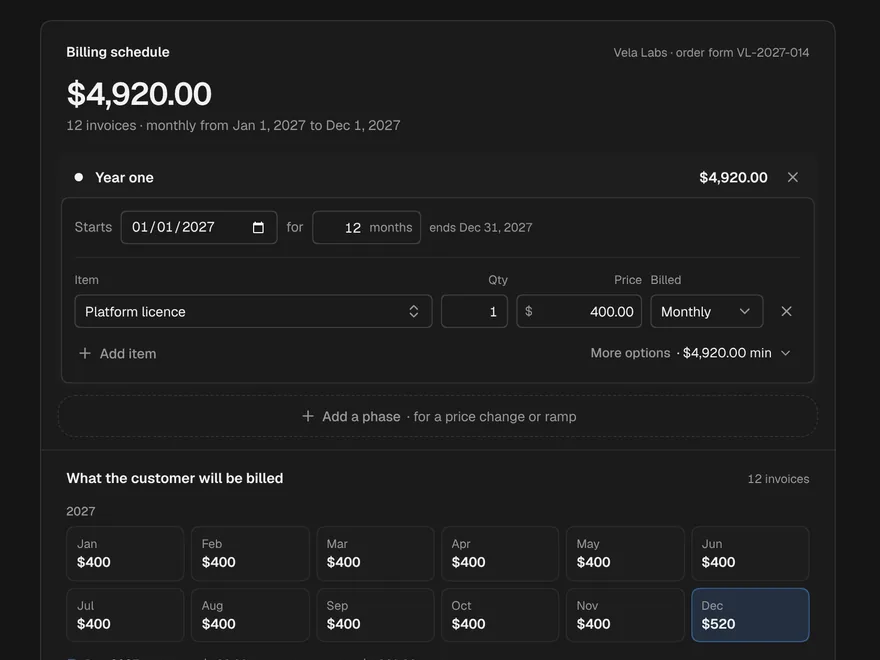 Billing ScheduleBuild contract billing phases and invoices.
npx shadcn@latest add @liro/pricing-plans @liro/billing-schedule
When to reach for Liro MCP
Starting a new product
Your agent picks real components for the first screen, instead of drawing it from memory.
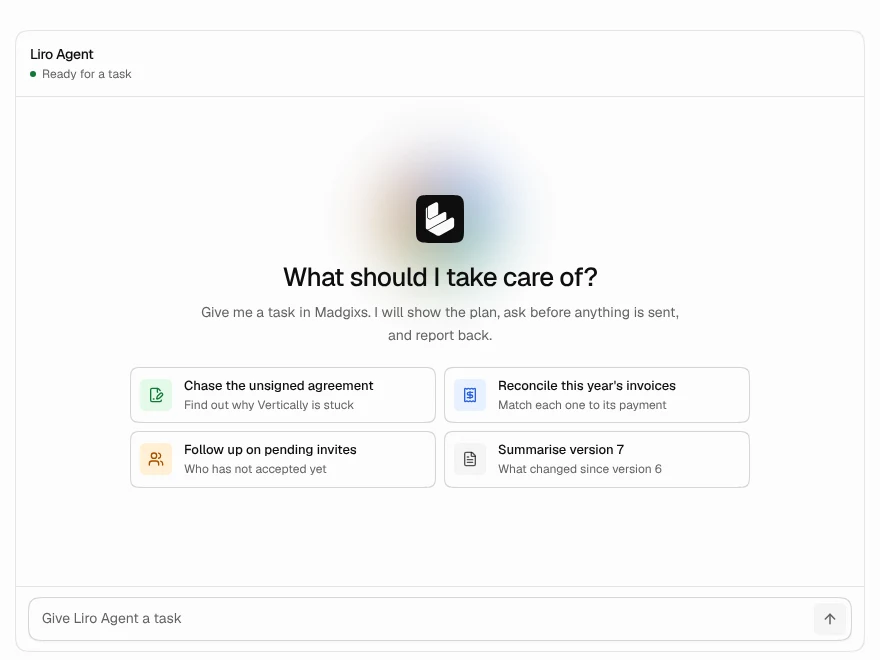
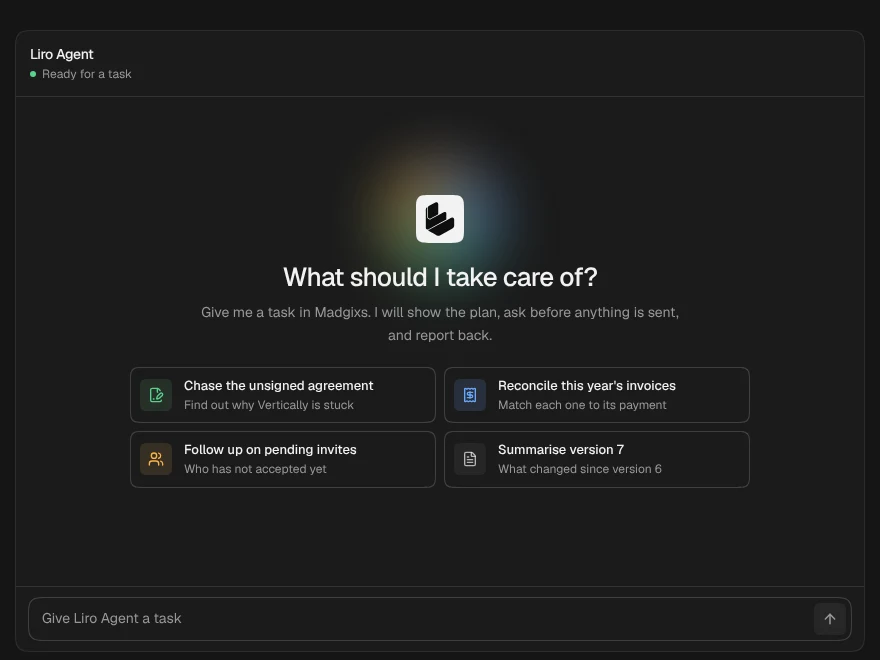
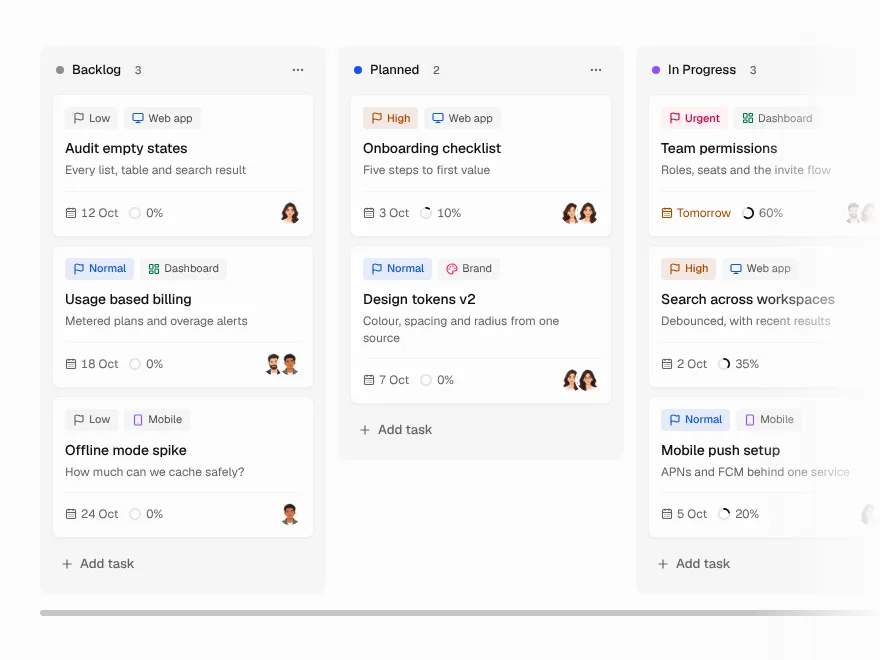
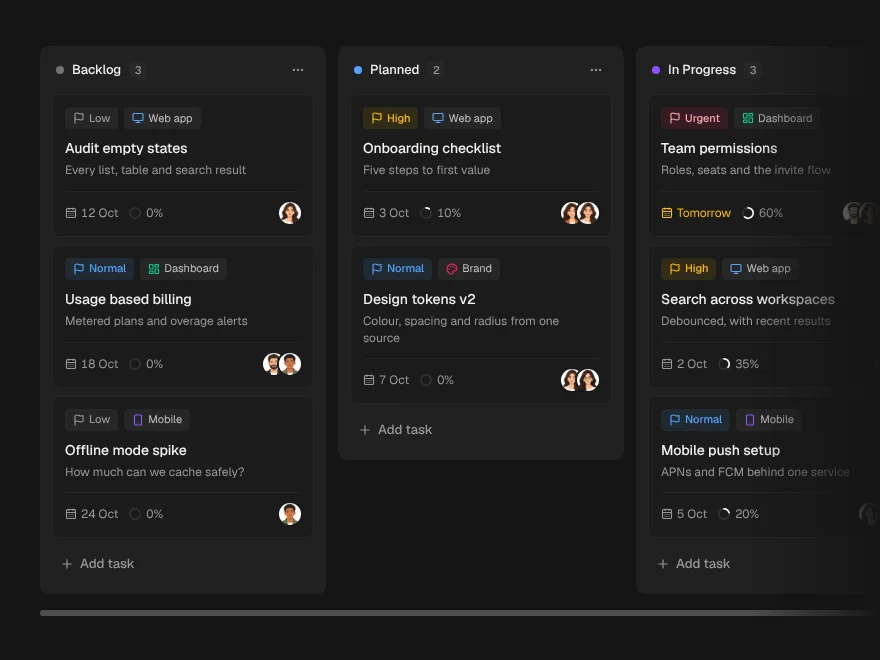
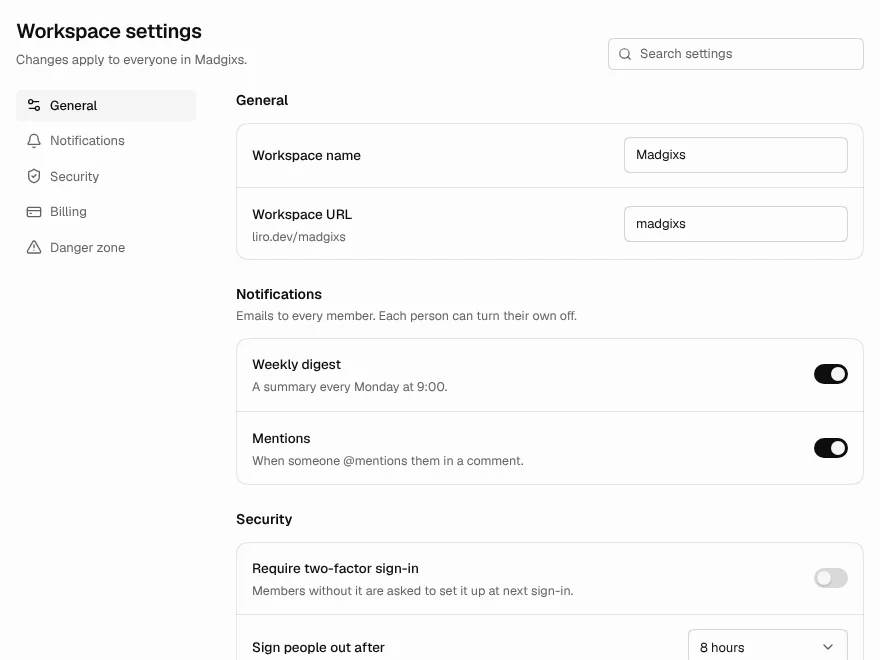
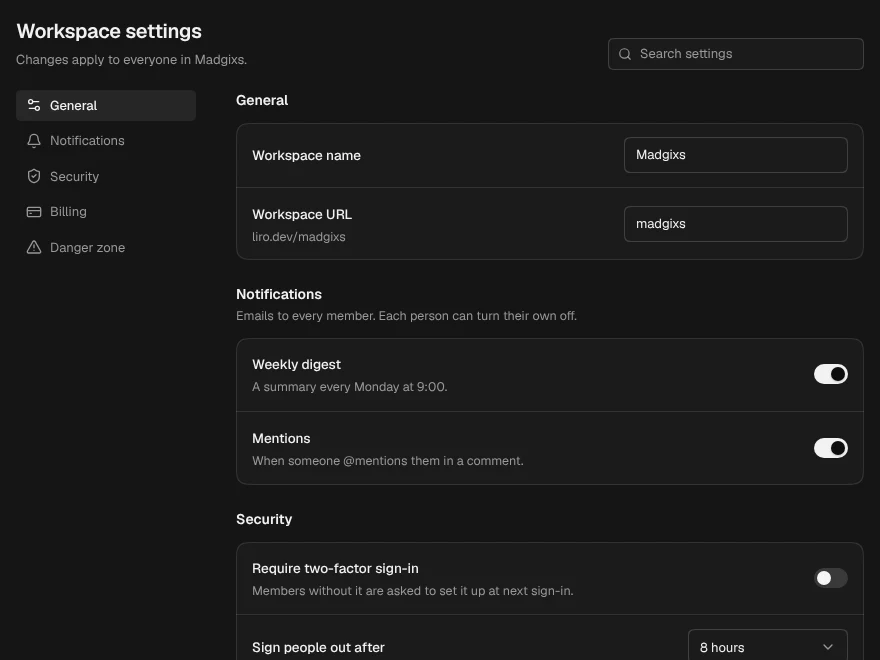
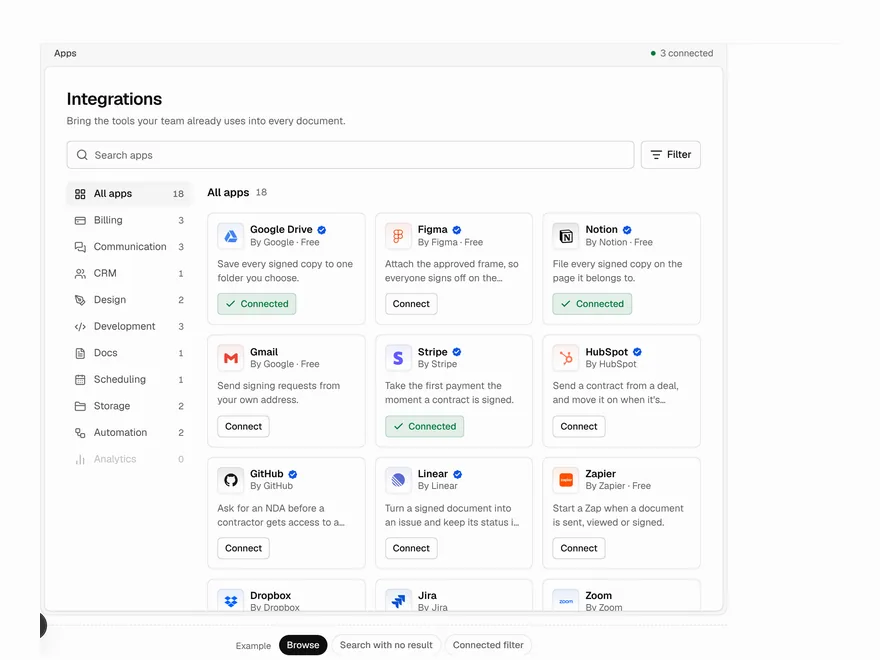
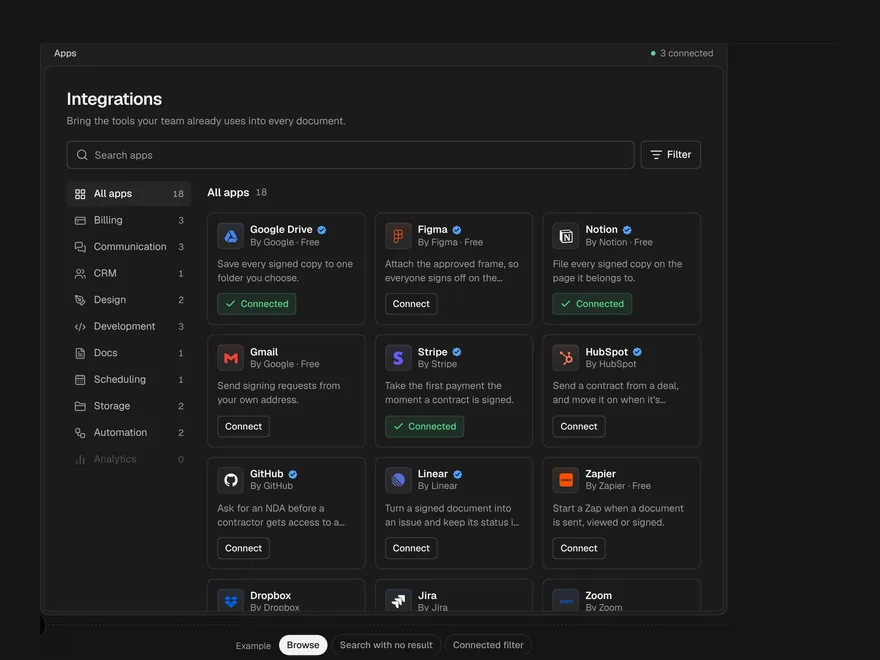
It looks like every other AI app
Restyle the whole library from your own CSS variables. Pick a colour.
get_theme · your own CSSPro plan
Current$29 / month
6,800 of 10,000 requests
Upgrade planStuck between two components
The agent reads both components' props and states before it picks. Tap A or B.
A whole screen, not a piece
Ask for a screen and get_recipe returns all of it, and the parts it is built from.
Used Liro MCP › get_recipe
Code Editor screen
- File tree and tabs
- Syntax-coloured editor
- Agent chat panel
- Inline diffs to accept or reject
No look-alikes
If Liro is not connected, your agent stops and tells you, instead of writing something that only looks like it.
Add a plan picker. Use Liro.
Liro MCP isn't connected, so I'll stop here rather than guess. Run claude mcp list to check.
Frequently asked questions
- search_components
- Find components by what they do. You do not need the exact name.
- get_component
- Props, variants, dependencies, files and a usage example for one component.
- get_component_code
- The complete source and every file it imports, ready to save.
- get_installation
- The shadcn command, the packages your project is missing, and the theme setup.
- list_categories
- The categories in the library and what is in each.
- search_templates
- Find a complete template, with a live preview.
- get_template
- One template's details, and whether your account can download it.
- check_access
- Whether your account can take a component or template, and why.
- get_theme
- The theme's colour tokens and how to restyle Liro to your brand from your own CSS.
- get_recipe
- Whole files for common screens: an AI chat app, a dashboard app, a billing page.
shadcn add does. Liro MCP adds search by what a component does, props and usage examples, access checks and templates, so use it when you can.With the shadcn MCP server
1. Add the Liro registry to components.json in your project:
{
  "registries": {
    "@liro": {
      "url": "https://liro.dev/r/{name}?ns=liro",
      "headers": { "Authorization": "Bearer ${LIRO_KEY}" }
    }
  }
}
2. Put your token in .env.local (the shadcn CLI reads it from there):
LIRO_KEY=<your Liro token>3. Set up the shadcn MCP server for your client. Swap claude for cursor, vscode, codex or opencode:
npx shadcn@latest mcp init --client claude4. Then ask your AI tool, for example:
Show me the components in the @liro registry
Install @liro/data-table
Add a date picker from @liro to my settings form
Troubleshooting
Your AI agents are guessing. They don't have to.
Whatever you are building, a chat app, an agent dashboard or a SaaS billing page, there is a Liro component your agent can start from.