Annotation Pins
Pins on the page and a searchable panel, one set of threads, two views.
PROGet Annotation Pins and 168 other Pro components with pro lifetime — Get Pro
- Category
- Documents
- Access
- ProPro · unlocked
- Source
- 1,100 lines · one file
The decision inside it
Threads measure the room they have
A thread opened near the bottom of a short page used to be clipped. It now measures the space above and below and opens on the side that fits.
When to use it
Use Annotation Pins for comments placed on a page: pins at a position, threads with replies, resolve and delete. CommentPanel lists the same pins beside the document. Coordinates are relative to the page size you pass.
Installation
How you get it
Paste this into Claude Code, Cursor, Codex or any coding agent. It installs the file and uses it as it is, instead of writing a new one.
Use Liro's Annotation Pins for this.
Install it: npx shadcn@latest add @liro/annotation-pins
(the @liro registry is set up in components.json, with LIRO_KEY in .env.local)
Import it from @/components/ui/annotation-pins.
Do not rewrite or restyle it. Pass my data through its props
and keep its built-in states.
For the full brief with every prop and the mistakes assistants usually make, use Copy prompt above. Pro components install through the @liro registry with your CLI token: see the Namespaced tab.
Usage
import * as React from "react";
import { AnnotationPins, CommentPanel, type AnnotationPin } from "@/components/ui/annotation-pins";

const me = { email: "michael@madgixs.com", name: "Michael Carter", you: true };

export function PageComments({ pins, add }: { pins: AnnotationPin[]; add: (pin: { page: number; x: number; y: number; body: string }) => void }) {
  const [openId, setOpenId] = React.useState<string | null>(null);
  return (
    <div className="flex gap-4">
      <div className="relative" style={{ width: 612, height: 792 }}>
        <AnnotationPins page={1} size={{ width: 612, height: 792 }} pins={pins} me={me} onCreate={add} openId={openId} onOpenChange={setOpenId} />
      </div>
      <CommentPanel pins={pins} me={me} openId={openId} onOpenChange={setOpenId} />
    </div>
  );
}
API reference
“Copy prompt” above puts a full brief on your clipboard, install command, dependencies, props, and the mistakes an assistant usually makes with this component.
Props
Read from the component’s own TypeScript interface when the site is built, so this table cannot drift from the file you install.
| Type | Notes | ||
|---|---|---|---|
pins | AnnotationPin[] | No | – |
page | number | Yes | – |
size | { width: number; height: number } | Yes | – |
me | AnnotationAuthor | No | – |
placing | boolean | No | – |
onPlacingChange | (placing: boolean) => void | No | – |
onCreate | (pin: { page: number; x: number; y: number; body: string }) => void | No | – |
onReply | (pin: AnnotationPin, body: string) => void | No | – |
onResolve | (pin: AnnotationPin, resolved: boolean) => void | No | – |
onDelete | (pin: AnnotationPin) => void | No | – |
onMove | (pin: AnnotationPin, at: { x: number; y: number }) => void | No | Drag a pin to a new spot. Leave out and pins stay where they were put. |
showResolved | boolean | No | Draw resolved threads as small ticks. Default true. |
openId | string | null | No | – |
onOpenChange | (id: string | null) => void | No | – |
clusterBelow | number | No | Below this page width, nearby pins merge into one marker. Pins do not get smaller as the page does, so at 50% zoom a dozen of them become confetti. |
Dependencies
npm packages
clsxframer-motionlucide-reacttailwind-mergeLiro foundations, installed alongside it
liro-themeavatardropdown-menutooltipAccessibility
- Keyboard reachable throughout, in visual order
- Focus trapped in overlays, Escape closes them
- Focus returns to whatever opened it
- Live regions announce what changed, not that something did
- Honours prefers-reduced-motion
Responsive behavior
- Sizes to its container, not the viewport
- Usable from 320px up
- Pointer-based interaction, so trackpad and touch both work
- No hover-only affordances
More like Annotation Pins
All Documents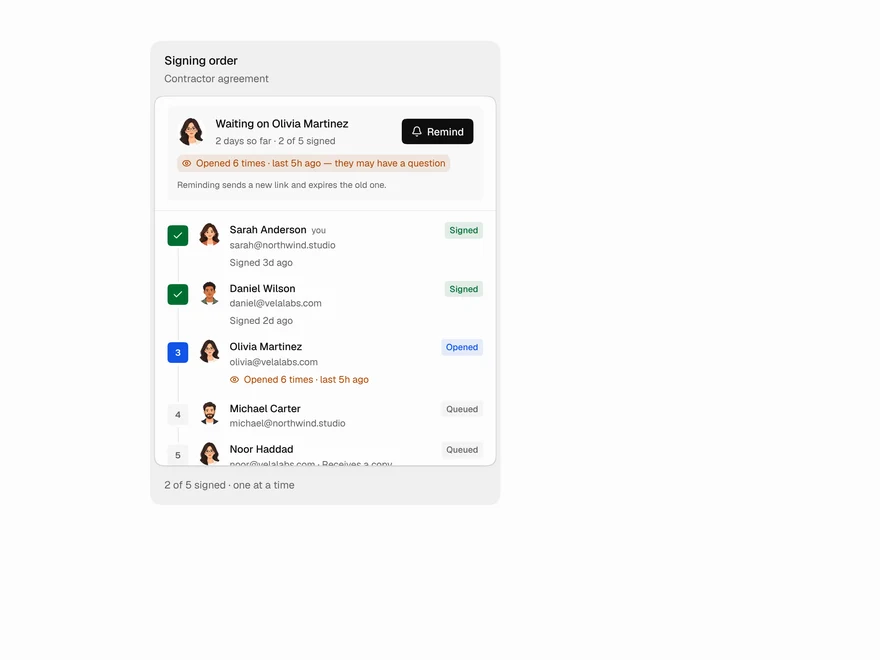 Pro
Signer Flow
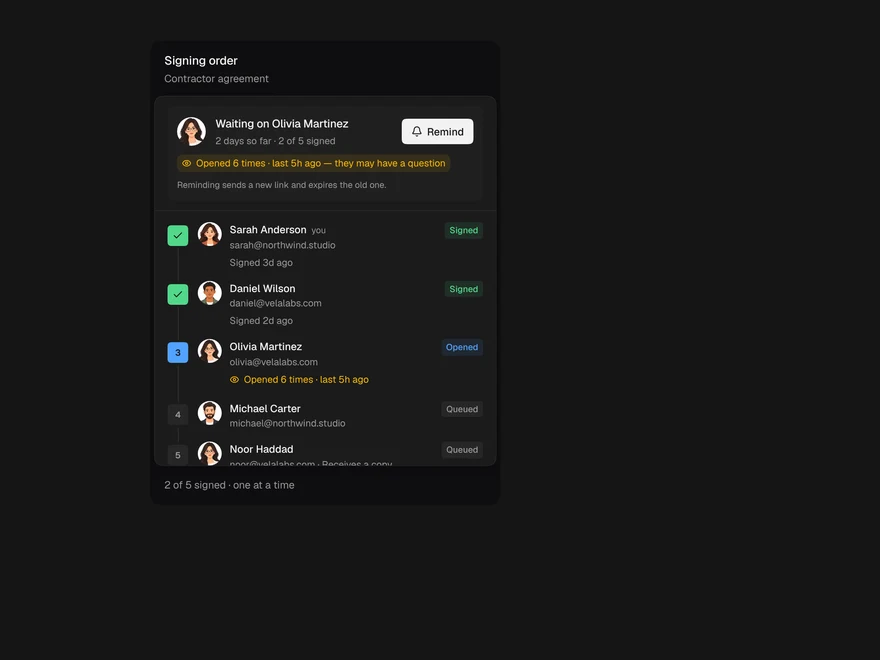
E-signature status: who still needs to sign.
 Pro
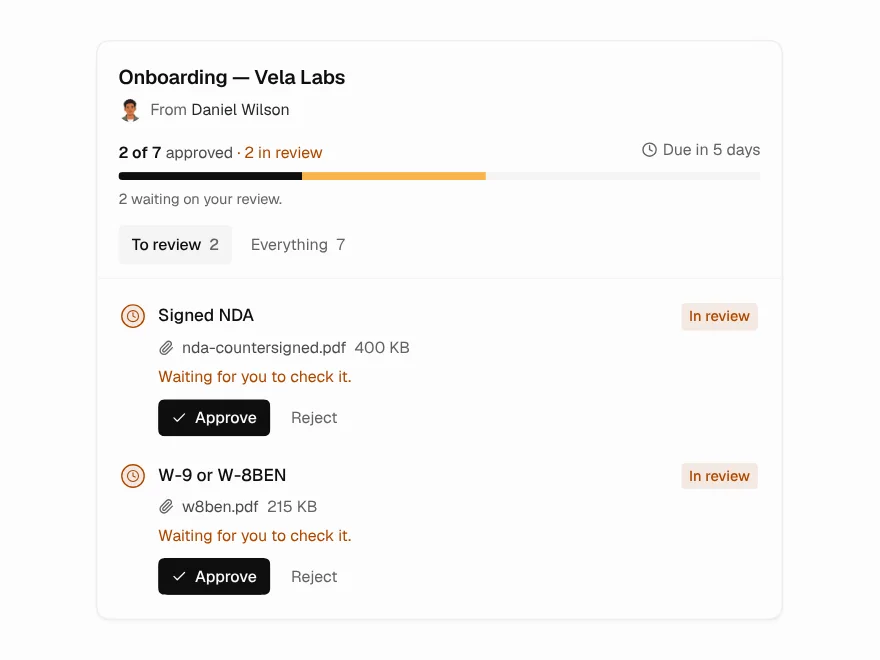
Document Request
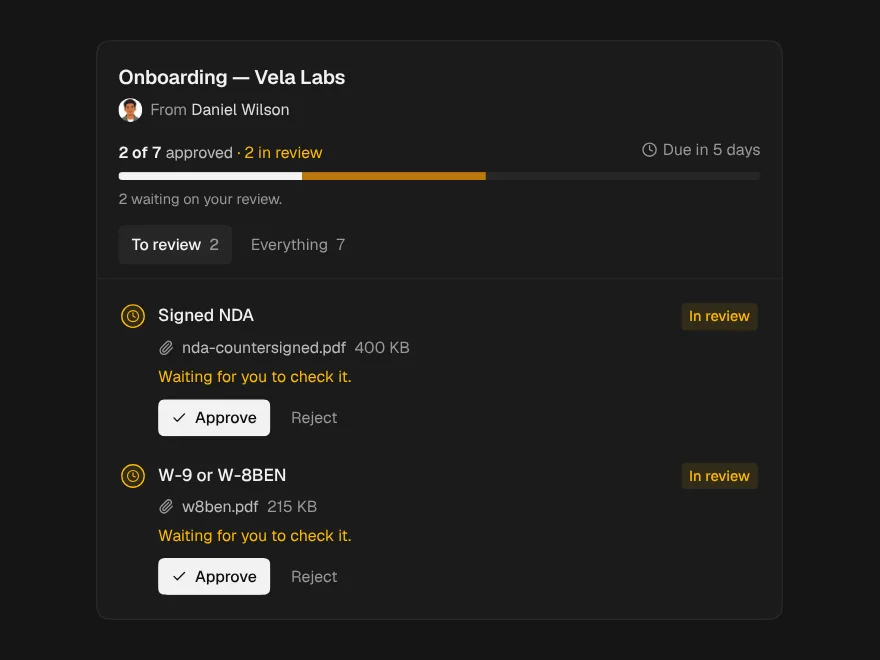
Checklist for requesting documents from clients.
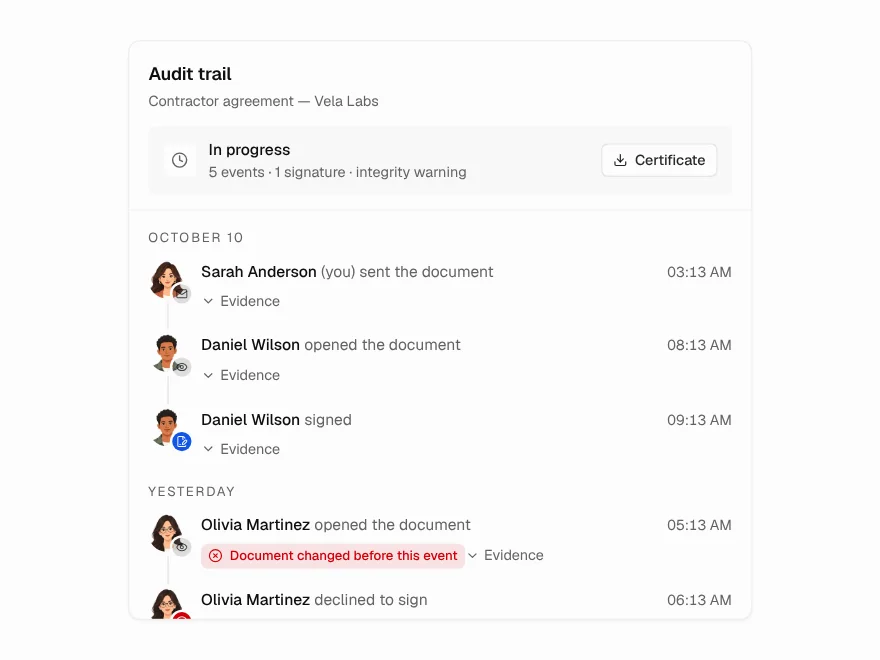 Pro
Audit Trail
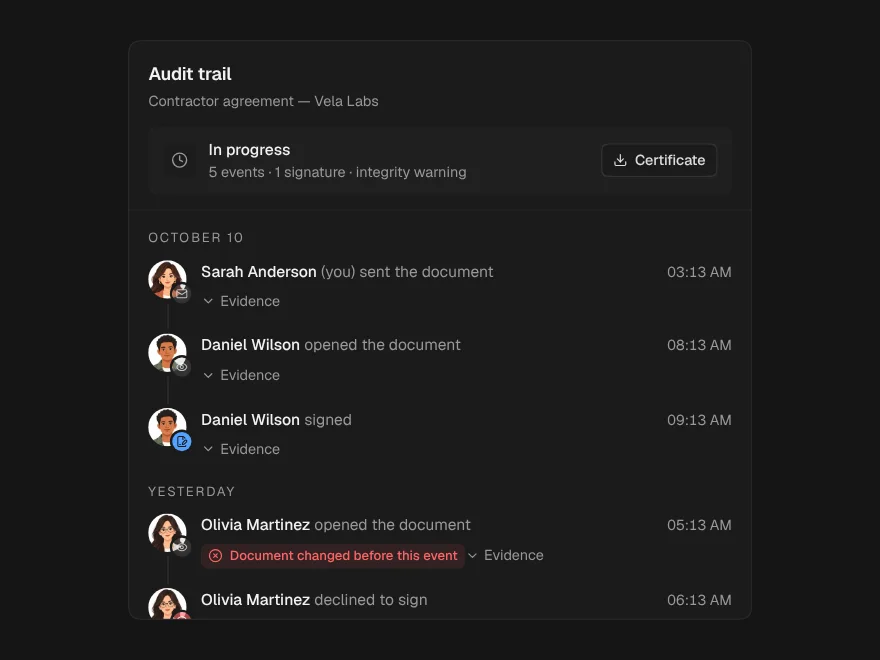
Tamper-evident audit trail for a document.
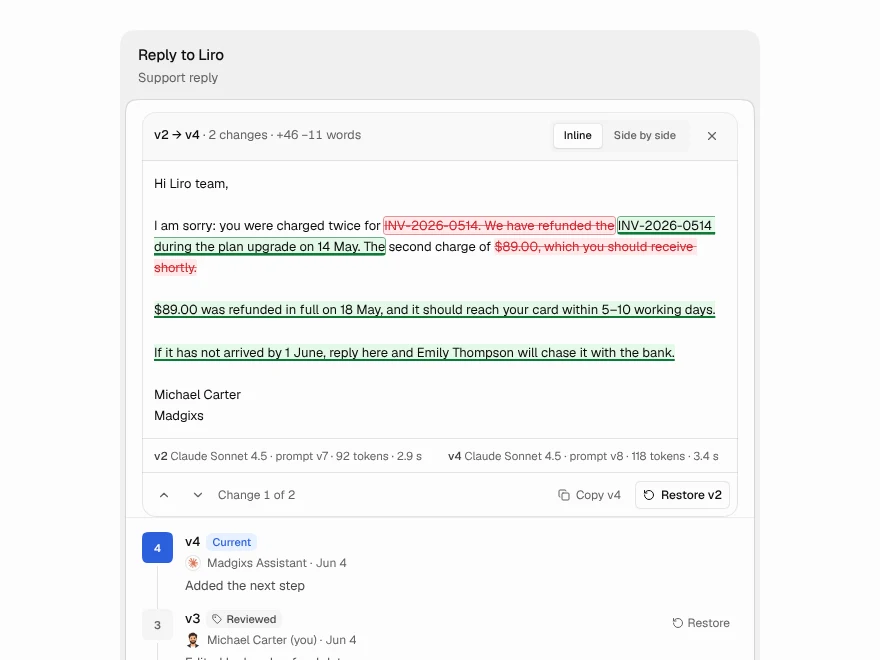 Pro
Version History
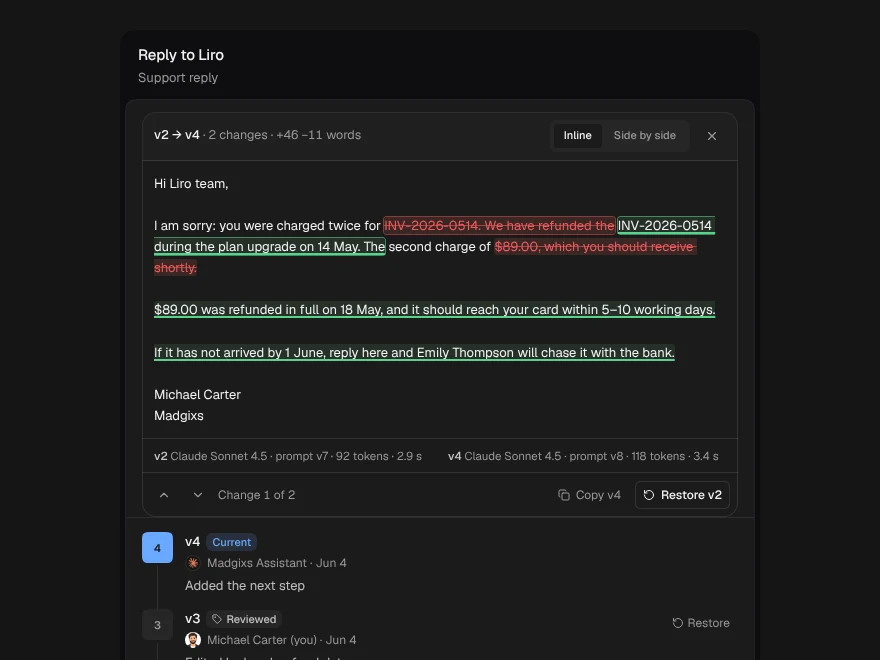
Compare and restore document versions.
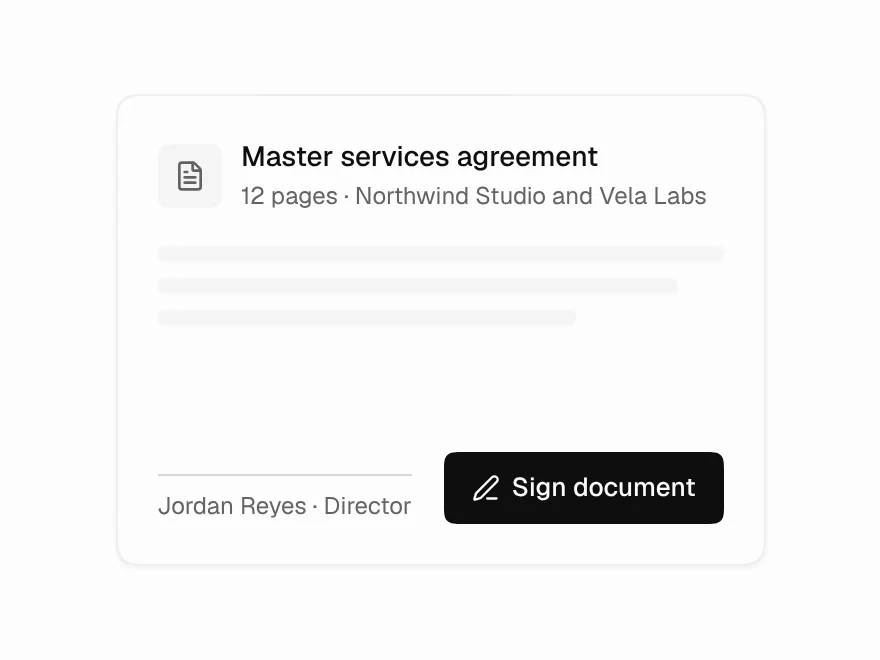 Free
Signature Pad
Draw, type or upload a signature.
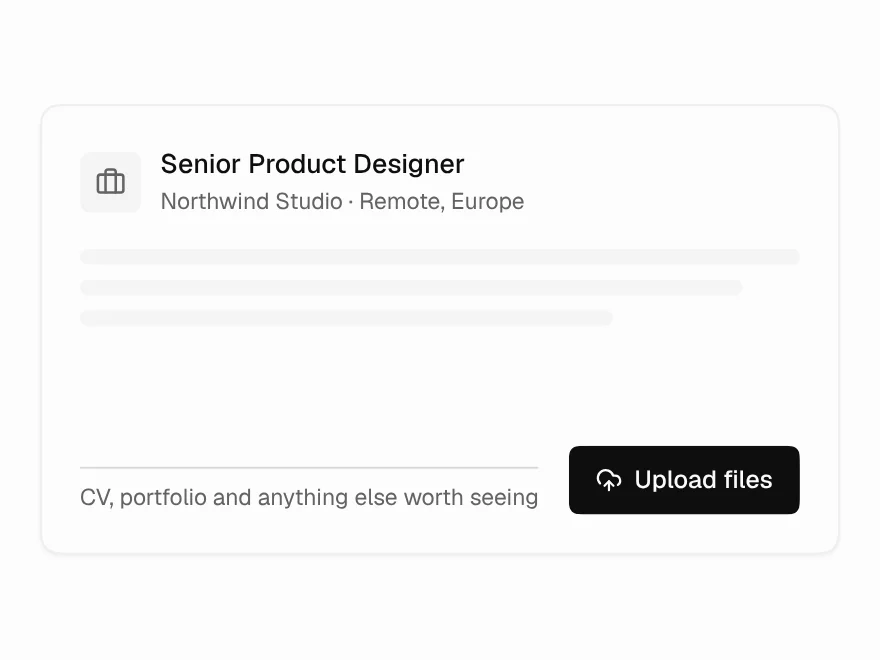 Free
File Upload
Drag-and-drop file upload with progress and retry.