Signature Pad
Draw, type or upload. Pressure-weighted strokes and saved signatures.
- Category
- Documents
- Access
- Free with an account
- Source
- 1,717 lines · one file
When to use it
Use Signature Pad wherever someone signs: contracts, consent forms, delivery confirmations. People can draw, type their name in a handwriting font or upload an image. onAccept hands you a trimmed PNG (and an SVG for drawn and typed signatures) with the time it was signed, ready to store with the document.
Installation
How you get it
Paste this into Claude Code, Cursor, Codex or any coding agent. It installs the file and uses it as it is, instead of writing a new one.
Use Liro's Signature Pad for this.
Install it: npx shadcn@latest add @liro/signature-pad
(the @liro registry is set up in components.json, with LIRO_KEY in .env.local)
Import it from @/components/ui/signature-pad.
Do not rewrite or restyle it. Pass my data through its props
and keep its built-in states.
For the full brief with every prop and the mistakes assistants usually make, use Copy prompt above. Free components install through the @liro registry with your CLI token: see the Namespaced tab.
Usage
"use client";

import { SignaturePad, type SignatureResult } from "@/components/ui/signature-pad";

export function SignContract({ onSigned }: { onSigned: (s: SignatureResult) => void }) {
  return (
    <SignaturePad
      title="Sign the agreement"
      signerName="Ana Diaz"
      consent="I agree that this electronic signature is as valid as a handwritten one."
      onAccept={onSigned}
    />
  );
}
API reference
“Copy prompt” above puts a full brief on your clipboard, install command, dependencies, props, and the mistakes an assistant usually makes with this component.
Props
Read from the component’s own TypeScript interface when the site is built, so this table cannot drift from the file you install.
| Type | Notes | ||
|---|---|---|---|
title | string | No | Panel heading. |
signerName | string | No | Prefills the typed signature and labels the signed card. |
consent | string | No | The line printed under the signature area. |
defaultMethod | SignatureMethod | No | Which tab opens first. |
typefaces | Typeface[] | No | Faces offered on the Type tab. |
inks | Ink[] | No | Ink colours offered on every tab. |
saved | SavedSignature[] | No | Previously used signatures, offered on the Saved tab. |
onSaveSignature | (signature: SavedSignature) => void | No | Called when a new signature is kept for next time. The pad also adds it to its own Saved tab, so it works with or without a store behind it. |
onDeleteSignature | (id: string) => void | No | Called when one is removed on the Saved tab. |
loadFonts | boolean | No | Adds a stylesheet link for the default signing faces. Set false if you self host them or pass your own `typefaces`. |
onAccept | (result: SignatureResult) => void | No | Called with the finished signature. |
onCancel | () => void | No | Called when the panel is dismissed. |
showSignedState | boolean | No | Show the signed card in place of the panel after accepting. |
modal | boolean | No | Whether the pad is being shown as a modal — over a scrim, with the page behind it inert. The pad does not render its own scrim, so it cannot know this on its own. Set it and the pad traps Tab, takes focus on open, returns focus to the trigger on close, and closes on Escape. Left off, it is an ordinary region on the page and none of that would be correct. |
look | Look | No | Layered sets the pad in a tray, the heading above the card and the actions in the strip below. Flat is one card, the strip its floor. |
Dependencies
npm packages
clsxframer-motionlucide-reacttailwind-mergeLiro foundations, installed alongside it
liro-themeAccessibility
- Keyboard reachable throughout, in visual order
- Focus trapped in overlays, Escape closes them
- Focus returns to whatever opened it
- Live regions announce what changed, not that something did
- Honours prefers-reduced-motion
Responsive behavior
- Sizes to its container, not the viewport
- Usable from 320px up
- Pointer-based interaction, so trackpad and touch both work
- No hover-only affordances
More like Signature Pad
All Documents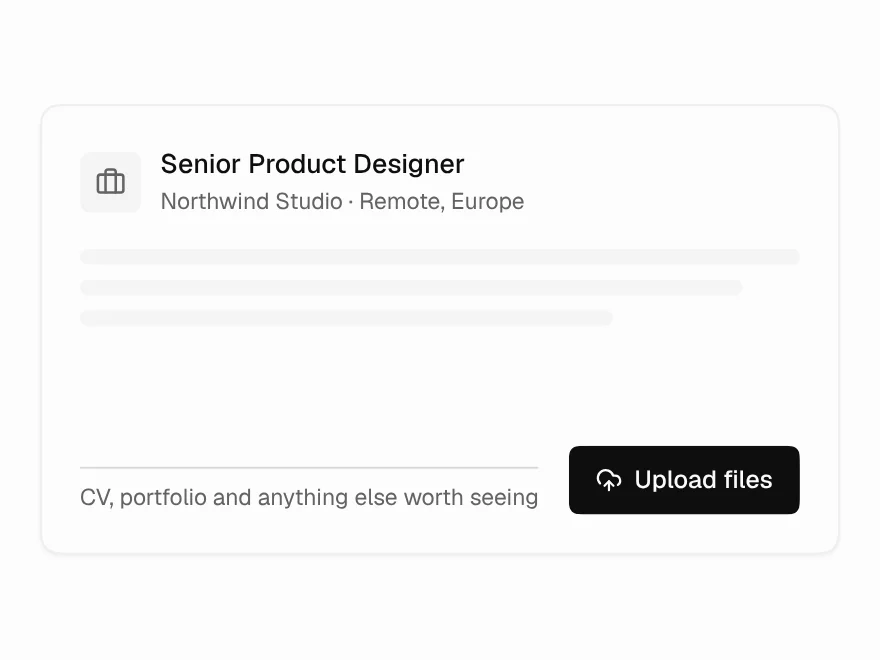 Free
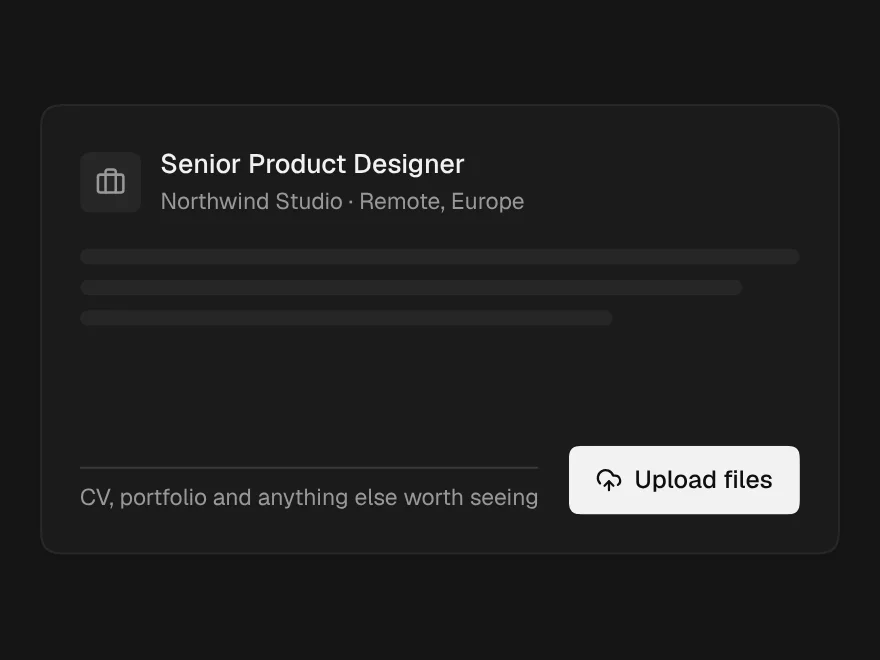
File Upload
Drag-and-drop file upload with progress and retry.
 Pro
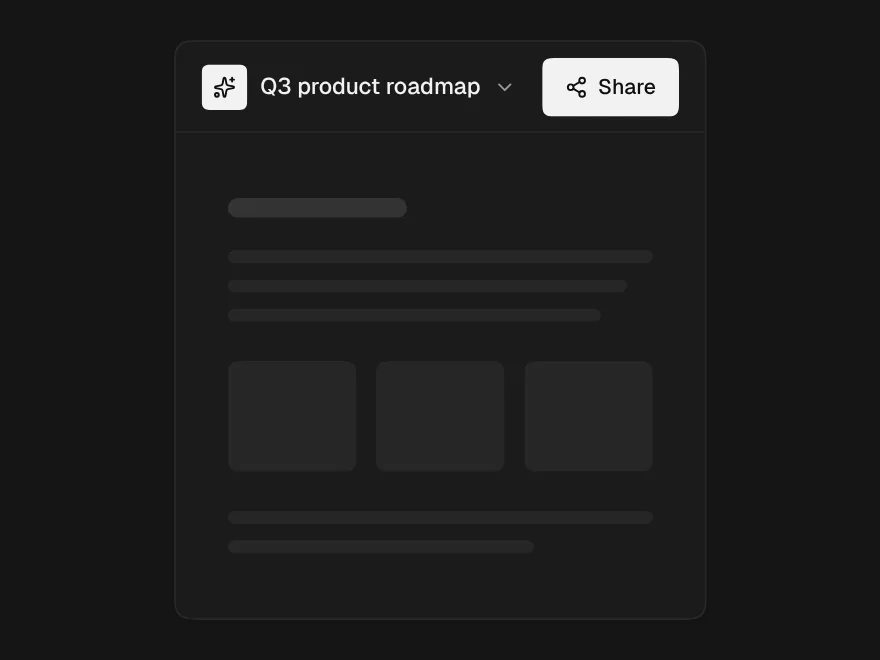
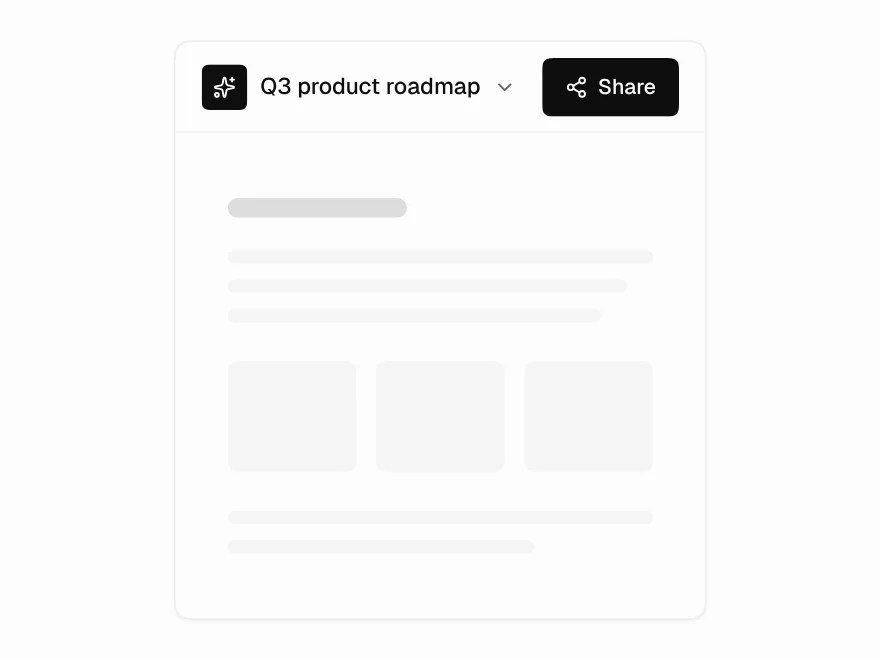
Share Dialog
Share dialog with roles and link access.
 Pro
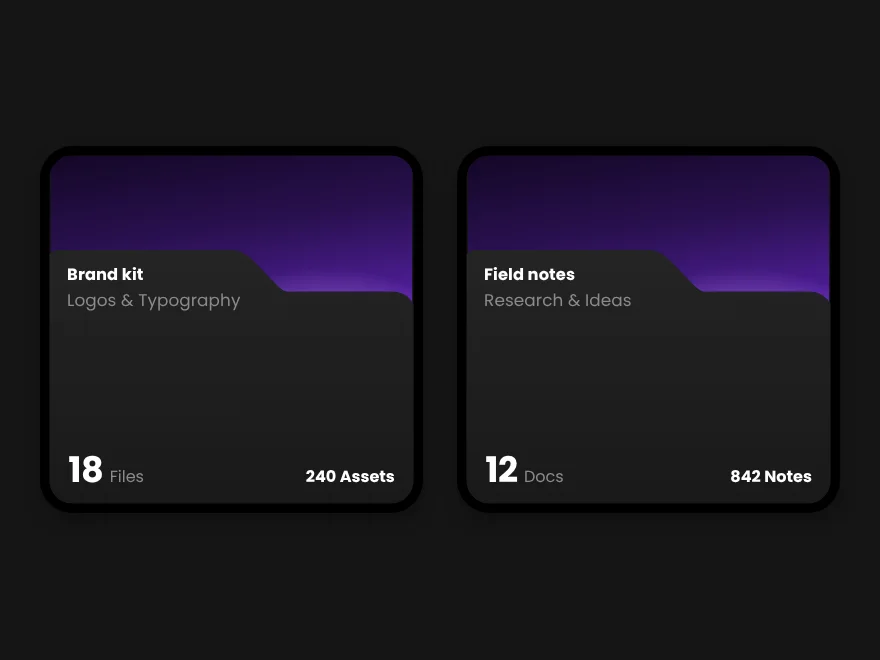
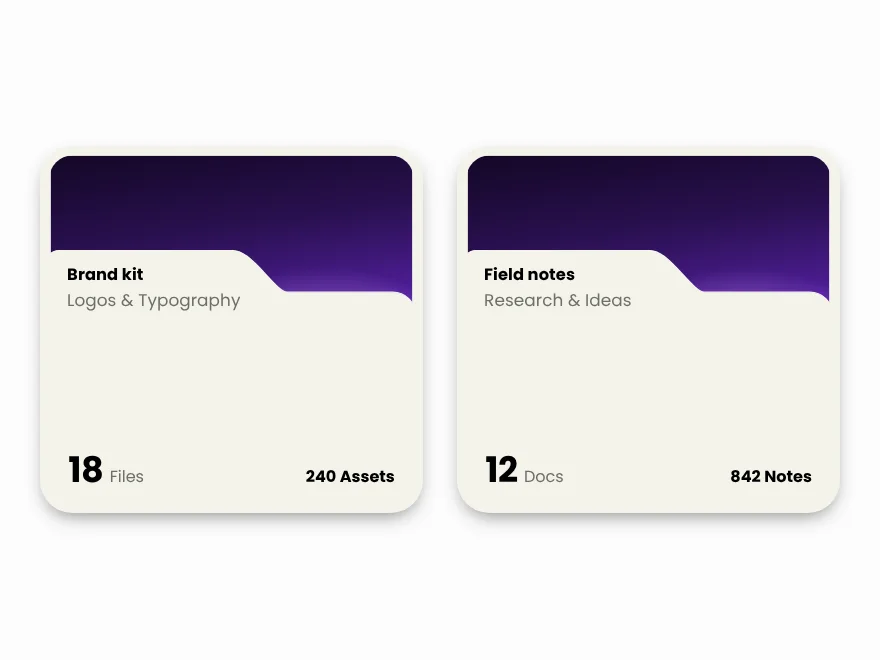
Folder Card
Folder card with file previews and count.
 Pro
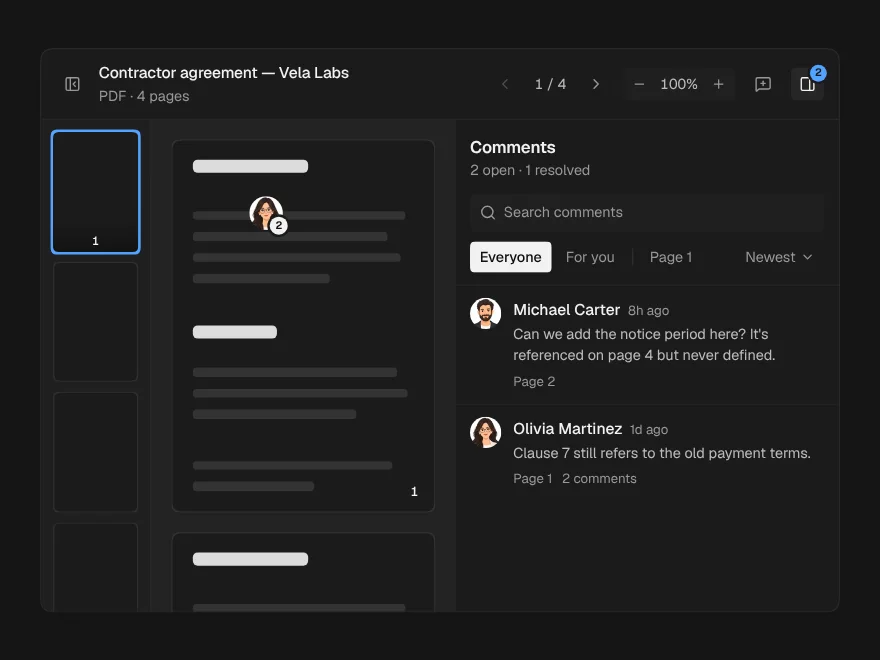
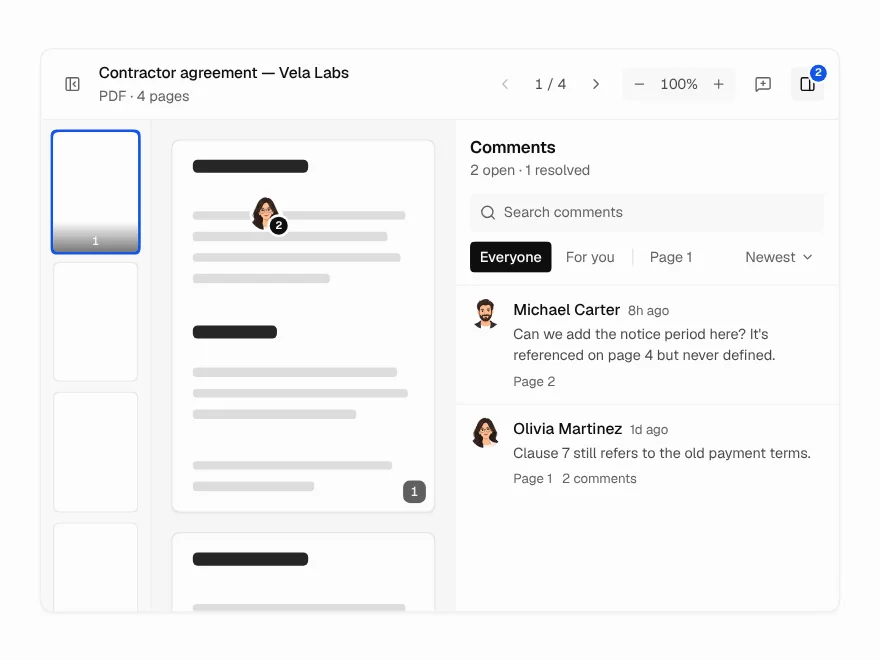
Document Viewer
PDF and document viewer with zoom and comments.
 Pro
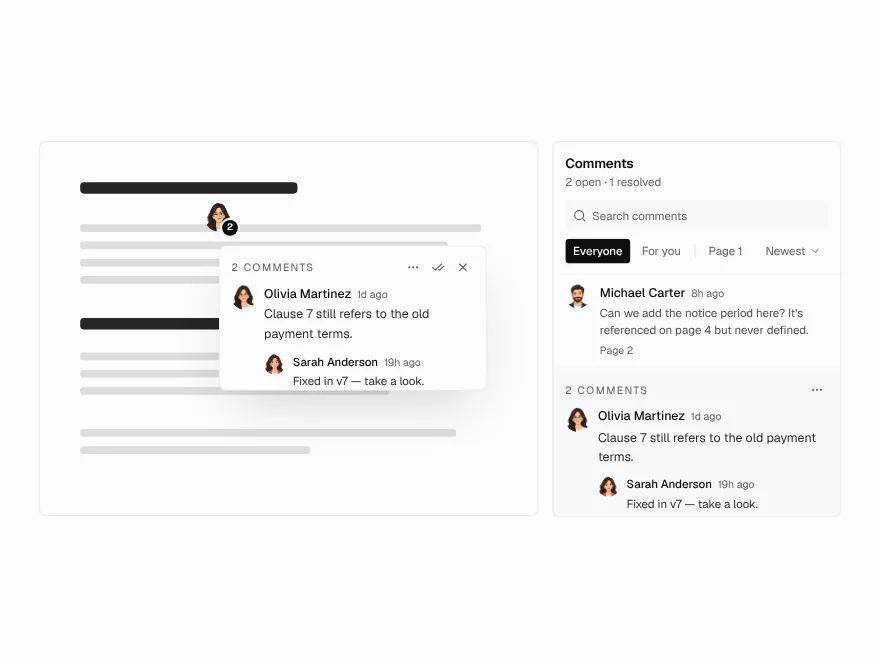
Annotation Pins
Pin comments on a document page.
 Pro
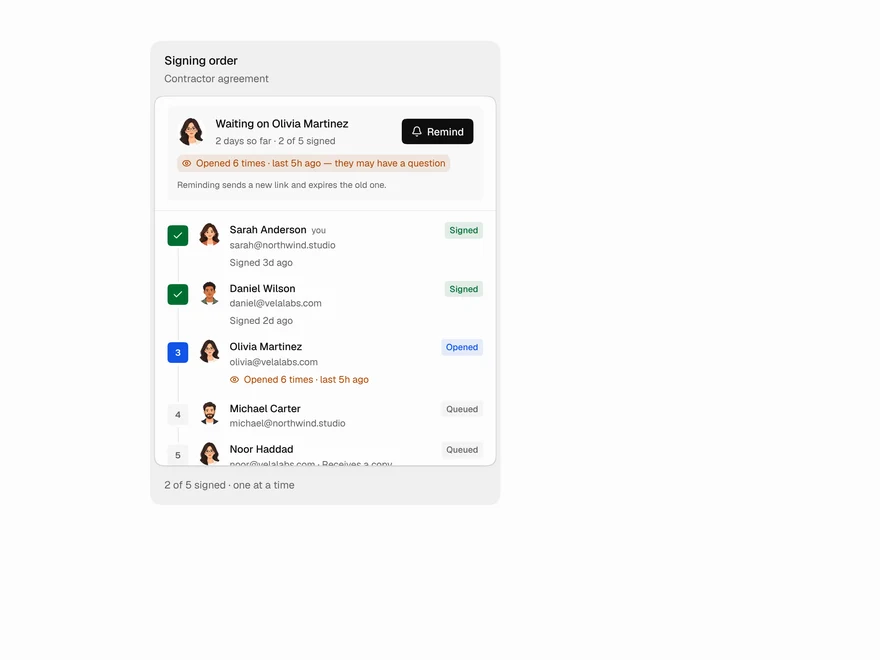
Signer Flow
E-signature status: who still needs to sign.