An approval is a promise the interface makes: nothing happens until you say so, and what you see is what will happen. Most approval screens break that promise in small ways. They summarise instead of showing the thing itself, they offer only Yes and No, or they turn one “Always allow” into permission for everything. The fixes are mostly about what you show and how narrow the choices are.
The components in this guide are part of Liro Pro. Each code sample was typechecked against them.
Which pattern, when
Start from what the agent needs from the person:
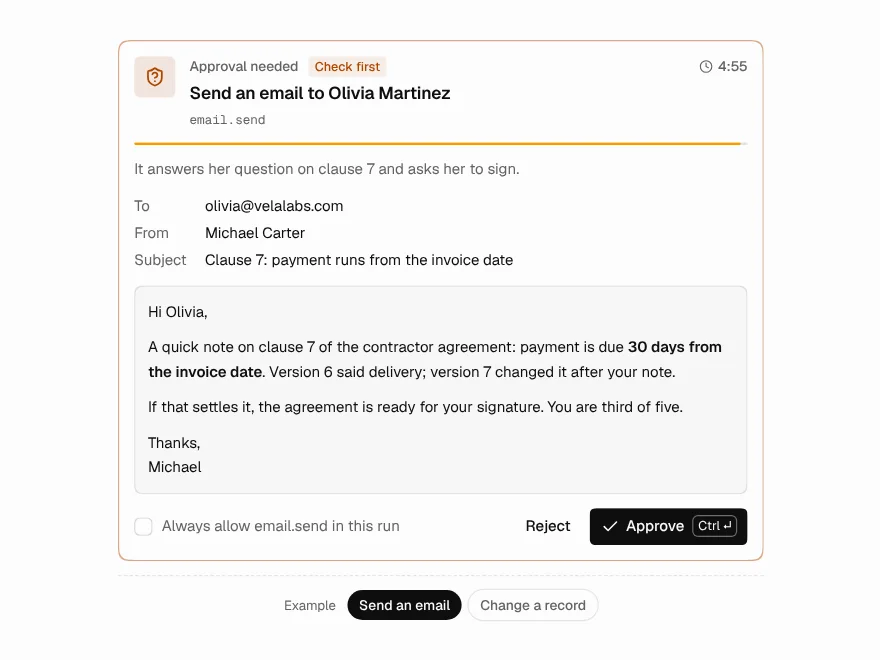
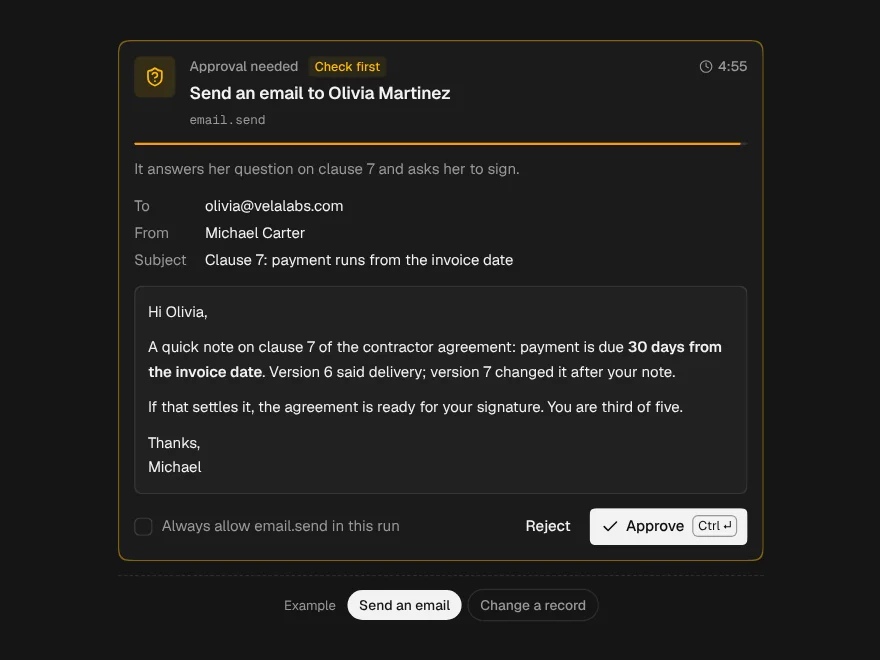
- Yes or no on one action, now. Send this email, issue this refund. Approval Request.
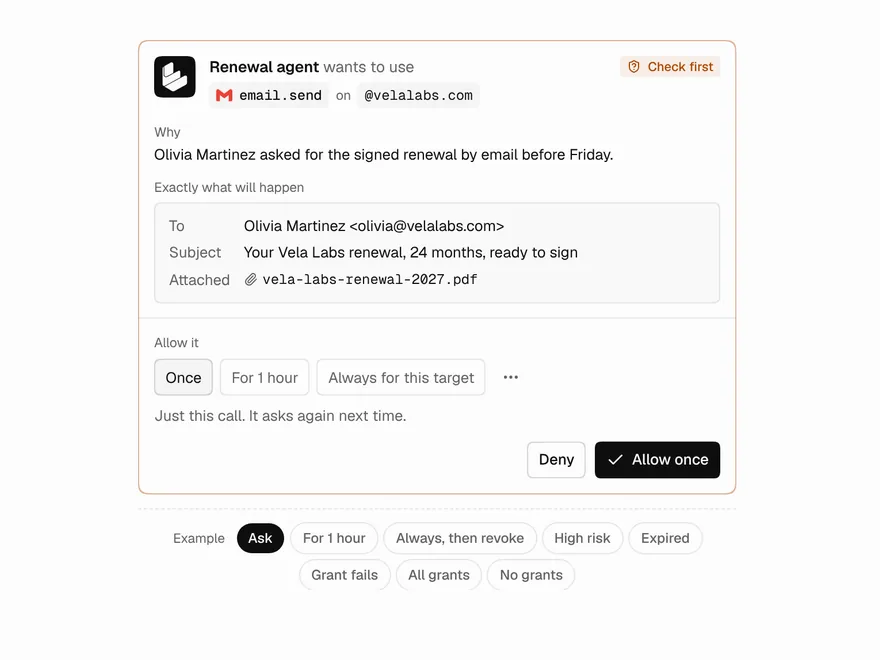
- A right it will use again. “May I email this customer?” asked once, not every time. Permission Grant.
- A batch of changes to data. Update 40 records, delete 3. Dry-Run Preview.
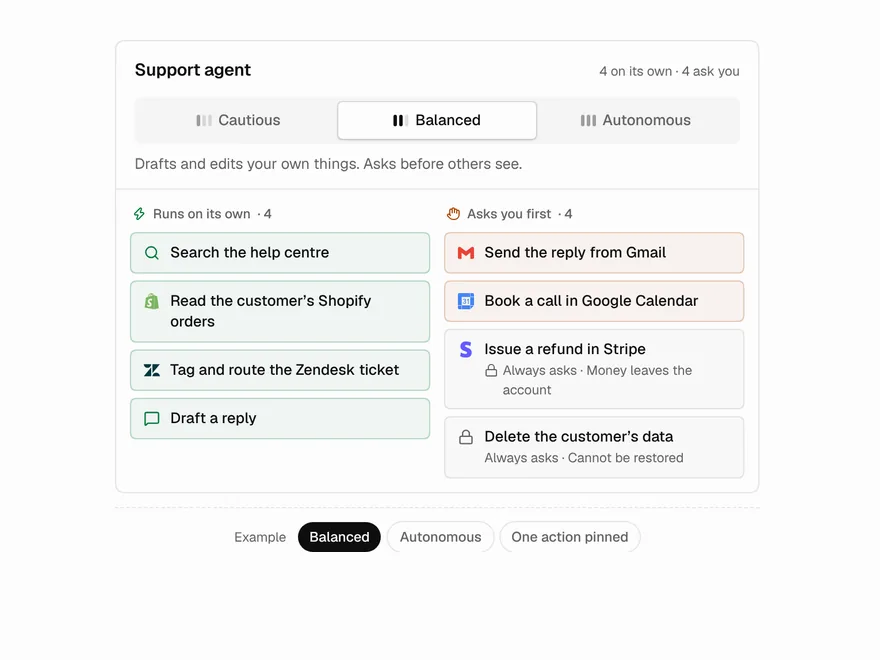
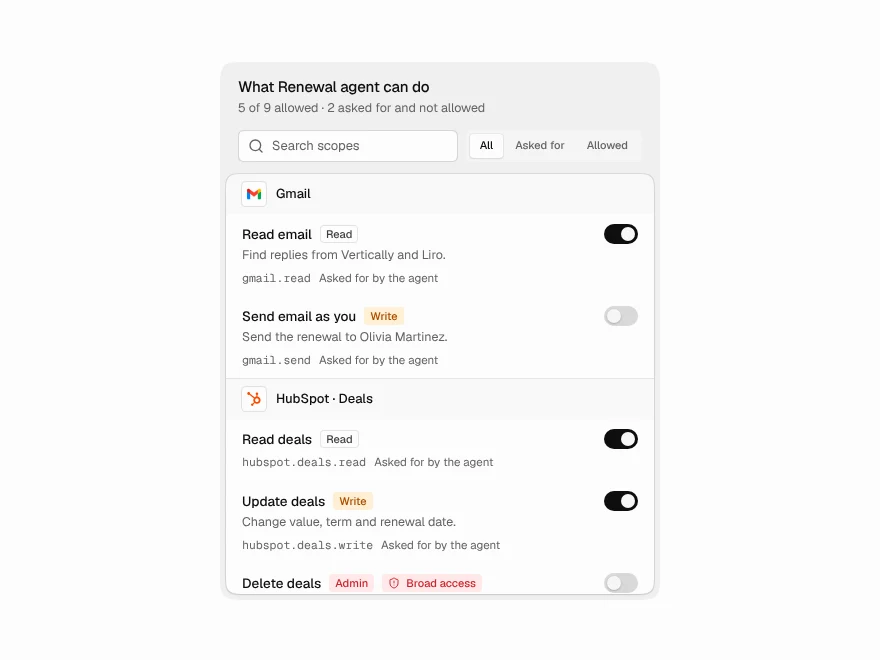
- How much it may do alone, in general. Set once in settings. Autonomy Dial and Agent Permissions.
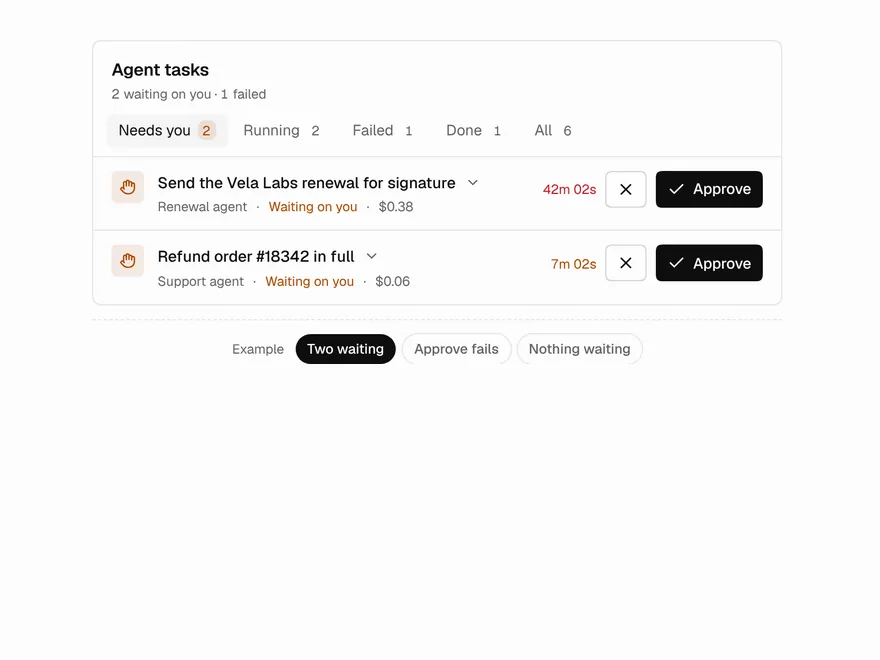
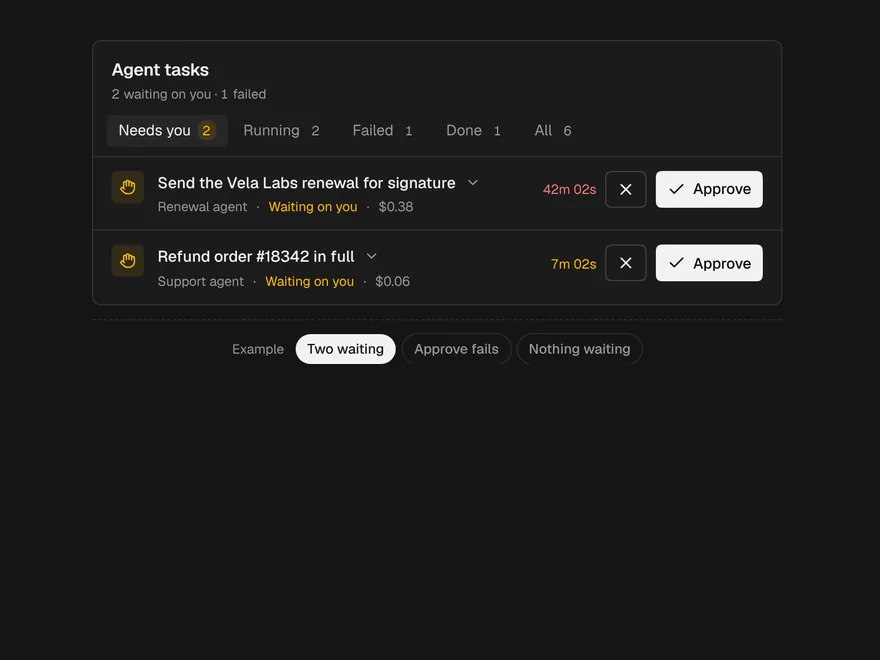
- Many agents, many questions. Background runs waiting on people. Agent Inbox.
Six rules for asking well
- Show the thing itself. The email with its recipients, the record's fields before and after, the amount. Not “the agent wants to send an email”.
- Make no useful. A bare “No” leaves the agent stuck or asking again. Offer reasons in one click and send them back to the agent.
- Keep grants narrow. “Always” should mean always for this target, not for every target.
- What cannot be undone always asks. Moving money, emailing outside the company and deleting should not be switchable to automatic.
- Say the risk in words. Low risk, check first, high risk, with one sentence on why. Colour alone is not enough.
- Failure keeps the question open. If your server fails to record the decision, the request should stay open with the error, not quietly look approved.
One action: ask before acting
For a single action, show what changes and what it will cost to get it wrong. This refund request uses every safeguard Approval Request has for high-risk actions:
import { ApprovalRequest } from "@/components/ui/approval-request";

export function ApproveRefund({
  approve,
  reject,
  sendBack,
}: {
  approve: () => Promise<void>;
  reject: (reason?: string) => Promise<void>;
  sendBack: (note: string) => Promise<void>;
}) {
  return (
    <ApprovalRequest
      title="Refund $1,240 to Orbit Labs?"
      description="Orbit was charged twice for October. The agent wants to refund the second charge."
      tool="payments.refund"
      risk="high"
      riskExplanation="Money leaves the account and the refund cannot be reversed from here."
      changes={[
        { label: "Invoice INV-2057", before: "Paid twice", after: "Paid once, $1,240 refunded" },
        { label: "Account balance", before: "$18,420", after: "$17,180" },
      ]}
      requireConfirmation
      expiresAt={Date.now() + 30 * 60 * 1000}
      reasons={["Wrong amount", "Check with finance first"]}
      onApprove={approve}
      onReject={reject}
      onRequestChanges={sendBack}
    />
  );
}changesshows each field before and after, so the person checks numbers instead of trusting a sentence.riskExplanationsays why it is high risk, andrequireConfirmationasks a second time before approving.reasonsturns Reject into one click with a reason;onRequestChangesadds a third answer that sends it back to the agent with a note.expiresAtshows a countdown and settles as Expired by itself, so an old request cannot be approved after the moment has passed.
onApprove and onReject may return a promise. While it is pending the buttons wait; if it rejects, the request stays open and shows the error. Once decided, the card folds to a one-line record of the decision; pass decidedBy and decidedAt to say who and when.
A standing right: grant it narrowly
When an agent will need the same right again, asking every time trains people to click Allow without reading. Asking once with clear scopes is better:
import { PermissionGrant, type GrantScope } from "@/components/ui/permission-grant";

export function GrantEmail({
  api,
}: {
  api: { grant: (scope: GrantScope) => Promise<void>; deny: (reason?: string) => Promise<void>; revoke: () => Promise<void> };
}) {
  return (
    <PermissionGrant
      agent="Renewal agent"
      tool="email.send"
      target="@vertically.com"
      why="Olivia asked for the signed renewal by email."
      risk="medium"
      allowAnyTarget={false}
      reasons={["Wrong recipient", "Not yet"]}
      onGrant={api.grant}
      onDeny={api.deny}
      onRevoke={api.revoke}
    />
  );
}
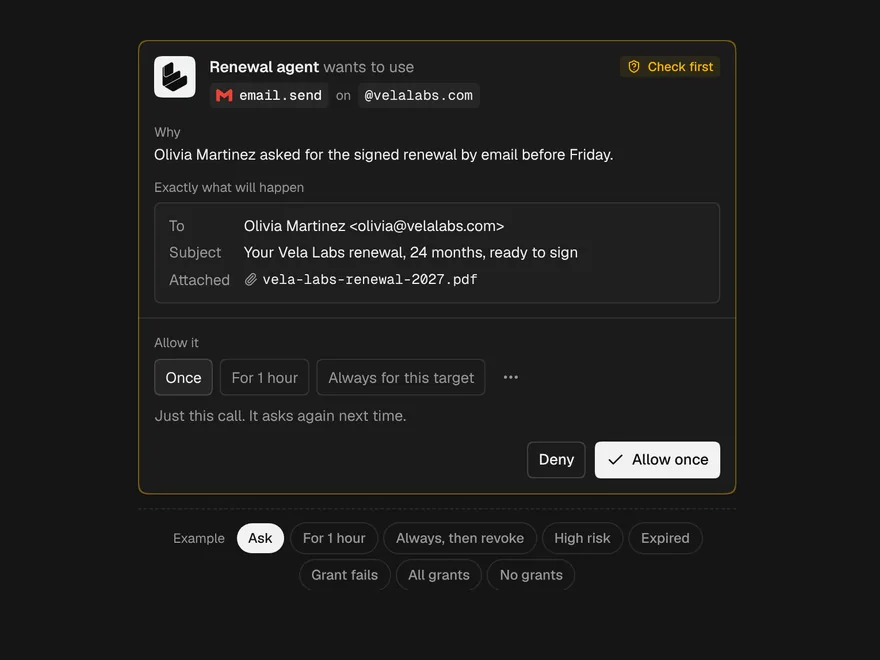
Permission Grant offers four scopes, and each says what it covers before it is pressed: once, for an hour, always for this target, and always for any target. The last one is off here with allowAnyTarget={false}; by default it sits behind the overflow menu, marked as wider. With risk="high", an Always grant needs a press and hold, which also works with Space or Enter.
Once granted, the card folds to one line with a live countdown and Revoke, and offers Undo for a few seconds. Pass grants instead and the same component lists every active grant, grouped by agent, each with Revoke.
A batch of changes: preview first
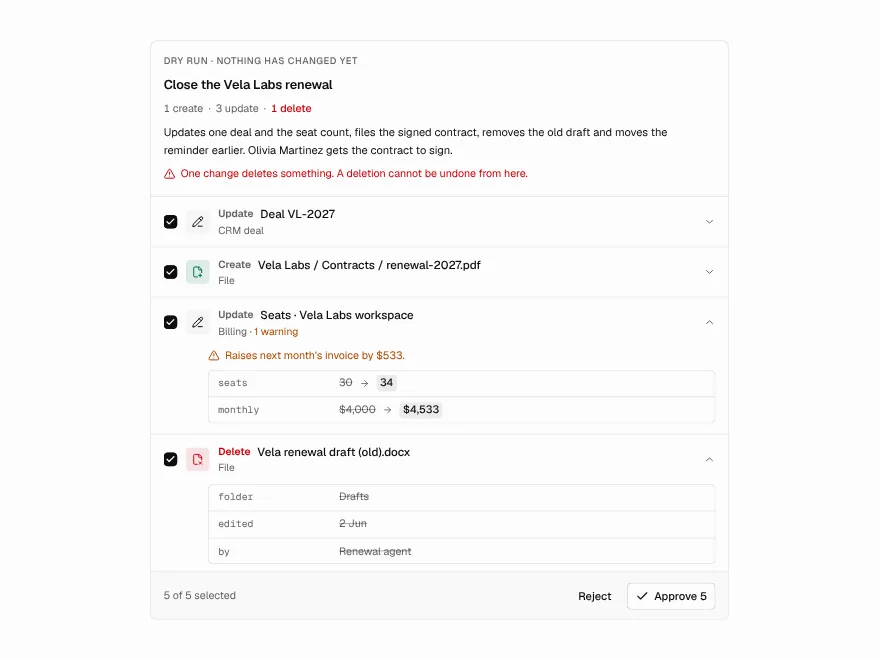
An agent that edits data should show the whole batch before any of it happens. Dry-Run Preview marks each change as create, update or delete, and diffs updates field by field:
import { DryRunPreview, type DryRunPreviewData } from "@/components/ui/dry-run-preview";

const preview: DryRunPreviewData = {
  id: "cleanup-42",
  title: "Clean up the CRM",
  impactSummary: "3 records change; 1 is deleted.",
  changes: [
    { id: "c1", resource: "Ada Moss", resourceType: "contact", operation: "update", before: { stage: "Lead" }, after: { stage: "Customer" } },
    { id: "c2", resource: "Orbit Labs", resourceType: "company", operation: "update", before: { owner: "Sam" }, after: { owner: "Priya" } },
    { id: "c3", resource: "Test Account 7", resourceType: "company", operation: "delete", before: { plan: "Trial" }, warnings: ["Has 2 open tickets"] },
  ],
};

export function ReviewCleanup({ approve, apply }: { approve: (ids: string[]) => Promise<void>; apply: (ids: string[]) => Promise<void> }) {
  return <DryRunPreview preview={preview} selectable onApprove={approve} onApply={apply} />;
}
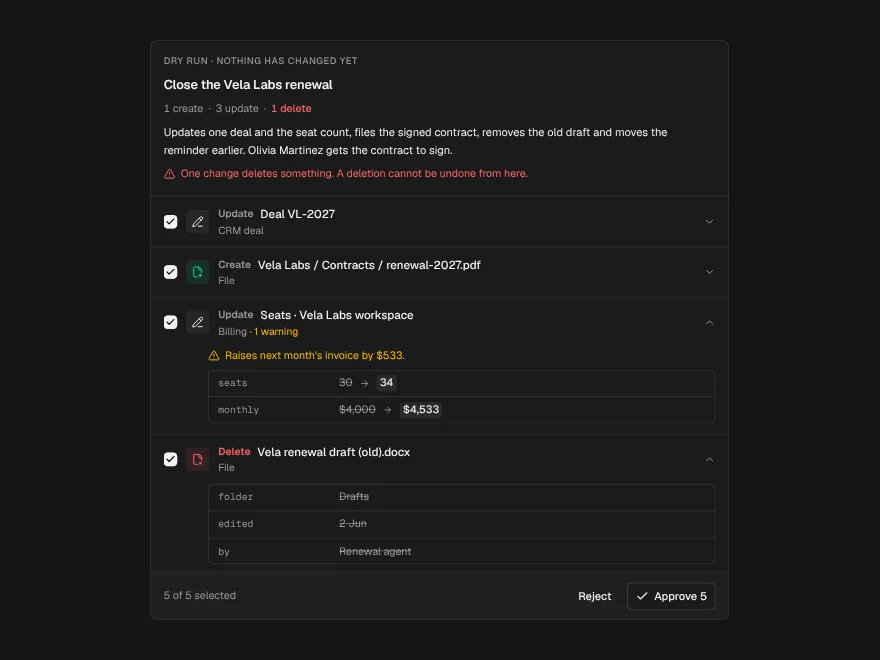
Deletes are loud on purpose: each one is red, they are counted at the top, and they are confirmed again before they go. With selectable, people untick the changes they disagree with instead of rejecting the whole batch. Passing both onApprove and onApply makes approving and applying two separate steps, and each change then shows its own result, so a batch that partly failed says exactly which changes did not land.
In settings: how much it may do alone
Per-action approvals work best when the person has also decided, in advance, what the agent may do without asking. Two components cover that:
"use client";

import * as React from "react";
import { AutonomyDial, type AutonomyAction, type AutonomyLevel } from "@/components/ui/autonomy-dial";
import { AgentPermissions, type AgentPermission } from "@/components/ui/agent-permissions";

const actions: AutonomyAction[] = [
  { id: "read", label: "Read invoices and customers", risk: 1 },
  { id: "draft", label: "Draft reminder emails", risk: 2 },
  { id: "note", label: "Add notes to customer records", risk: 2 },
  { id: "send", label: "Email customers", risk: 3, irreversible: "An email cannot be unsent" },
  { id: "refund", label: "Issue refunds", risk: 3, irreversible: "Money leaves the account" },
];

const permissions: AgentPermission[] = [
  { id: "inv-read", resource: "invoices", label: "Read invoices", capability: "read", requested: true, granted: true, riskLevel: "low" },
  { id: "crm-write", resource: "crm", label: "Edit customer records", capability: "write", requested: true, granted: true, riskLevel: "medium" },
  { id: "pay-admin", resource: "payments", label: "Manage payments", capability: "admin", requested: true, granted: false, riskLevel: "high" },
];

export function BillingAgentSettings({ save }: { save: (changes: { id: string; granted: boolean }[]) => Promise<void> }) {
  const [level, setLevel] = React.useState<AutonomyLevel>("balanced");
  return (
    <div className="grid gap-6">
      <AutonomyDial actions={actions} value={level} onChange={setLevel} />
      <AgentPermissions agentName="Billing agent" permissions={permissions} onSave={save} />
    </div>
  );
}
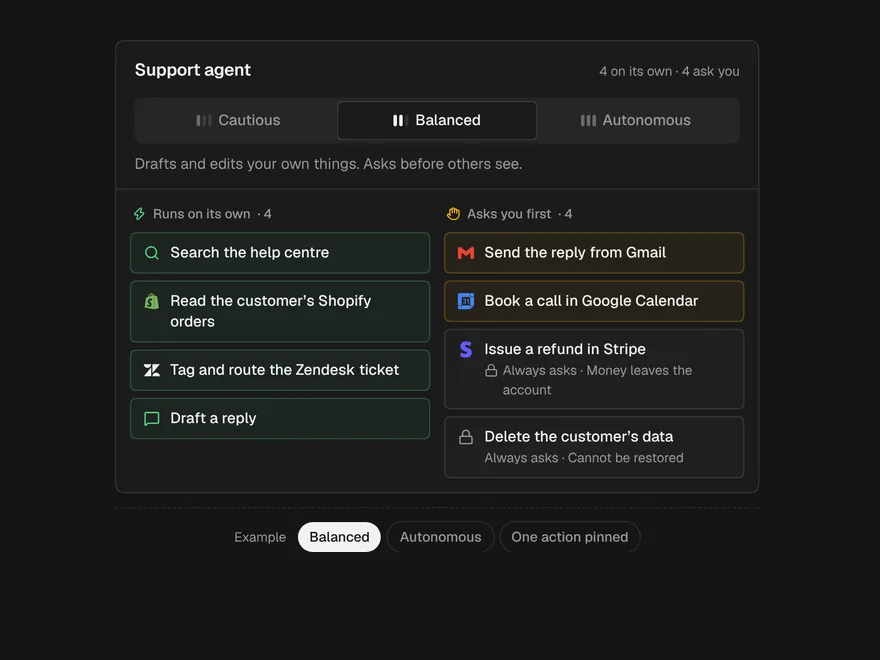
Autonomy Dial has three positions: cautious, balanced and autonomous. Underneath, the agent's actions sit in two columns, “runs on its own” and “asks you first”, so moving the dial shows exactly what changes. Actions marked irreversible stay in “asks you first” at every position, each with its reason. The dial only moves what can be undone.
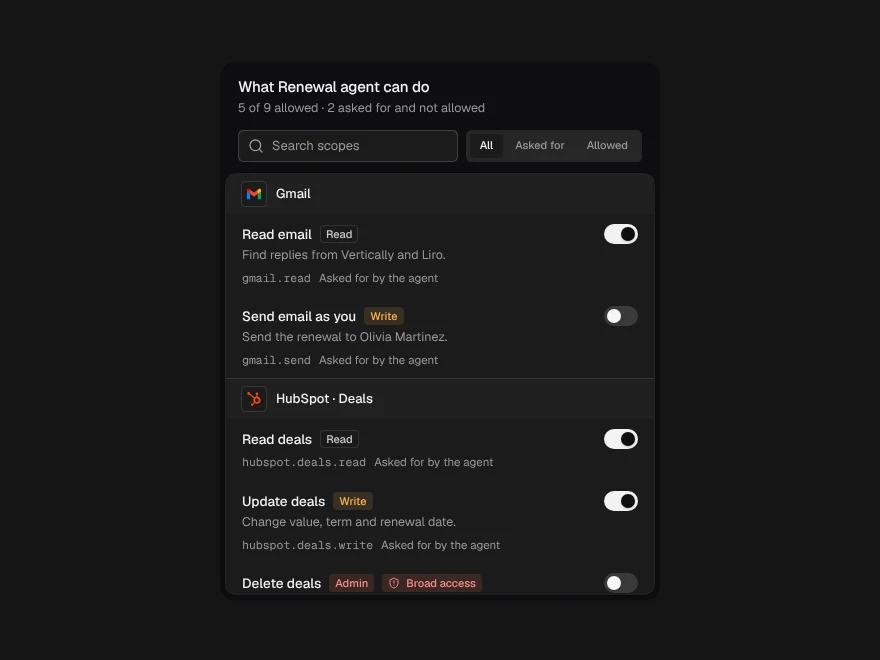
Agent Permissions keeps what the agent asked for apart from what it is allowed. Nothing is switched on just because the agent requested it, and before Save a summary counts what you are granting and removing. If you need per-tool Off, Ask and Allow switches instead, see Agent Settings.
Many agents: one inbox
Once several agents run in the background, the problem changes from “how do I ask” to “which question is going cold”. Agent Inbox puts tasks that need a person first, oldest wait first, then failures, running, queued and done:
import { AgentInbox, type InboxTask } from "@/components/ui/agent-inbox";

export function ApprovalsInbox({
  tasks,
  api,
}: {
  tasks: InboxTask[];
  api: { approve: (id: string) => Promise<void>; reject: (id: string) => Promise<void>; retry: (id: string) => Promise<void> };
}) {
  return (
    <AgentInbox
      tasks={tasks}
      onApprove={api.approve}
      onReject={api.reject}
      onRetry={api.retry}
      onOpen={(id) => window.location.assign(`/runs/${id}`)}
      slowAfter={5}
      staleAfter={30}
    />
  );
}
The clock on each row counts how long the task has waited on a person, not how long it has run. It turns amber after slowAfter minutes and red after staleAfter; 5 and 30 are the defaults, written out here so they are easy to change. Approve, Reject, Retry and Open work in the row.
The server decides
Every component here asks. None of them enforces. A grant shown as “for 1 hour” only expires if your server stops honouring it after an hour, and an approval only protects anything if the tool refuses to run without one. Keep grants on the server, check them right before each tool call, and record every use:
/* Server side. The interface asks; this decides. */

export type Scope = "once" | "hour" | "always-target" | "always-any";

export interface StoredGrant {
  id: string;
  agentId: string;
  tool: string;
  /** "@vertically.com", or "*" for an always-any grant. */
  target: string;
  scope: Scope;
  expiresAt?: number;
  usedAt?: number;
  revokedAt?: number;
}

export function findGrant(
  grants: StoredGrant[],
  call: { agentId: string; tool: string; target: string },
  now = Date.now(),
): StoredGrant | undefined {
  return grants.find(
    (g) =>
      g.agentId === call.agentId &&
      g.tool === call.tool &&
      (g.target === "*" || call.target.endsWith(g.target)) &&
      !g.revokedAt &&
      !(g.expiresAt !== undefined && g.expiresAt <= now) &&
      !(g.scope === "once" && g.usedAt !== undefined),
  );
}

/** Run a tool only if a live grant covers it; otherwise ask a person. */
export async function runTool<T>(
  grants: StoredGrant[],
  call: { agentId: string; tool: string; target: string },
  execute: () => Promise<T>,
  ask: () => Promise<StoredGrant | null>,
  record: (grant: StoredGrant, outcome: "used" | "failed") => Promise<void>,
): Promise<T | "denied"> {
  const grant = findGrant(grants, call) ?? (await ask());
  if (!grant) return "denied";
  try {
    const result = await execute();
    await record(grant, "used");
    return result;
  } catch (error) {
    await record(grant, "failed");
    throw error;
  }
}