Approval Request
The agent stops and asks first, showing the exact thing it wants to do.
PROGet Approval Request and 168 other Pro components with pro lifetime — Get Pro
- Category
- AI Agent
- Access
- ProPro · unlocked
- Source
- 676 lines · one file
- States
- 10 drawn
The decision inside it
Rejecting is as useful as approving
A bare "No" leaves the agent stuck. Reject offers reasons in one click and hands them to the agent, so it can try another way instead of asking again.
When to use it
Use Approval Request when an agent needs a person before it acts: what it wants to do, the risk, a preview of the change, remember-my-choice, a countdown and Reject with reasons. Approve and Reject may return a Promise; an error keeps the request open.
Installation
How you get it
Paste this into Claude Code, Cursor, Codex or any coding agent. It installs the file and uses it as it is, instead of writing a new one.
Use Liro's Approval Request for this.
Install it: npx shadcn@latest add @liro/approval-request
(the @liro registry is set up in components.json, with LIRO_KEY in .env.local)
Import it from @/components/ui/approval-request.
Do not rewrite or restyle it. Pass my data through its props
and keep its built-in states.
For the full brief with every prop and the mistakes assistants usually make, use Copy prompt above. Pro components install through the @liro registry with your CLI token: see the Namespaced tab.
Usage
import { ApprovalRequest } from "@/components/ui/approval-request";

export function ApproveEmail({ approve, reject }: { approve: () => Promise<void>; reject: (reason?: string) => Promise<void> }) {
  return (
    <ApprovalRequest
      title="Send 2 payment reminders?"
      description="The agent wants to email the customers with overdue invoices."
      tool="email.send"
      risk="medium"
      details={[
        { label: "To", value: "billing@vertically.dev, ap@orbit.io" },
        { label: "Subject", value: "Your invoice is overdue" },
      ]}
      onApprove={approve}
      onReject={reject}
      reasons={["Wrong customers", "Not now"]}
    />
  );
}
API reference
“Copy prompt” above puts a full brief on your clipboard, install command, dependencies, props, and the mistakes an assistant usually makes with this component.
Props
Read from the component’s own TypeScript interface when the site is built, so this table cannot drift from the file you install.
| Type | Notes | ||
|---|---|---|---|
title | React.ReactNode | Yes | What the agent wants to do, as an action: "Send an email to Olivia". |
description | React.ReactNode | No | Why it wants to, in a sentence. |
tool | string | No | The tool it will call: `email.send`. |
toolIcon | React.ReactNode | No | The service the tool belongs to, shown before its name: a brand mark. |
risk | ApprovalRisk | No | Default `medium`. |
details | ApprovalDetail[] | No | The facts of the action: To, Subject, Amount. |
preview | React.ReactNode | No | The thing itself: the message, the change, the file. |
changes | ApprovalChange[] | No | Before and after, for an action that edits a record. |
scopes | string[] | No | The permissions the action uses: "gmail.send", "crm.write". |
target | React.ReactNode | No | Where it lands: "Vertically · Gmail". Shown beside the tool. |
requestedBy | React.ReactNode | No | Who or what asked: "Renewal agent". |
riskExplanation | React.ReactNode | No | Why it carries this risk, in a sentence from your backend. |
requireConfirmation | boolean | No | Approve asks once more before it counts. |
onRequestChanges | (note: string) => void | Promise<void> | No | Adds "Request changes": send it back with a note instead of a yes or no. May return a promise. |
submitting | boolean | No | Set while your server is acting on the answer, if you track it yourself. |
error | React.ReactNode | No | An error from your side, shown above the buttons. |
status | ApprovalStatus | No | Controlled state. Leave it out and the card keeps its own. |
defaultStatus | ApprovalStatus | No | – |
onApprove | (options: { remember: boolean }) => void | Promise<void> | No | May return a promise: the card waits for it, and stays open if it rejects. |
onReject | (reason?: string) => void | Promise<void> | No | May return a promise, like `onApprove`. |
onEdit | () => void | No | Adds an Edit button, for changing the action before it runs. |
rememberLabel | React.ReactNode | No | Adds a checkbox with this label: "Always allow email.send in this run". |
reasons | string[] | No | One-click reasons offered on Reject. |
expiresAt | Date | number | string | No | When the request stops being answerable. Shows a countdown. |
onExpire | () => void | No | – |
decidedBy | React.ReactNode | No | Shown on the folded record: "by you", "by Michael Carter". Default "by you". |
decidedAt | React.ReactNode | No | Shown on the folded record: "10:42". |
Dependencies
npm packages
clsxframer-motionlucide-reacttailwind-mergeLiro foundations, installed alongside it
liro-themebadgebuttoncheckboxtextareaStates
All of them are drawn by the component. None is left for you to design.
- Waiting
- Rejecting
- Confirming
- Submitting
- Failed to submit
- Approved
- Rejected
- Changes requested
- Expired
- High risk
Accessibility
- Keyboard reachable throughout, in visual order
- Focus trapped in overlays, Escape closes them
- Focus returns to whatever opened it
- Live regions announce what changed, not that something did
- Honours prefers-reduced-motion
Responsive behavior
- Sizes to its container, not the viewport
- Usable from 320px up
- Pointer-based interaction, so trackpad and touch both work
- No hover-only affordances
Used in screensAll screens
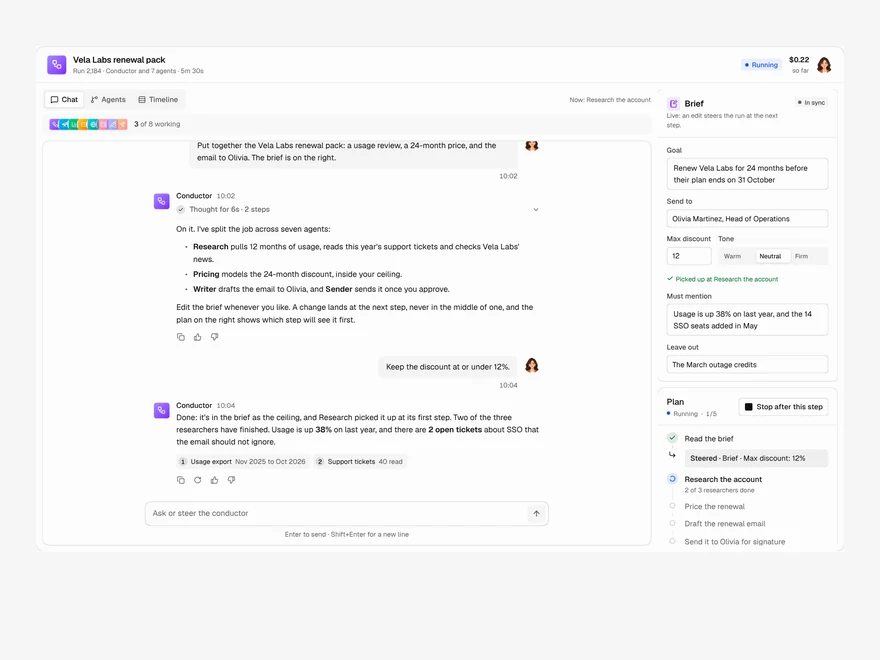
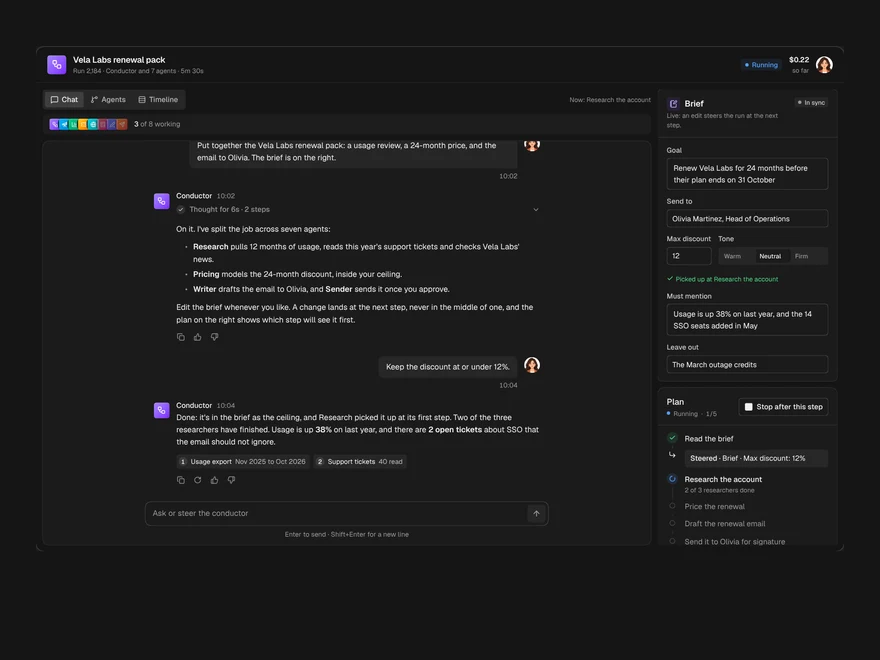
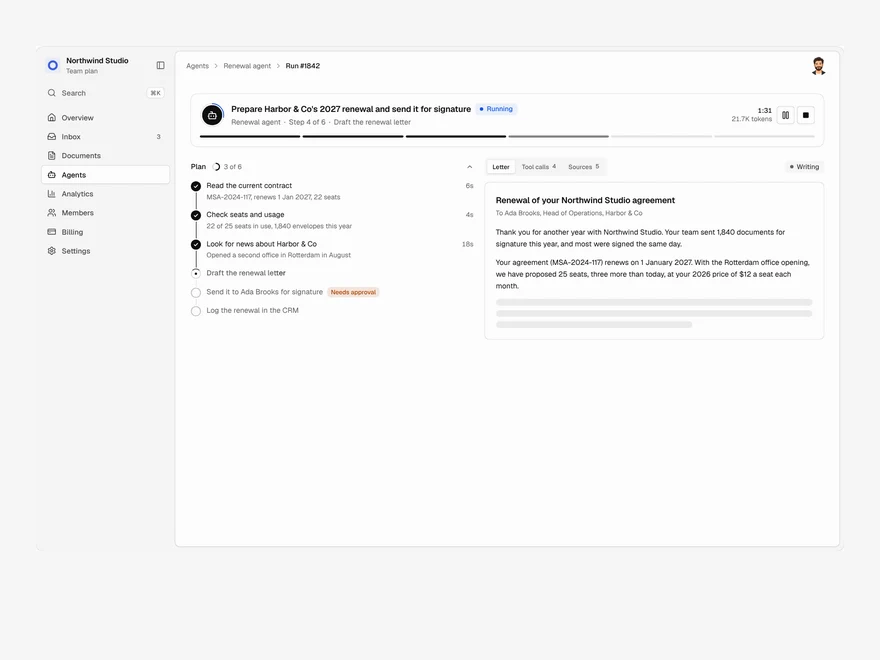
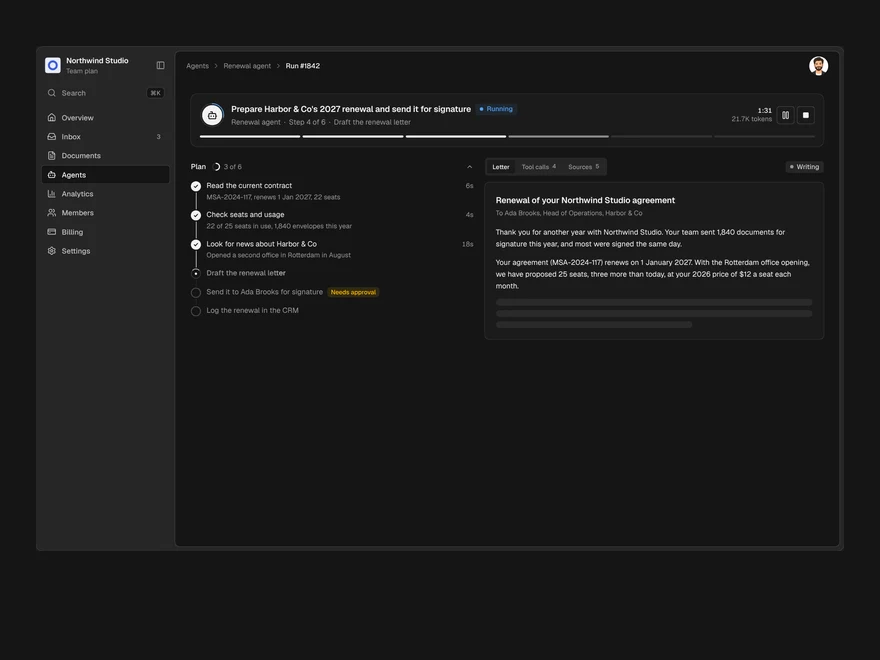
More like Approval Request
All AI Agent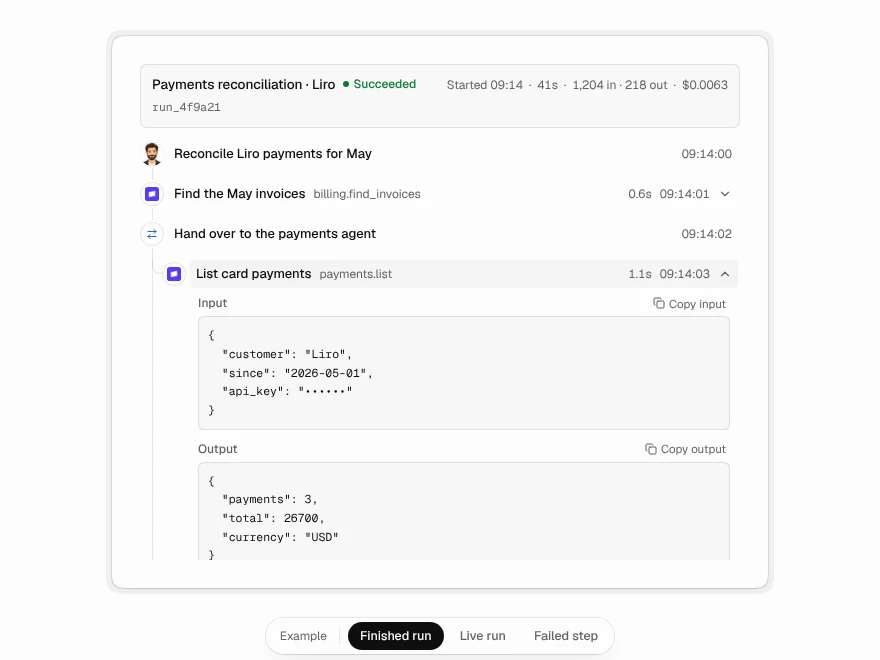 Pro
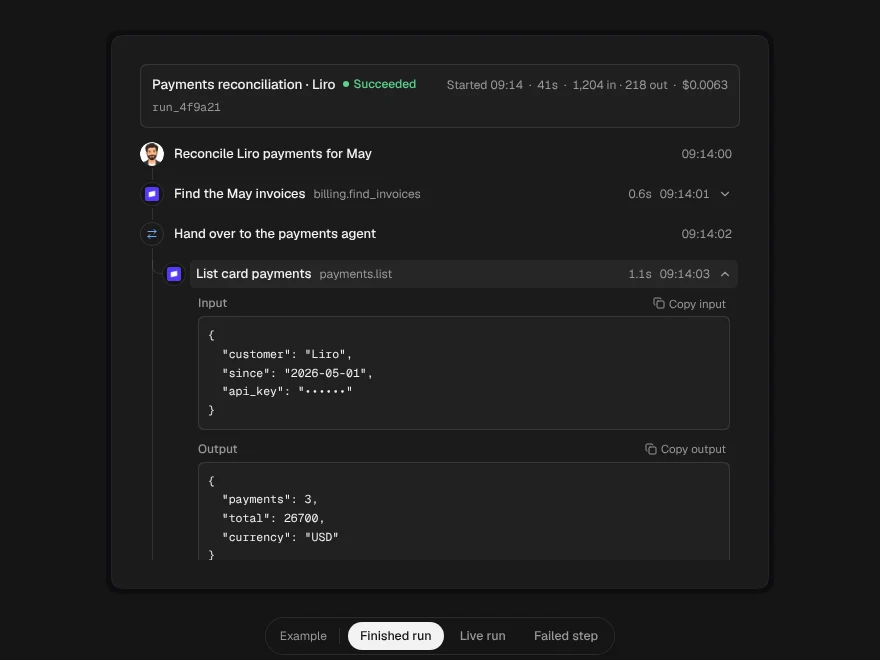
Agent Timeline
Step-by-step timeline of an agent run.
 Pro
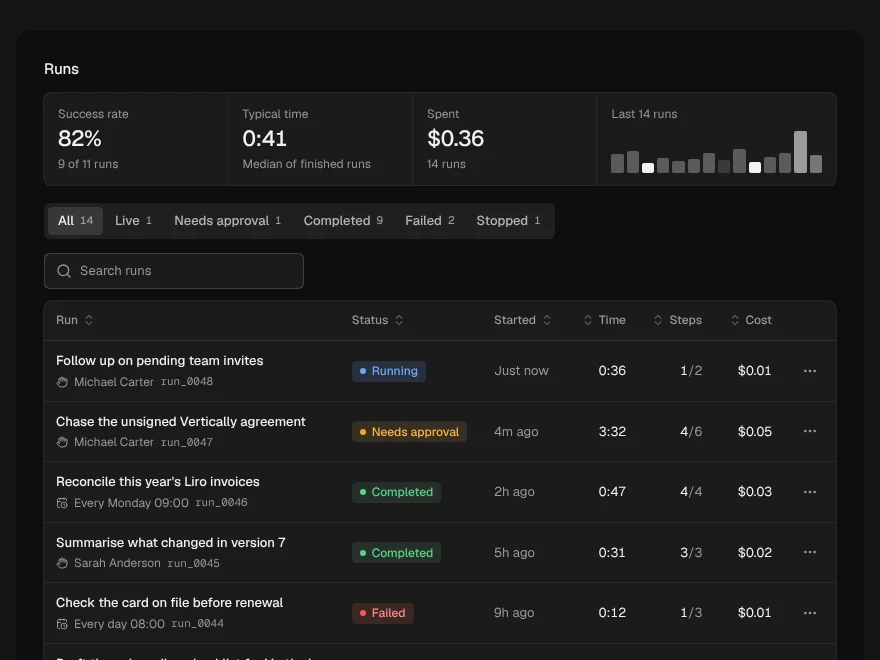
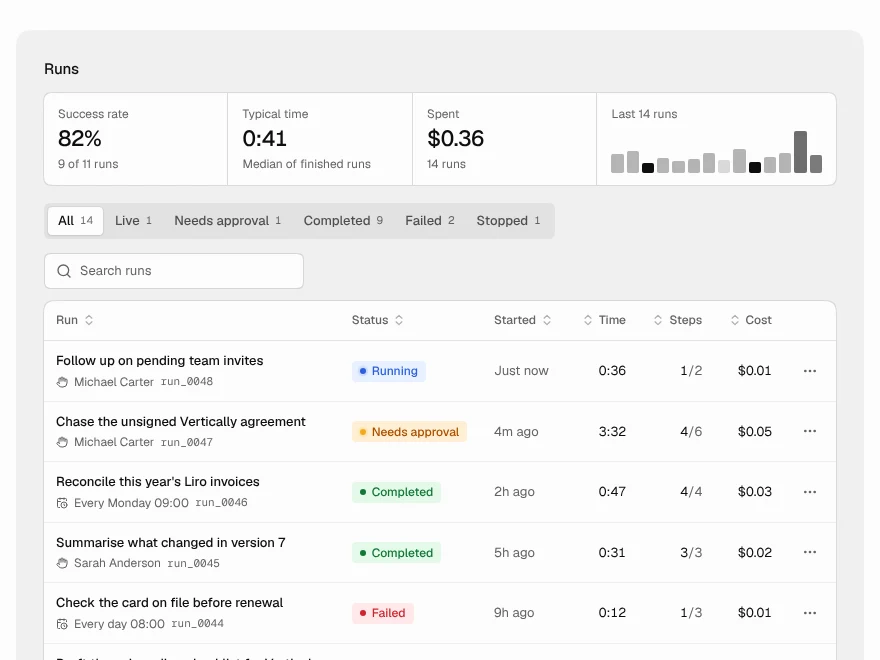
Run History
List of past agent runs with status and cost.
 Pro
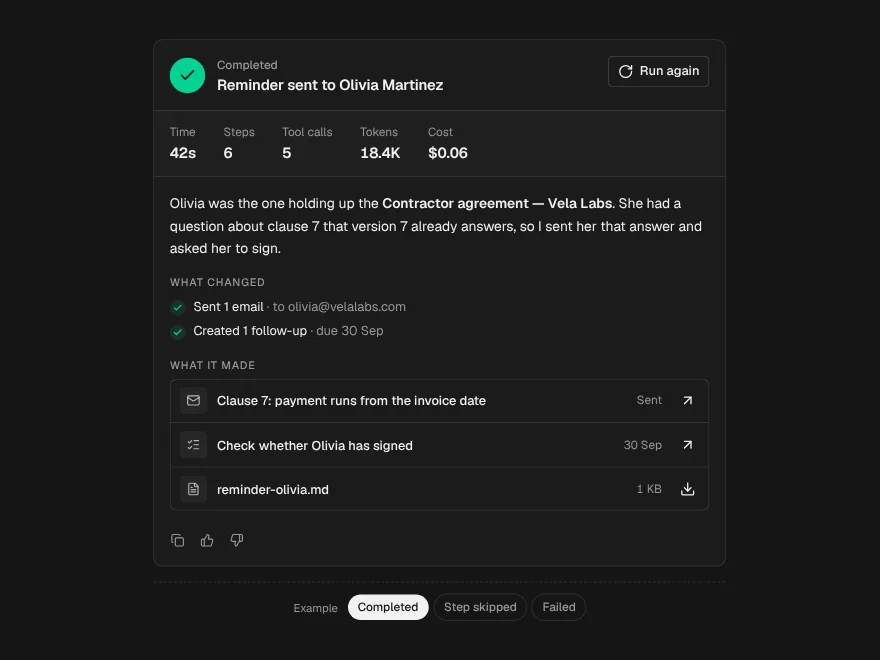
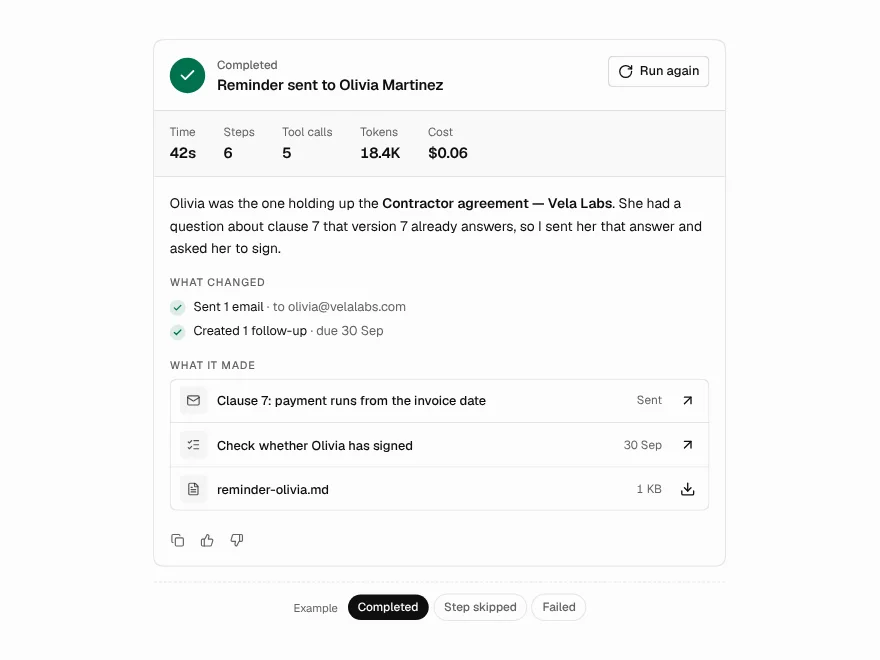
Run Summary
Summary card at the end of an agent run.
 Pro
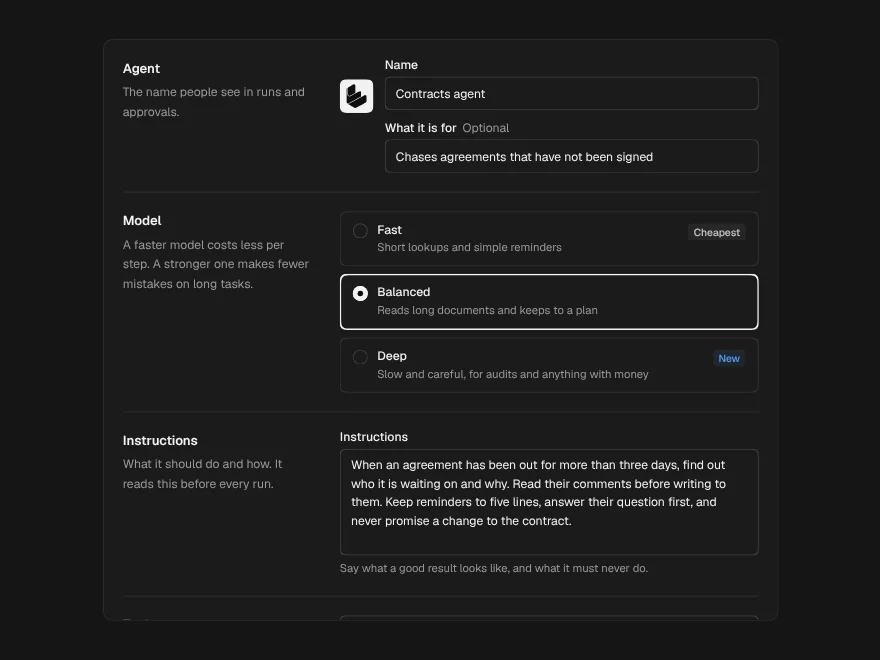
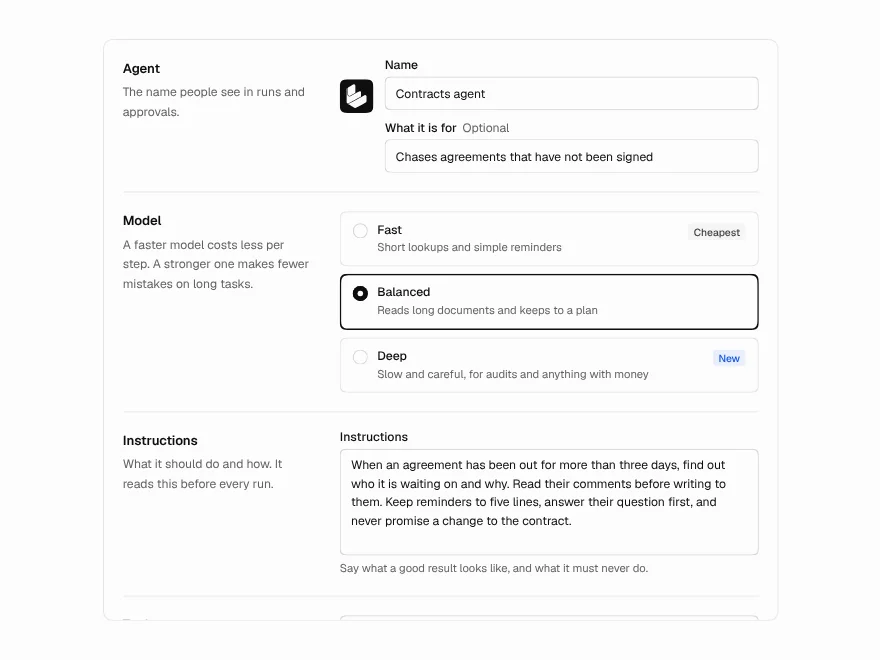
Agent Settings
Settings form for an AI agent and its tools.
 Pro
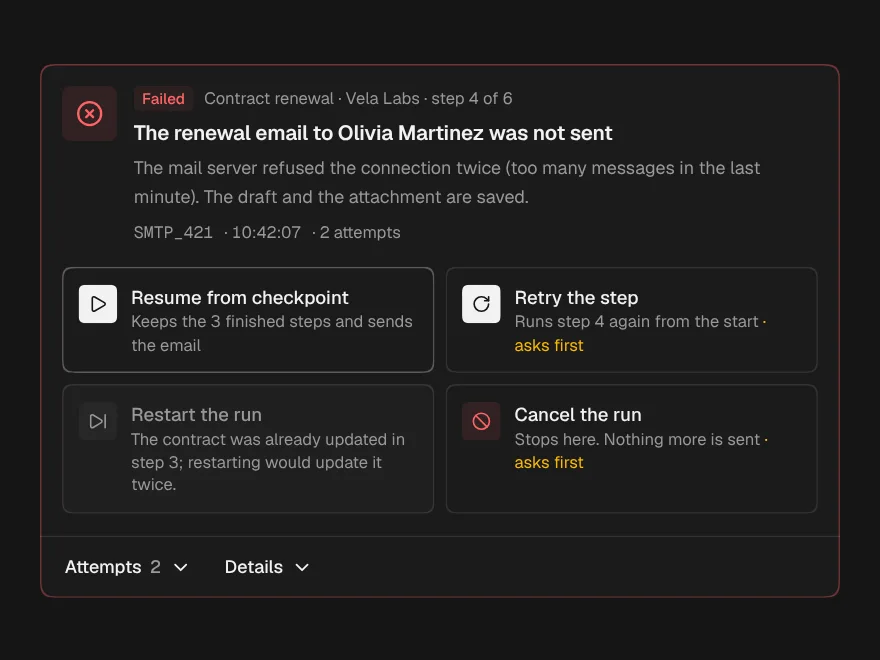
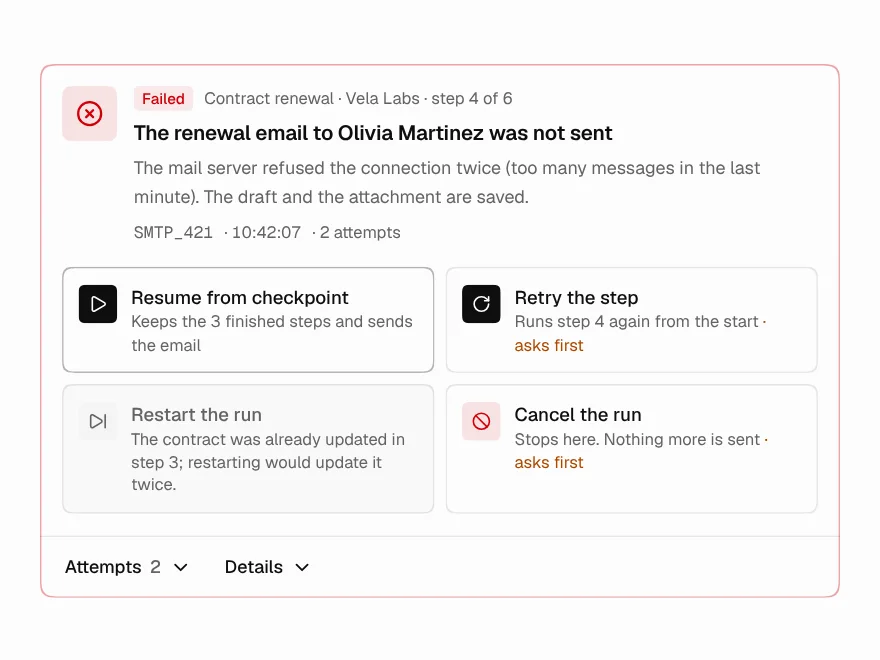
Failure Recovery
Failed agent run with retry and recovery options.
 Pro
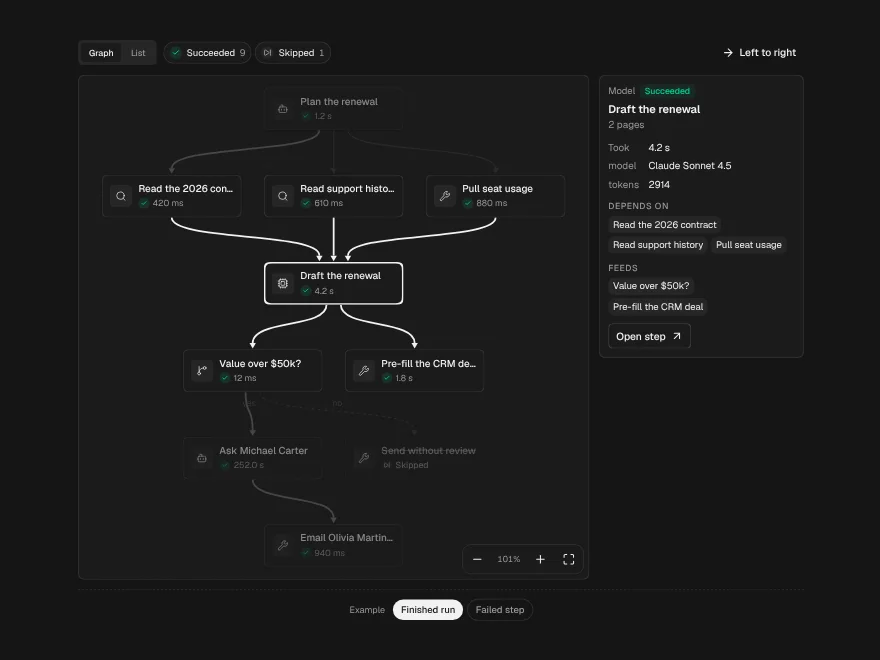
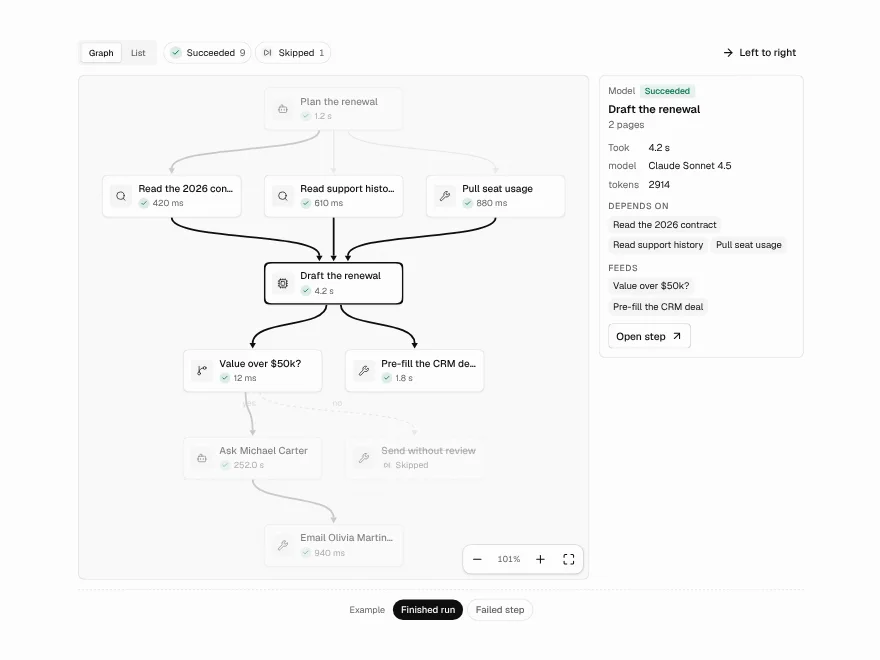
Agent Execution Graph
Graph view of an agent run and its branches.