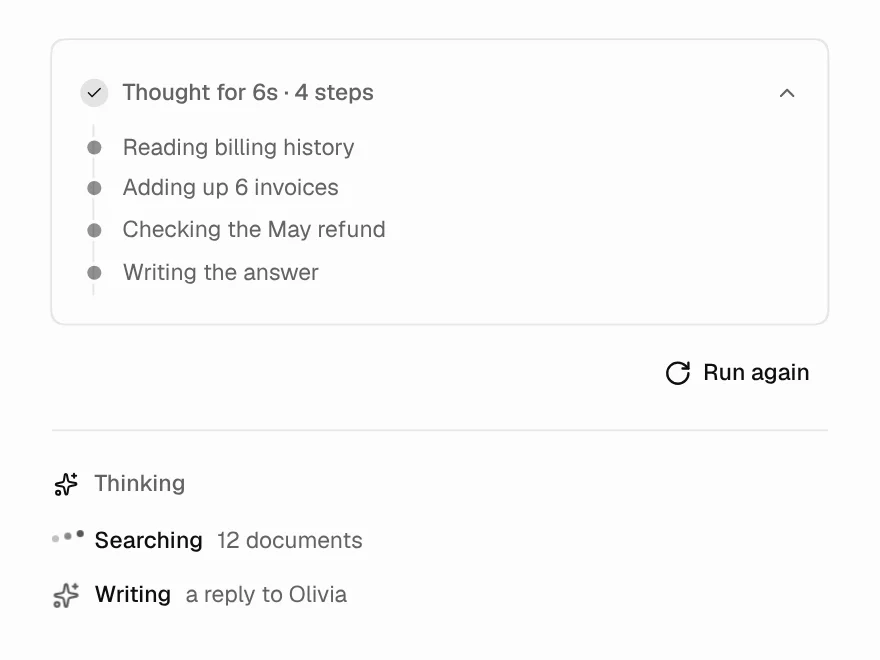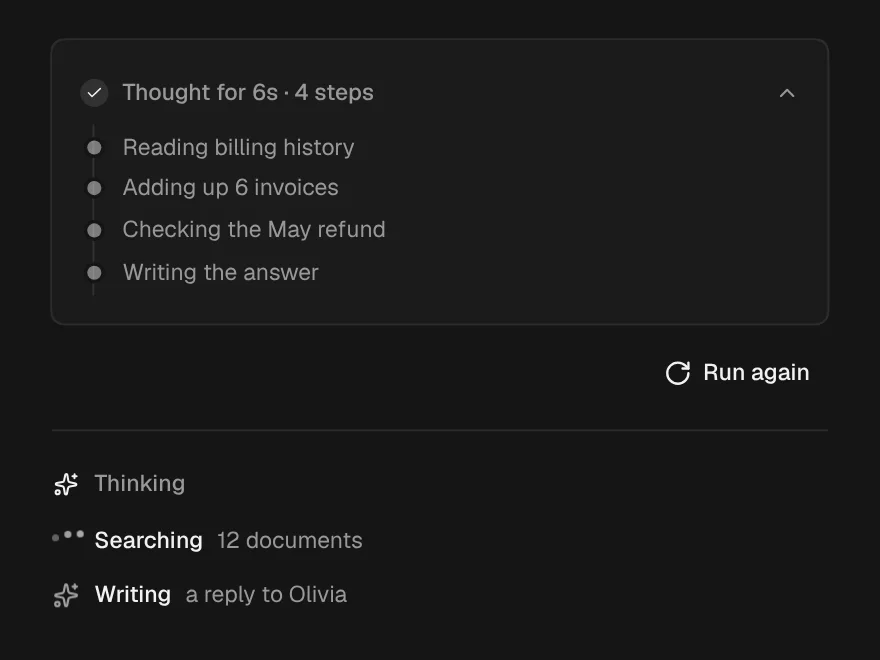
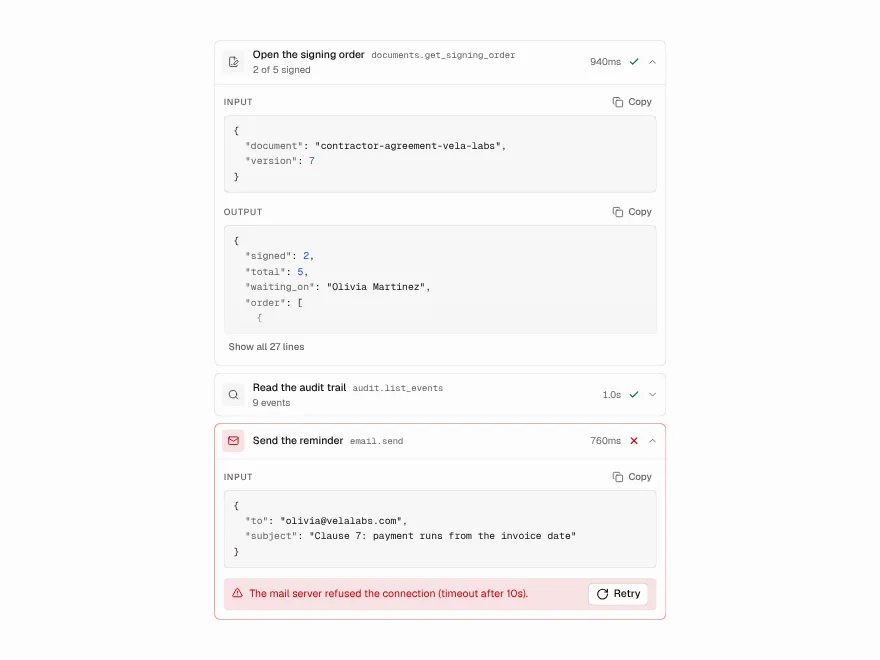
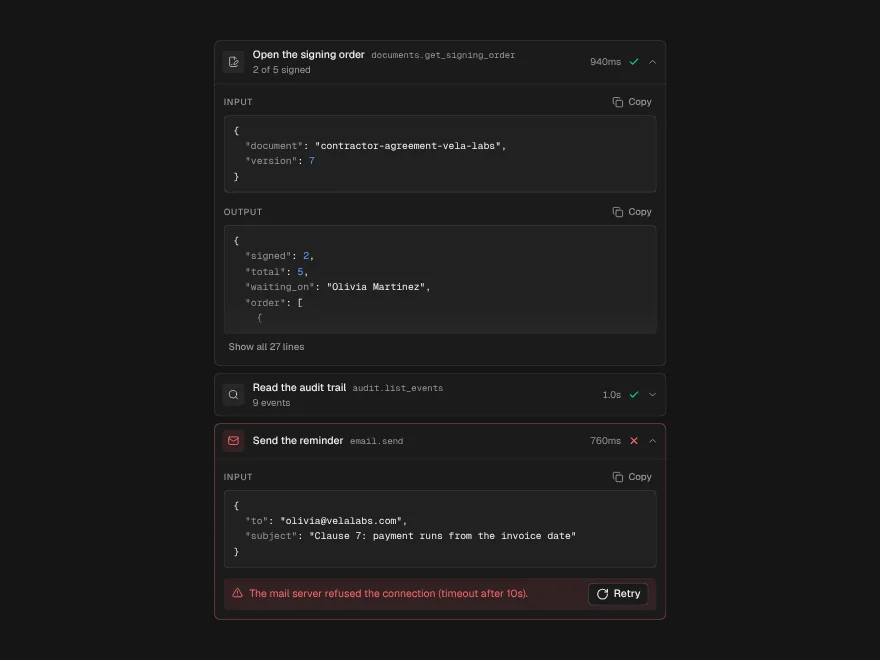
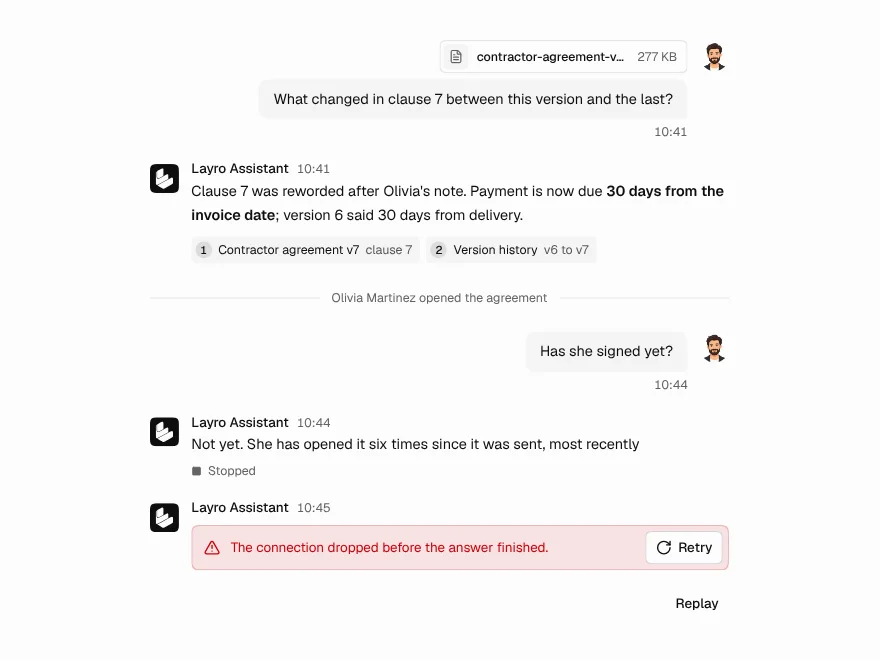
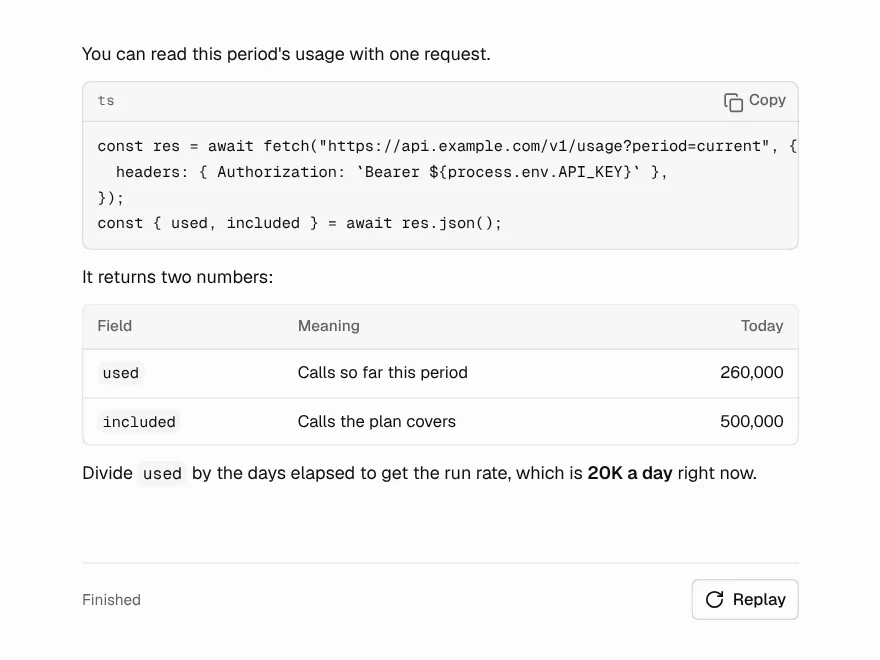
The short answer: render the assistant message as a list of parts, in order. Reasoning becomes a quiet “thinking” row, each tool call becomes its own row with a status, and text streams in below. Do not collect tool calls into a separate panel; the order is the explanation.
This builds on How to Build an AI Chat Interface in React, which covers the chat window, stop and retry. The message, streaming text and thinking components used here are free; Tool Call, Approval Request and Generation Error are part of Liro Pro.
One answer, many parts
With the Vercel AI SDK, useChat gives each message a parts array. Text parts have type: "text", reasoning parts type: "reasoning", and each tool call is a part named after its tool, such as tool-searchInvoices, or dynamic-tool for tools not known at build time. Other libraries use different names for the same idea; the mapping below is the part to adapt.
What each state should look like
A tool part moves through states as it streams. Each one needs a visible difference, or people cannot tell a slow tool from a stuck one:
- Input still arriving (
input-streaming): the row appears at once as pending, so the reader sees the model has decided to use a tool. - Running (
input-available): the input is complete and the tool is working. The row moves, and the output waits. - Waiting for a person (
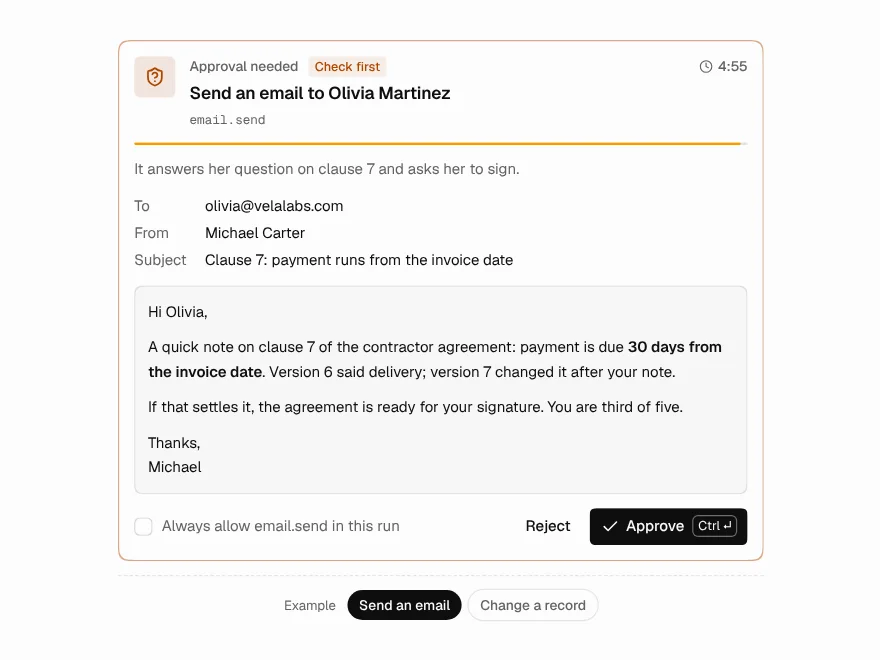
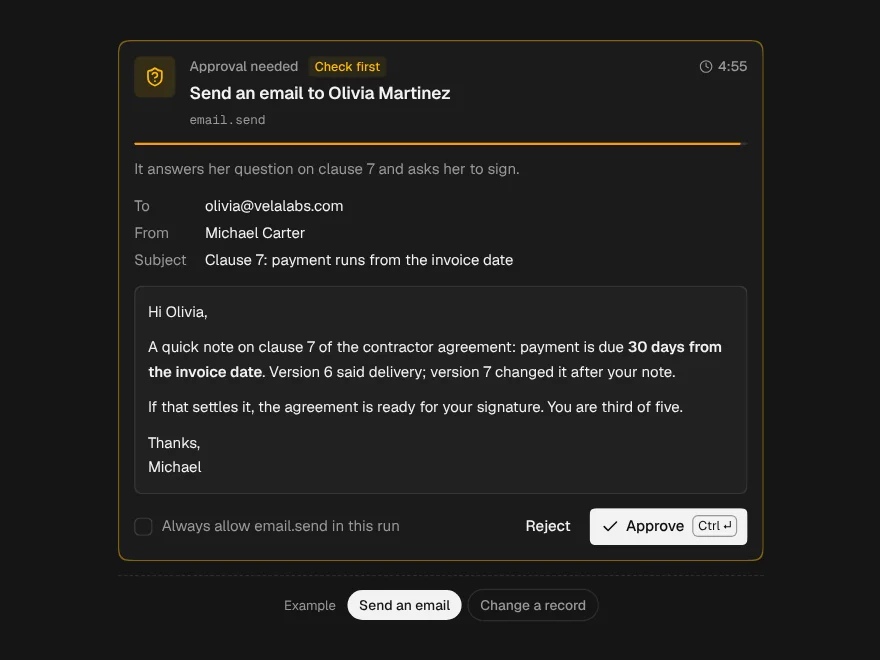
approval-requested): replace the row with an approval request; nothing should run until someone answers. - Done (
output-available): one line of what it found; the full output one click away. - Failed (
output-error): open by itself, with the error in words. - Not allowed: the person said no, so the row says it did not run, and is not drawn as an error.
Map the SDK's parts to components
One small file translates the SDK's states into the six that Tool Call draws: pending, running, success, error, denied and cancelled. The parts are described as plain shapes rather than imported types, and an unknown state falls back to pending, so a new SDK version cannot break the screen:
import type { ToolStatus } from "@/components/ui/tool-call";

/* The parts of an assistant message, as the AI SDK's useChat returns them.
   Written as plain shapes so this file does not depend on one SDK version. */
export type TextPart = { type: "text"; text: string; state?: "streaming" | "done" };
export type ReasoningPart = { type: "reasoning"; text: string; state?: "streaming" | "done" };
export type ToolPart = {
  type: string; // "tool-searchInvoices", or "dynamic-tool" with toolName
  toolName?: string;
  toolCallId: string;
  state: string;
  input?: unknown;
  output?: unknown;
  errorText?: string;
  approval?: { id: string; approved?: boolean; reason?: string };
};
export type Part = TextPart | ReasoningPart | ToolPart;

export const isTool = (part: Part): part is ToolPart =>
  part.type.startsWith("tool-") || part.type === "dynamic-tool";

export const toolName = (part: ToolPart) =>
  part.type === "dynamic-tool" ? (part.toolName ?? "tool") : part.type.slice("tool-".length);

/** The SDK's tool states, in the words Tool Call draws. */
export function toolStatus(part: ToolPart): ToolStatus {
  switch (part.state) {
    case "input-streaming":
    case "approval-requested":
      return "pending";
    case "input-available":
      return "running";
    case "approval-responded":
      return part.approval?.approved === false ? "denied" : "running";
    case "output-available":
      return "success";
    case "output-error":
      return "error";
    case "output-denied":
      return "denied";
    default:
      return "pending"; // a state this version of the guide does not know yet
  }
}Labels for people, names for debugging
A tool's name is written for code: searchInvoices. A person reads “Searched invoices”. Tool Call shows both: the label in plain words, and the real name beside it in small type for whoever has to trace a problem. Keep the labels in one place, with an optional one-line summary of each result:
/* What each tool did, in words a person reads, and the one fact worth seeing
   without opening the row. Unknown tools fall back to their name. */
export const TOOL_LABELS: Record<string, { label: string; summary?: (output: unknown) => string }> = {
  searchInvoices: {
    label: "Searched invoices",
    summary: (output) => (Array.isArray(output) ? `${output.length} found` : ""),
  },
  getCustomer: { label: "Looked up the customer" },
  sendEmail: { label: "Sent an email" },
};
Render one assistant turn
Now walk the parts in order. Until the first part arrives, show Thinking State. Reasoning shows its latest line while it streams and folds the whole trail behind the row afterwards. Tool parts become Tool Call rows, or an approval request when the SDK is waiting for one. Text goes to Streaming Response, which keeps half-written Markdown looking finished while it arrives:
"use client";

import { ChatMessage } from "@/components/ui/chat-message";
import { StreamingResponse } from "@/components/ui/streaming-response";
import { ThinkingState } from "@/components/ui/thinking-state";
import { ToolCall } from "@/components/ui/tool-call";
import { ApprovalRequest } from "@/components/ui/approval-request";
import { isTool, toolName, toolStatus, type Part } from "@/lib/tool-status";
import { TOOL_LABELS } from "@/lib/tool-labels";

export function AssistantTurn({
  parts,
  streaming,
  onApprovalResponse,
}: {
  parts: Part[];
  /** True while this message is still arriving. */
  streaming: boolean;
  onApprovalResponse: (response: { id: string; approved: boolean; reason?: string }) => void;
}) {
  const started = parts.length > 0;

  return (
    <ChatMessage role="assistant" name="Assistant" status={streaming ? "streaming" : "complete"}>
      {!started && <ThinkingState label="Thinking" />}

      {parts.map((part, i) => {
        if (isTool(part)) {
          const name = toolName(part);
          const known = TOOL_LABELS[name];

          if (part.state === "approval-requested" && part.approval) {
            const id = part.approval.id;
            return (
              <ApprovalRequest
                key={part.toolCallId}
                title={known ? `${known.label}?` : `Run ${name}?`}
                tool={name}
                details={[{ label: "Input", value: <code>{JSON.stringify(part.input)}</code> }]}
                onApprove={() => onApprovalResponse({ id, approved: true })}
                onReject={(reason) => onApprovalResponse({ id, approved: false, reason })}
              />
            );
          }

          return (
            <ToolCall
              key={part.toolCallId}
              name={name}
              label={known?.label}
              status={toolStatus(part)}
              summary={part.state === "output-available" ? known?.summary?.(part.output) : undefined}
              input={part.input}
              output={part.output}
              error={part.errorText}
            />
          );
        }

        if (part.type === "reasoning") {
          // The latest line while it streams; the whole trail folds behind the row.
          const lines = part.text.split("\n").map((line) => line.trim()).filter(Boolean);
          return (
            <ThinkingState
              key={i}
              detail={part.state === "streaming" ? lines.at(-1) : undefined}
              steps={lines.map((label) => ({ label }))}
              done={part.state === "done"}
            />
          );
        }

        return <StreamingResponse key={i} text={part.text} streaming={part.state === "streaming"} />;
      })}
    </ChatMessage>
  );
}
Pass streaming as true for the last message while useChat's status is streaming. A tool that fails opens itself with the error and, if you pass onRetry, a Retry button. Long outputs are cut after about a dozen lines with Show all, so one large result does not push the answer off the screen.
When a tool needs approval
Some tools should not run without a person: sending email, moving money, deleting. In current versions of the AI SDK you mark them on the server, and the part arrives in the approval-requested state with an approval.id. The sample above shows an Approval Request in its place and hands the answer to onApprovalResponse; connect that to useChat's addToolApprovalResponse. A rejection carries its reason, so the model can try another way instead of asking again.
The approval is only as strong as the server that checks it. The SDK docs describe how the server verifies a response it issued; see Human-in-the-Loop Approval UI for AI Agents for the patterns around asking well.
When the whole reply fails
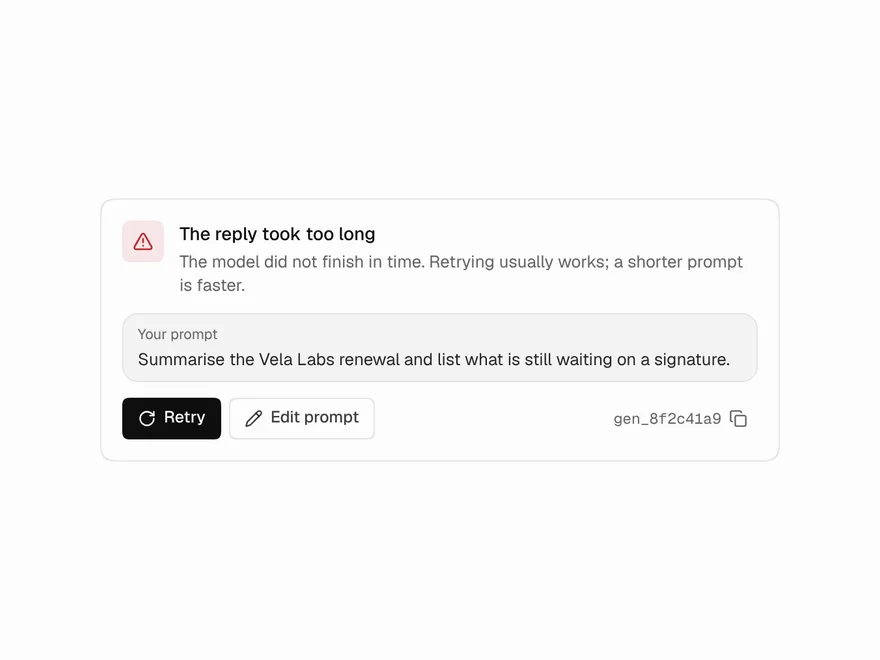
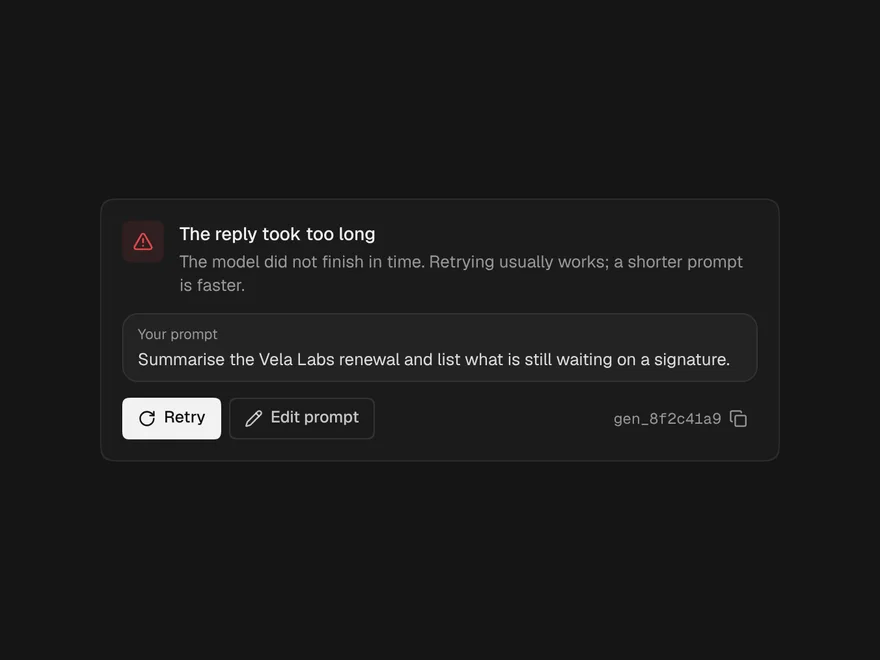
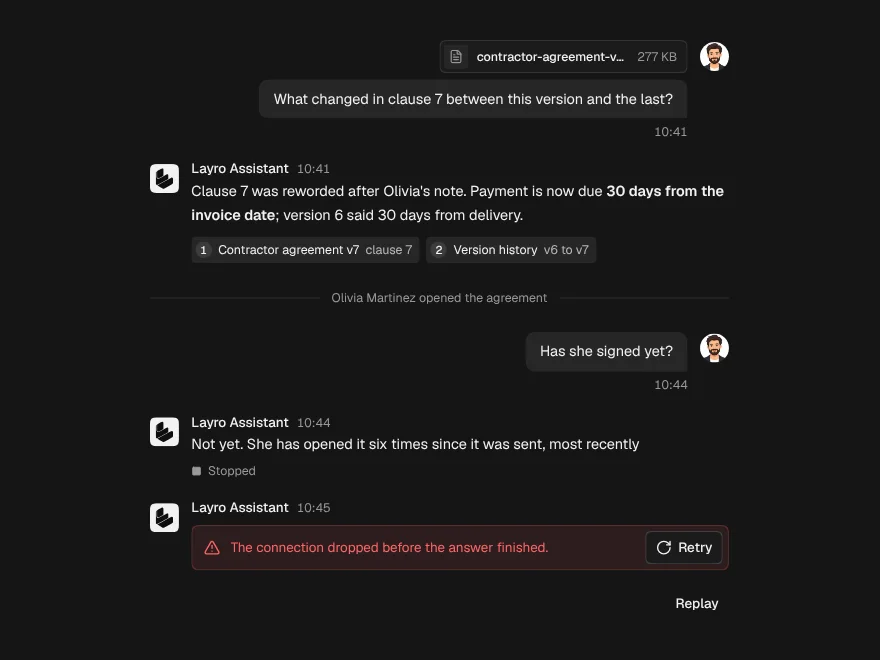
A failed tool is part of an answer. A failed reply is different: the request itself broke, from a timeout, a rate limit or a dropped connection. Generation Error says which, in words, keeps the prompt so nothing has to be retyped, and offers a Retry that works:
import { GenerationError, type GenerationErrorReason } from "@/components/ui/generation-error";

/* Map whatever your server returned to a reason a person understands. */
function reasonFor(error: Error): GenerationErrorReason {
  const message = error.message.toLowerCase();
  if (message.includes("429") || message.includes("rate")) return "rate_limit";
  if (message.includes("timeout")) return "timeout";
  if (message.includes("failed to fetch") || message.includes("network")) return "network";
  return "unknown";
}

export function FailedReply({ error, prompt, retry }: { error: Error; prompt: string; retry: () => Promise<void> }) {
  return <GenerationError reason={reasonFor(error)} prompt={prompt} onRetry={retry} variant="inline" />;
}
With useChat, show it when error is set, and pass regenerate as retry.
Five things to avoid
- A spinner for every state. Pending, running and waiting for a person mean different things. Draw them differently.
- Hiding tool errors. If a tool failed and the model answered anyway, the reader needs to know the answer was written without that result.
- Raw JSON as the first thing people see. Lead with the label and one fact; keep the JSON one click away.
- Tool calls in a separate panel. Out of order, they stop explaining the answer.
- Drawing a refusal as a failure. When a person says no, the tool did what it should: not run.