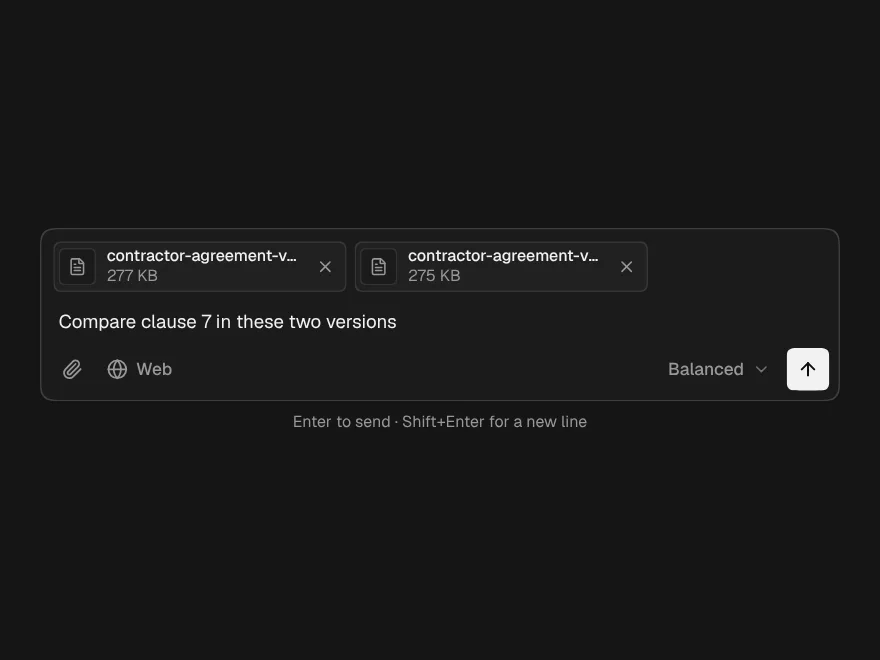
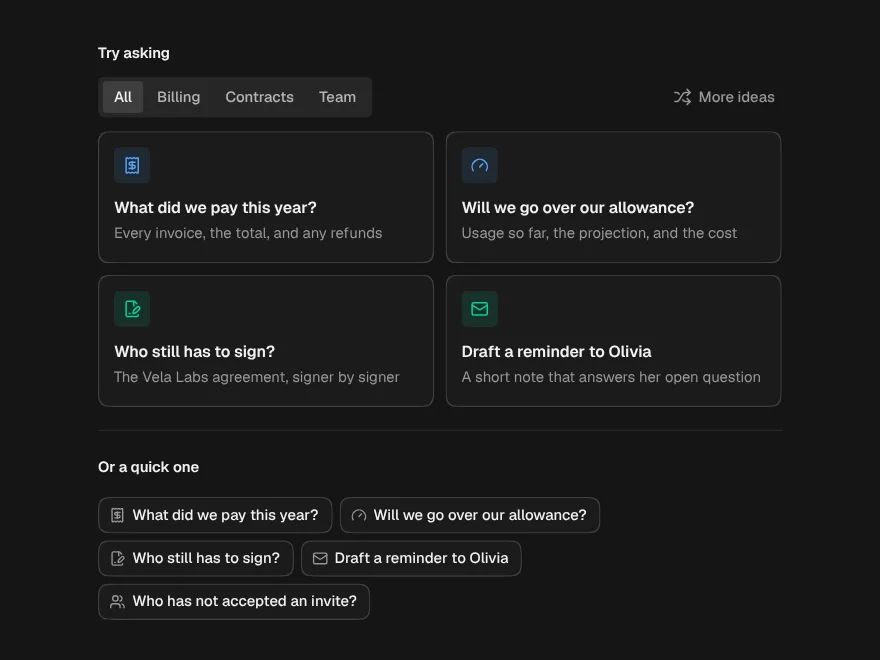
Streaming Response
An answer arriving word by word that looks finished at every moment in between.
- Category
- AI Chat
- Access
- Free with an account
- Source
- 669 lines · one file
- States
- 3 drawn
The decision inside it
It reads Markdown that is not finished yet
A normal renderer shows raw asterisks and pipes until the closing mark arrives, then jumps. This one treats an opener with no closer as open to the end, so the text never redraws itself under the reader.
When to use it
Use Streaming Response to show model output that arrives in pieces: Markdown (headings, lists, tables, code) that looks finished at every moment, with no Markdown library. Pass the text so far and streaming while it grows. AI Chat already uses it for every answer.
Installation
How you get it
Paste this into Claude Code, Cursor, Codex or any coding agent. It installs the file and uses it as it is, instead of writing a new one.
Use Liro's Streaming Response for this.
Install it: npx shadcn@latest add @liro/streaming-response
(the @liro registry is set up in components.json, with LIRO_KEY in .env.local)
Import it from @/components/ui/streaming-response.
Do not rewrite or restyle it. Pass my data through its props
and keep its built-in states.
For the full brief with every prop and the mistakes assistants usually make, use Copy prompt above. Free components install through the @liro registry with your CLI token: see the Namespaced tab.
Usage
import { StreamingResponse } from "@/components/ui/streaming-response";

export function Answer({ text, streaming }: { text: string; streaming: boolean }) {
  return (
    <StreamingResponse
      text={text}
      streaming={streaming}
      onCopyCode={(code) => navigator.clipboard.writeText(code)}
    />
  );
}
API reference
“Copy prompt” above puts a full brief on your clipboard, install command, dependencies, props, and the mistakes an assistant usually makes with this component.
Props
Read from the component’s own TypeScript interface when the site is built, so this table cannot drift from the file you install.
| Type | Notes | ||
|---|---|---|---|
text | string | Yes | The answer so far, as Markdown. Pass the whole growing string on every chunk. |
streaming | boolean | No | True while more is coming. Shows the caret and fades new words in. |
smooth | boolean | No | Even out bursty chunks so the text arrives at a steady pace. Default true. |
animateWords | boolean | No | Fade each word in as it arrives. Default true. |
onSettled | () => void | No | Called once the last character is on screen: `streaming` is false and the pacing has caught up. |
onCopyCode | (code: string, language?: string) => void | No | Called with the code when a block's Copy is pressed. |
Dependencies
npm packages
clsxframer-motionlucide-reacttailwind-mergeLiro foundations, installed alongside it
liro-themebuttonStates
All of them are drawn by the component. None is left for you to design.
- Streaming
- Settled
- Reduced motion
Accessibility
- Keyboard reachable throughout, in visual order
- Focus trapped in overlays, Escape closes them
- Focus returns to whatever opened it
- Live regions announce what changed, not that something did
- Honours prefers-reduced-motion
Responsive behavior
- Sizes to its container, not the viewport
- Usable from 320px up
- Pointer-based interaction, so trackpad and touch both work
- No hover-only affordances
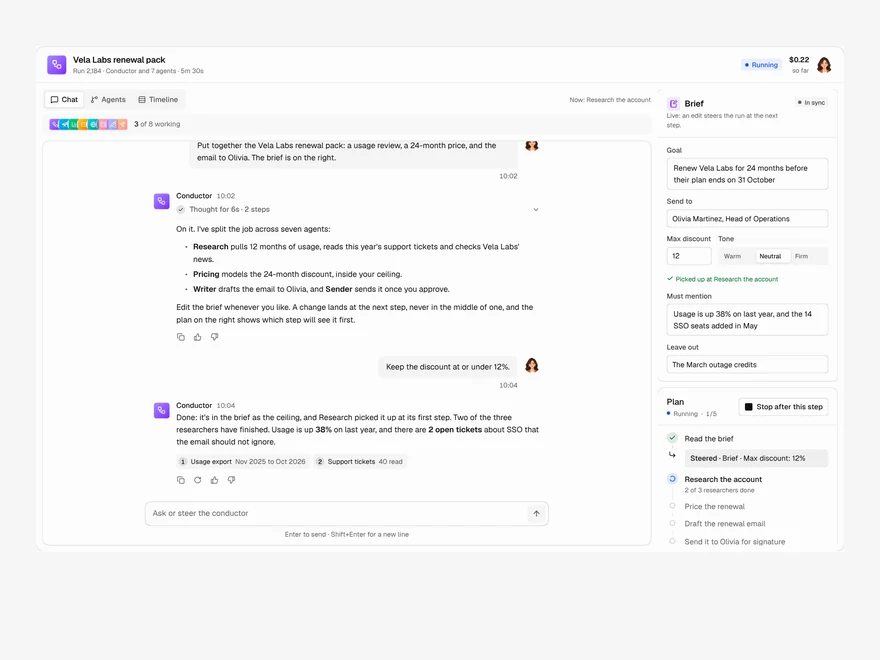
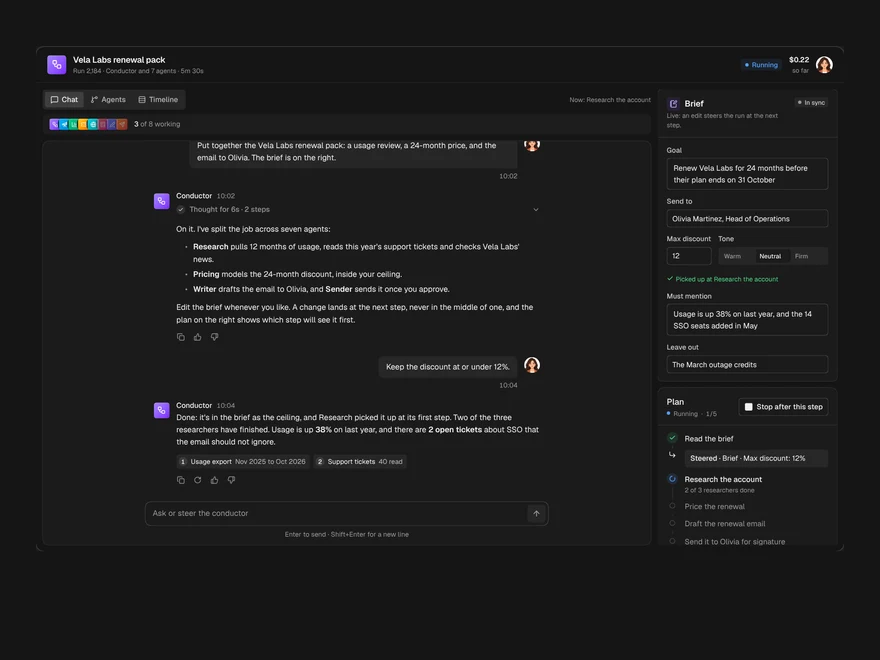
Used in a screenAll screens
More like Streaming Response
All AI Chat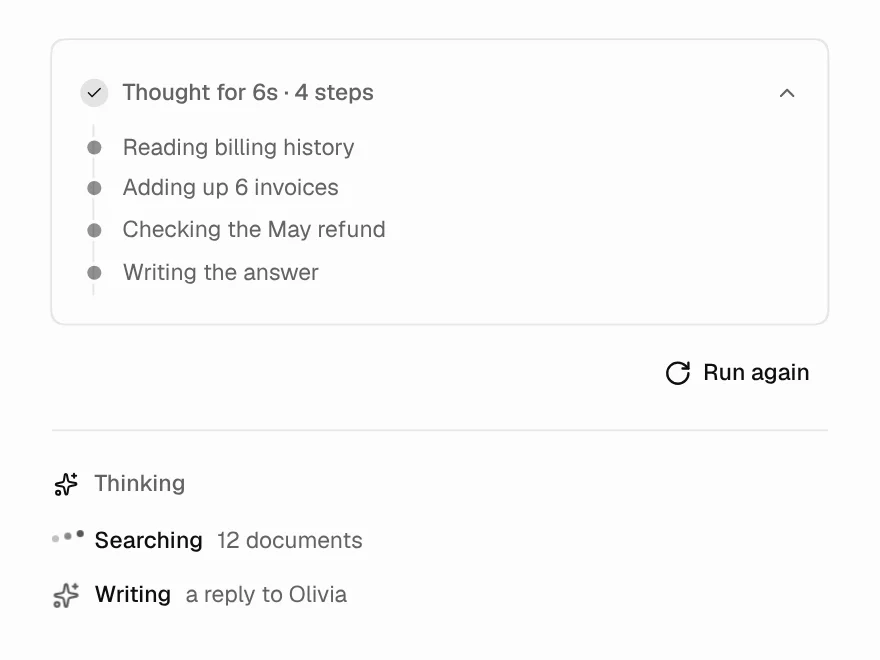 Free
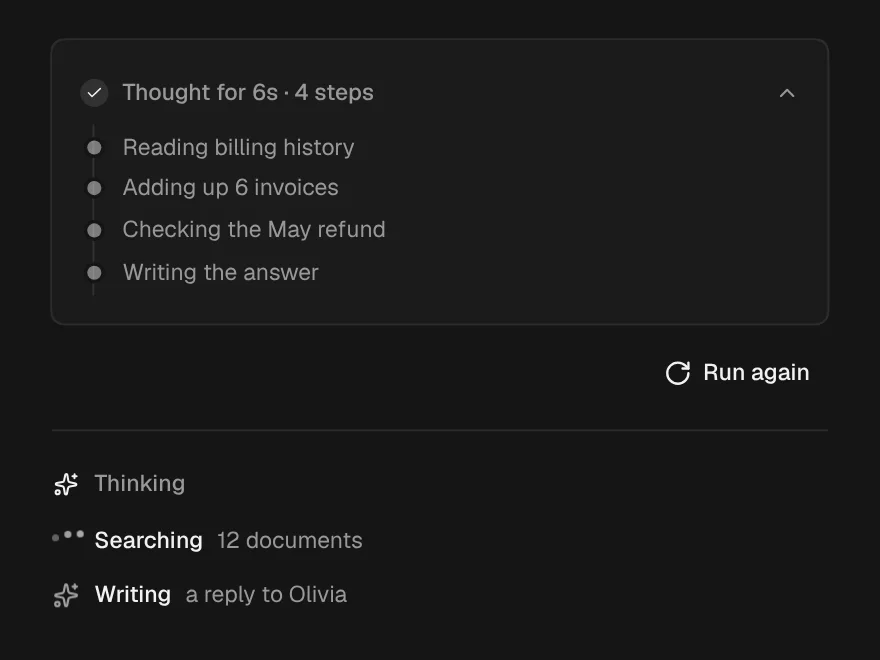
Thinking State
Loading state while the AI is thinking.
 Free
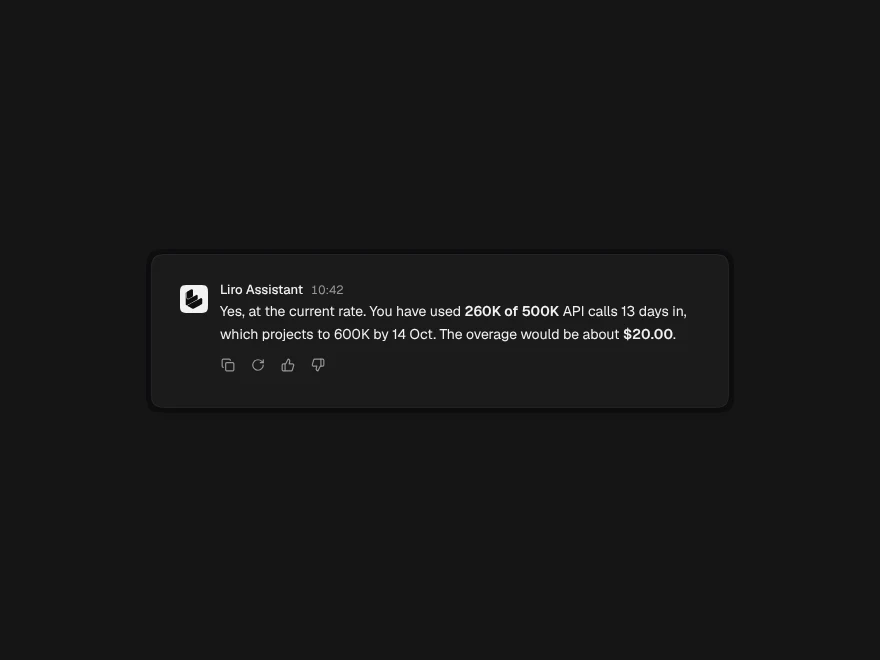
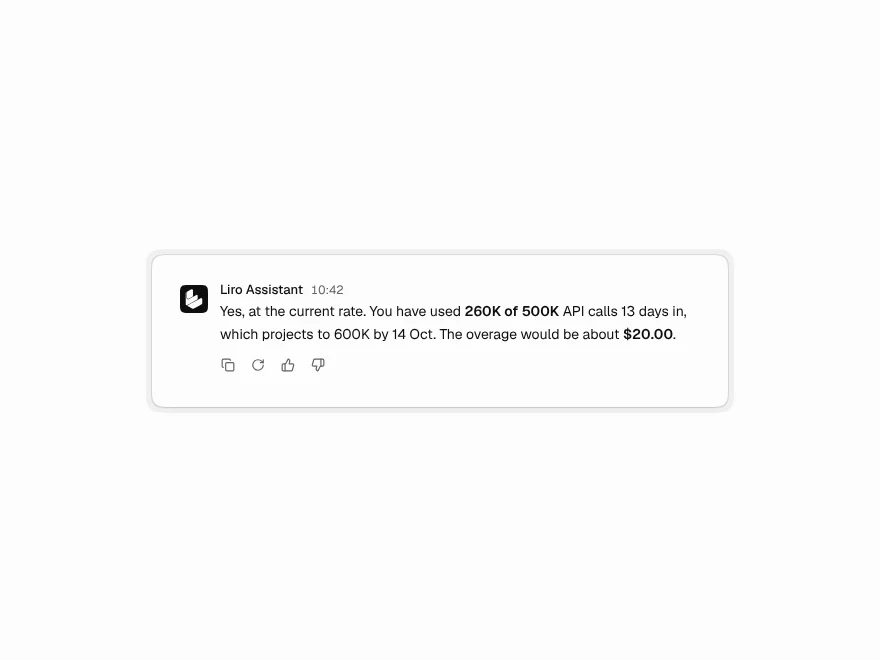
Message Actions
Copy, regenerate and rate buttons for AI replies.
 Free
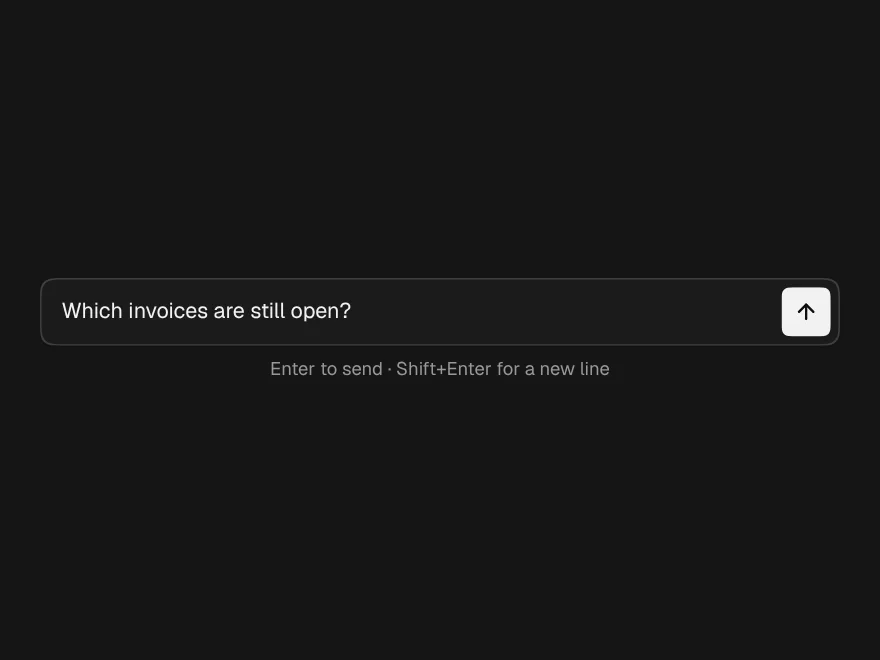
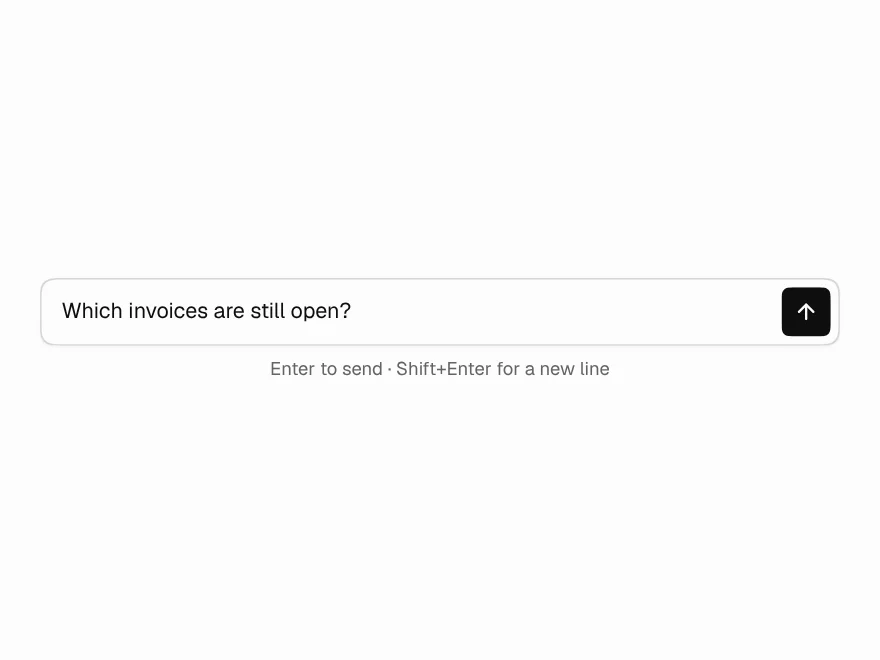
Prompt Input
Auto-growing prompt box with send and stop.
 Free
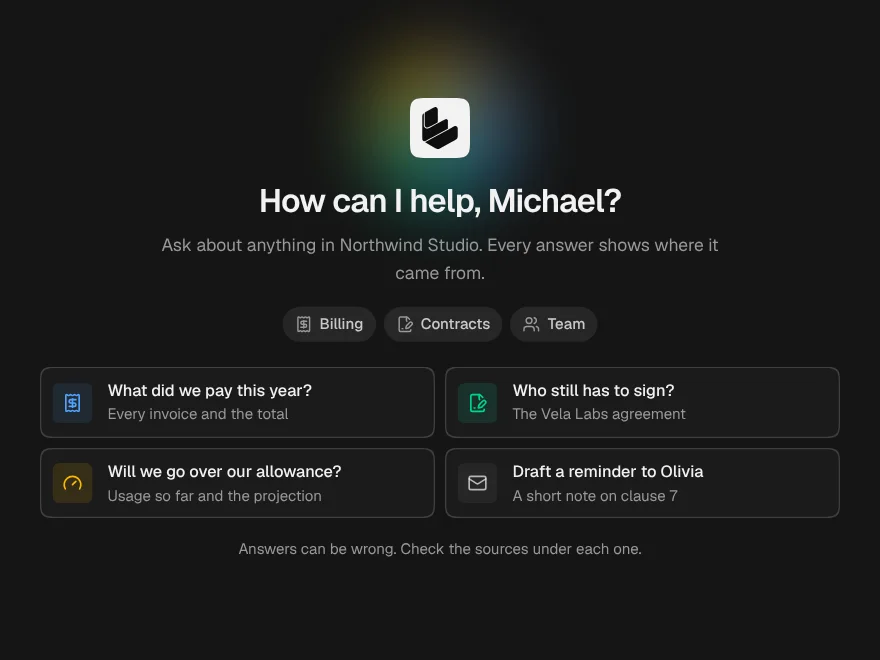
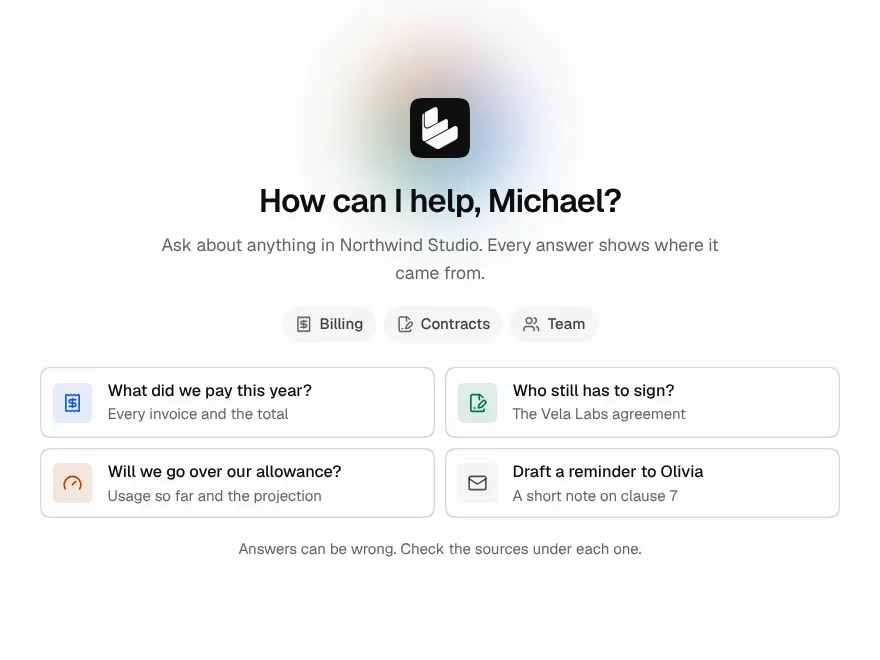
Chat Empty State
Welcome screen for a new AI chat.
 Pro
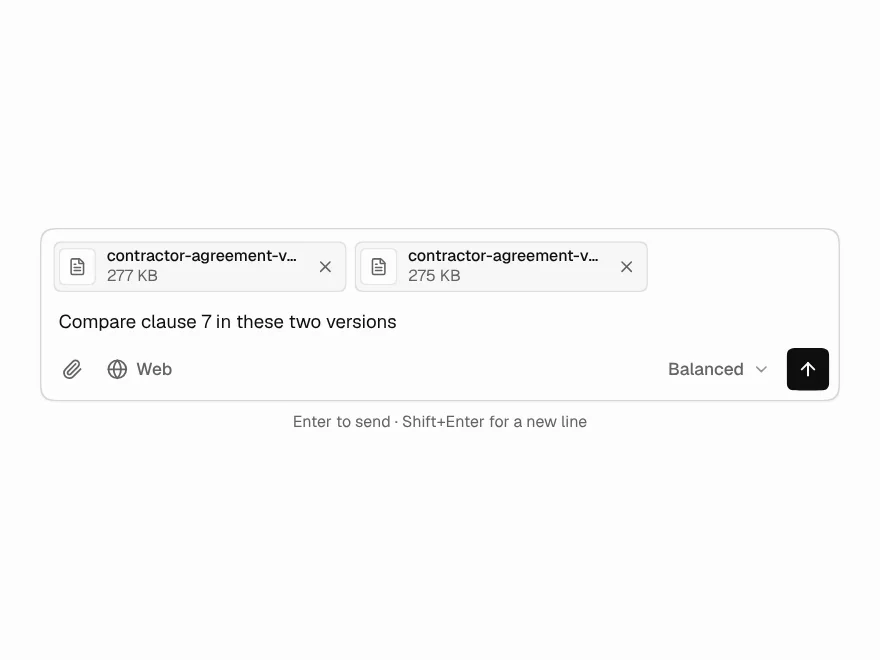
Prompt Composer
Prompt input with files, model picker and commands.
 Pro
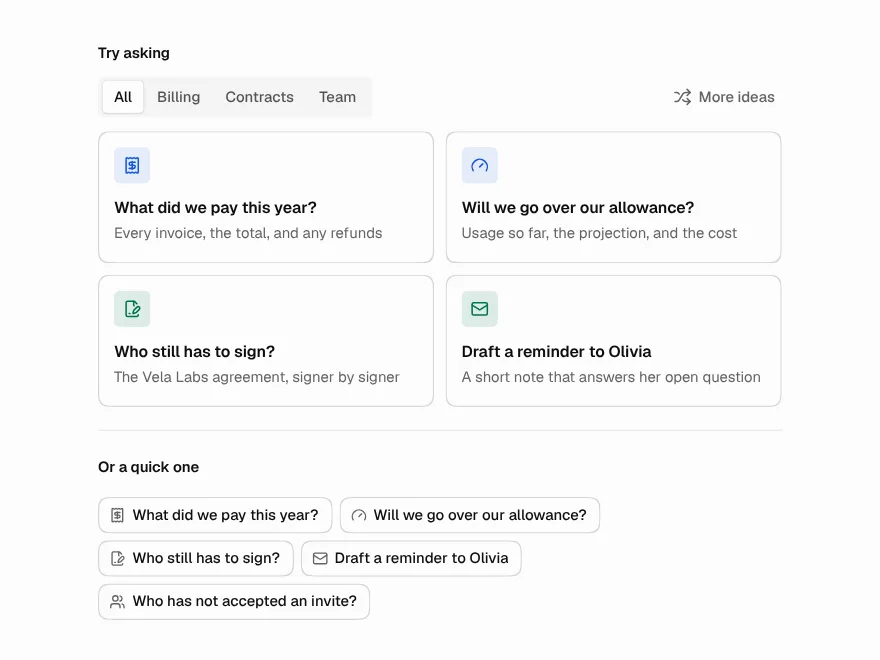
Suggested Prompts
Starter prompt cards and chips for AI chat.