Assistant Home
Where someone lands when they open the assistant. A greeting, the prompt box with a model picker, the apps it can read, and suggestions drawn from what those apps report, with past chats down the side and saved prompts one click away.
When to use
- The first page of an AI assistant or copilot
- Products where the assistant reads the user's other tools
- Getting someone from an empty box to a useful first question
When not to use
- Inside a conversation already under way: use AI Chat
- A setup flow for a new workspace: use the Onboarding screen
The decision inside it
Suggestions come from the connected apps
Every suggestion is a real count an app reported, with the app's mark, ordered by how urgent it is. An app that fails to sync adds nothing and the page says so, instead of offering a generic prompt that leads nowhere.
Installation
Assistant Home is a Pro screen, included with pro lifetime. It is two files on top of the Liro components it is made of.
- Add the components it uses:
npx shadcn@latest add @liro/avatar @liro/button @liro/drawer @liro/toast @liro/prompt-composer @liro/model-picker @liro/suggested-prompts @liro/conversation-history @liro/prompt-library - Copy
screens/assistant-home.tsxandscreens/data/assistant-home.tsfrom the Code tab above into your project, at the same paths. - It also imports
@/liband@/demos/brand-logos: Liro’s shared helpers and the demo’s sample images. Point them at your own.
Usage
import { AssistantHome } from "@/screens/assistant-home";

export default function Page() {
  /* A screen fills the box it is given: give it the window. */
  return (
    <main className="h-dvh">
      <AssistantHome name="Olivia" className="h-full" />
    </main>
  );
}
Built from
Every Liro component this screen imports. Each has its own page, props and install command.
API reference
Read from AssistantHomeProps when the site is built. It also takes every attribute a div does, such as className.
AssistantHome
| Type | Notes | ||
|---|---|---|---|
state | AssistantHomeState | No | – |
name | string | No | The person's first name, for the greeting. |
assistantAvatar | React.ReactNode | No | The assistant's mark. Default: a sparkle tile. |
Accessibility
- The prompt box, model picker and suggestions work from the keyboard
- Sync problems are announced, not only shown
- Movement follows the reduced-motion setting
Responsive behavior
- Fills the box it is given: mount it at the window's height
- Past chats move into a drawer on narrow widths
- Light and dark come from the Liro theme: it follows the dark class on <html>, like every component.
More screens
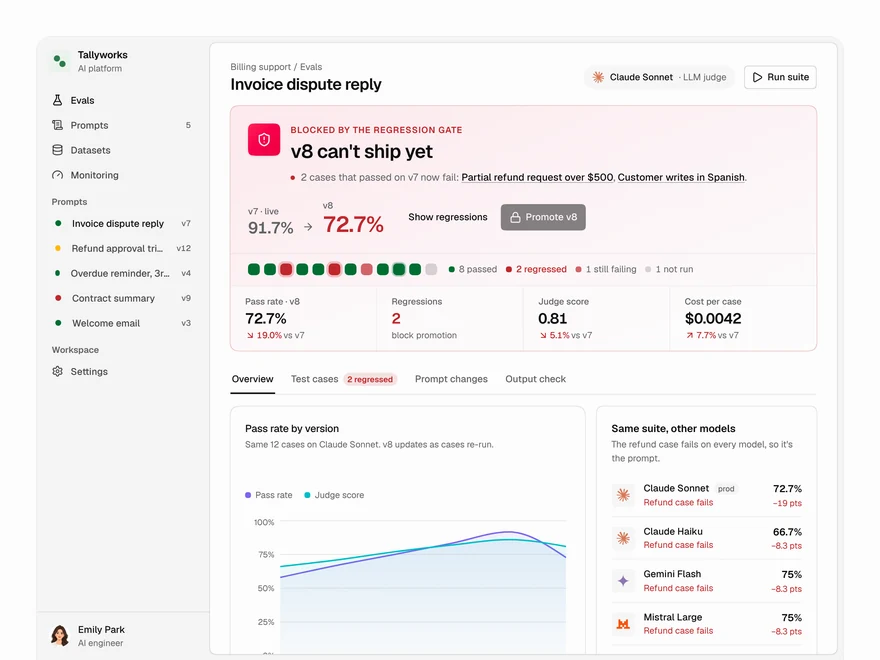
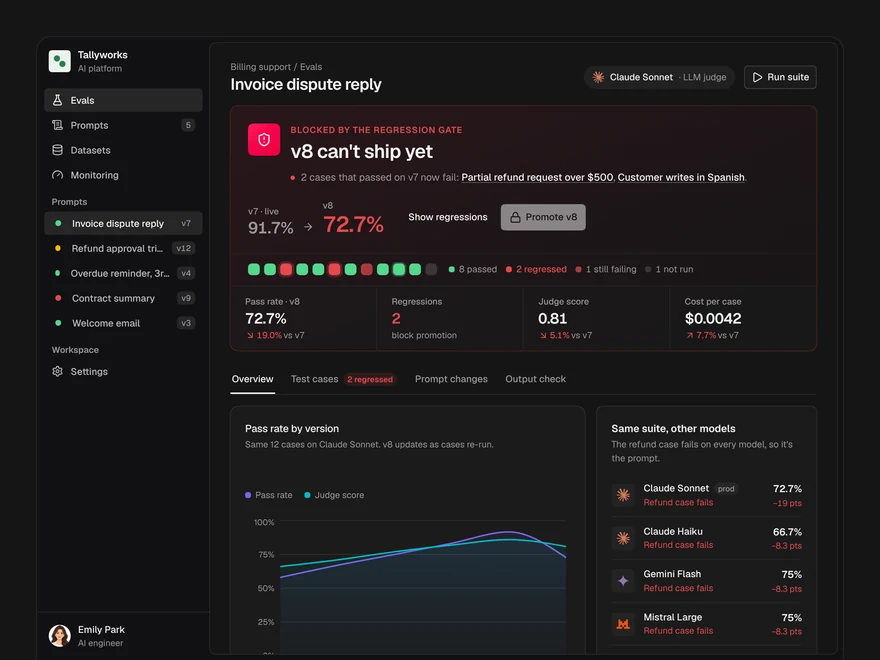
Evals
Decide whether a prompt version ships: a pass or block gate, pass rates, model checks and cases.
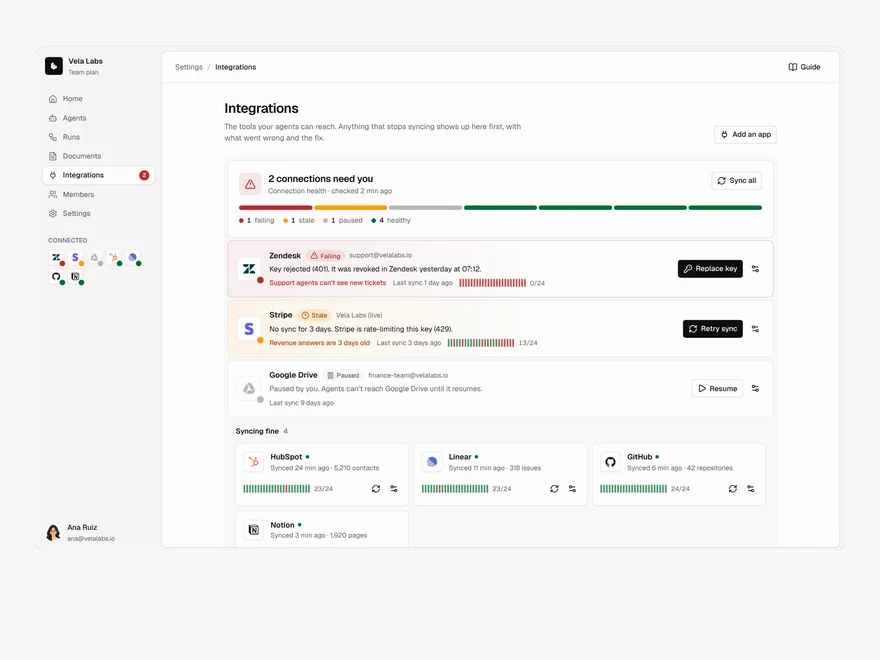
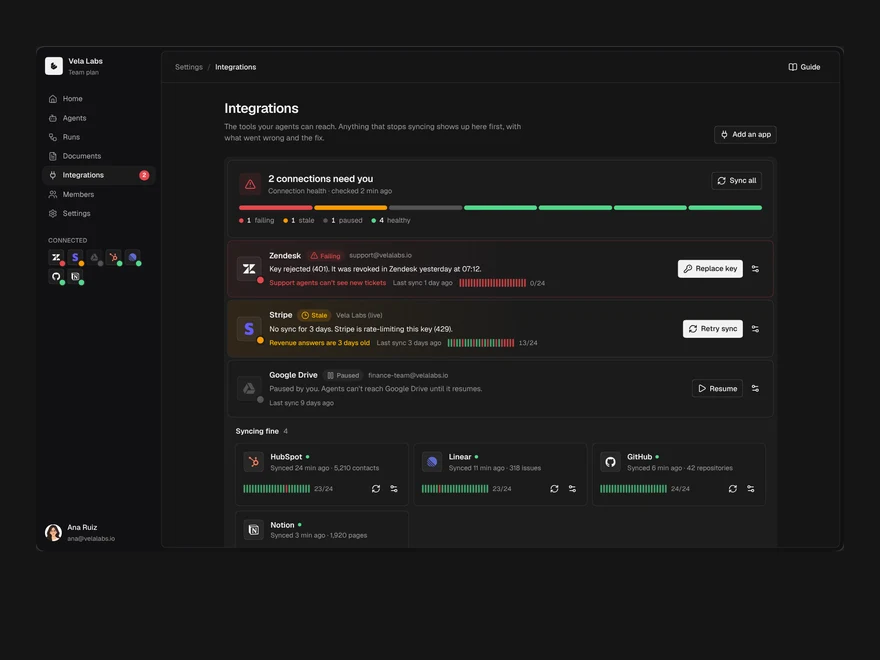
Integrations
Connected tools with their health first: what is broken, what is fine, and a directory to add more.
Onboarding
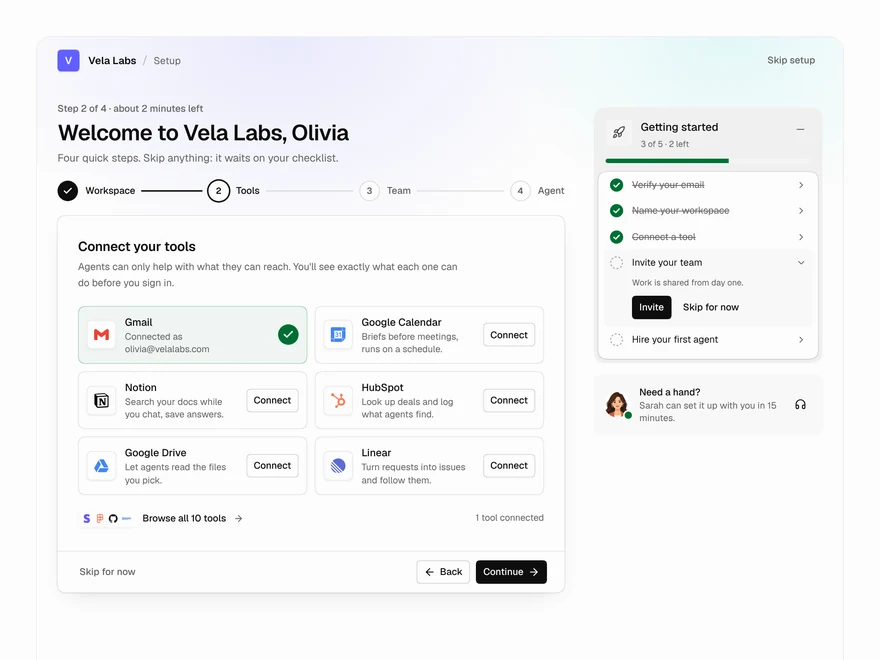
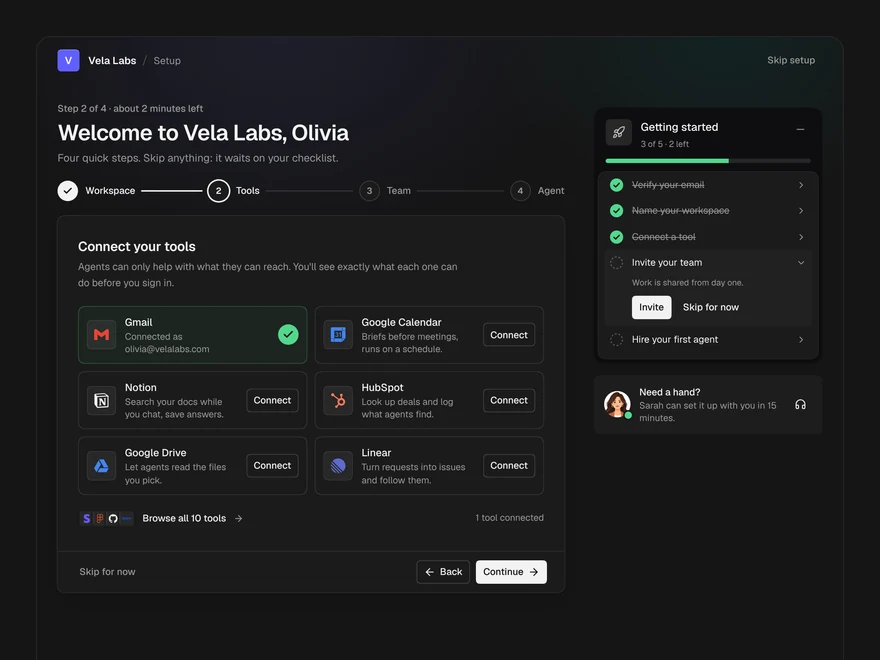
The first run of an AI workspace: name it, connect tools, invite the team, hire a first agent.
Liro · 258 components · 11 screens · 4 templates