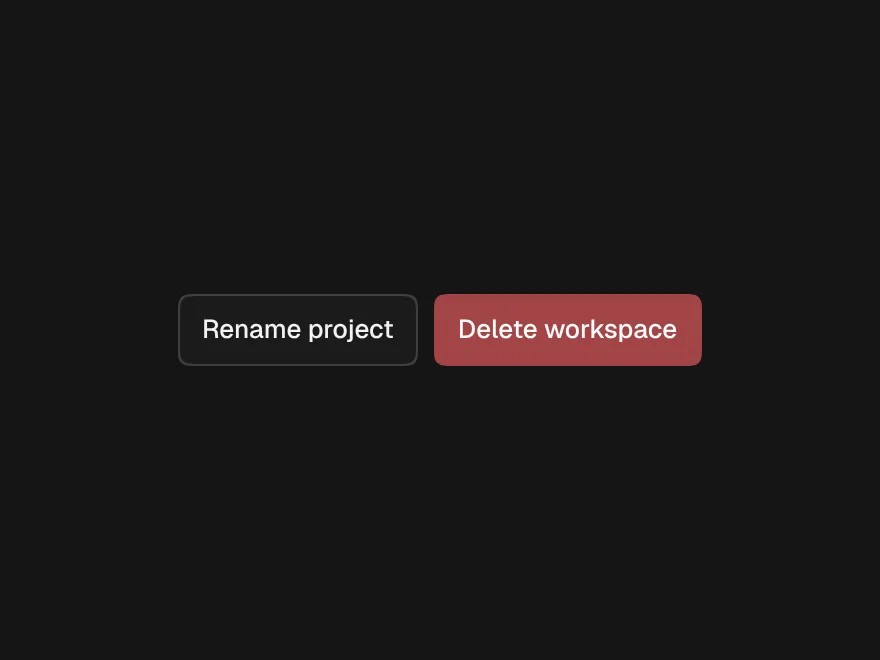
Toast
toast(), toast.success() and toast.error() from anywhere, with actions and swipe to dismiss.
- Category
- Overlays
- Access
- Free with an account
- Source
- 172 lines · one file
When to use it
Use toast() for short results of an action: "Saved", "Invite sent", an error that stays until dismissed, or an action such as Undo. Render <Toaster /> once in your root layout, then call toast from anywhere.
Installation
How you get it
Paste this into Claude Code, Cursor, Codex or any coding agent. It installs the file and uses it as it is, instead of writing a new one.
Use Liro's Toast for this.
Install it: npx shadcn@latest add @liro/toast
(the @liro registry is set up in components.json, with LIRO_KEY in .env.local)
Import it from @/components/ui/toast.
Do not rewrite or restyle it. Pass my data through its props
and keep its built-in states.
For the full brief with every prop and the mistakes assistants usually make, use Copy prompt above. Free components install through the @liro registry with your CLI token: see the Namespaced tab.
Usage
"use client";

import { Button } from "@/components/ui/button";
import { Toaster, toast } from "@/components/ui/toast";

export function SaveButton({ save, undo }: { save: () => Promise<void>; undo: () => void }) {
  return (
    <>
      <Button
        onClick={async () => {
          try {
            await save();
            toast.success("Changes saved", { action: { label: "Undo", onClick: undo } });
          } catch {
            toast.error("Could not save", { description: "Check your connection and try again." });
          }
        }}
      >
        Save
      </Button>
      {/* Once, in your root layout: */}
      <Toaster />
    </>
  );
}
API reference
“Copy prompt” above puts a full brief on your clipboard, install command, dependencies, props, and the mistakes an assistant usually makes with this component.
Props
Read from the component’s own TypeScript interface when the site is built, so this table cannot drift from the file you install.
| Type | Notes | ||
|---|---|---|---|
position | "bottom-right" | "bottom-center" | "top-right" | "top-center" | No | Where the stack sits. Default bottom-right; bottom-center on narrow screens. |
Dependencies
npm packages
@radix-ui/react-toastclsxlucide-reacttailwind-mergeLiro foundations, installed alongside it
liro-themeAccessibility
- Keyboard reachable throughout, in visual order
- Focus trapped in overlays, Escape closes them
- Focus returns to whatever opened it
- Live regions announce what changed, not that something did
- Honours prefers-reduced-motion
Responsive behavior
- Sizes to its container, not the viewport
- Usable from 320px up
- Pointer-based interaction, so trackpad and touch both work
- No hover-only affordances
Used in screensAll screens
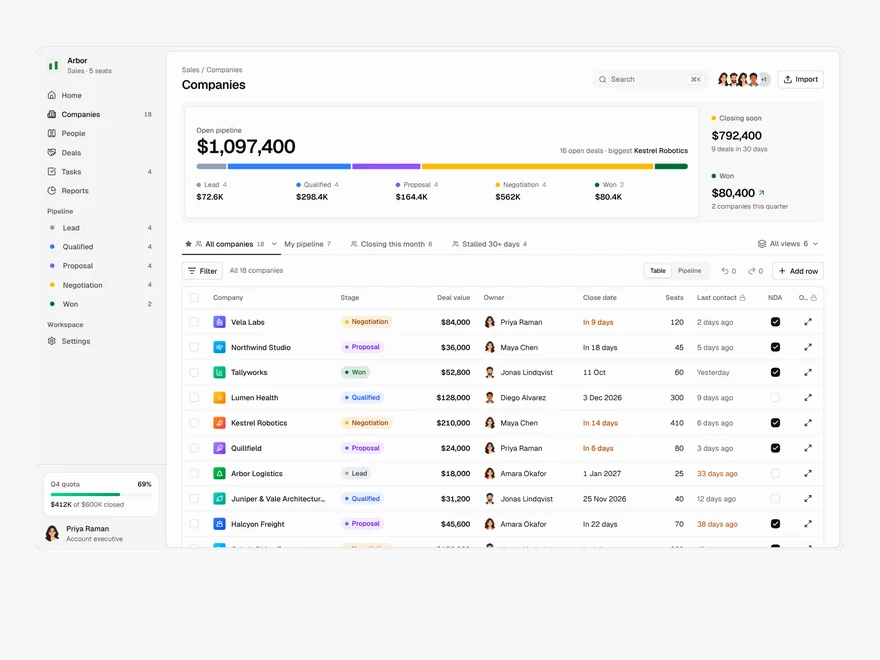
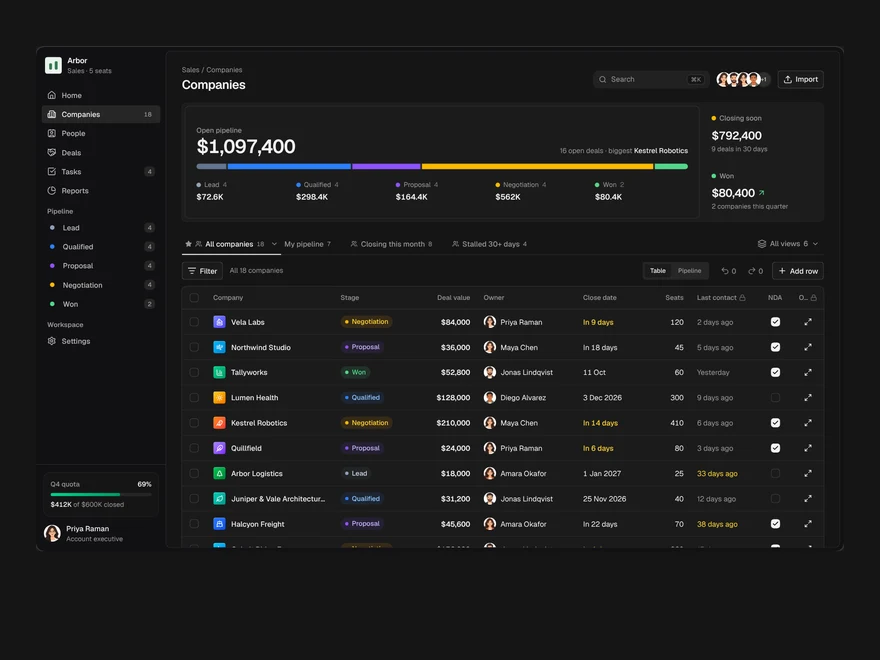
CRM
A sales pipeline: saved views as tabs, an editable company table, a board and a record drawer.
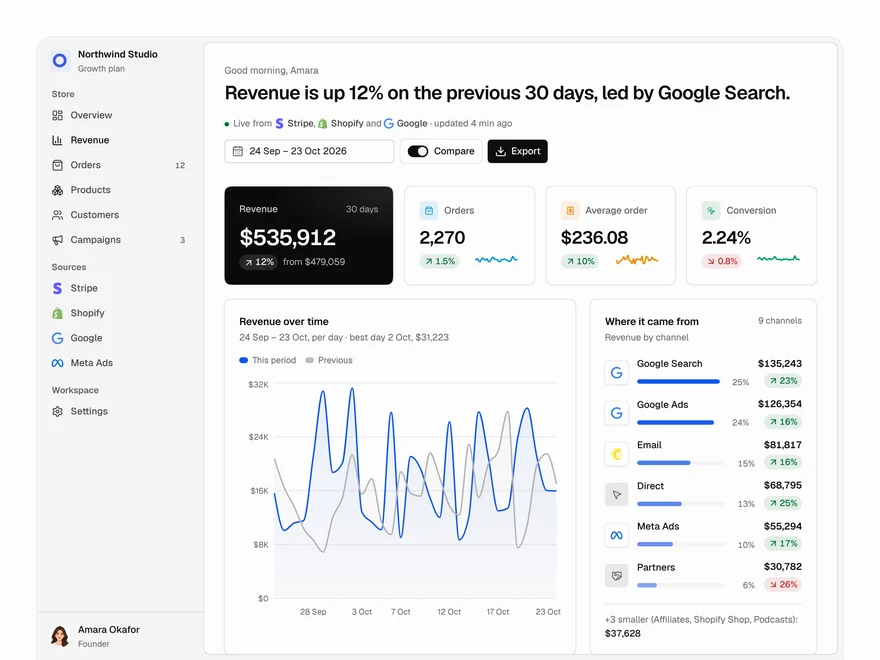
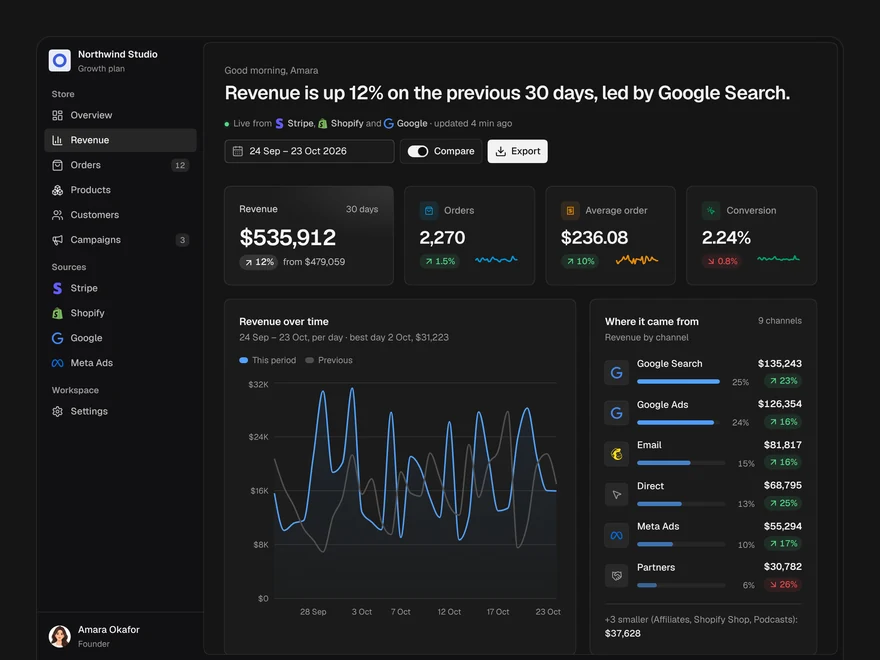
Analytics
A revenue dashboard: four key figures, revenue over time, channels, top products and what moved.
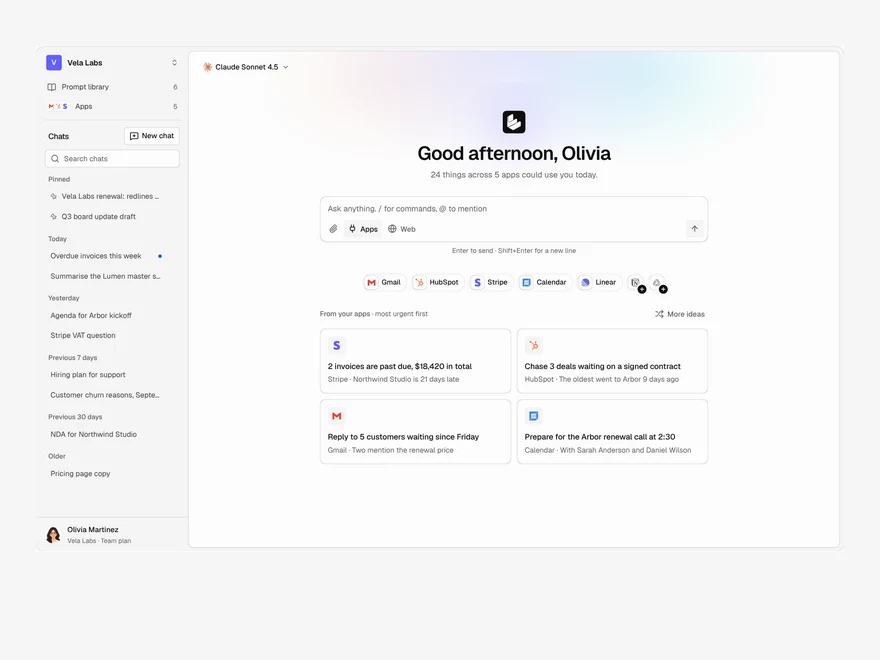
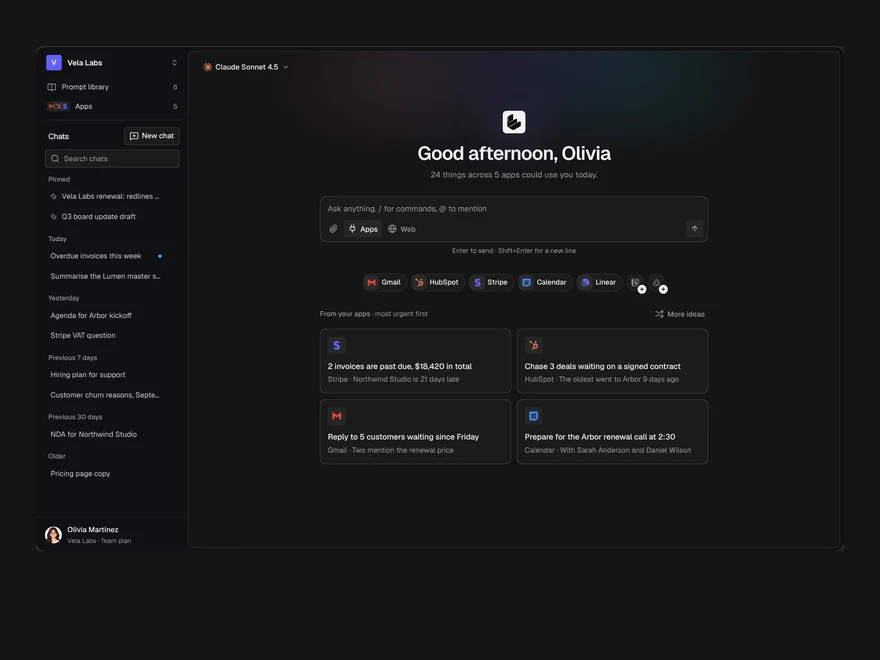
Assistant Home
The start page of an AI assistant: a greeting, the prompt box, connected apps and suggestions from them.
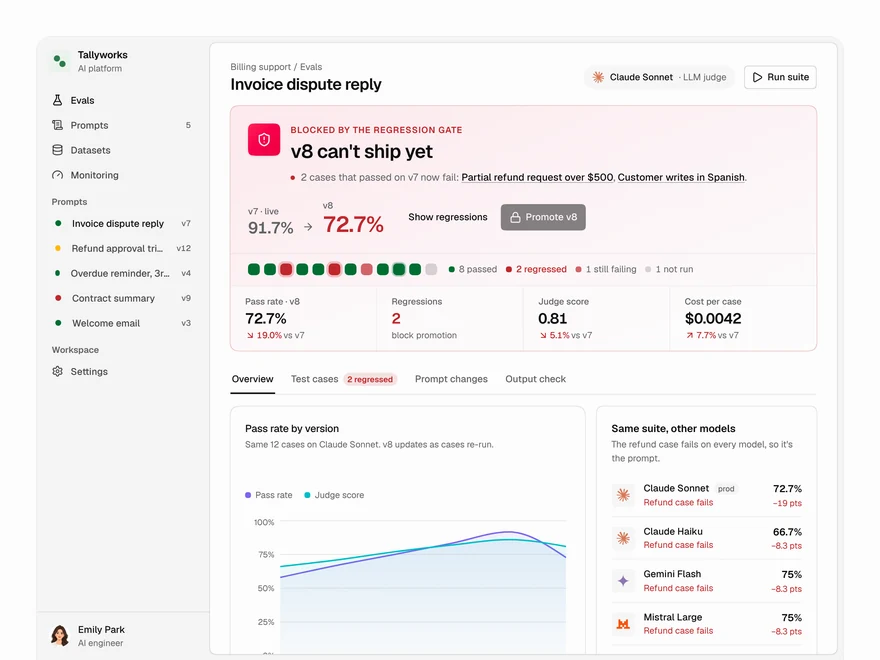
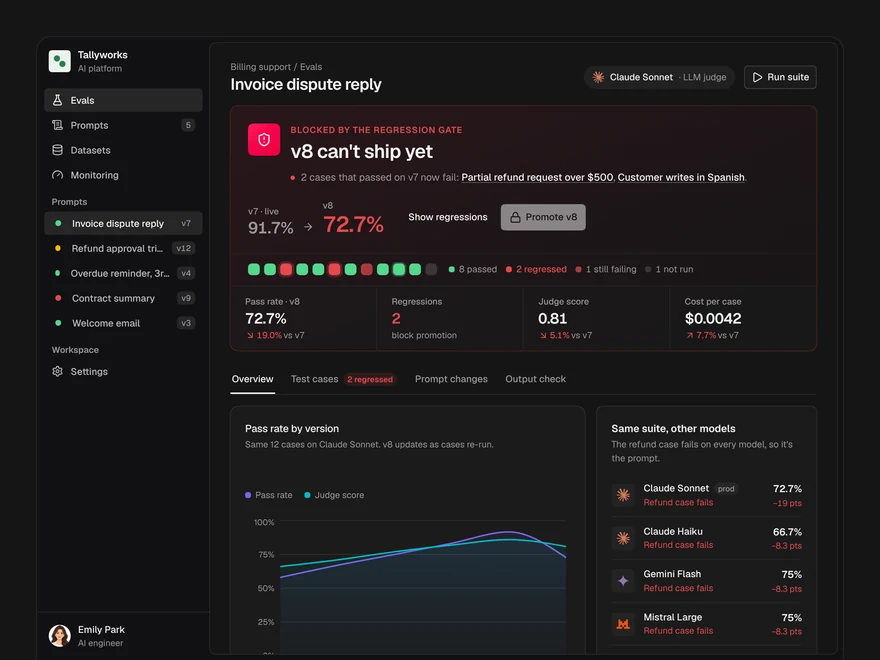
Evals
Decide whether a prompt version ships: a pass or block gate, pass rates, model checks and cases.
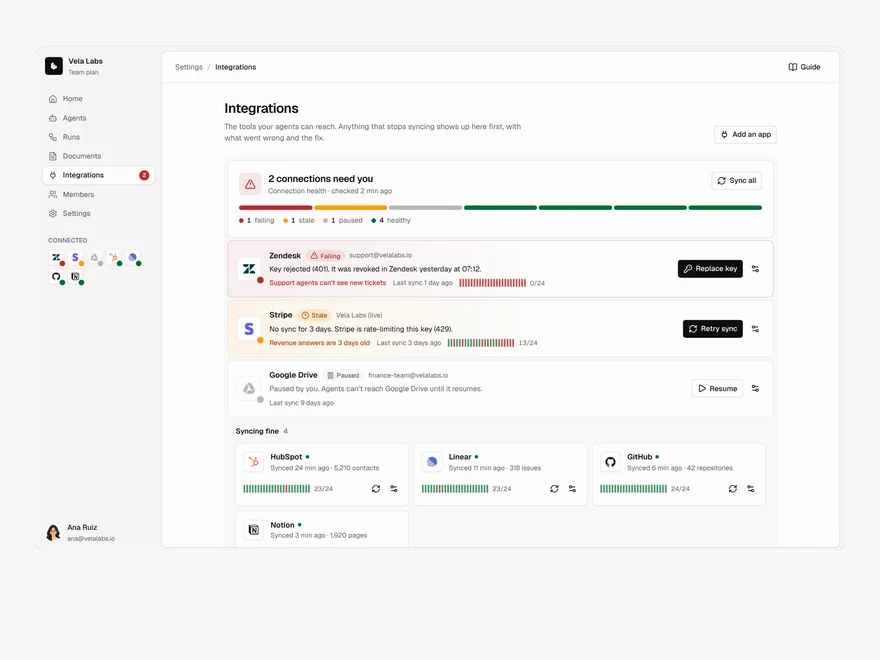
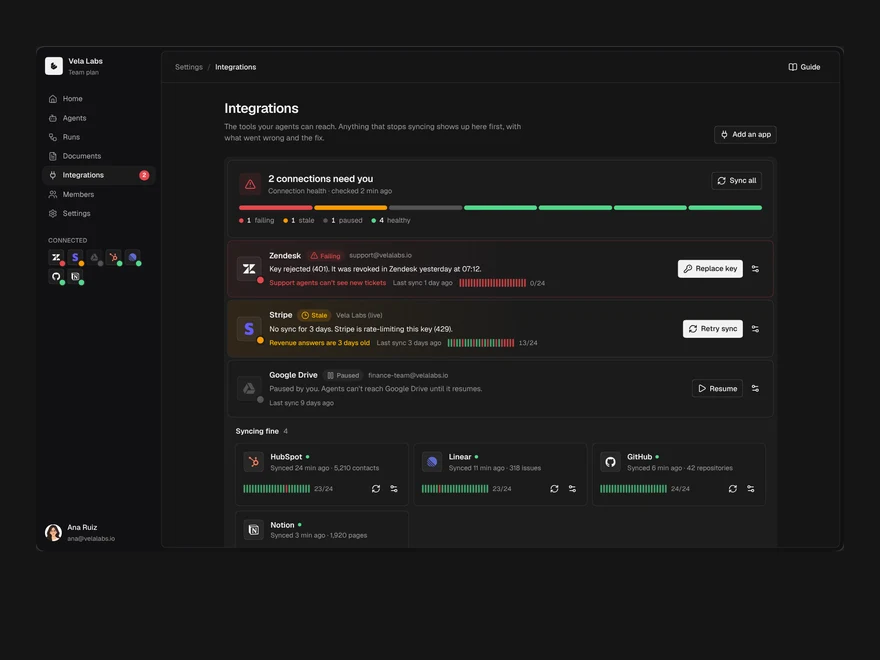
Integrations
Connected tools with their health first: what is broken, what is fine, and a directory to add more.
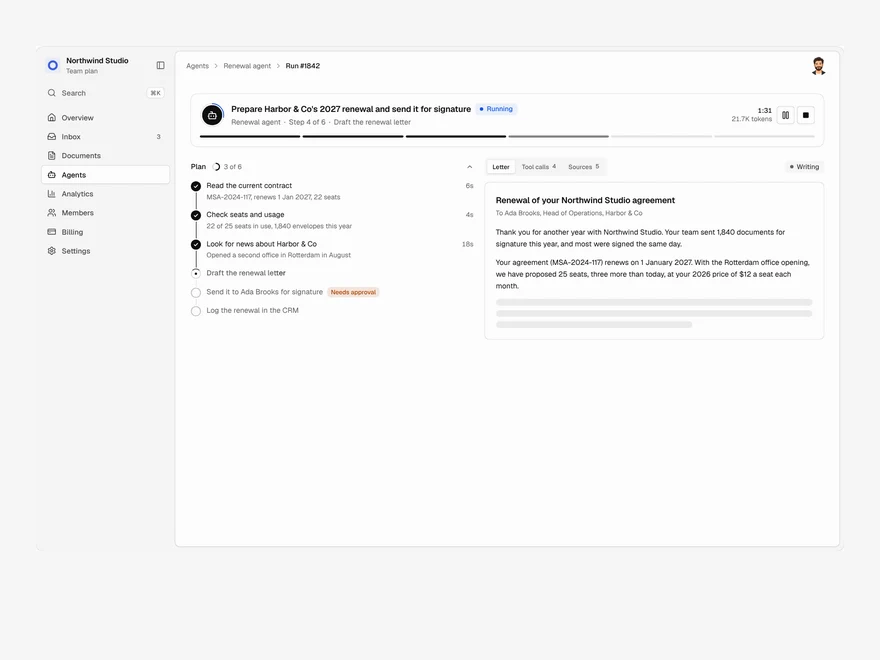
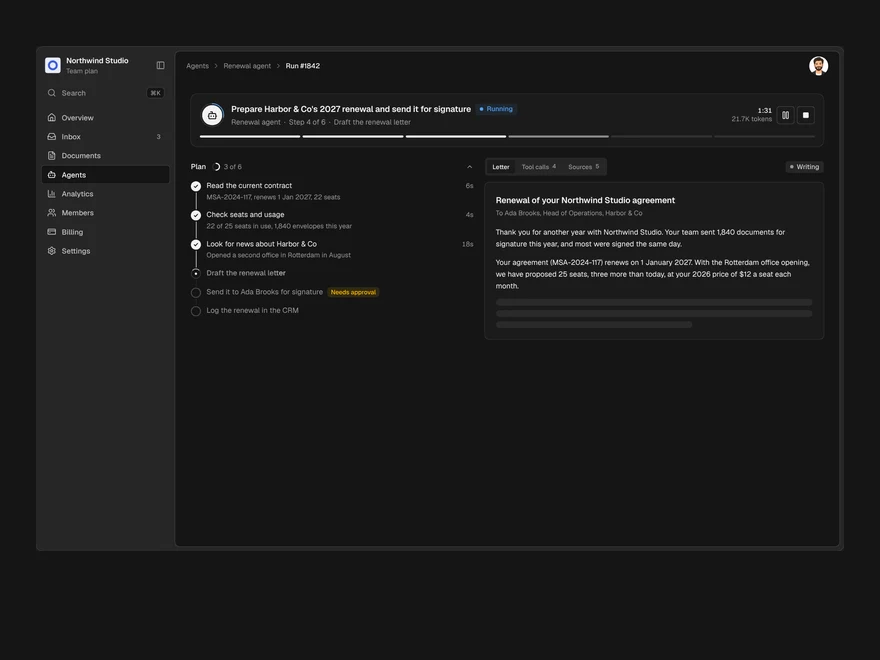
Agent Run
One agent run, live: its plan, every tool call, a pause for approval and the finished output.
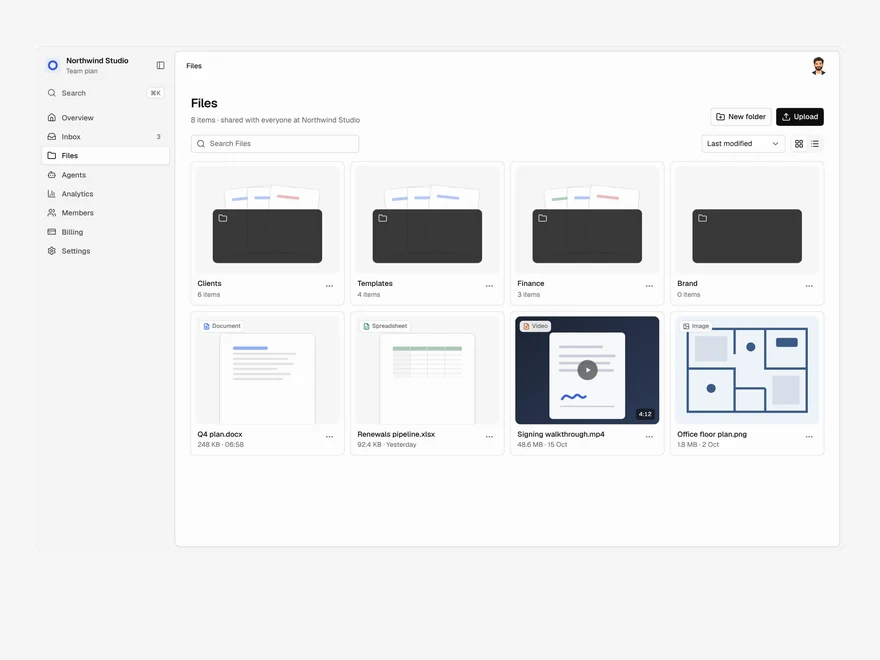
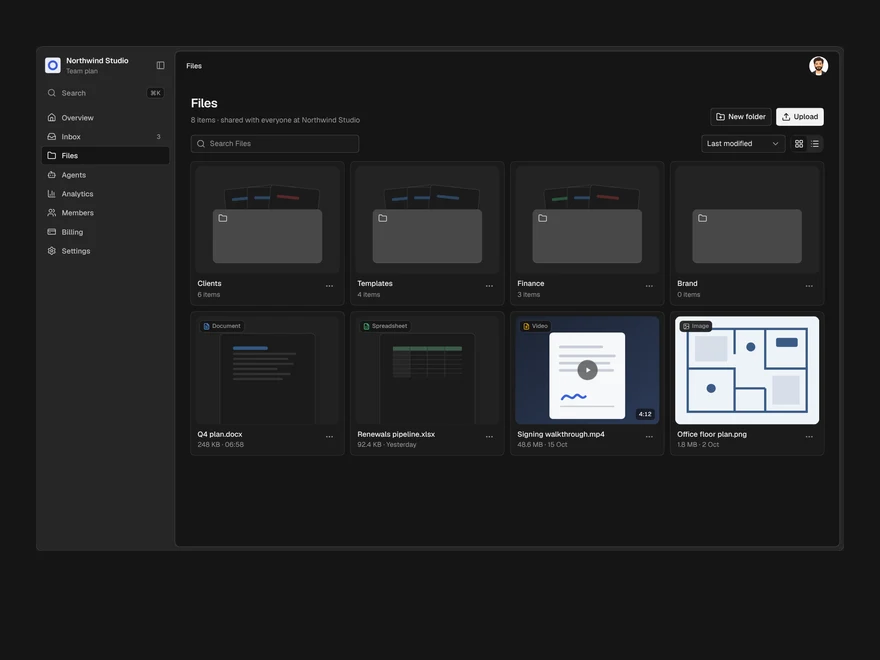
Files
A shared drive: folders and files in a grid or a list, drag to upload, rename, move and delete.
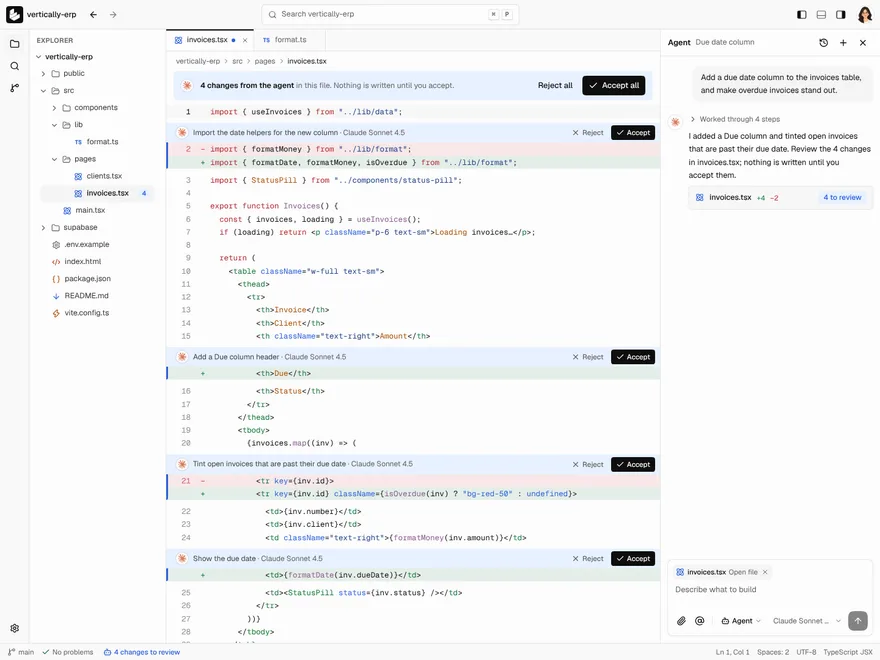
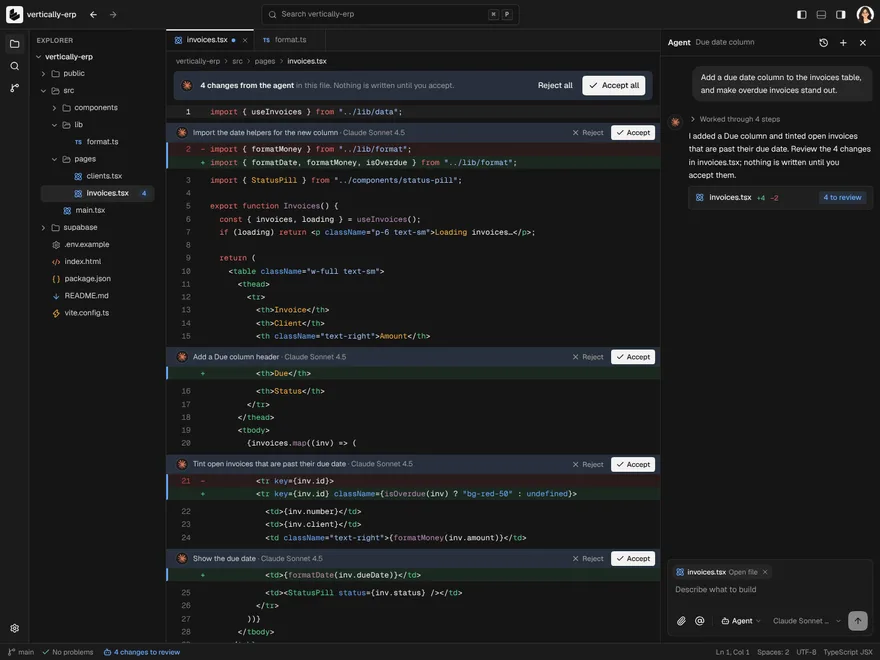
Code Editor
An editor with an agent beside it: files, tabs and code, and a chat whose edits you accept one change at a time.
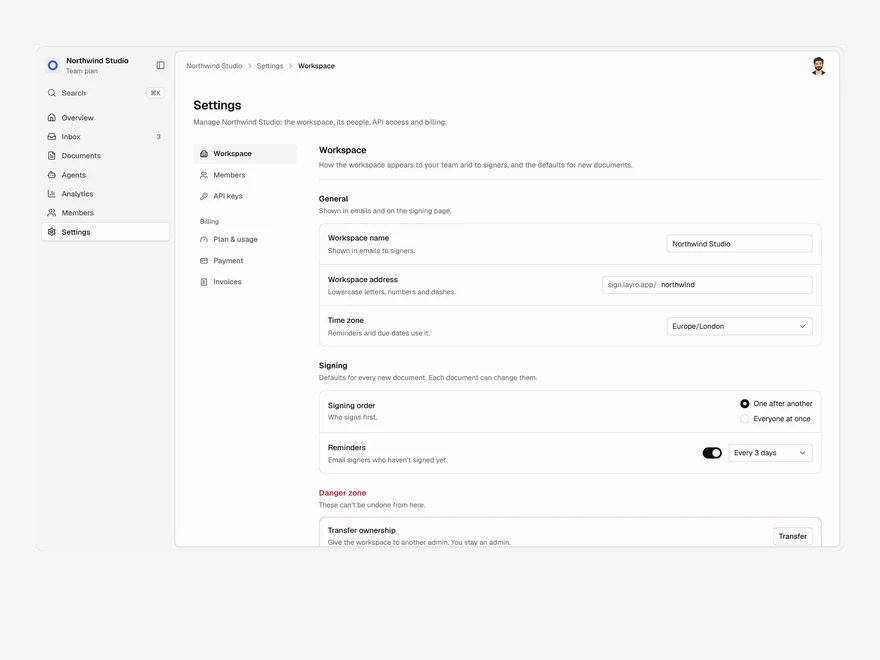
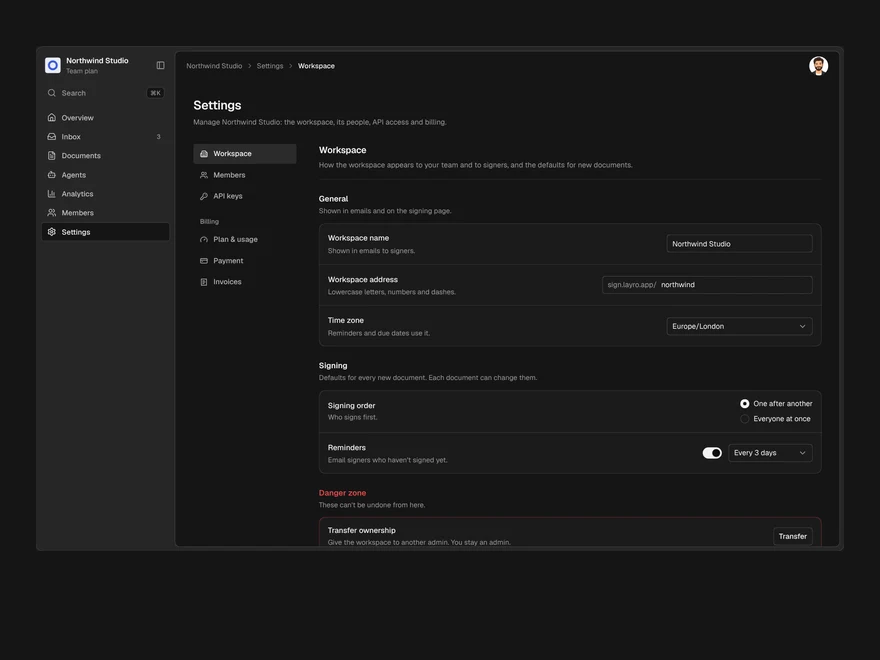
Settings & Billing
Workspace settings, members, API keys and billing in one page, with one save bar for every change.
More like Toast
All Overlays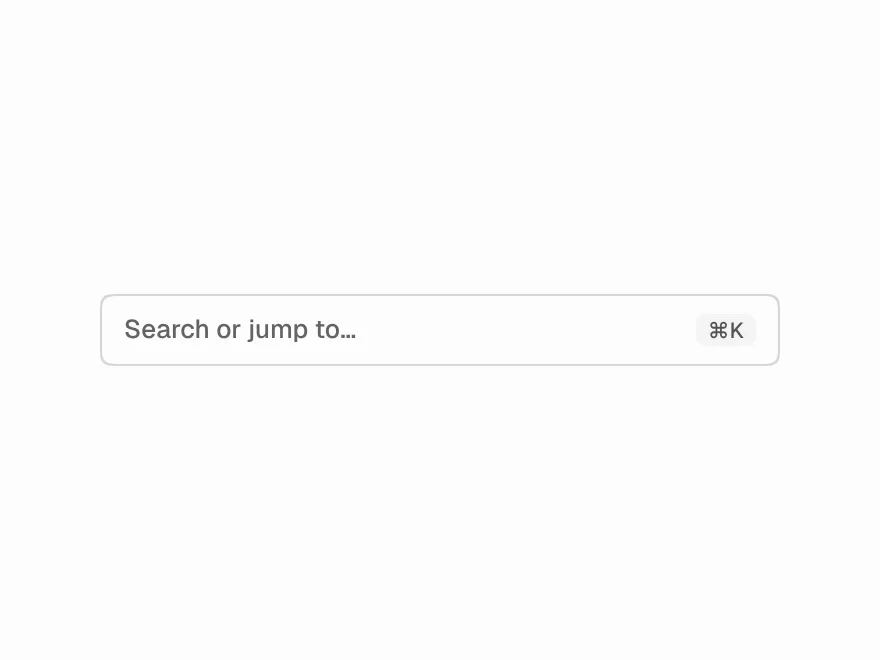 Free
Command Menu
Command palette (⌘K) with search.
 Free
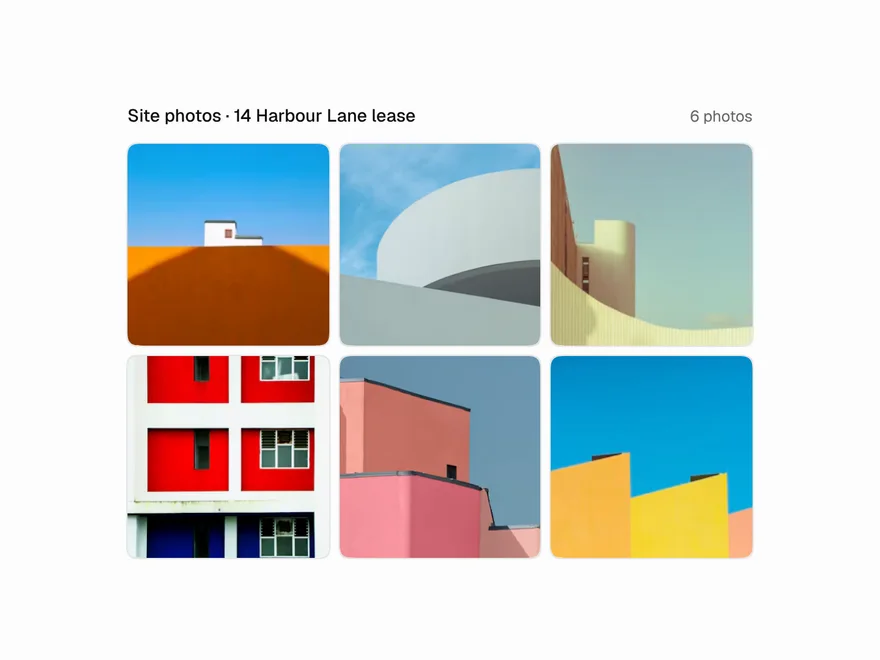
Lightbox
Image lightbox with zoom and swipe.
 Free
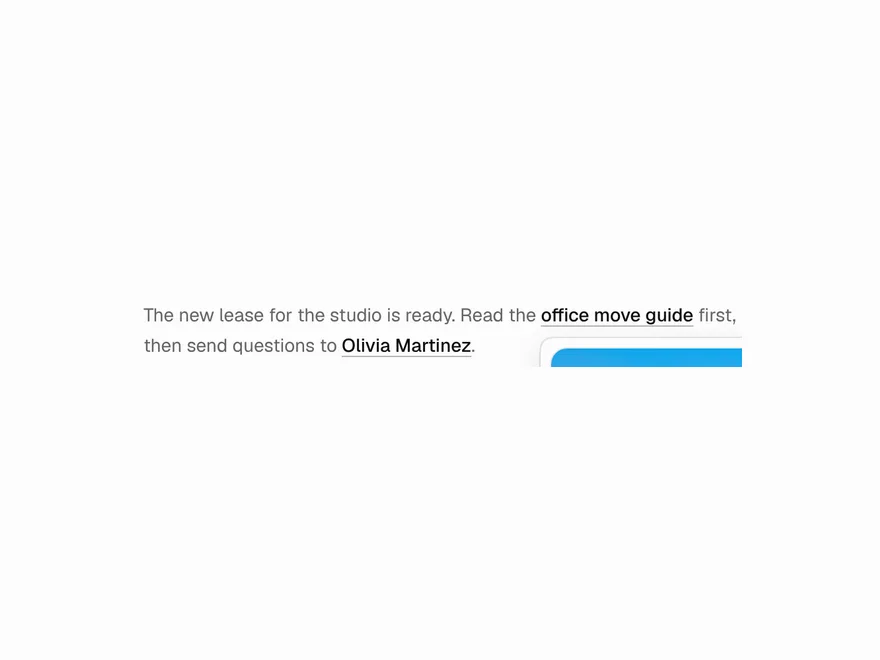
Hover Card
Hover card for profile and link previews.
 NewFree
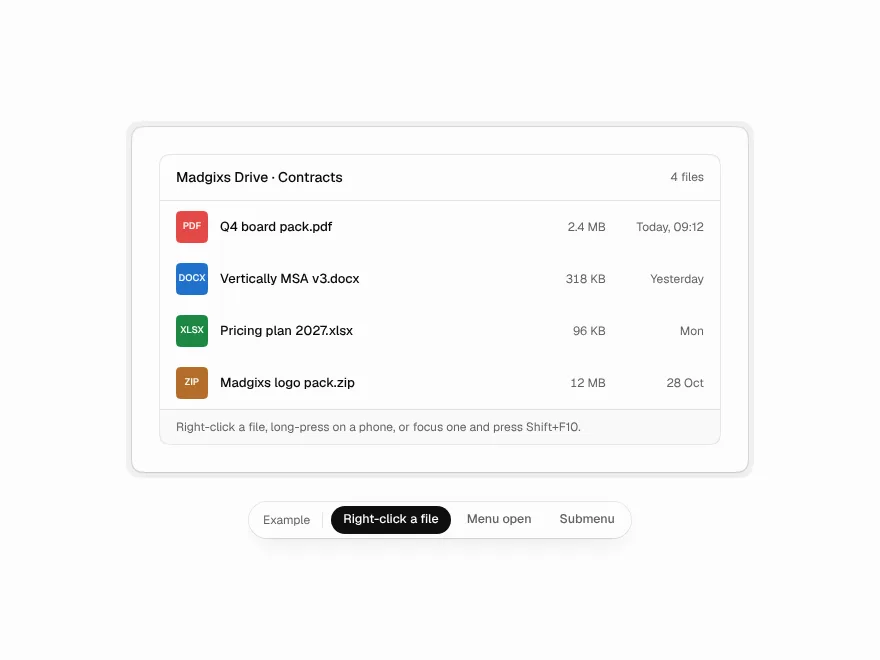
Context Menu
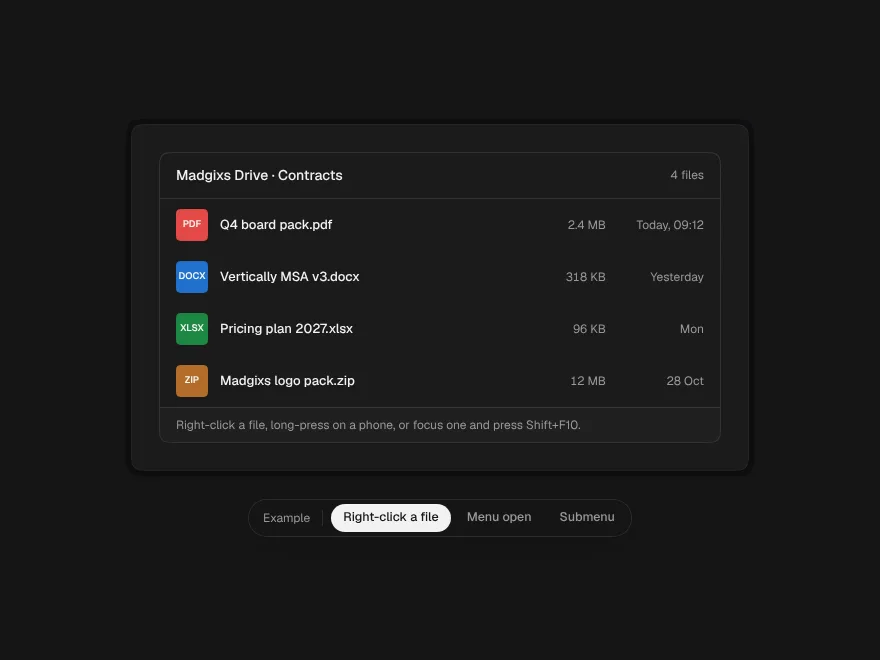
The menu behind a right-click, a long press or Shift+F10, with submenus that don't snap shut.
 Free
Dialog
Modal dialog and confirm dialog.
 Free
Drawer
Slide-out drawer panel.