Settings / Your Account
The page where someone looks after their own account. Their photo, name and job title, the address they sign in with, every way they can sign in, and how dates, times and the theme look to them alone.
When to use
- The personal account page of any product with sign-in
- Letting people change their sign-in email without support tickets
- Linking Google, GitHub or a password to one account
When not to use
- Workspace-wide settings and billing: use the Settings & Billing screen
- Just a form of settings rows: use Settings Page
The decision inside it
An email change waits for the new inbox
The new address is pending until its confirmation link is opened, and the old one keeps signing you in until then. One typo can't lock anyone out, and the last way to sign in can't be unlinked.
Installation
Settings / Your Account is a Pro screen, included with pro lifetime. It is two files on top of the Liro components it is made of.
- Add the components it uses:
npx shadcn@latest add @liro/avatar @liro/alert @liro/badge @liro/button @liro/input @liro/select @liro/segmented-control @liro/settings-page - Copy
screens/your-account-screen.tsxandscreens/data/your-account-screen.tsfrom the Code tab above into your project, at the same paths. - It also imports
@/lib,@/demos/liro-mark,@/demos/portraits,@/demos/screen-kitand@/demos/settings-shell: Liro’s shared helpers and the demo’s sample images. Point them at your own.
Usage
import { YourAccountScreen } from "@/screens/your-account-screen";

export default function Page() {
  /* A screen fills the box it is given: give it the window. */
  return (
    <main className="h-dvh">
      <YourAccountScreen className="h-full" />
    </main>
  );
}
Built from
Every Liro component this screen imports. Each has its own page, props and install command.
- avatar
- AlertFree
- BadgeFree
- ButtonFree
- InputFree
- SelectFree
- segmented-control
- Settings PagePro
API reference
Read from YourAccountScreenProps when the site is built. It also takes every attribute a div does, such as className.
YourAccountScreen
| Type | Notes | ||
|---|---|---|---|
state | YourAccountState | No | – |
onSave | (profile: Profile) => void | Promise<void> | No | Save the profile. Throw to show why it failed. |
onRequestEmailChange | (email: string) => void | Promise<void> | No | Send the confirmation link to a new address. |
loading | boolean | No | The data is on its way: the frame stays and the content is drawn as gray shapes in the shape of the real page. |
onNavigate | (label: string) => void | No | Called with the label of a sidebar or settings item when someone opens it ("Inbox", "Model policy"). Without it, a toast says where it would go. |
workspace | ScreenWorkspace | No | The workspace at the top of the sidebar. |
user | ScreenUser | No | The signed-in person, at the bottom of the sidebar. |
layout | ScreenLayout | No | "inset": the page on a card beside a gray sidebar. "flat": the page edge to edge. Default "inset". |
className | string | No | – |
Accessibility
- Every field has a label, and a wrong email is explained under the field
- The pending change is announced, with its resend wait in words
- Disabled actions say why next to them
- Movement follows the reduced-motion setting
Responsive behavior
- Fills the box it is given: mount it at the window's height
- The settings list becomes a scrolling row on narrow widths
- Light and dark come from the Liro theme: it follows the dark class on <html>, like every component.
More screens
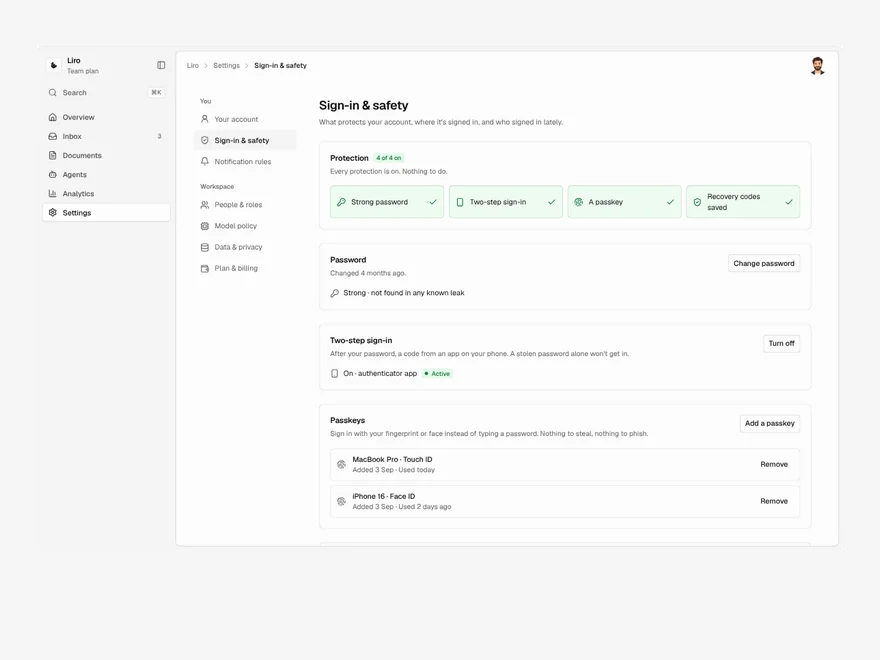
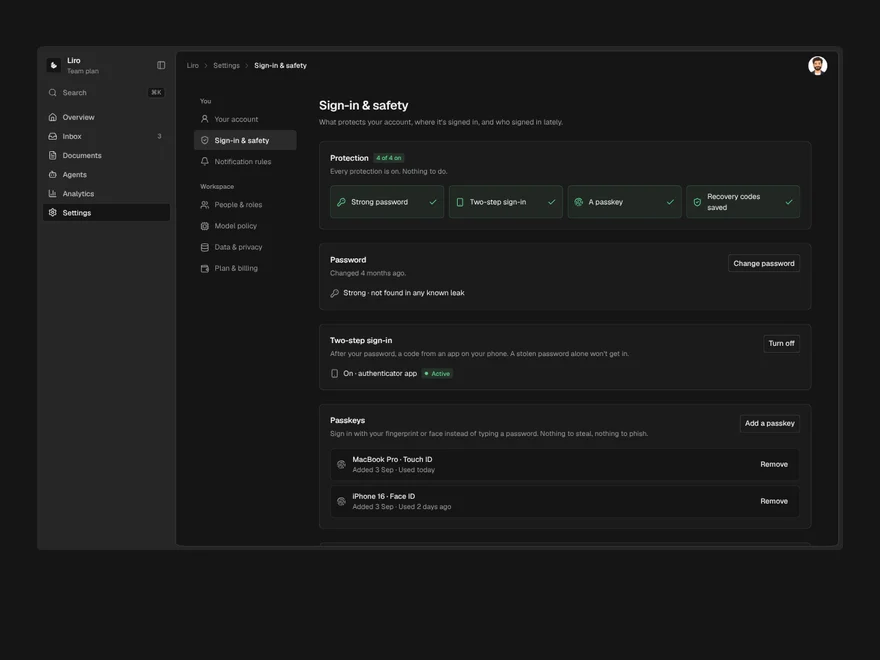
Settings / Sign-in & Safety
Password, two-step sign-in, passkeys, recovery codes, signed-in devices and recent sign-ins, with how protected you are.
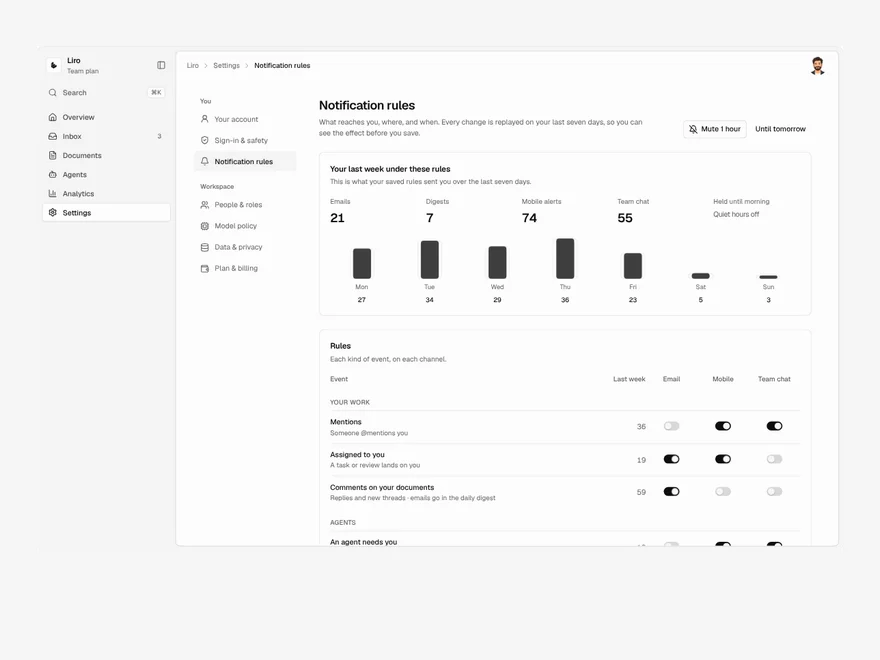
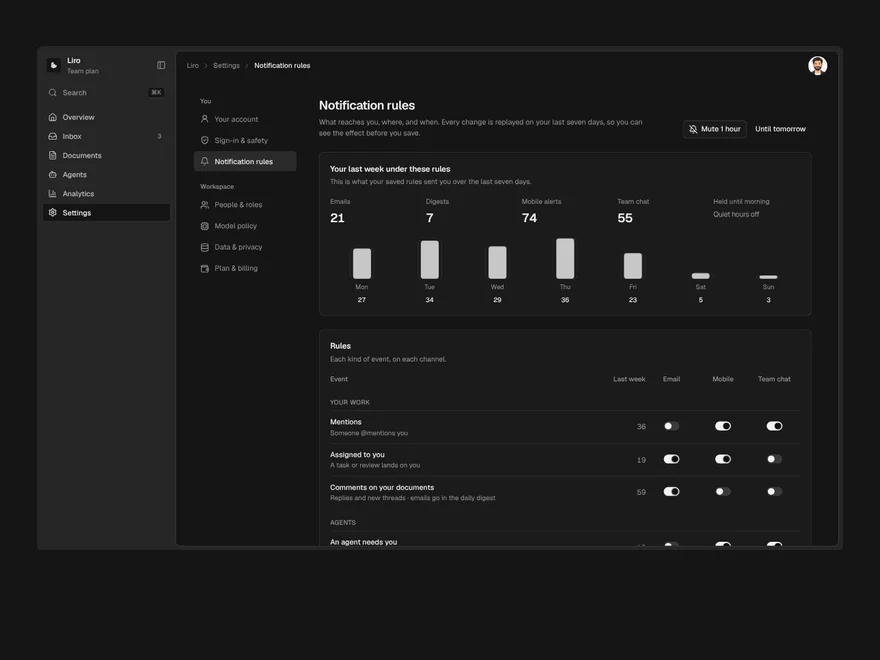
Settings / Notification Rules
What reaches you, on which channel and when, with a preview of your last week under the new rules.
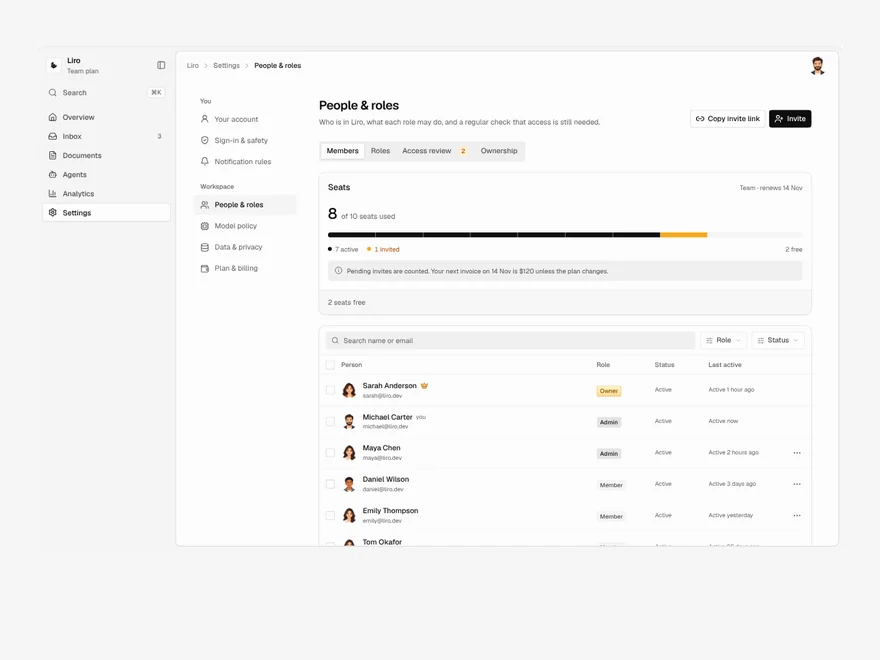
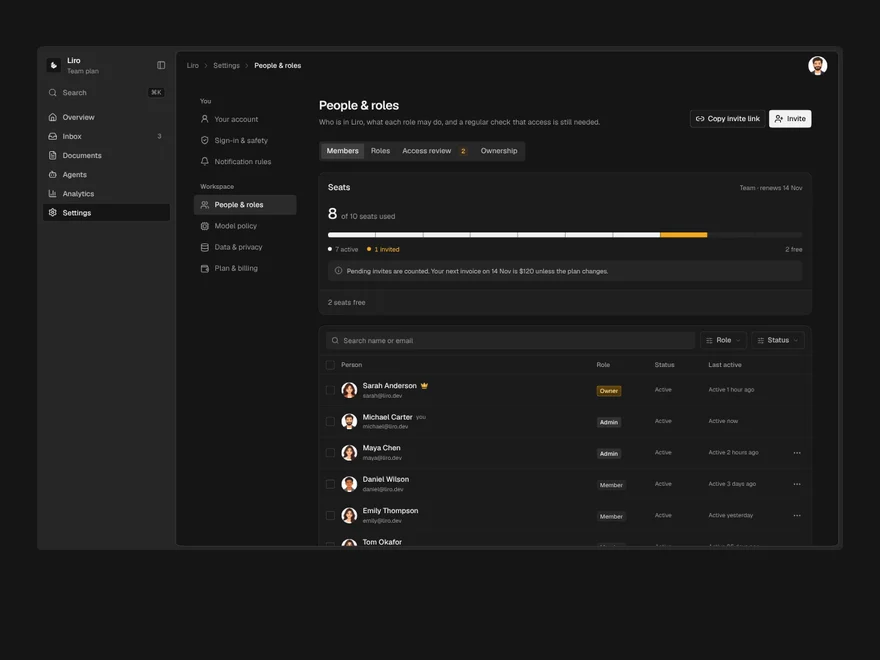
Settings / People & Roles
Members, invites, roles and access reviews, where removing someone first hands over everything they own.
Liro · 270 components · 17 screens · 4 templates