Settings / Notification Rules
Where someone decides what they hear about: events by channel, quiet hours, a digest instead of single emails, and muting for a while. Every change recounts what they would have received over the last seven days.
When to use
- Any product that emails, pushes or messages its users
- Cutting notification fatigue without missing what matters
- Offering digests and quiet hours
When not to use
- Just the event and channel grid: use Notification Preferences
- The list of notifications itself: use Notification Panel
The decision inside it
See last week under the new rules before saving
Each change recounts the last seven days of real events: 142 emails become 9 plus one daily digest. People pick settings by their effect, not by guessing, and security emails can't be switched off.
Installation
Settings / Notification Rules is a Pro screen, included with pro lifetime. It is two files on top of the Liro components it is made of.
- Add the components it uses:
npx shadcn@latest add @liro/alert @liro/button @liro/select @liro/segmented-control @liro/settings-page @liro/switch - Copy
screens/notification-rules-screen.tsxandscreens/data/notification-rules-screen.tsfrom the Code tab above into your project, at the same paths. - It also imports
@/lib,@/demos/liro-mark,@/demos/portraits,@/demos/screen-kitand@/demos/settings-shell: Liro’s shared helpers and the demo’s sample images. Point them at your own.
Usage
import { NotificationRulesScreen } from "@/screens/notification-rules-screen";

export default function Page() {
  /* A screen fills the box it is given: give it the window. */
  return (
    <main className="h-dvh">
      <NotificationRulesScreen className="h-full" />
    </main>
  );
}
Built from
Every Liro component this screen imports. Each has its own page, props and install command.
- AlertFree
- ButtonFree
- SelectFree
- segmented-control
- Settings PagePro
- SwitchFree
API reference
Read from NotificationRulesScreenProps when the site is built. It also takes every attribute a div does, such as className.
NotificationRulesScreen
| Type | Notes | ||
|---|---|---|---|
state | NotificationRulesState | No | – |
onSave | (settings: Settings) => void | Promise<void> | No | – |
loading | boolean | No | The data is on its way: the frame stays and the content is drawn as gray shapes in the shape of the real page. |
onNavigate | (label: string) => void | No | Called with the label of a sidebar or settings item when someone opens it ("Inbox", "Model policy"). Without it, a toast says where it would go. |
workspace | ScreenWorkspace | No | The workspace at the top of the sidebar. |
user | ScreenUser | No | The signed-in person, at the bottom of the sidebar. |
layout | ScreenLayout | No | "inset": the page on a card beside a gray sidebar. "flat": the page edge to edge. Default "inset". |
className | string | No | – |
Accessibility
- Every switch names its event and channel
- The weekly preview is text first, with the chart as an extra
- Locked security events say why they can't be turned off
- Movement follows the reduced-motion setting
Responsive behavior
- Fills the box it is given: mount it at the window's height
- The preview moves under the rules on narrow widths
- Light and dark come from the Liro theme: it follows the dark class on <html>, like every component.
More screens
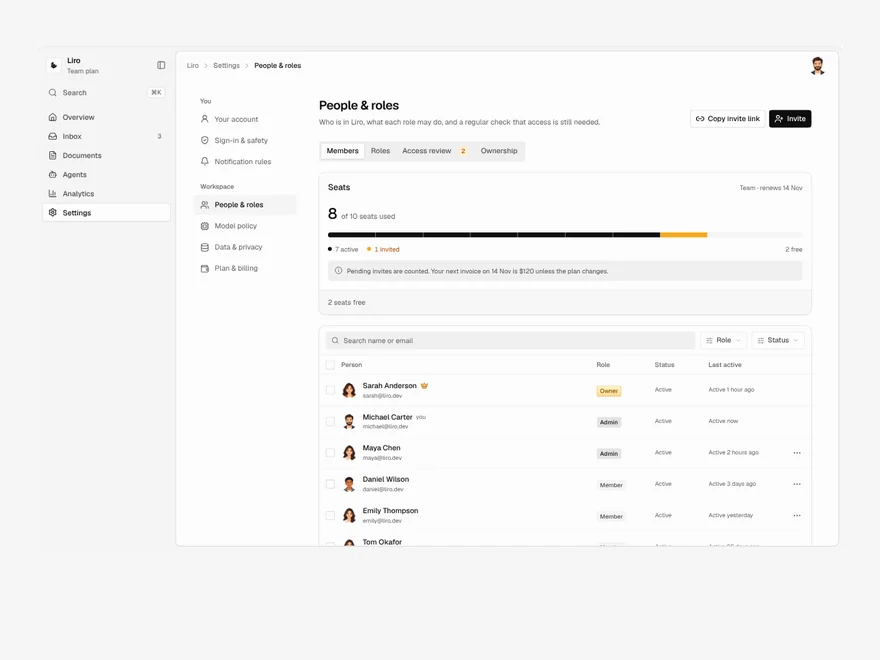
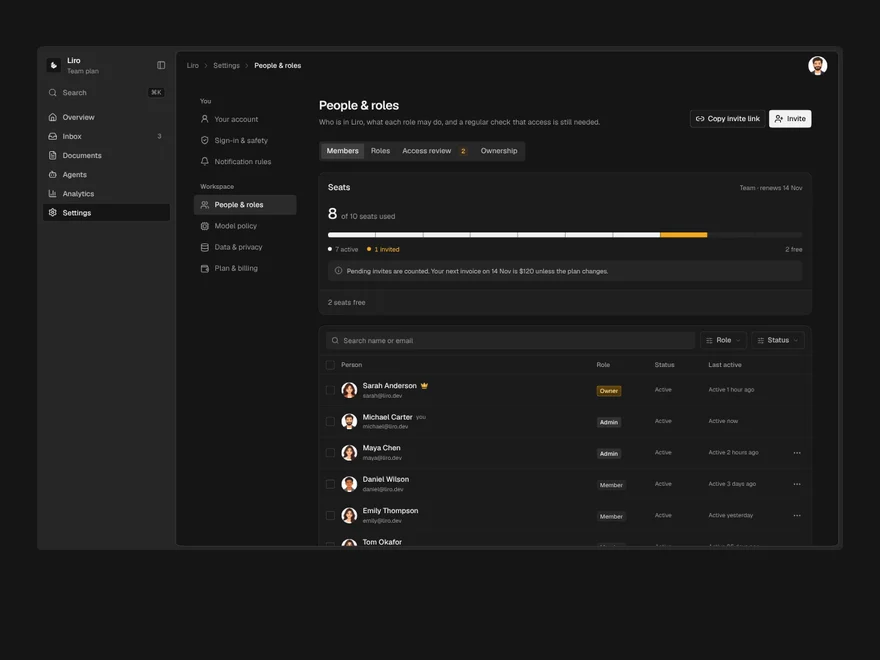
Settings / People & Roles
Members, invites, roles and access reviews, where removing someone first hands over everything they own.
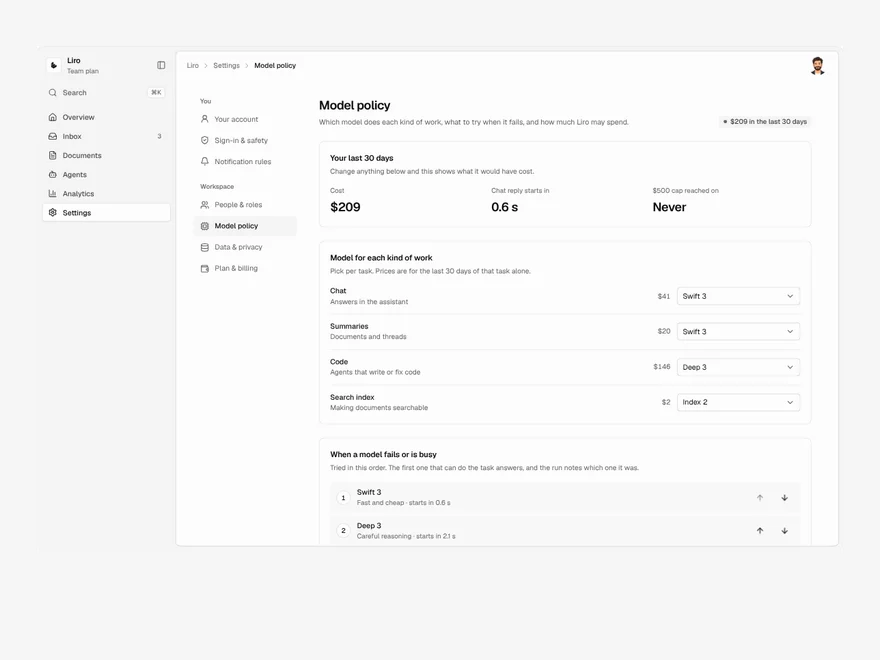
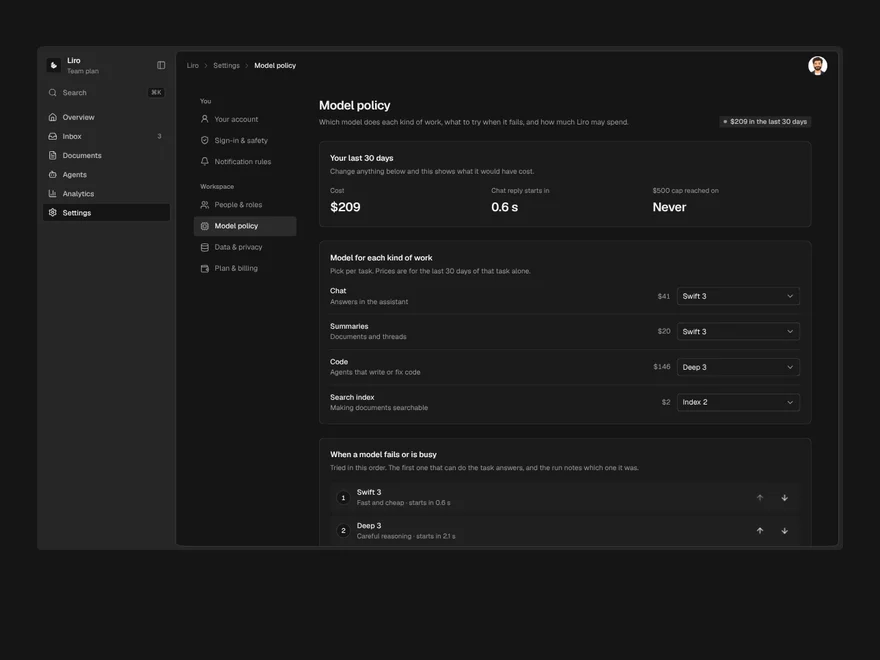
Settings / Model Policy
Default AI models per task, fallback order, spend caps and retention, priced on your last 30 days of real use.
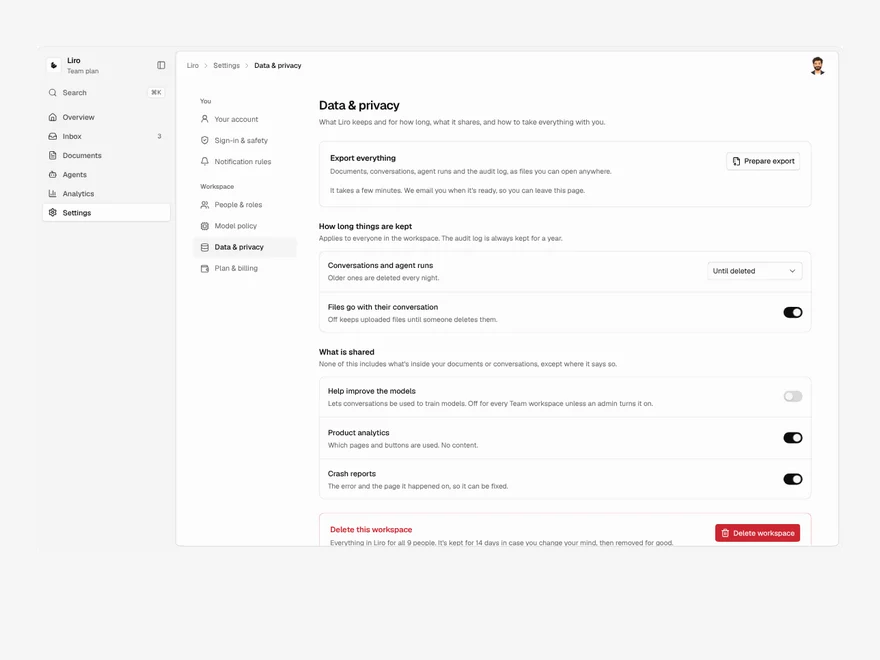
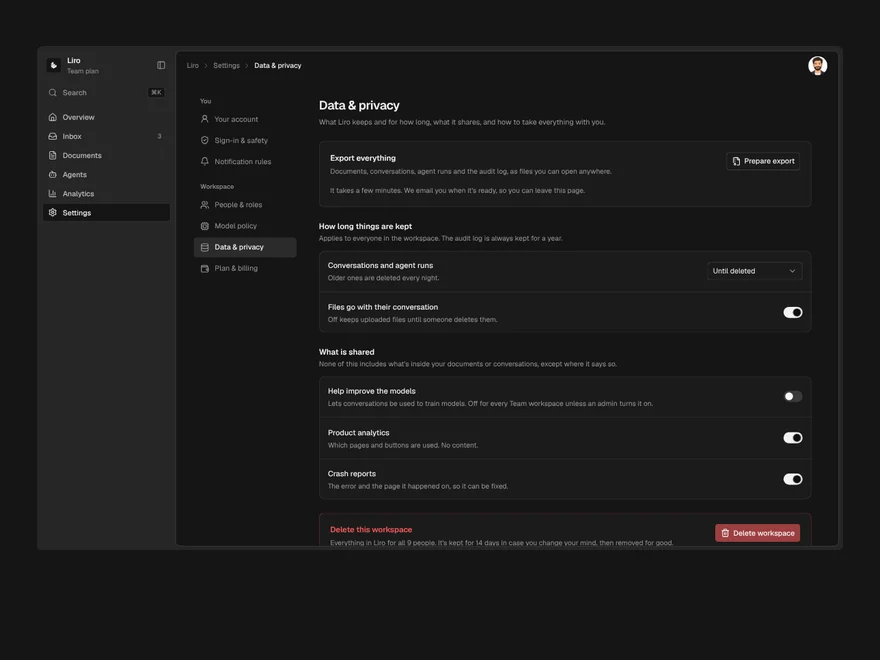
Settings / Data & Privacy
Data export, retention, training opt-out and deletion, where deleting is scheduled and shortening retention is previewed.
Liro · 270 components · 17 screens · 4 templates