Settings / Data & Privacy
Where people take their data out, decide how long it is kept and whether it may improve models, and close an account. Nothing irreversible happens in one click.
When to use
- The privacy page of a product that stores user data
- Meeting data export and deletion requests without support
- Letting customers control retention and model training
When not to use
- A cookie banner on a marketing site: use Announcement Banner
- Deleting one item with undo: use Undo Pill
The decision inside it
Deleting is scheduled, and cuts are previewed
Deleting an account starts a 14-day grace period with an export link and a Cancel button, and shortening retention first shows exactly what would be removed today. A slip of the mouse never destroys data.
Installation
Settings / Data & Privacy is a Pro screen, included with pro lifetime. It is two files on top of the Liro components it is made of.
- Add the components it uses:
npx shadcn@latest add @liro/alert @liro/button @liro/dialog @liro/progress @liro/select @liro/settings-page @liro/switch - Copy
screens/data-privacy-screen.tsxandscreens/data/data-privacy-screen.tsfrom the Code tab above into your project, at the same paths. - It also imports
@/demos/liro-mark,@/demos/portraits,@/demos/screen-kitand@/demos/settings-shell: Liro’s shared helpers and the demo’s sample images. Point them at your own.
Usage
import { DataPrivacyScreen } from "@/screens/data-privacy-screen";

export default function Page() {
  /* A screen fills the box it is given: give it the window. */
  return (
    <main className="h-dvh">
      <DataPrivacyScreen className="h-full" />
    </main>
  );
}
Built from
Every Liro component this screen imports. Each has its own page, props and install command.
API reference
Read from DataPrivacyScreenProps when the site is built. It also takes every attribute a div does, such as className.
DataPrivacyScreen
| Type | Notes | ||
|---|---|---|---|
state | DataPrivacyState | No | – |
onSave | (privacy: Privacy) => void | Promise<void> | No | – |
loading | boolean | No | The data is on its way: the frame stays and the content is drawn as gray shapes in the shape of the real page. |
onNavigate | (label: string) => void | No | Called with the label of a sidebar or settings item when someone opens it ("Inbox", "Model policy"). Without it, a toast says where it would go. |
workspace | ScreenWorkspace | No | The workspace at the top of the sidebar. |
user | ScreenUser | No | The signed-in person, at the bottom of the sidebar. |
layout | ScreenLayout | No | "inset": the page on a card beside a gray sidebar. "flat": the page edge to edge. Default "inset". |
className | string | No | – |
Accessibility
- Destructive actions need a hold or typed confirmation, never one click
- The deletion date and how to cancel are written out
- Every switch states what it controls
- Movement follows the reduced-motion setting
Responsive behavior
- Fills the box it is given: mount it at the window's height
- Cards stack on narrow widths
- Light and dark come from the Liro theme: it follows the dark class on <html>, like every component.
More screens
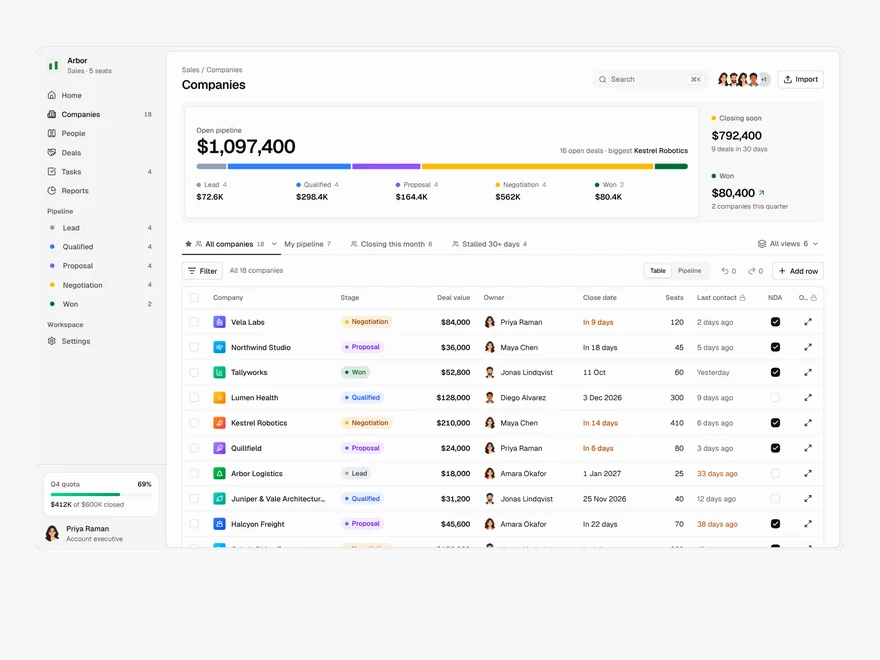
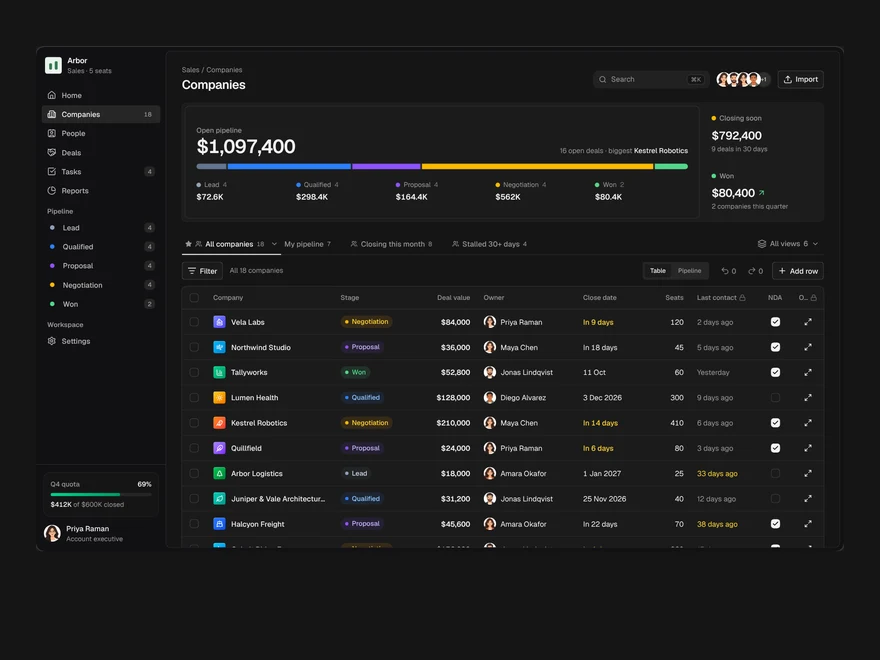
CRM
A sales pipeline: saved views as tabs, an editable company table, a board and a record drawer.
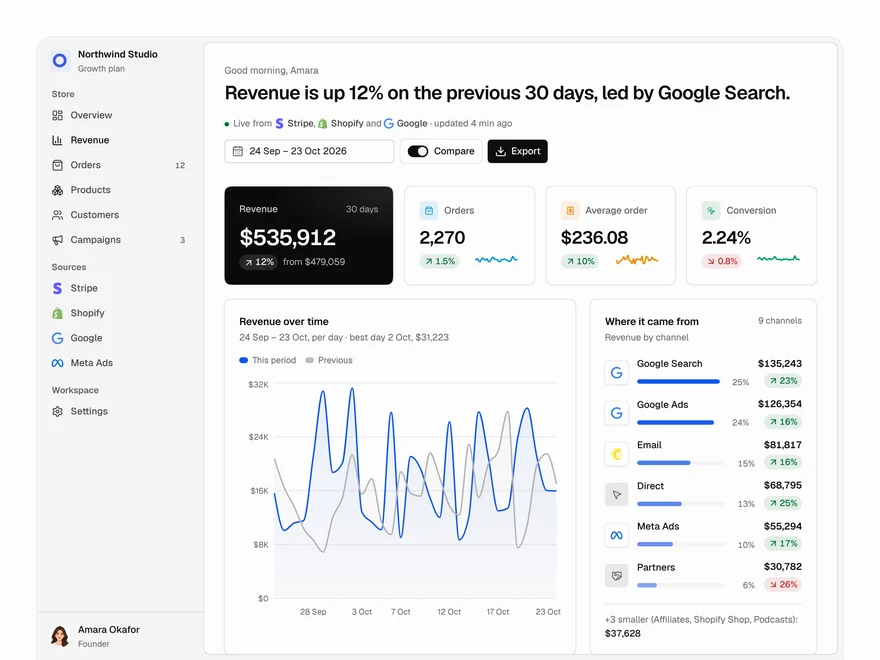
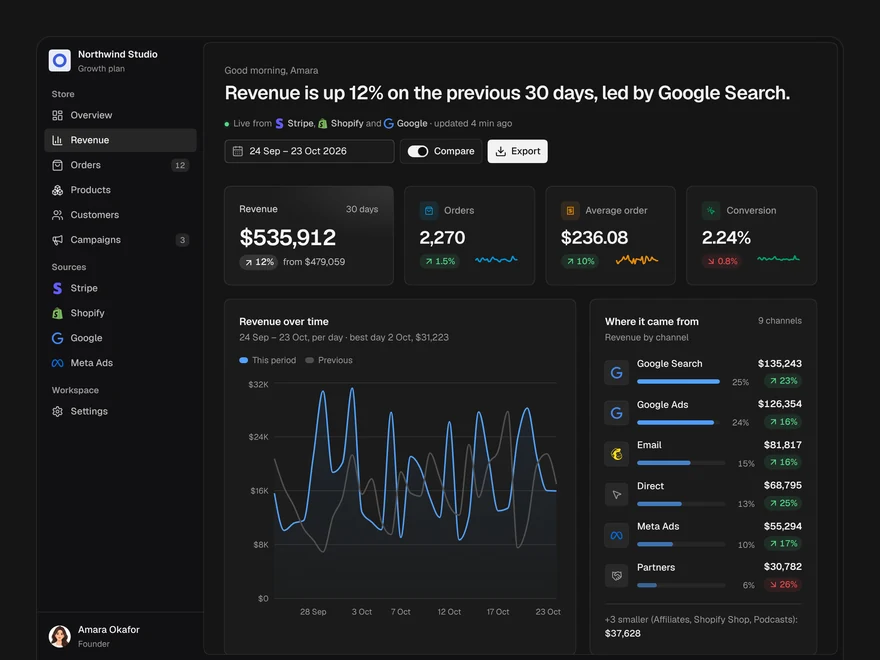
Analytics
A revenue dashboard: four key figures, revenue over time, channels, top products and what moved.
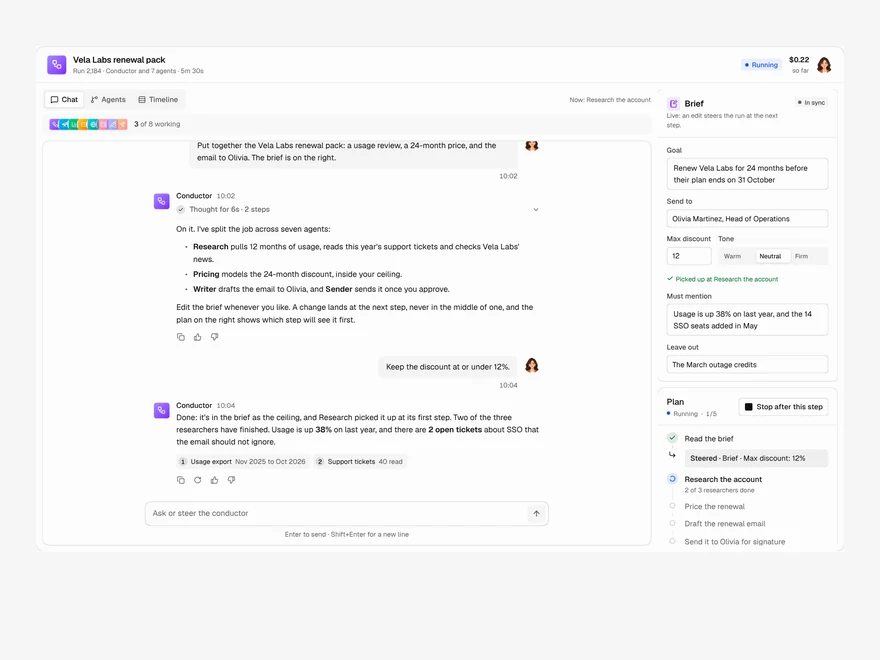
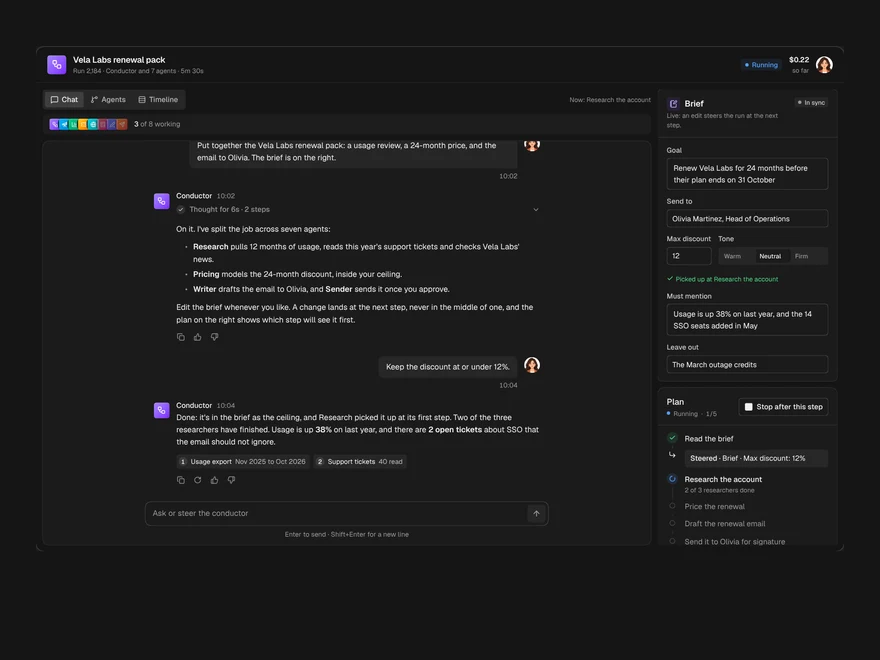
Agent / Multi-agent Chat
A chat with the agent running a job, the agents it handed work to, and the brief, side by side.
Liro · 270 components · 17 screens · 4 templates