Payment Recovery
A failed payment, each retry and the cutoff, drawn as places on a line.
PROGet Payment Recovery and 168 other Pro components with pro lifetime — Get Pro
- Category
- Billing
- Access
- ProPro · unlocked
- Source
- 372 lines · one file
The decision inside it
The fix is not red
The one action on this card solves the problem, so it must not look like the problem. Red is kept for the consequence; the button is neutral and says exactly what it opens.
When to use it
Use Payment Recovery after a failed charge: the amount (in cents), why it failed, the retries so far and the date access stops, with update payment as the main action.
Installation
How you get it
Paste this into Claude Code, Cursor, Codex or any coding agent. It installs the file and uses it as it is, instead of writing a new one.
Use Liro's Payment Recovery for this.
Install it: npx shadcn@latest add @liro/payment-recovery
(the @liro registry is set up in components.json, with LIRO_KEY in .env.local)
Import it from @/components/ui/payment-recovery.
Do not rewrite or restyle it. Pass my data through its props
and keep its built-in states.
For the full brief with every prop and the mistakes assistants usually make, use Copy prompt above. Pro components install through the @liro registry with your CLI token: see the Namespaced tab.
Usage
import { PaymentRecovery } from "@/components/ui/payment-recovery";

export function FailedPayment({ updateCard }: { updateCard: () => void }) {
  return (
    <PaymentRecovery
      amount={8900}
      failedOn="14 Oct"
      reason="insufficient_funds"
      retries={[{ date: "15 Oct", failed: true }, { date: "18 Oct" }]}
      cutoffOn="28 Oct"
      onUpdatePayment={updateCard}
    />
  );
}
API reference
“Copy prompt” above puts a full brief on your clipboard, install command, dependencies, props, and the mistakes an assistant usually makes with this component.
Props
Read from the component’s own TypeScript interface when the site is built, so this table cannot drift from the file you install.
| Type | Notes | ||
|---|---|---|---|
amount | Cents | Yes | – |
currency | string | No | – |
locale | string | No | – |
description | string | No | What was being paid for: "Team · monthly". |
failedOn | string | Yes | – |
reason | FailureReason | Yes | – |
card | { network: CardNetwork; last4: string } | No | The card that was tried. |
retries | RetryAttempt[] | Yes | – |
cutoffOn | string | Yes | The day access changes if nothing clears. Required, and drawn as the last point on the line — the deadline is the whole reason this component exists. |
consequence | string | No | What changes on the cut-off. Default "the workspace becomes read-only". |
nextStep | number | No | Where today sits on the schedule: the index of the next step that has not happened. 0 is "just failed, first retry ahead". |
resolvedOn | string | No | Set when the payment has gone through. The component turns into a receipt of that. |
onUpdatePayment | () => void | No | – |
onDismiss | () => void | No | – |
look | Look | No | Layered rests the notice on a card in a tray, the fix in the strip below. Flat is one card. |
Dependencies
npm packages
clsxframer-motionlucide-reacttailwind-mergeLiro foundations, installed alongside it
liro-themecard-brandAccessibility
- Keyboard reachable throughout, in visual order
- Focus trapped in overlays, Escape closes them
- Focus returns to whatever opened it
- Live regions announce what changed, not that something did
- Honours prefers-reduced-motion
Responsive behavior
- Sizes to its container, not the viewport
- Usable from 320px up
- Pointer-based interaction, so trackpad and touch both work
- No hover-only affordances
More like Payment Recovery
All Billing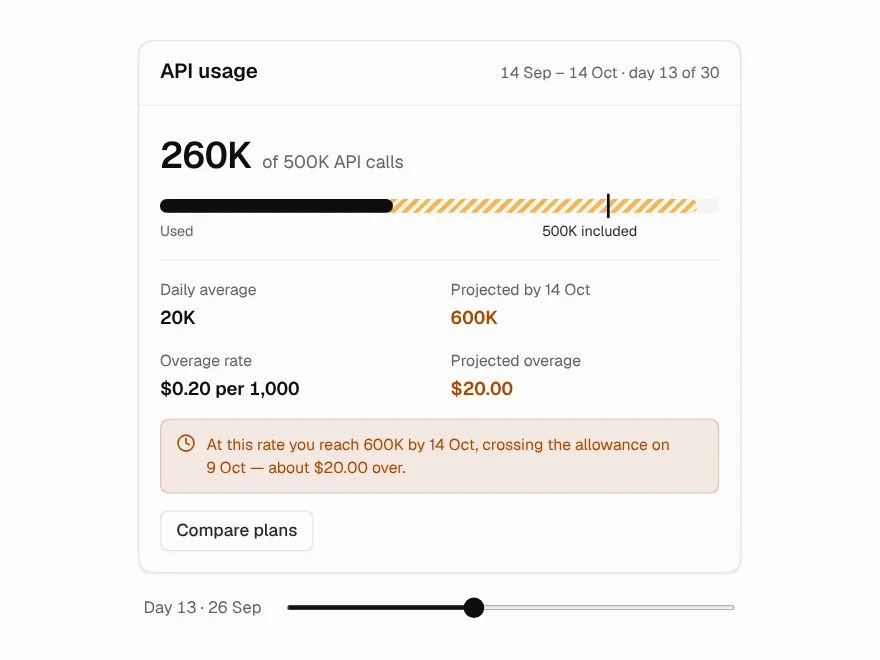 Free
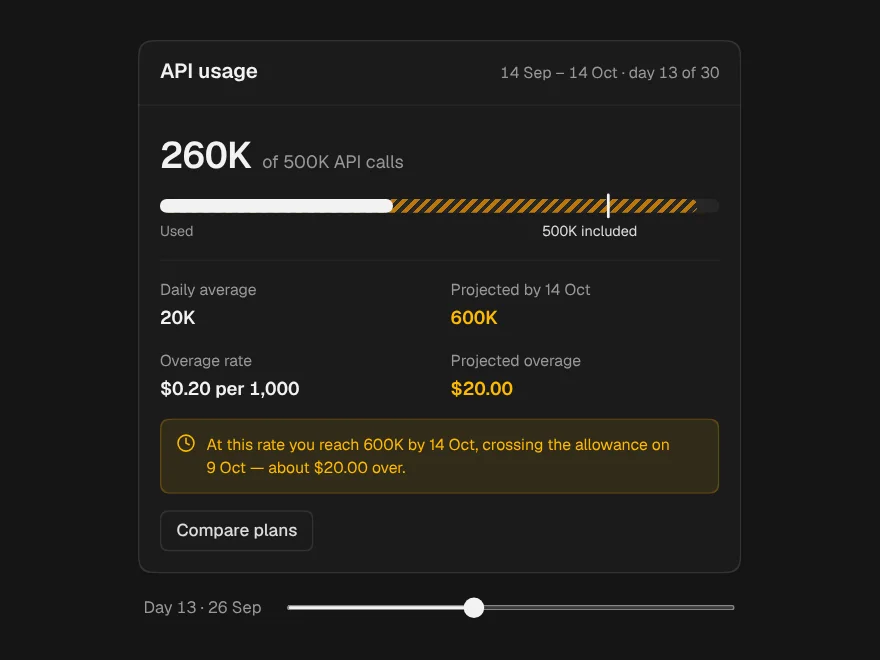
Usage & Overage
Usage meter with projected overage cost.
 Pro
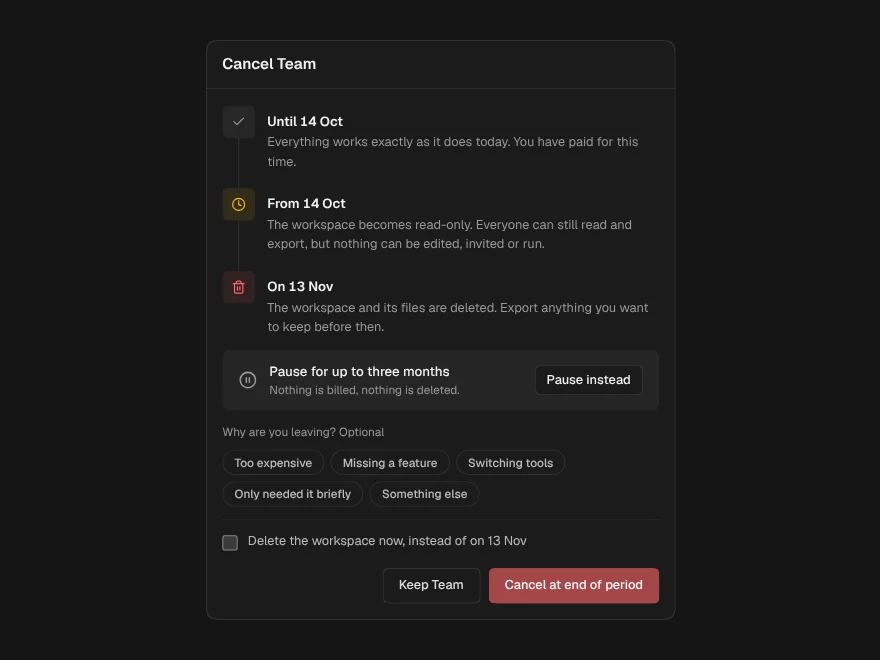
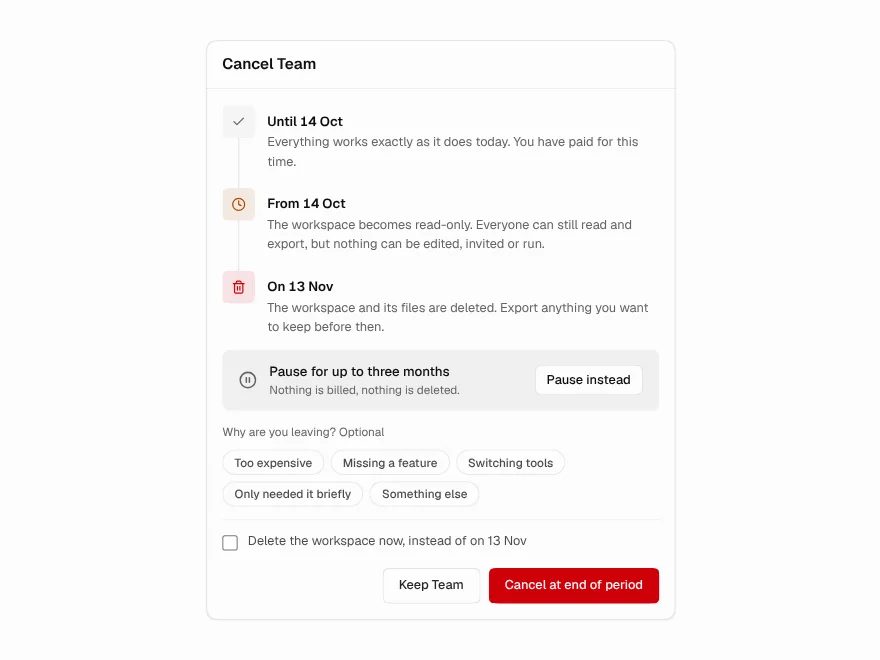
Cancel & Downgrade
Clear, honest cancel subscription flow.
 Pro
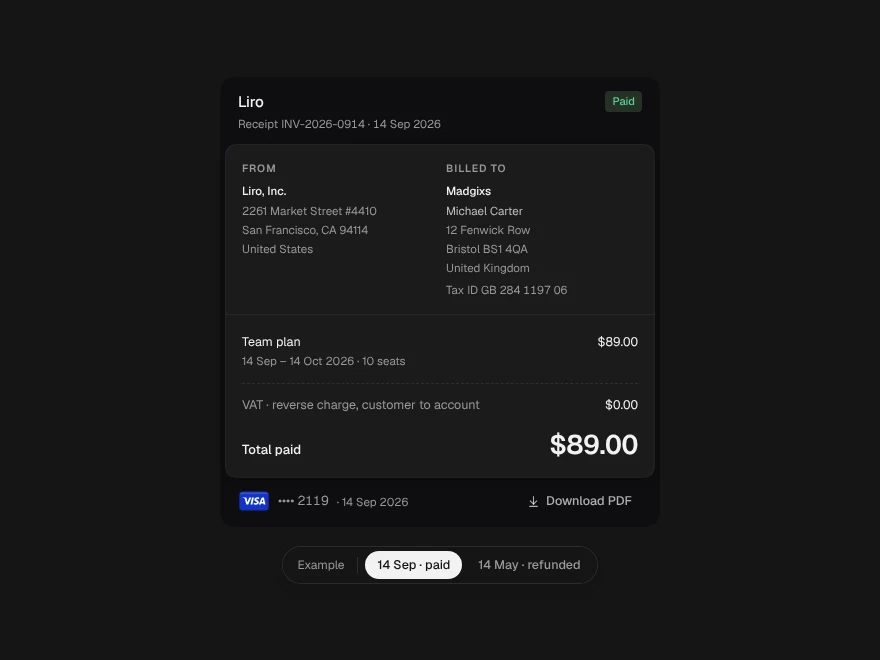
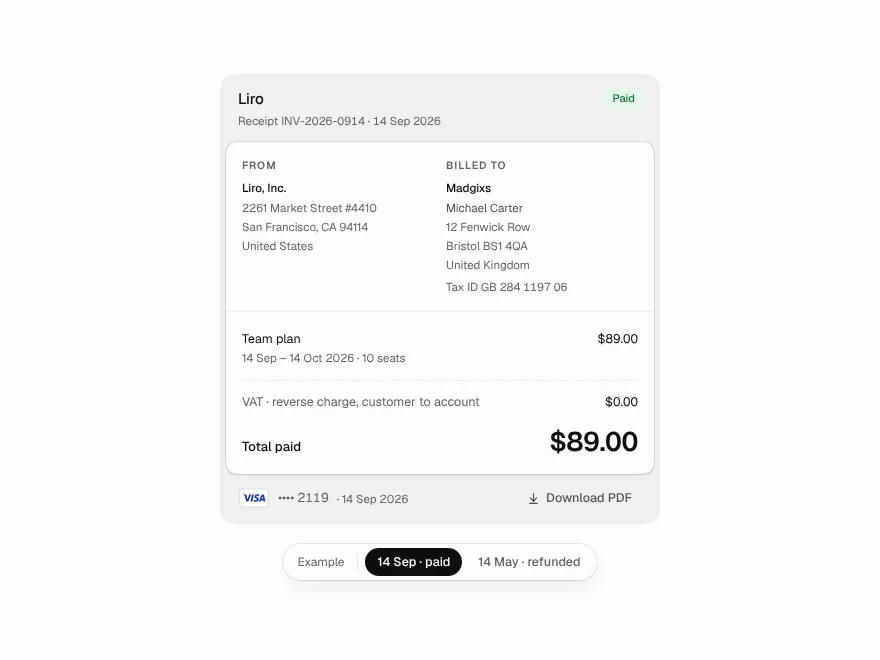
Receipt
Printable payment receipt with refunds.
 Pro
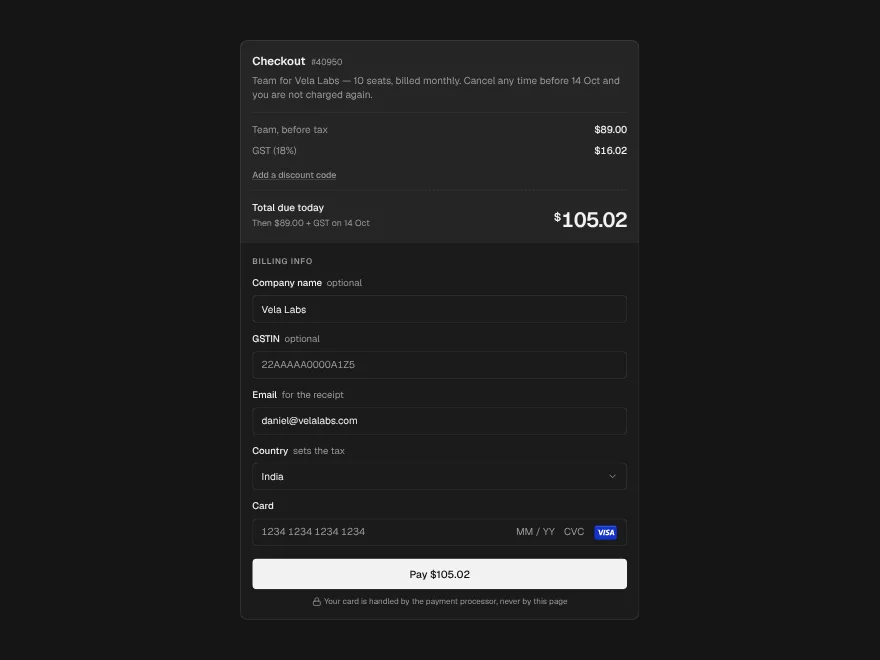
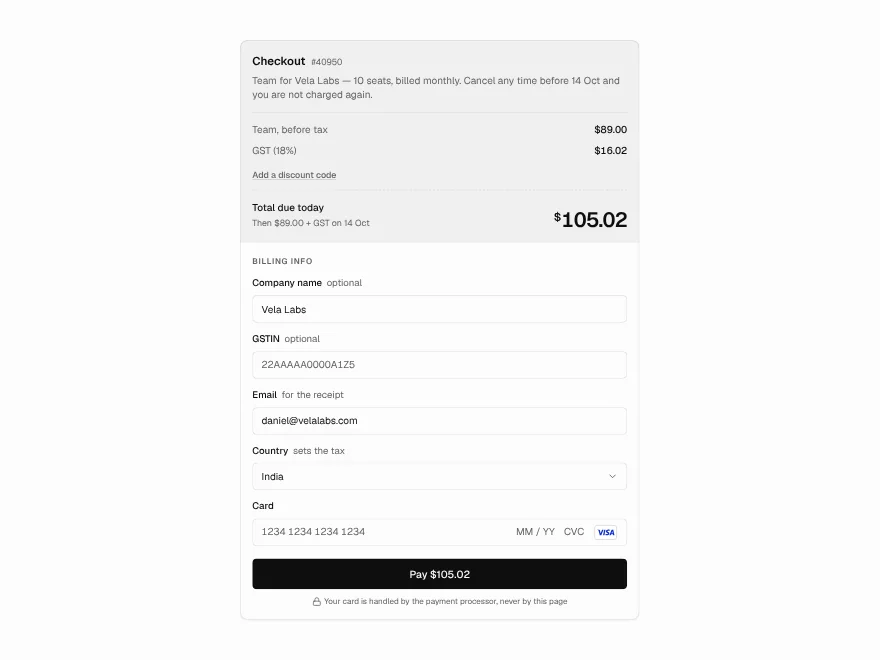
Checkout
Checkout form with tax and discount code.
 Pro
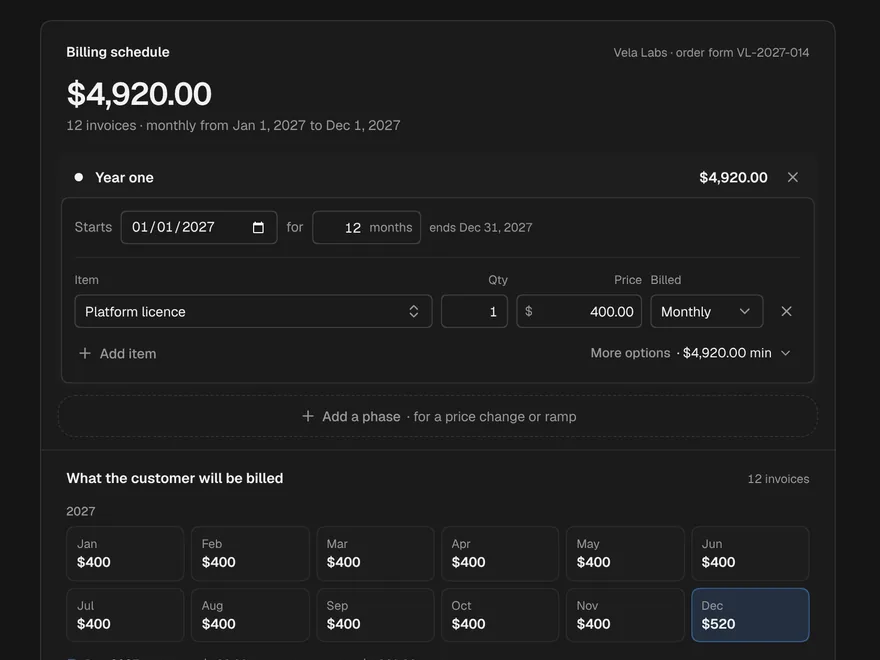
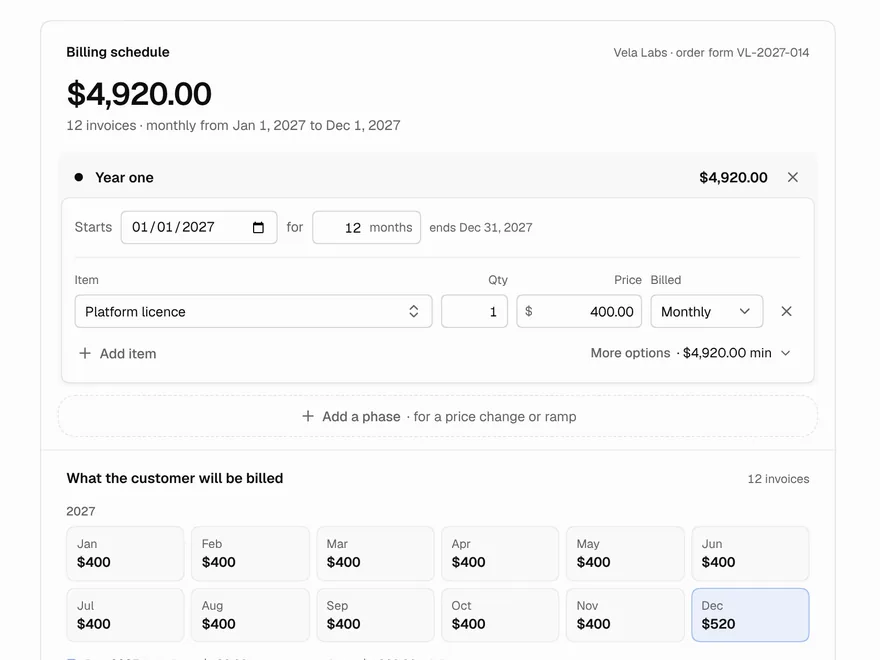
Billing Schedule
Build contract billing phases and invoices.
 Pro
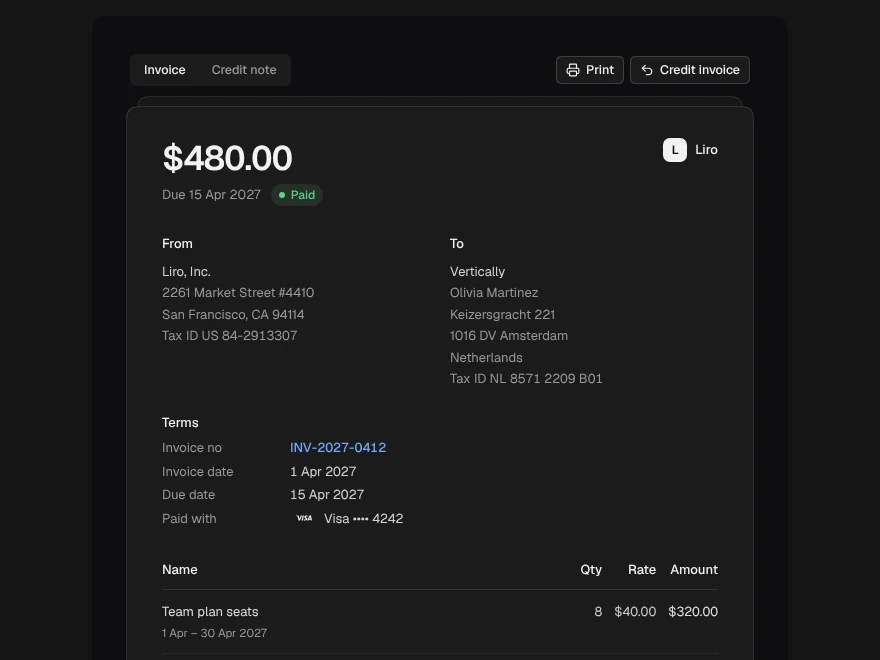
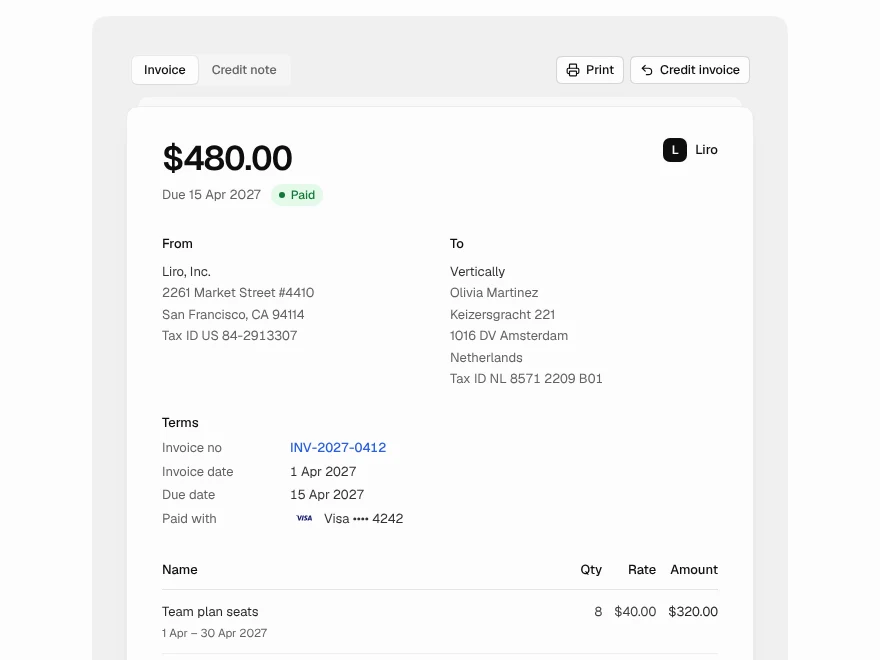
Invoice + Credit Note
Invoice with a credit note side by side.