Inventory Table
Stock by product with a meter, reorder point, price and a status worked out from the numbers.
PROGet Inventory Table and 168 other Pro components with pro lifetime — Get Pro
- Category
- Data Tables
- Access
- ProPro · unlocked
- Source
- 235 lines · one file
- States
- 7 drawn
- Kind
- Block
The decision inside it
Status comes from the count
Low and Out are computed from stock and the reorder point, never stored, so a number and its label can't disagree.
When to use it
Use Inventory Table for stock levels: product tile, SKU, a stock meter with the reorder point, price and a status worked out from the numbers, with Low and Out tabs and Reorder in the bulk bar. Prices are integer cents.
Installation
How you get it
Paste this into Claude Code, Cursor, Codex or any coding agent. It installs the file and uses it as it is, instead of writing a new one.
Use Liro's Inventory Table for this.
Install it: npx shadcn@latest add @liro/inventory-table
(the @liro registry is set up in components.json, with LIRO_KEY in .env.local)
Import it from @/components/ui/inventory-table.
Do not rewrite or restyle it. Pass my data through its props
and keep its built-in states.
For the full brief with every prop and the mistakes assistants usually make, use Copy prompt above. Pro components install through the @liro registry with your CLI token: see the Namespaced tab.
Usage
import { InventoryTable, type InventoryItem } from "@/components/ui/inventory-table";

export function Inventory({ rows }: { rows: InventoryItem[] }) {
  return (
    <InventoryTable
      rows={rows}
      currency="USD"
      onBulkAction={(action, selected) => console.info(action, selected.map((i) => i.sku))}
    />
  );
}
API reference
“Copy prompt” above puts a full brief on your clipboard, install command, dependencies, props, and the mistakes an assistant usually makes with this component.
Props
Read from the component’s own TypeScript interface when the site is built, so this table cannot drift from the file you install.
| Type | Notes | ||
|---|---|---|---|
rows | InventoryItem[] | Yes | – |
currency | string | No | ISO 4217 code. Default "USD". |
loading | boolean | No | – |
error | React.ReactNode | No | – |
onRetry | () => void | No | – |
onRowClick | (row: InventoryItem) => void | No | – |
selectable | boolean | No | Checkboxes and the bulk bar. Default true. |
onBulkAction | (action: InventoryBulkAction, rows: InventoryItem[]) => void | No | – |
density | "comfortable" | "compact" | No | – |
variant | "default" | "striped" | "bordered" | No | – |
pageSize | number | No | Rows per page. Default 8. |
className | string | No | – |
Dependencies
npm packages
clsxlucide-reacttailwind-mergeLiro foundations, installed alongside it
liro-themebadgebuttondata-tableStates
All of them are drawn by the component. None is left for you to design.
- All products
- Low stock
- Out of stock
- Selected with Reorder
- Loading
- Empty
- Error
Accessibility
- Keyboard reachable throughout, in visual order
- Focus trapped in overlays, Escape closes them
- Focus returns to whatever opened it
- Live regions announce what changed, not that something did
- Honours prefers-reduced-motion
Responsive behavior
- Sizes to its container, not the viewport
- Usable from 320px up
- Pointer-based interaction, so trackpad and touch both work
- No hover-only affordances
More like Inventory Table
All Data Tables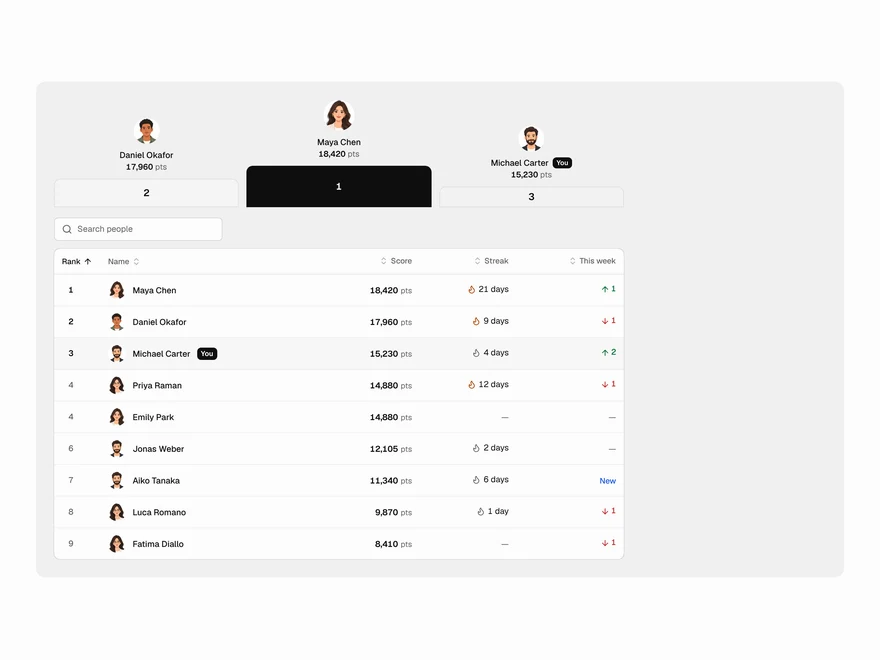 BlockPro
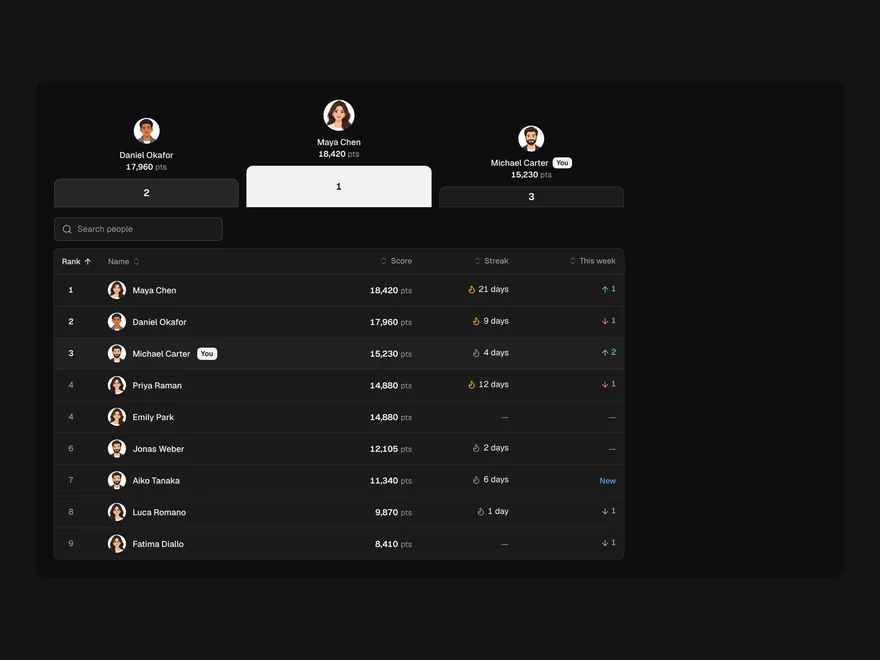
Leaderboard Table
Leaderboard table with ranks, medals and streaks.
 Pro
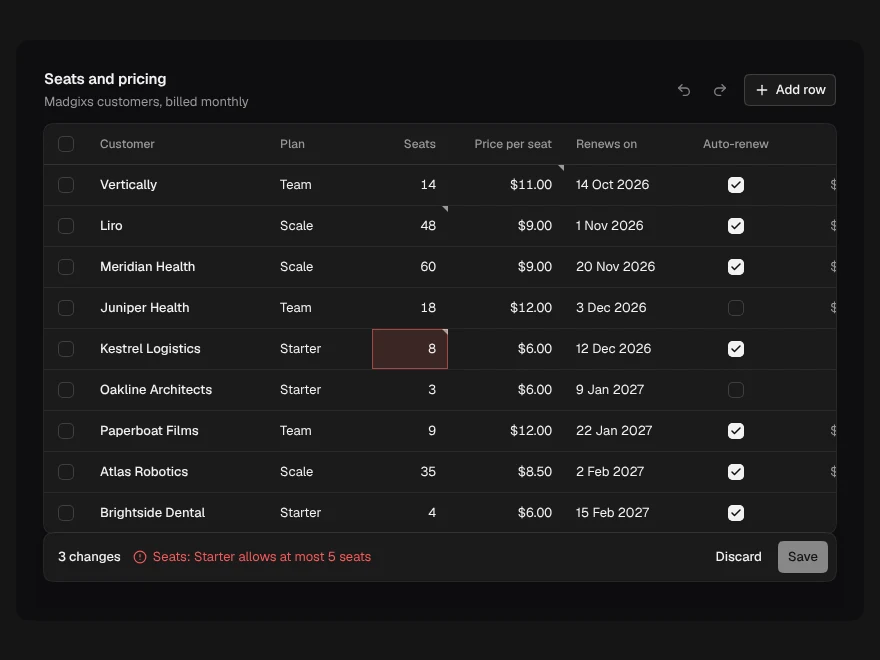
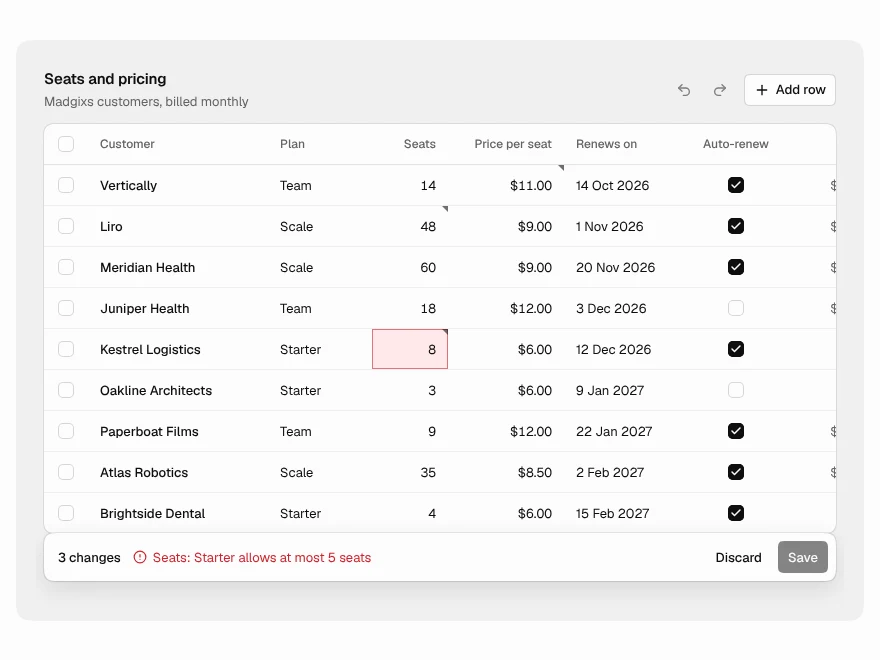
Editable Table
Spreadsheet-style editable table with undo and save.
 Pro
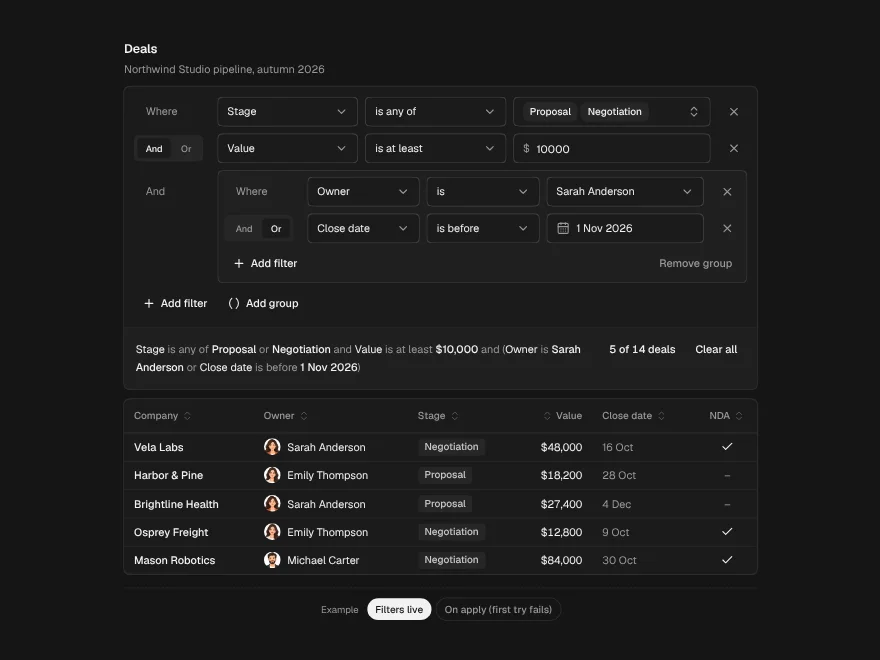
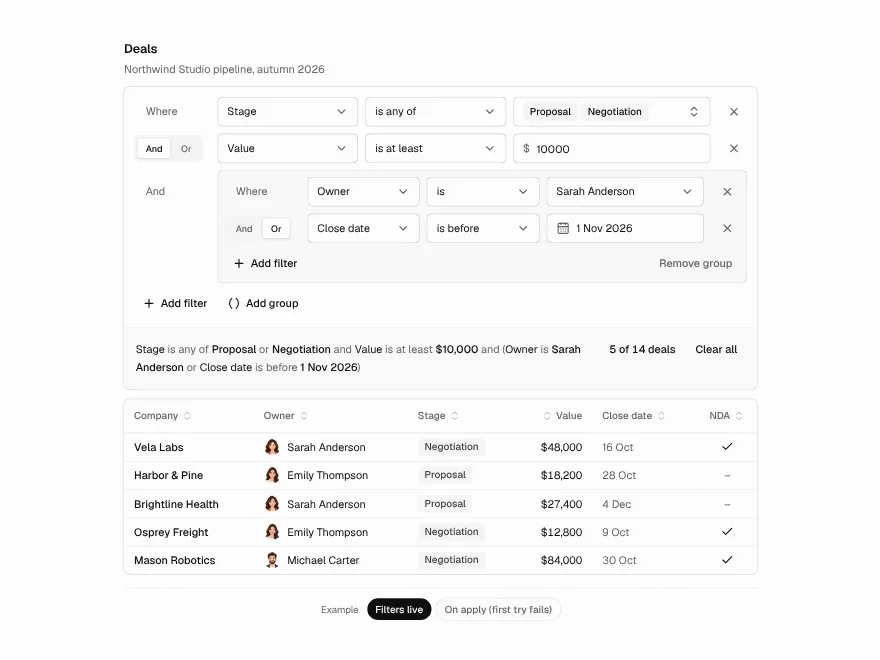
Filter Builder
Visual filter builder for data tables.
 Pro
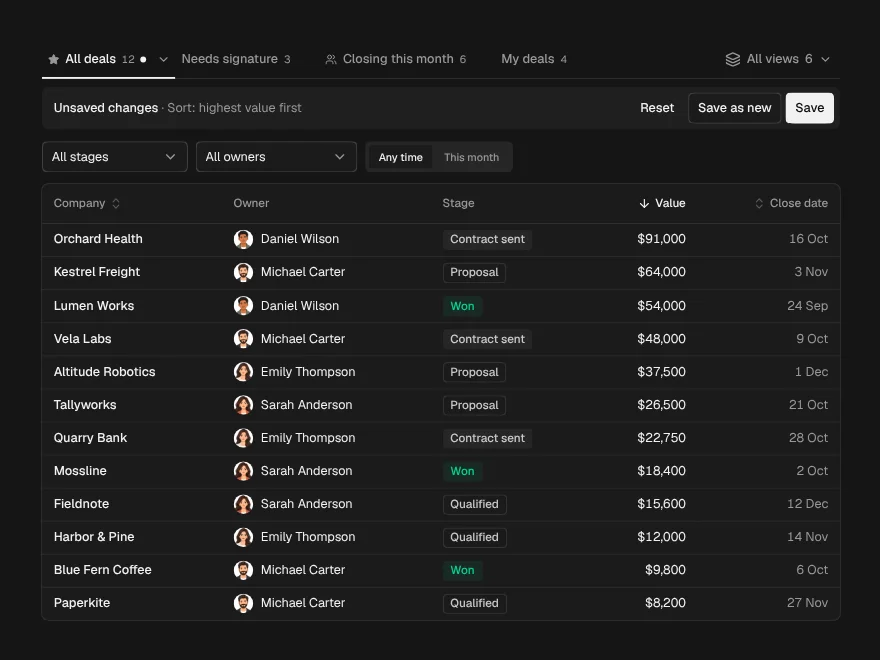
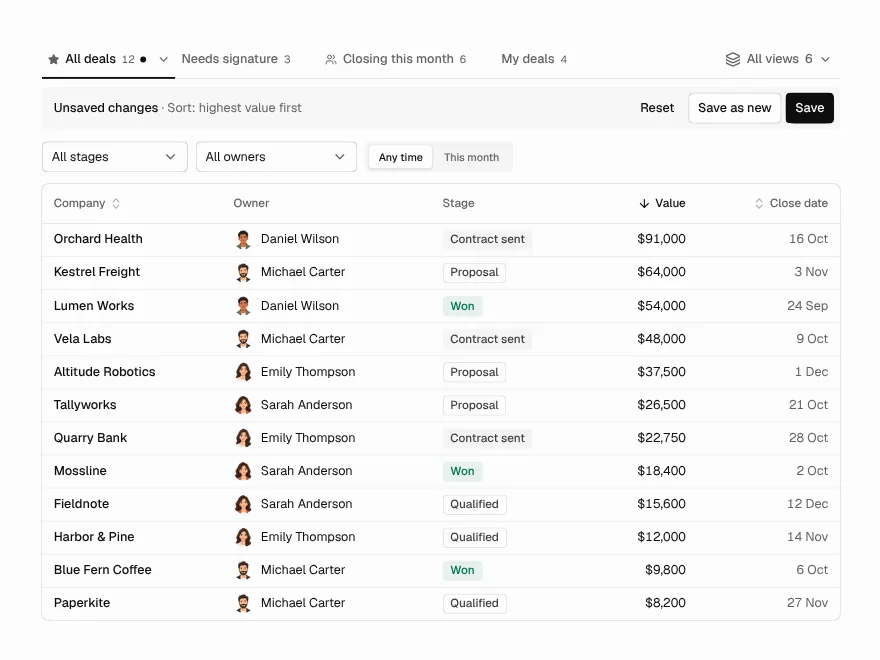
Saved Views
Saved, shareable views above a data table.
 Pro
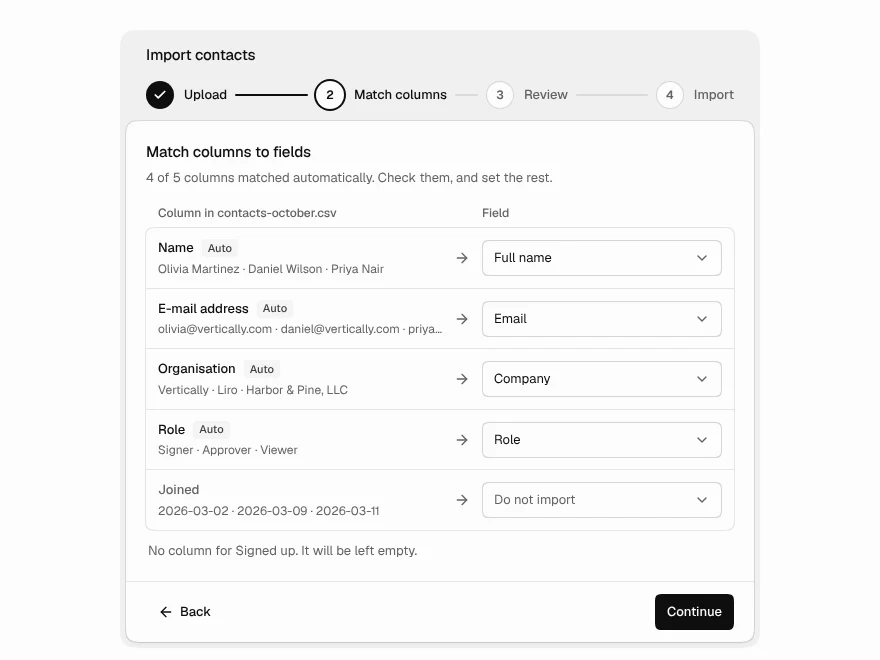
Data Import
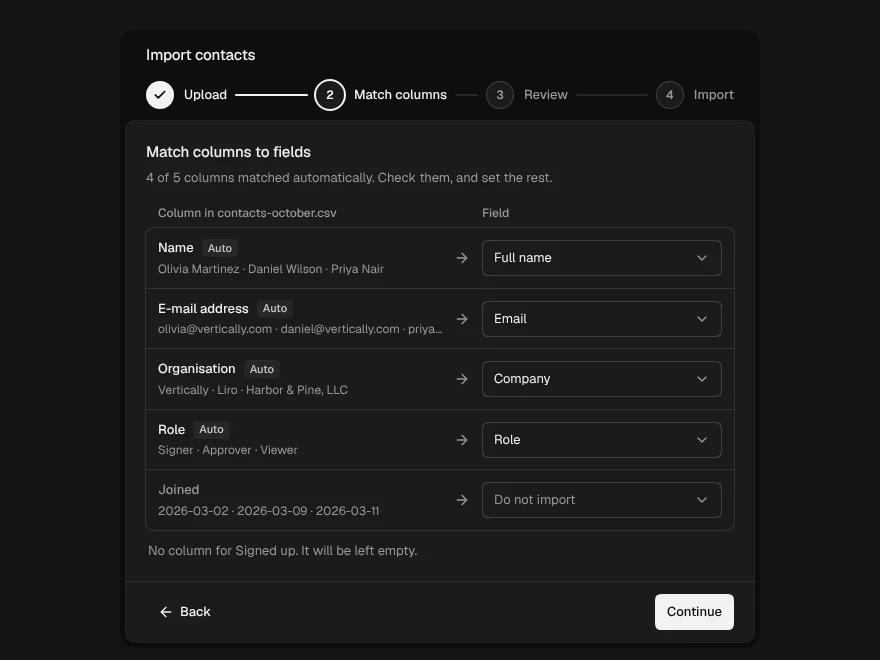
CSV import with column mapping and fixes.
 BlockPro
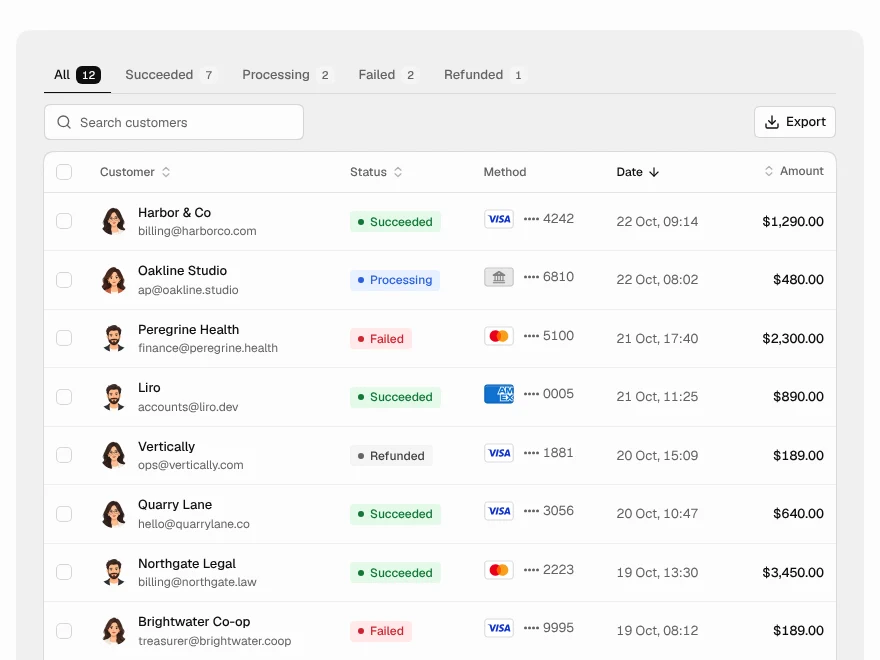
Payments Table
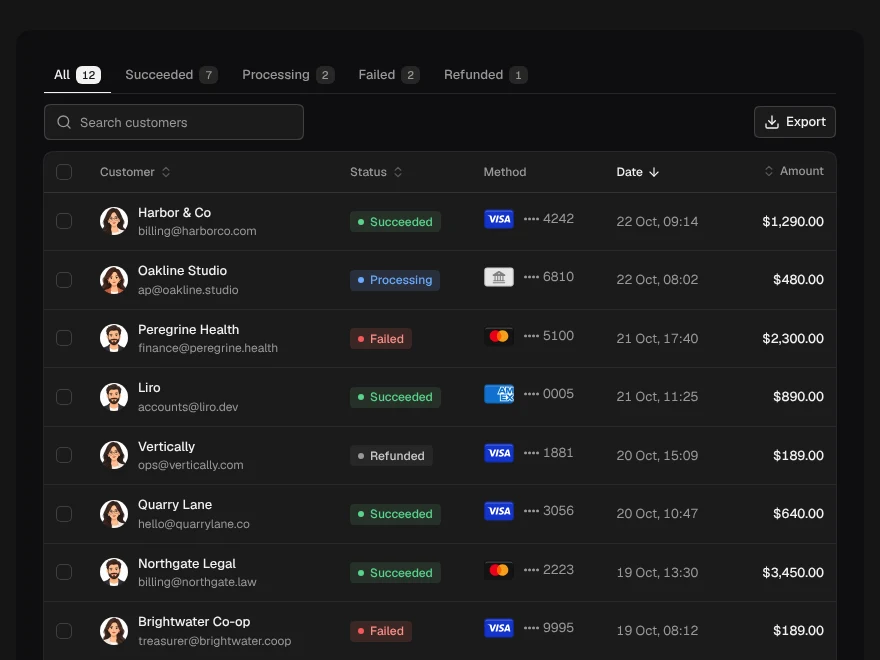
Payments table with status tabs and refunds.