Saved Views
Named views above a table: save, share, rename, pin, and undo a delete.
PROGet Saved Views and 168 other Pro components with pro lifetime — Get Pro
- Category
- Data Tables
- Access
- ProPro · unlocked
- Source
- 750 lines · one file
- States
- 6 drawn
The decision inside it
Delete is held back, not sent
The view leaves at once and Undo stays for a few seconds; onDelete is only called when that time runs out. So Undo never needs a restore endpoint, and nothing is lost to a slip.
When to use it
Use Saved Views for named views of a table's filters, sort and columns as tabs: an edited dot with Save, Save as new and Reset, rename, duplicate, default, pin and delete with undo. It is generic over your table state.
Installation
How you get it
Paste this into Claude Code, Cursor, Codex or any coding agent. It installs the file and uses it as it is, instead of writing a new one.
Use Liro's Saved Views for this.
Install it: npx shadcn@latest add @liro/saved-views
(the @liro registry is set up in components.json, with LIRO_KEY in .env.local)
Import it from @/components/ui/saved-views.
Do not rewrite or restyle it. Pass my data through its props
and keep its built-in states.
For the full brief with every prop and the mistakes assistants usually make, use Copy prompt above. Pro components install through the @liro registry with your CLI token: see the Namespaced tab.
Usage
import { SavedViews, type SavedView } from "@/components/ui/saved-views";

type TableState = { stage: string; sort: string };

export function DealViews({
  views,
  current,
  apply,
  save,
  create,
}: {
  views: SavedView<TableState>[];
  current: TableState;
  apply: (state: TableState) => void;
  save: (id: string, state: TableState) => Promise<void>;
  create: (view: { name: string; shared: boolean; state: TableState }) => Promise<void>;
}) {
  return <SavedViews views={views} current={current} onSelect={(view) => apply(view.state)} onSave={save} onCreate={create} />;
}
API reference
“Copy prompt” above puts a full brief on your clipboard, install command, dependencies, props, and the mistakes an assistant usually makes with this component.
Props
Read from the component’s own TypeScript interface when the site is built, so this table cannot drift from the file you install.
| Type | Notes | ||
|---|---|---|---|
views | SavedView<T>[] | Yes | Every view, pinned or not, in the order they should appear. |
activeId | string | No | The view in use. Leave it out and the strip keeps track itself. |
defaultActiveId | string | No | Where to start when `activeId` is not controlled. Defaults to the default view. |
onSelect | (view: SavedView<T>) => void | No | A view was chosen, or Reset was pressed: apply `view.state` to the table. |
current | T | Yes | The table's state right now. Compared with the active view to find unsaved changes. |
isEqual | (a: T, b: T) => boolean | No | How two states are compared. Default: a structural comparison. |
describeChange | (saved: T, current: T) => React.ReactNode | No | What changed, in a few words, shown after "Unsaved changes". |
onSave | (id: string, state: T) => Async | No | Save `current` over the active view. |
onCreate | (view: { name: string; shared: boolean; state: T }) => Async | No | Save `current` as a new view. Add it to `views` and make it active. |
onRename | (id: string, name: string) => Async | No | Rename a view. The name has already been checked: not empty, not taken. |
onDuplicate | (id: string) => Async | No | Copy a view. Add the copy to `views`. |
onDelete | (id: string) => Async | No | Called once the undo time has run out, not when Delete is pressed. |
onSetDefault | (id: string) => Async | No | Make this the view the table opens on. |
onPin | (id: string, pinned: boolean) => Async | No | Pin a view to the tabs, or take it off them. |
undoMs | number | No | How long Undo stays after a delete, in milliseconds. Default 6000. |
label | string | No | Accessible name of the tab list. Default "Views". |
children | React.ReactNode | No | The table. It becomes the tab panel of the active view. |
Dependencies
npm packages
clsxframer-motionlucide-reacttailwind-mergeLiro foundations, installed alongside it
liro-themeavatarbuttondropdown-menufieldinputpopoverswitchtabsStates
All of them are drawn by the component. None is left for you to design.
- Clean view
- Edited view
- Saving as new
- Renaming
- All views menu
- Deleted with undo
Accessibility
- Keyboard reachable throughout, in visual order
- Focus trapped in overlays, Escape closes them
- Focus returns to whatever opened it
- Live regions announce what changed, not that something did
- Honours prefers-reduced-motion
Responsive behavior
- Sizes to its container, not the viewport
- Usable from 320px up
- Pointer-based interaction, so trackpad and touch both work
- No hover-only affordances
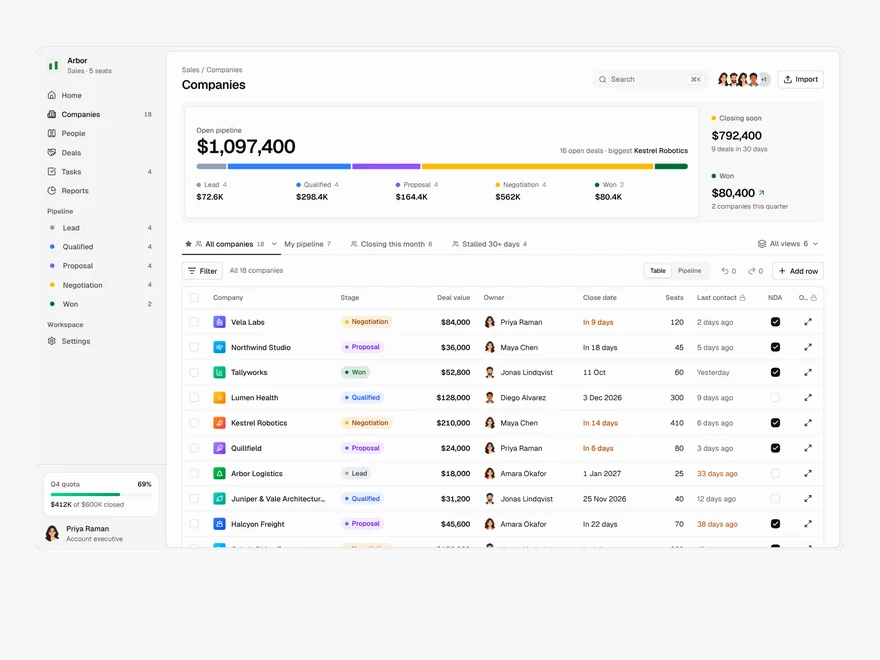
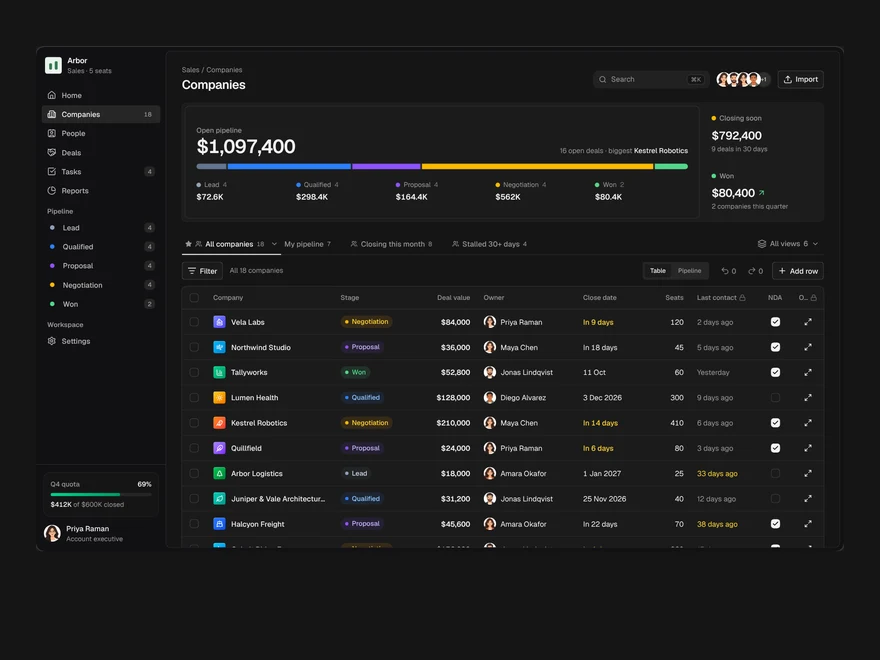
Used in a screenAll screens
More like Saved Views
All Data Tables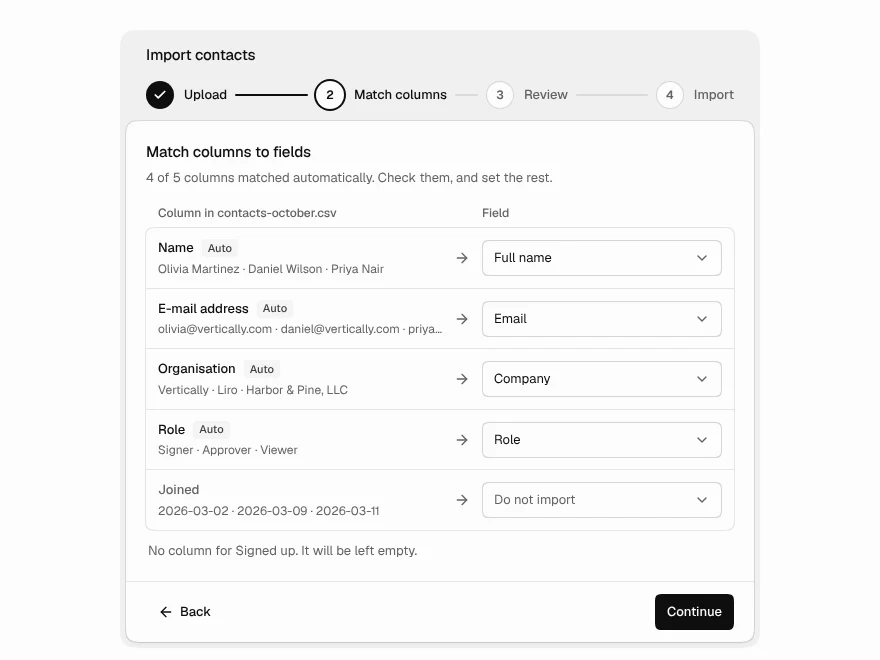 Pro
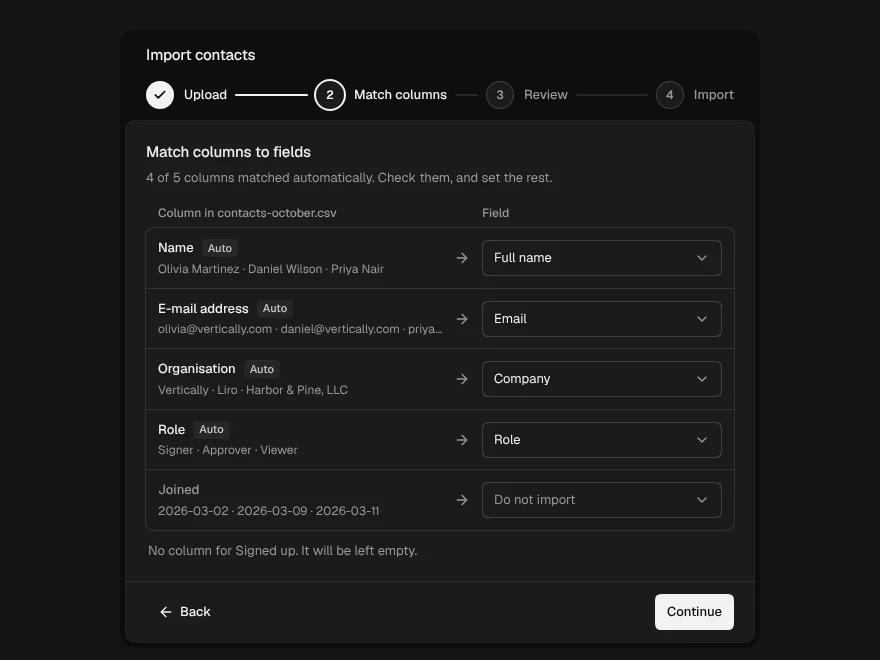
Data Import
CSV import with column mapping and fixes.
 BlockPro
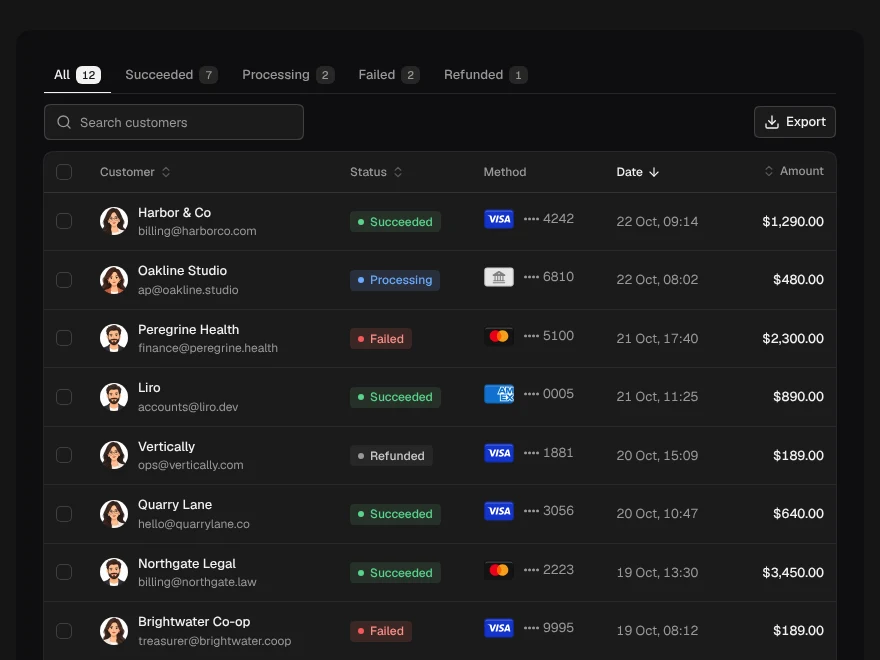
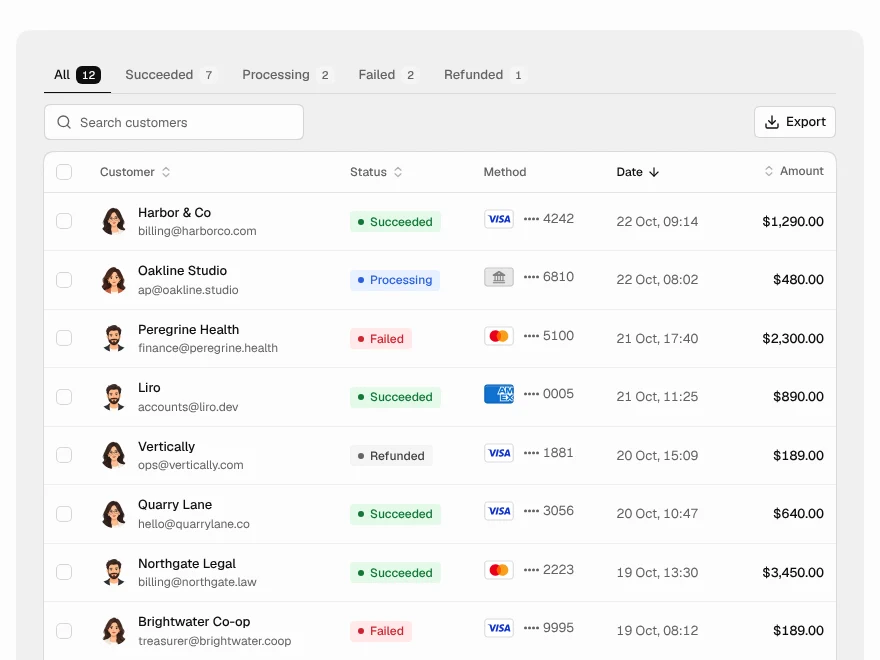
Payments Table
Payments table with status tabs and refunds.
 BlockPro
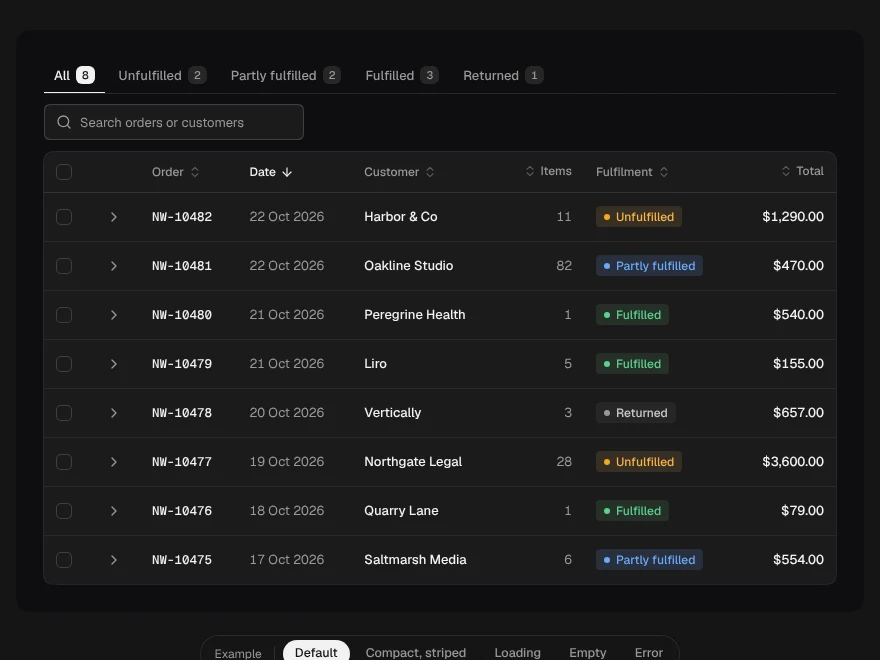
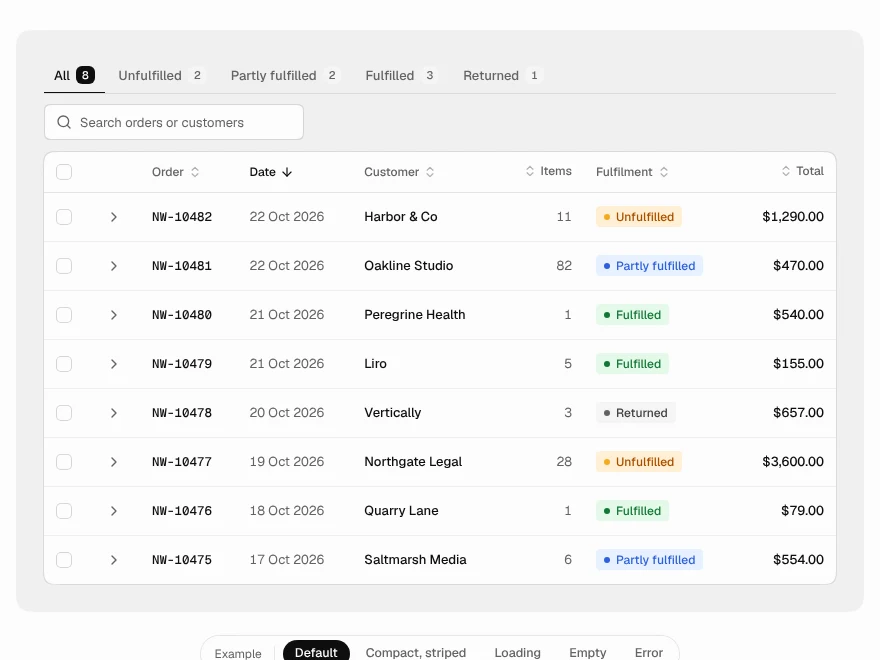
Orders Table
Orders table with status and expandable line items.
 BlockPro
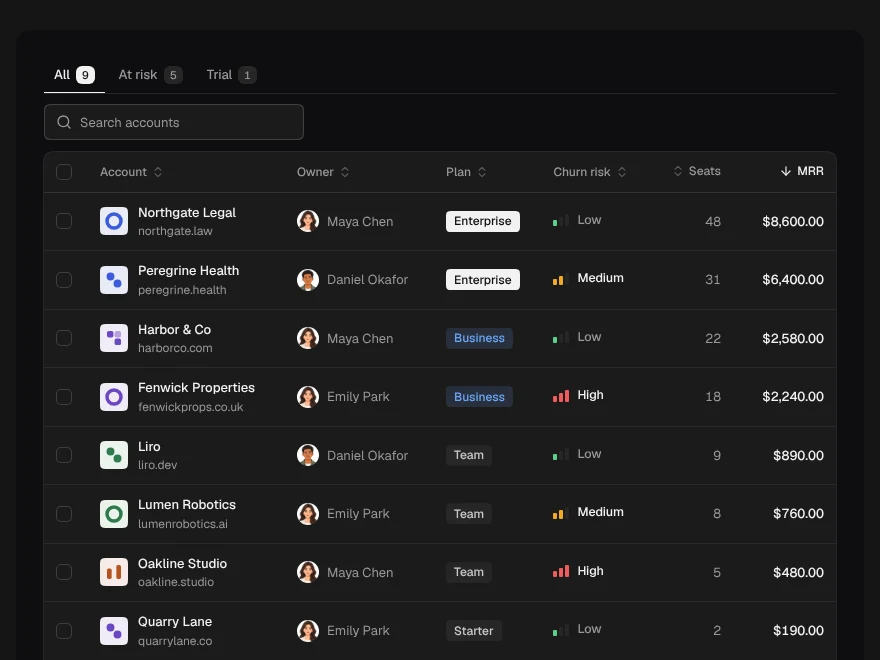
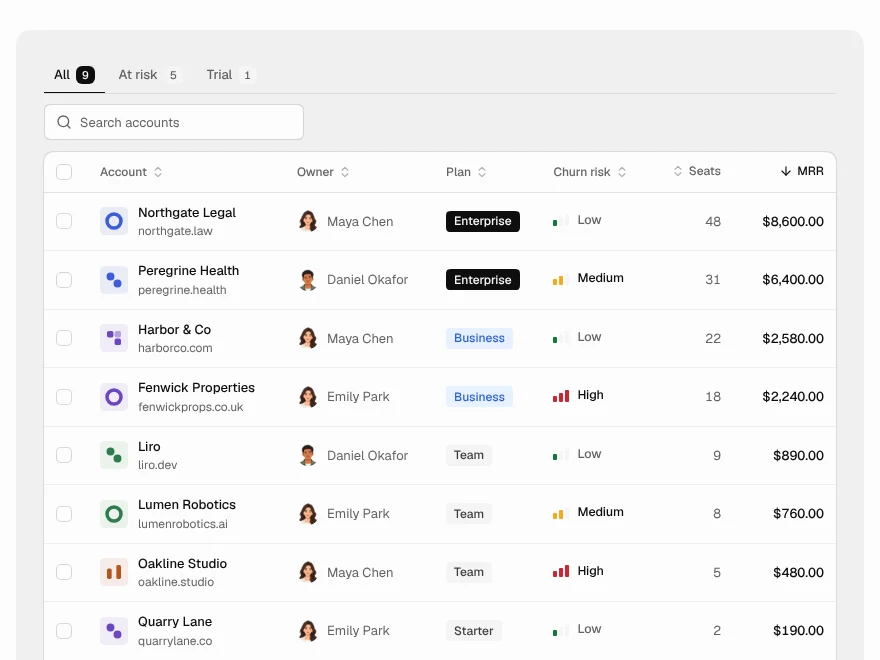
Customers Table
Customers table with MRR, plan and churn risk.
 BlockPro
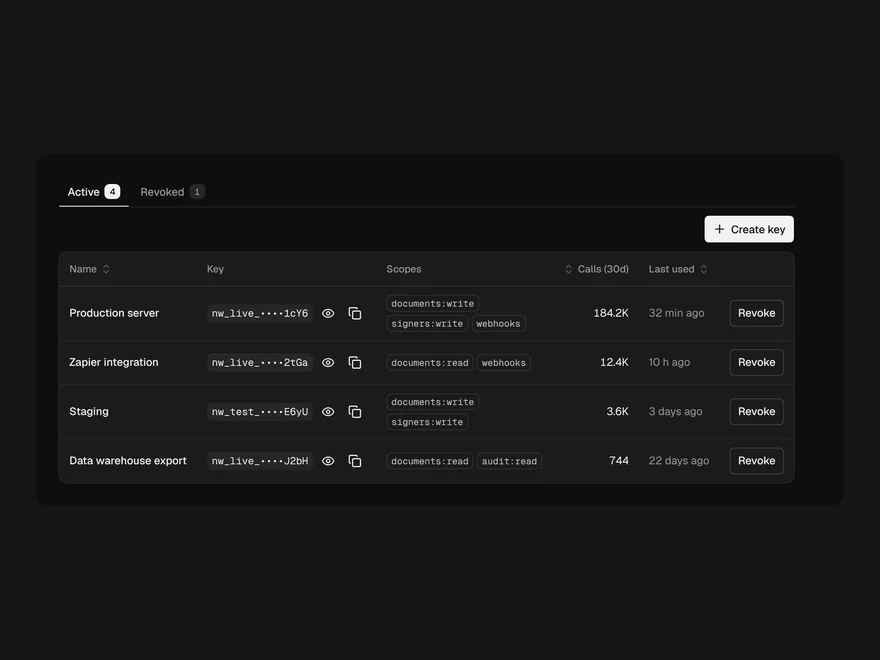
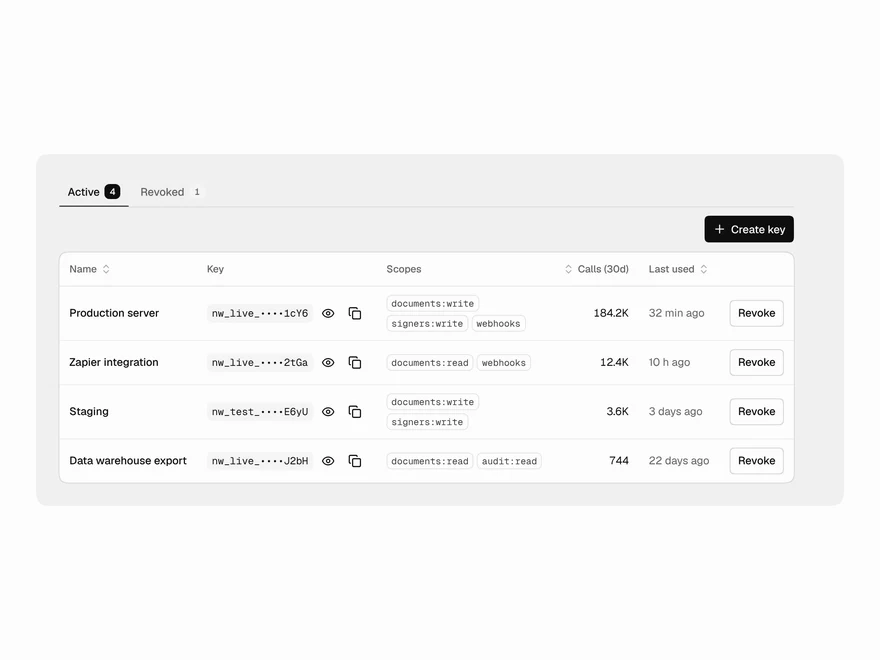
API Keys Table
API keys table with scopes, usage and revoke.
 BlockPro
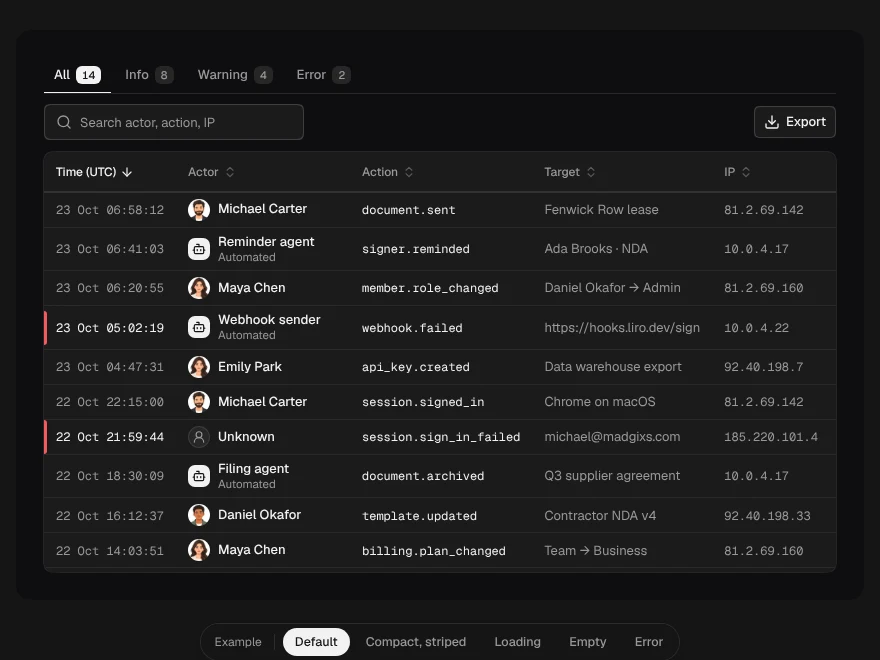
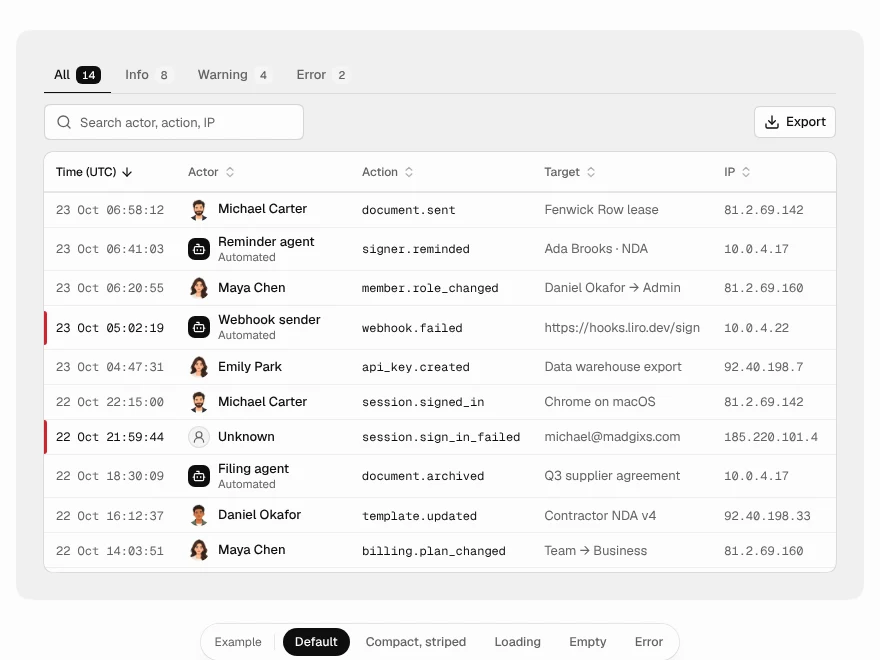
Audit Log Table
Audit log table with filters and export.