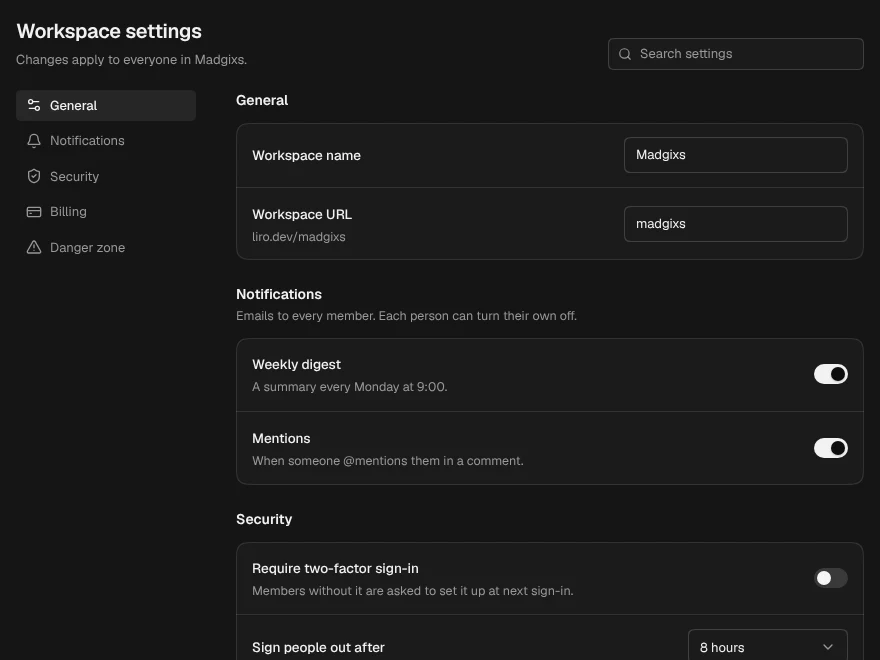
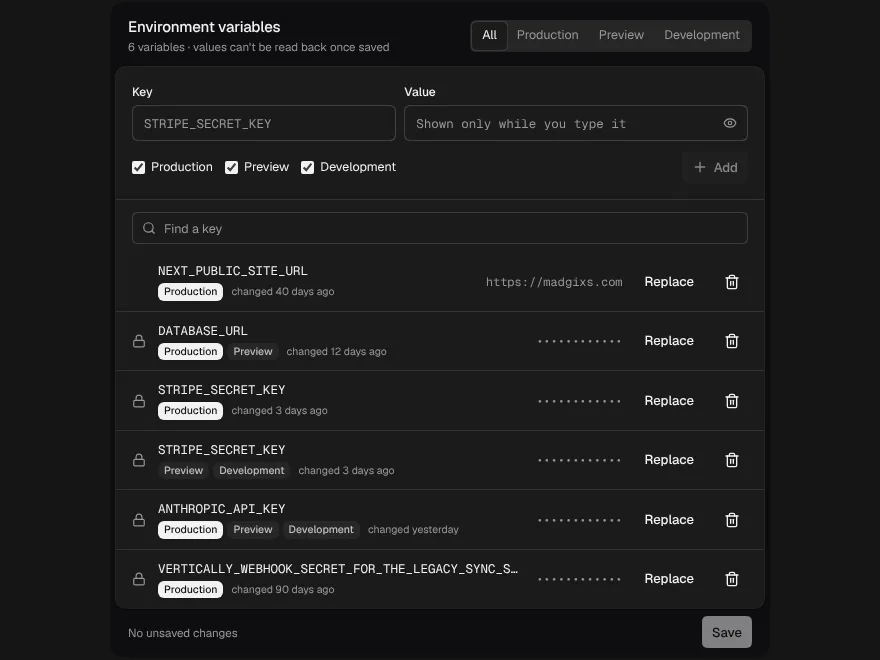
Integration Settings
The settings card for one connected service, with a key that is tested before it is saved.
PROGet Integration Settings and 168 other Pro components with pro lifetime — Get Pro
- Category
- Workspace
- Access
- ProPro · unlocked
- Source
- 783 lines · one file
- States
- 7 drawn
- Added
- 21 Oct 2026
The decision inside it
A bad key is never stored as if it were fine
Save runs onTest first, and only a key that works reaches onSave; a rejected one says "Rejected (401)" and keeps your draft. Once saved the key is write-only: the card shows a hint, never the key, and revealing a key you are typing is press and hold.
When to use it
Use Integration Settings for one connected service's settings: on/off, an API key that is tested before it is saved and never shown again, a validated site address, time zone, sync frequency and Disconnect. onTest runs before onSave whenever the key changed.
Installation
How you get it
Paste this into Claude Code, Cursor, Codex or any coding agent. It installs the file and uses it as it is, instead of writing a new one.
Use Liro's Integration Settings for this.
Install it: npx shadcn@latest add @liro/integration-settings
(the @liro registry is set up in components.json, with LIRO_KEY in .env.local)
Import it from @/components/ui/integration-settings.
Do not rewrite or restyle it. Pass my data through its props
and keep its built-in states.
For the full brief with every prop and the mistakes assistants usually make, use Copy prompt above. Pro components install through the @liro registry with your CLI token: see the Namespaced tab.
Usage
import { IntegrationSettings, type IntegrationConfig, type KeyCheck } from "@/components/ui/integration-settings";

export function StoreSettings({ config, api }: {
  config: IntegrationConfig;
  api: {
    testKey: (key: string) => Promise<KeyCheck>;
    save: (config: IntegrationConfig, apiKey?: string) => Promise<void>;
    disconnect: () => Promise<void>;
  };
}) {
  return (
    <IntegrationSettings
      service={{ name: "Store" }}
      meta="Connected on March 4, 2026"
      value={config}
      onTest={api.testKey}
      onSave={(next, { apiKey }) => api.save(next, apiKey)}
      onDisconnect={api.disconnect}
    />
  );
}
API reference
“Copy prompt” above puts a full brief on your clipboard, install command, dependencies, props, and the mistakes an assistant usually makes with this component.
Props
Read from the component’s own TypeScript interface when the site is built, so this table cannot drift from the file you install.
| Type | Notes | ||
|---|---|---|---|
service | Pick<IntegrationService, "name" | "icon" | "logo" | "logoUrl" | "color" | "description"> | Yes | Name and mark. Pass the logo as `logo` (or `icon`), any node. |
meta | React.ReactNode | No | The line under the name: "Connected on March 4, 2026". Default: the service's description. |
count | number | No | A small number next to the name, e.g. records synced. |
value | IntegrationConfig | No | The saved settings. Controlled. |
defaultValue | IntegrationConfig | No | – |
onChange | (config: IntegrationConfig) => void | No | Fires after a save succeeds, with what was saved. |
defaultDraft | Partial<IntegrationDraft> | No | Start with unsaved edits, e.g. a draft you restored. |
keyStatus | KeyCheck | No | The last known health of the saved key. |
defaultDraftKeyStatus | KeyCheck | No | The last test of the draft key, e.g. a rejection you restored with the draft. |
onTest | (apiKey: string) => KeyCheck | Promise<KeyCheck> | No | Tests a key. Runs on Save, before `onSave`, whenever the key changed. |
onSave | (config: IntegrationConfig, secret: { apiKey?: string }) => void | Promise<void> | No | Saves. `apiKey` is set only when a new key was typed (and passed its test). |
onDisconnect | () => void | Promise<void> | No | – |
timeZones | string[] | No | Default: a short list of common zones. |
sitePlaceholder | string | No | Placeholder for the site address. Default "yourteam.example.com". |
siteHint | React.ReactNode | No | Helper text under the site address. |
now | Date | number | No | Fix the clock, for screenshots and tests. |
look | Look | No | Layered sets the settings on a card in a tray, the service above and the save row below. Flat is one card. |
Dependencies
npm packages
clsxframer-motionlucide-reacttailwind-mergeLiro foundations, installed alongside it
liro-themebuttoncomboboxinputintegration-pickersegmented-controlswitchStates
All of them are drawn by the component. None is left for you to design.
- Healthy
- Unsaved changes
- Testing
- Key rejected
- Saved
- Disabled
- Disconnecting
Accessibility
- Keyboard reachable throughout, in visual order
- Focus trapped in overlays, Escape closes them
- Focus returns to whatever opened it
- Live regions announce what changed, not that something did
- Honours prefers-reduced-motion
Responsive behavior
- Sizes to its container, not the viewport
- Usable from 320px up
- Pointer-based interaction, so trackpad and touch both work
- No hover-only affordances
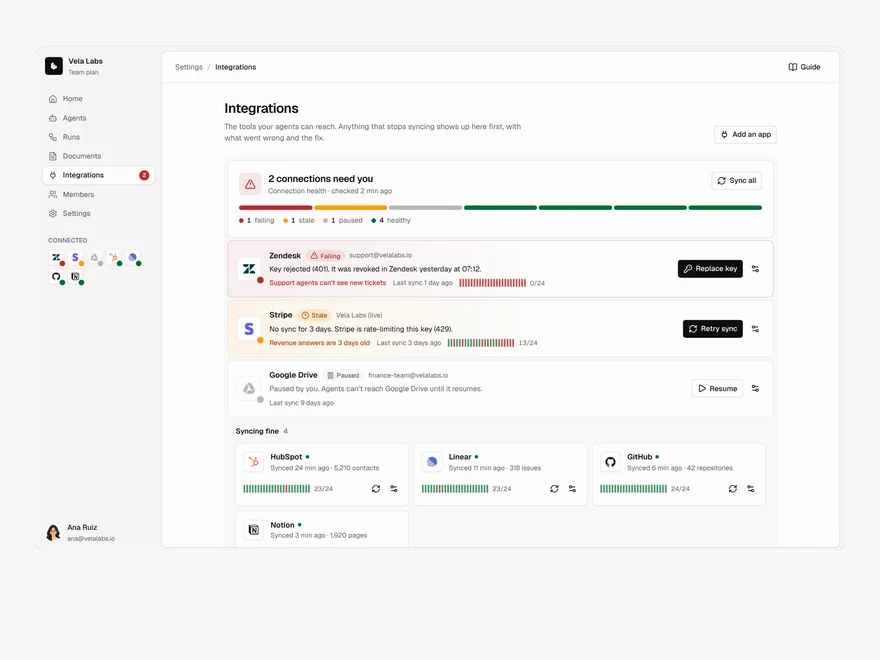
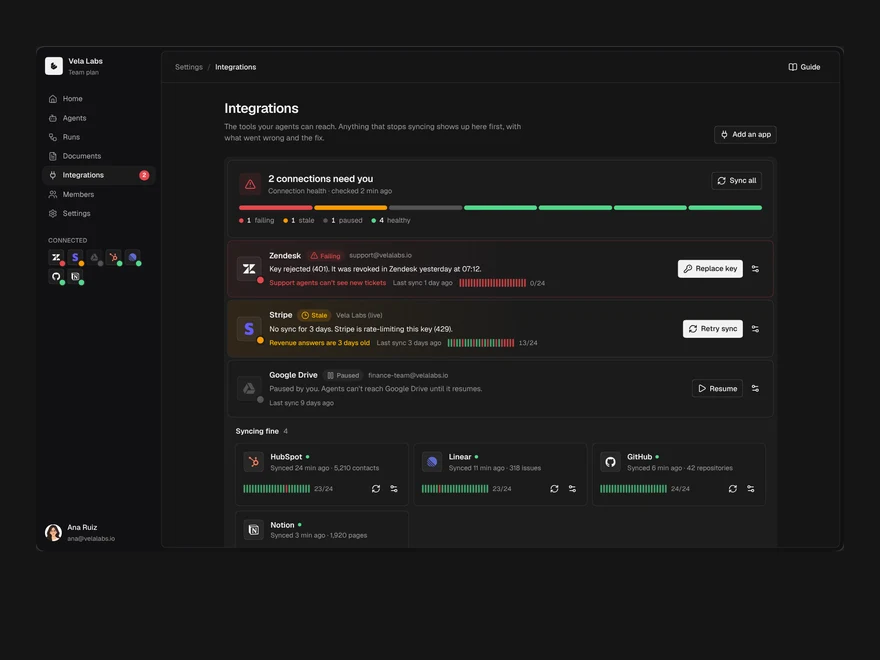
Used in a screenAll screens
More like Integration Settings
All Workspace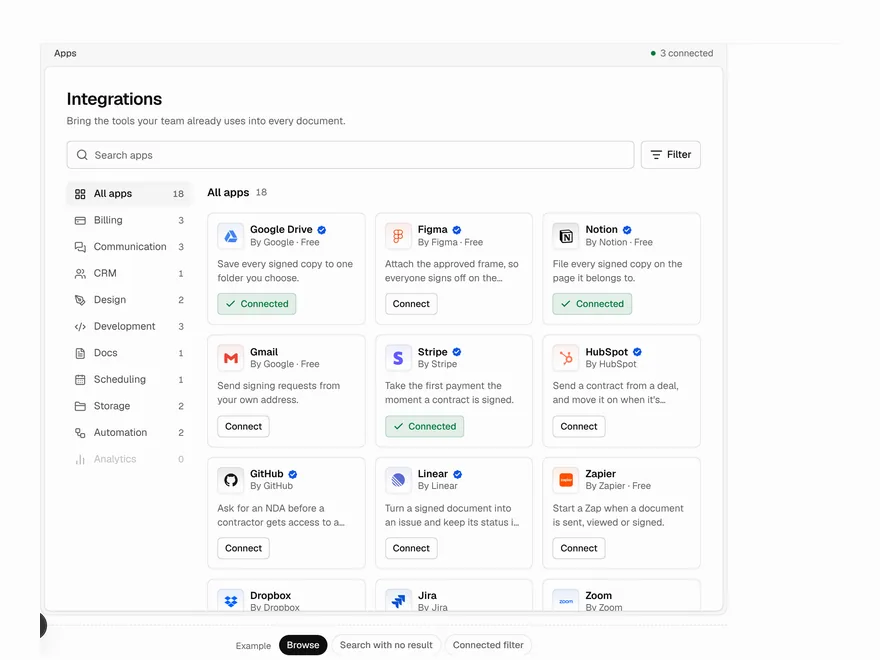 Pro
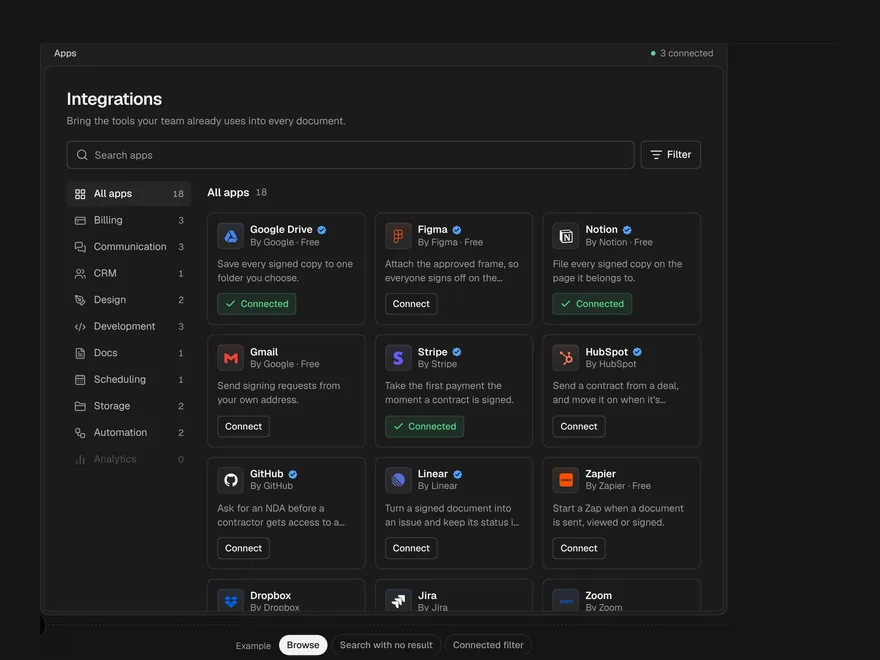
App Directory
Searchable directory of app integrations.
 Pro
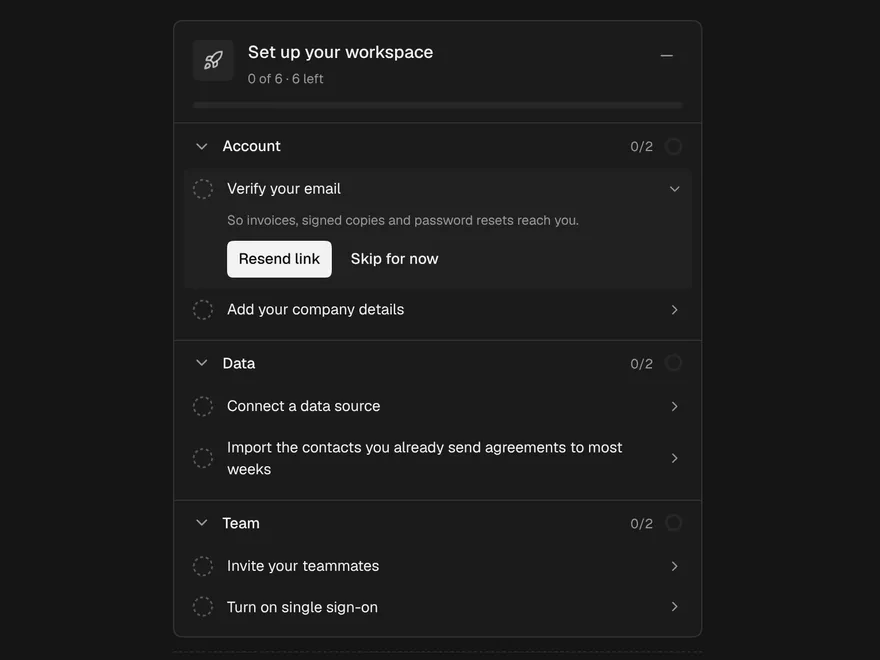
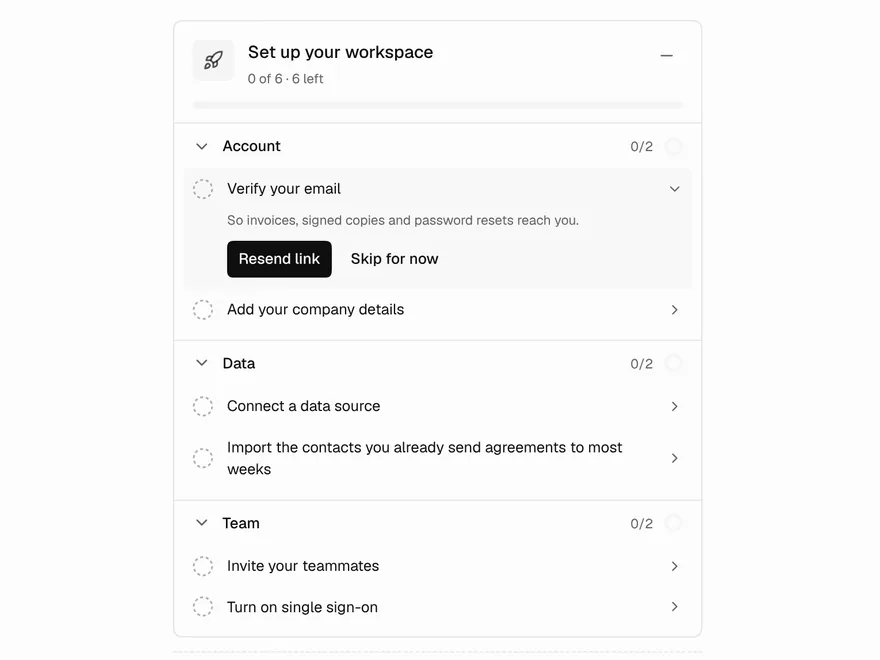
Setup Guide
Onboarding checklist for new accounts.
 Pro
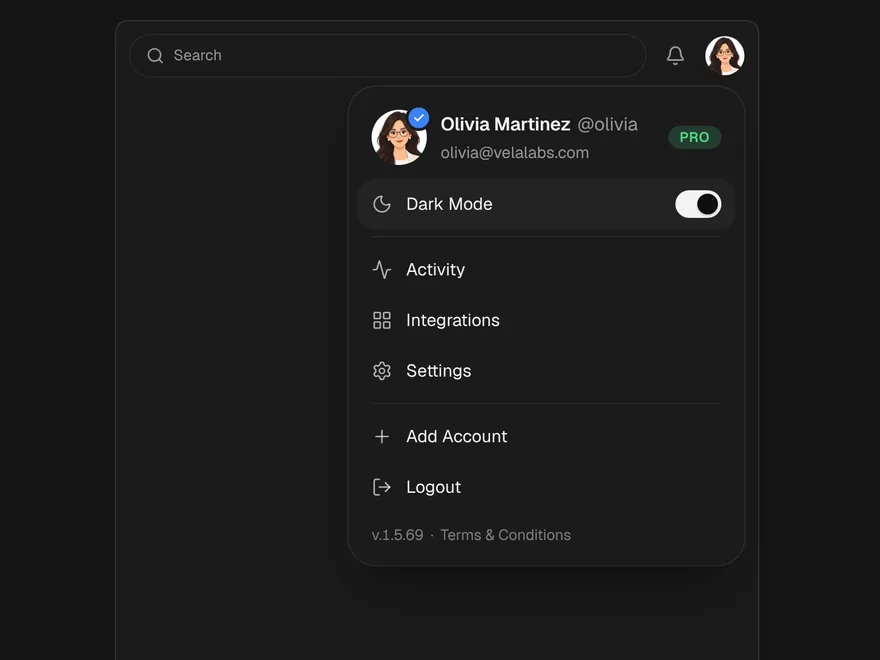
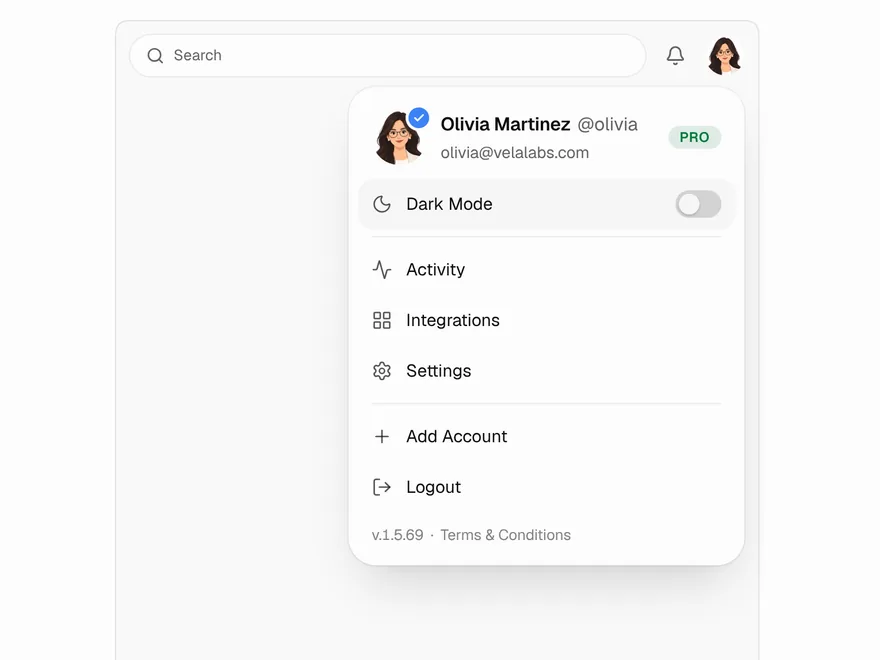
Profile Menu
Account menu behind the user avatar.
 Pro
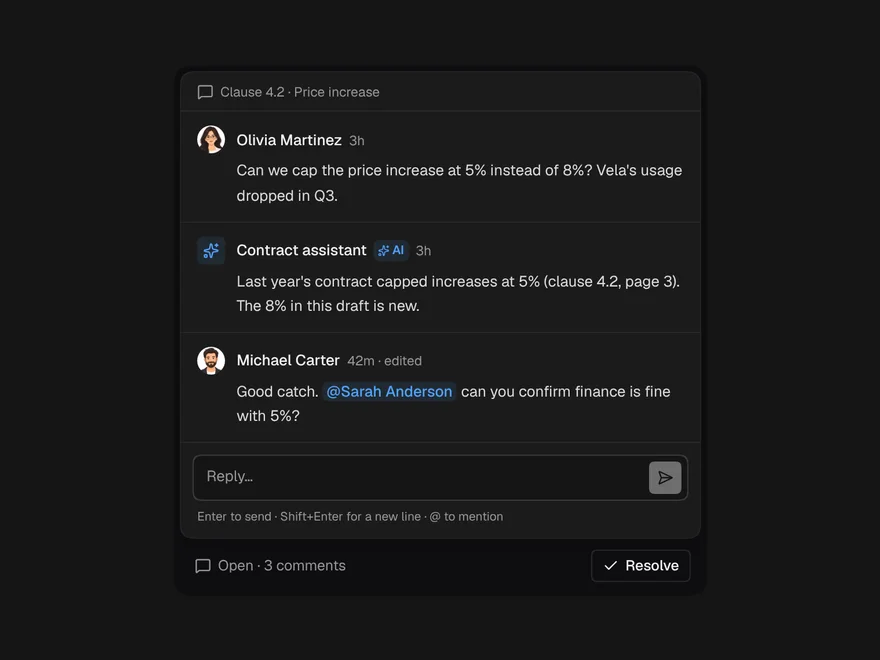
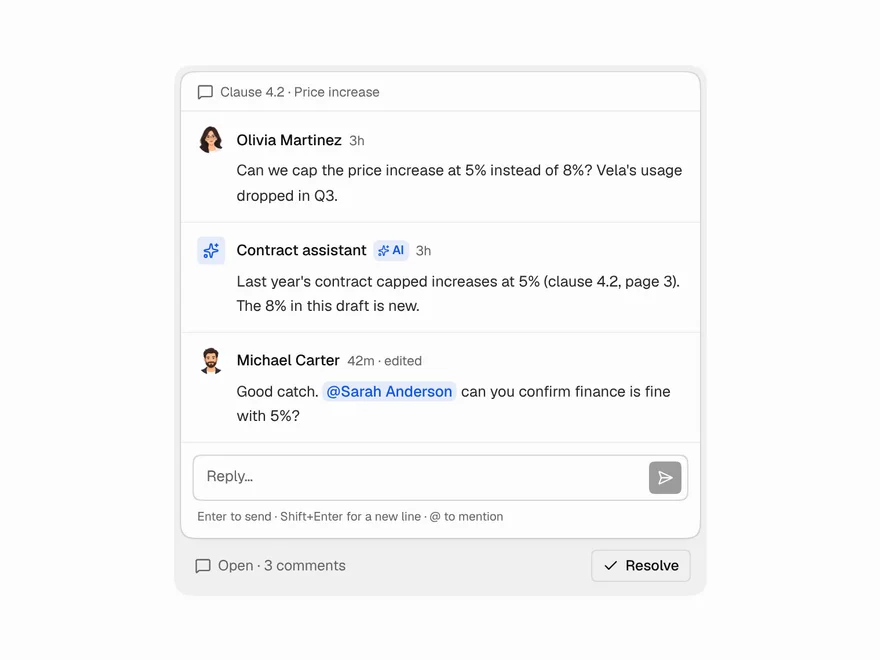
Comment Thread
Comment thread with replies, mentions and resolve.
 BlockPro
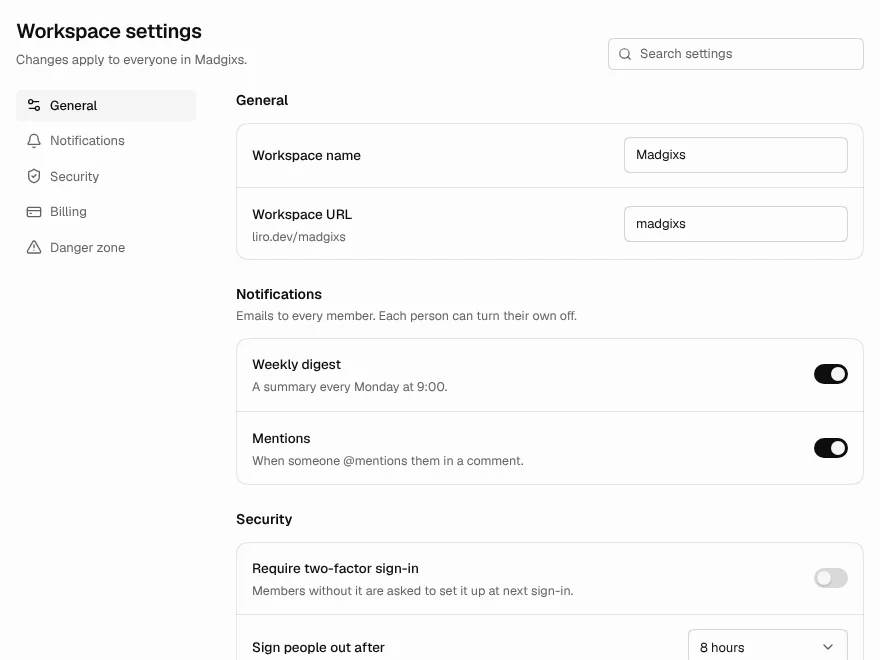
Settings Page
Settings page with sections, search and save bar.
 NewPro
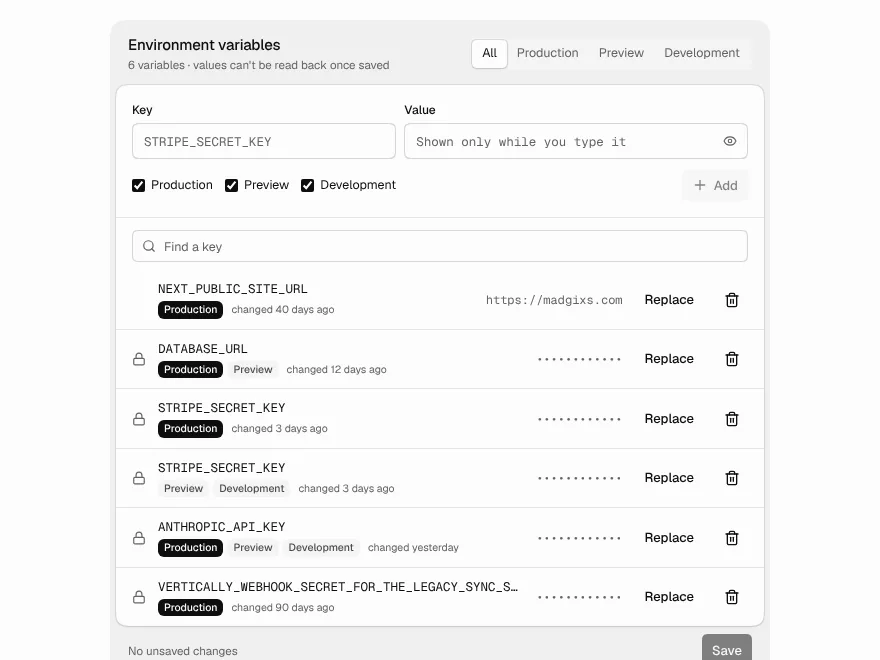
Env Variables
Environment variables per environment, write-only values, and a reminder to redeploy.