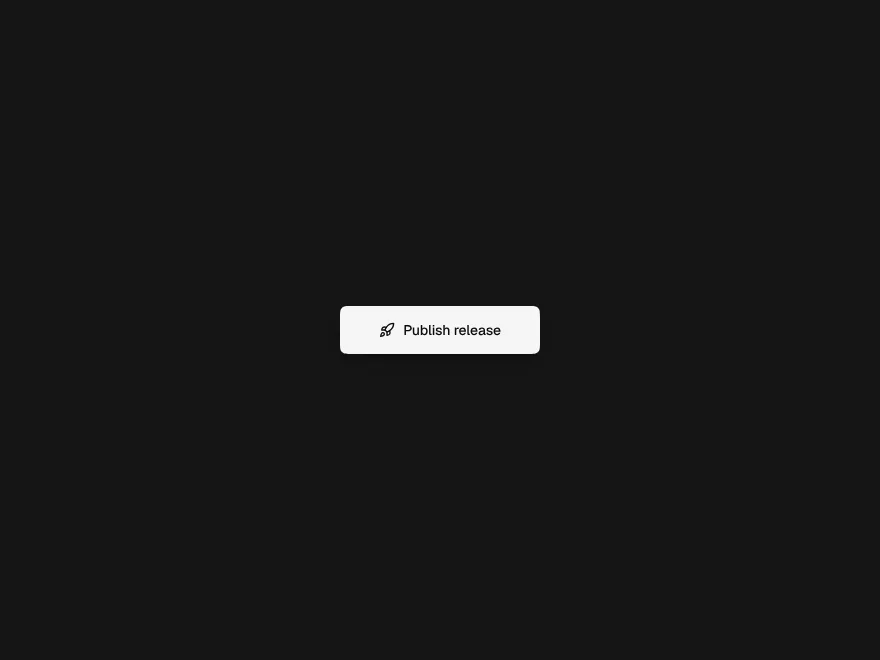
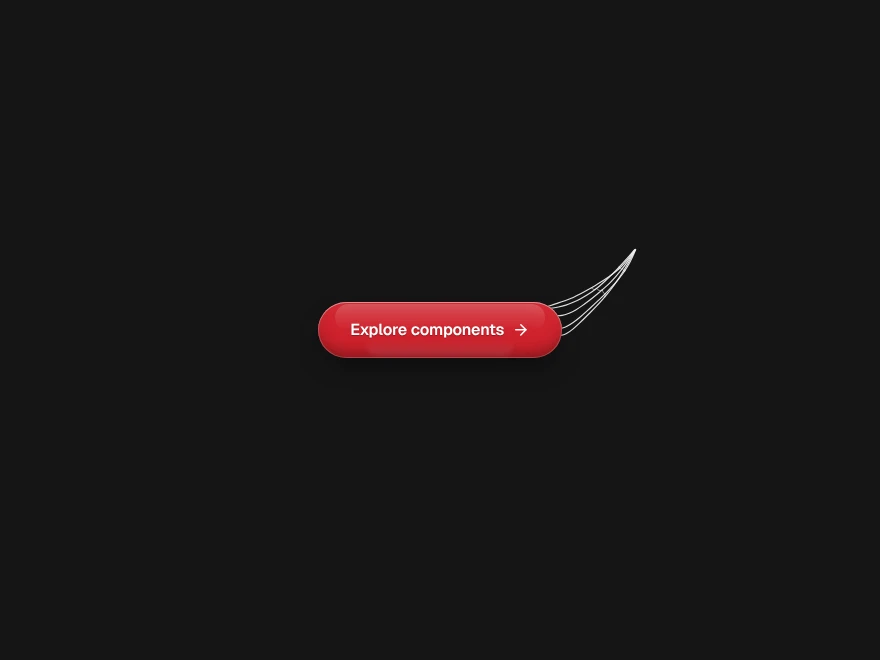
Confetti
A burst of paper for a first payment or a finished setup, from a button or from code.
- Category
- Creative
- Access
- Free with an account
- Source
- 192 lines · one file
- States
- 4 drawn
- Added
- 3 Nov 2026
The decision inside it
Nothing runs between celebrations
One canvas is created on the first burst and removed when the last piece lands, and the page keeps taking clicks. At most 400 pieces are on screen. With reduced motion there is no confetti; the button pops and a screen reader hears what was celebrated.
When to use it
Use Confetti for rare moments worth celebrating: a first payment, a finished setup, a closed deal. Not for every save.
Installation
How you get it
Paste this into Claude Code, Cursor, Codex or any coding agent. It installs the file and uses it as it is, instead of writing a new one.
Use Liro's Confetti for this.
Install it: npx shadcn@latest add @liro/confetti
(the @liro registry is set up in components.json, with LIRO_KEY in .env.local)
Import it from @/components/ui/confetti.
Do not rewrite or restyle it. Pass my data through its props
and keep its built-in states.
For the full brief with every prop and the mistakes assistants usually make, use Copy prompt above. Free components install through the @liro registry with your CLI token: see the Namespaced tab.
Usage
"use client";
import { ConfettiButton, confetti } from "@/components/ui/confetti";

export function MarkPaidButton({ onPaid }: { onPaid: () => Promise<void> }) {
  return (
    <ConfettiButton announce="Invoice paid" onClick={() => void onPaid()} className="rounded-lg bg-foreground px-4 py-2 text-background">
      Mark as paid
    </ConfettiButton>
  );
}

// From anywhere else, after a server confirms:
export const celebrateSetup = () => confetti({ preset: "cannons" });
API reference
“Copy prompt” above puts a full brief on your clipboard, install command, dependencies, props, and the mistakes an assistant usually makes with this component.
Props
Read from the component’s own TypeScript interface when the site is built, so this table cannot drift from the file you install.
| Type | Notes | ||
|---|---|---|---|
options | Omit<ConfettiOptions, "from"> | No | – |
announce | string | No | Said to screen readers when it fires: "Invoice paid". |
Dependencies
npm packages
clsxframer-motiontailwind-mergeLiro foundations, installed alongside it
liro-themeStates
All of them are drawn by the component. None is left for you to design.
- Burst
- Cannons
- Rain
- Reduced motion
Accessibility
- Keyboard reachable throughout, in visual order
- Focus trapped in overlays, Escape closes them
- Focus returns to whatever opened it
- Live regions announce what changed, not that something did
- Honours prefers-reduced-motion
Responsive behavior
- Sizes to its container, not the viewport
- Usable from 320px up
- Pointer-based interaction, so trackpad and touch both work
- No hover-only affordances
More like Confetti
All Creative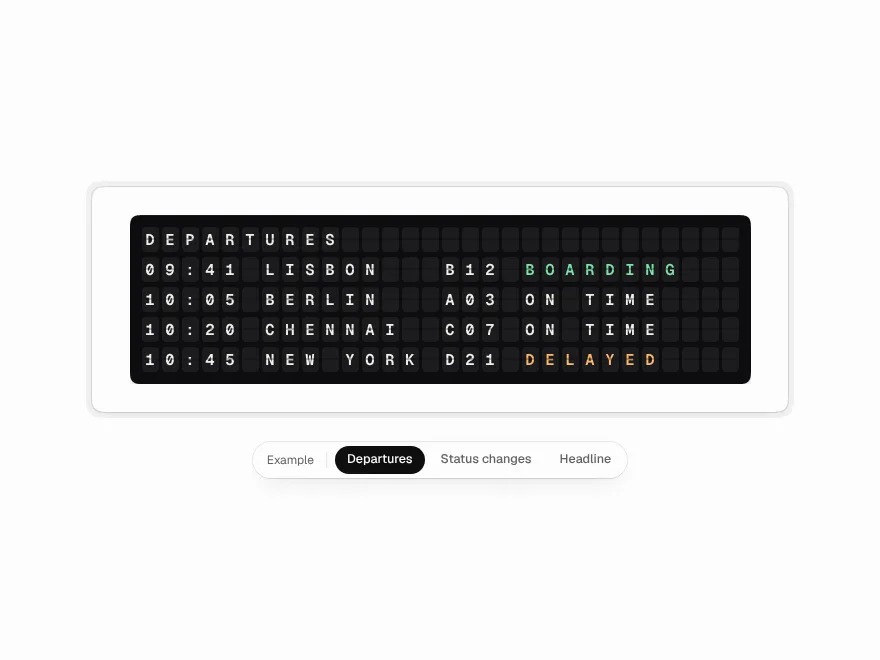 NewFree
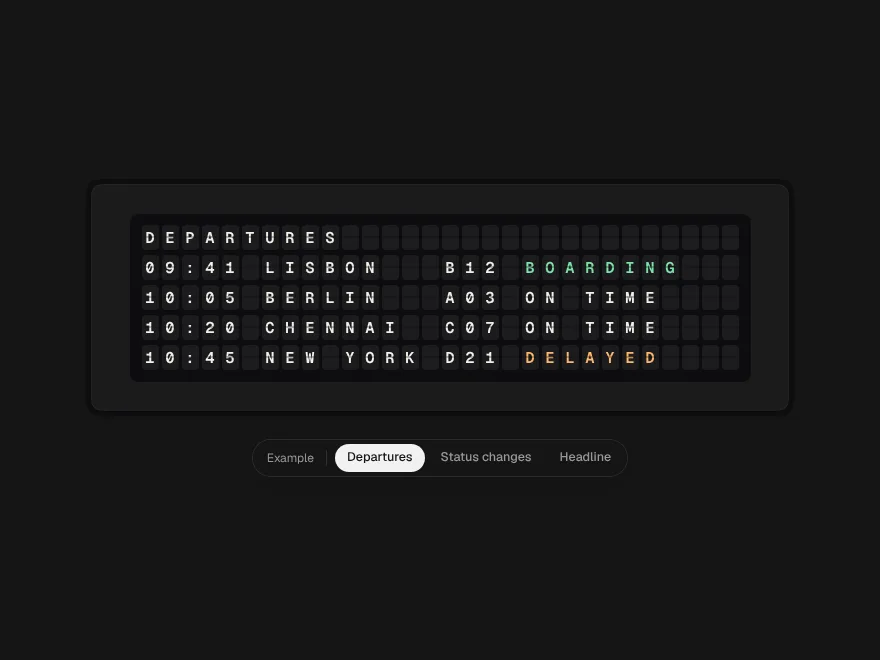
Split-flap Board
The station departures board: every character a flap that clatters through the alphabet.
 NewFree
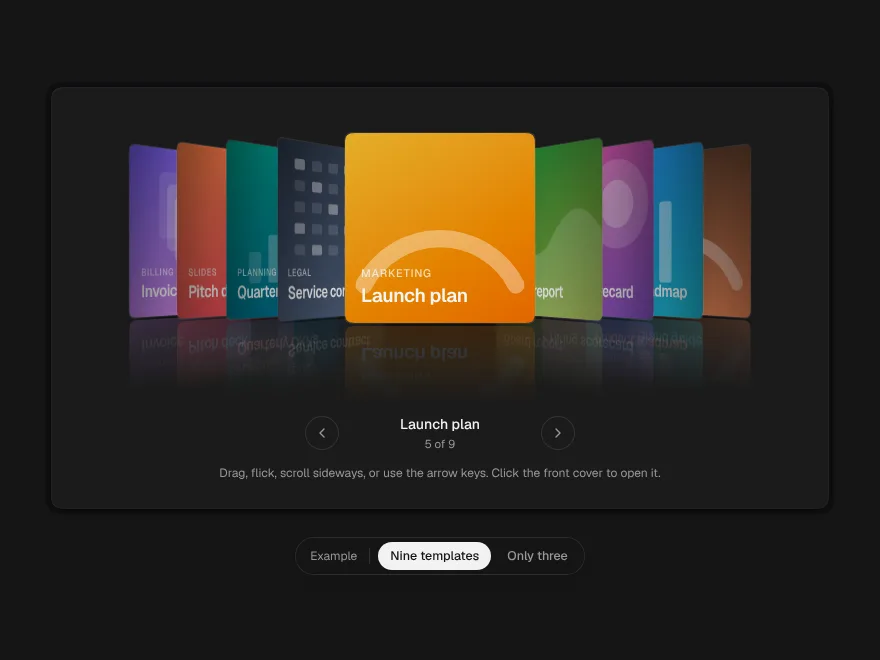
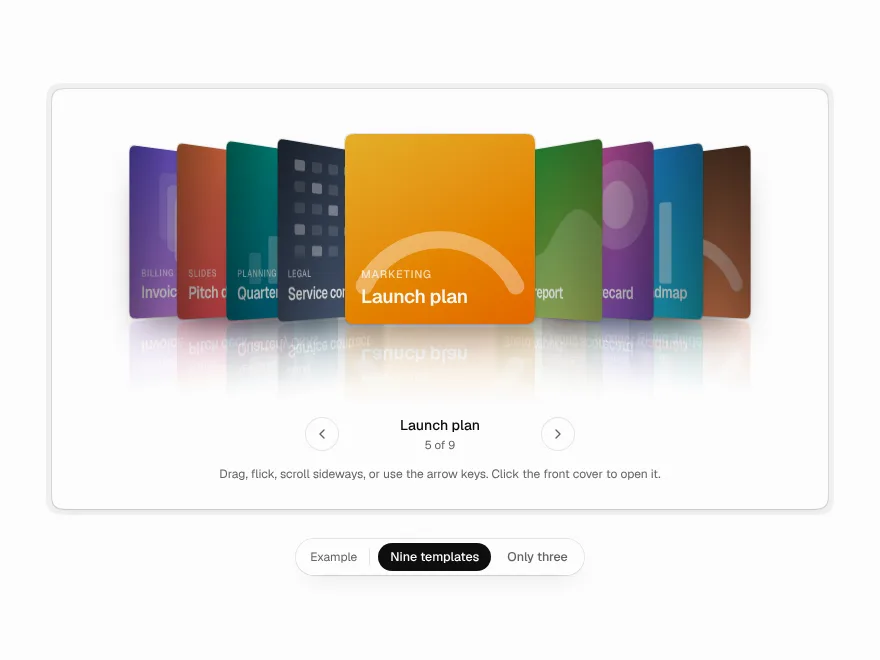
Cover Flow
A shelf of covers in 3D: drag, flick or scroll it and it settles on the one in front.
 Free
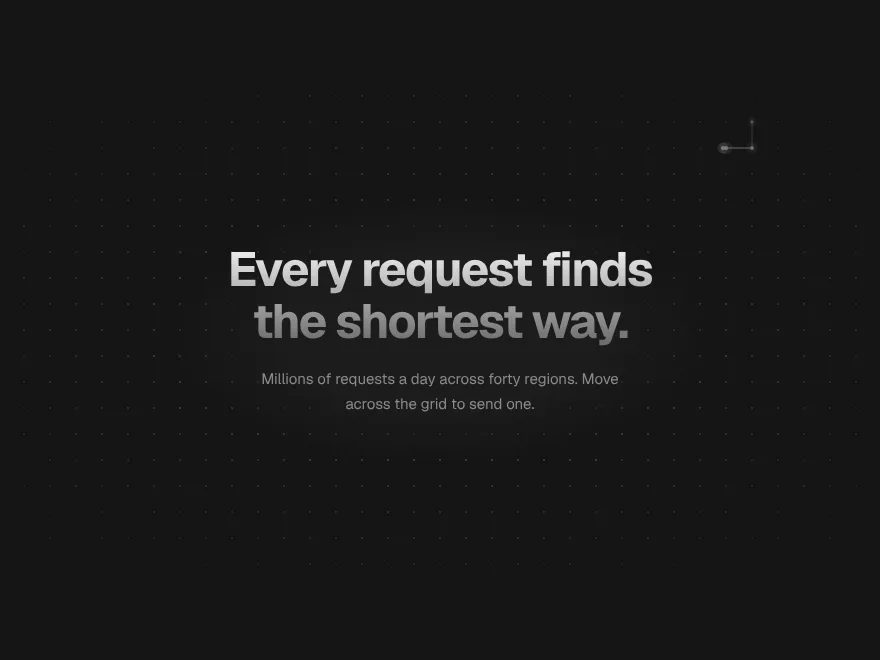
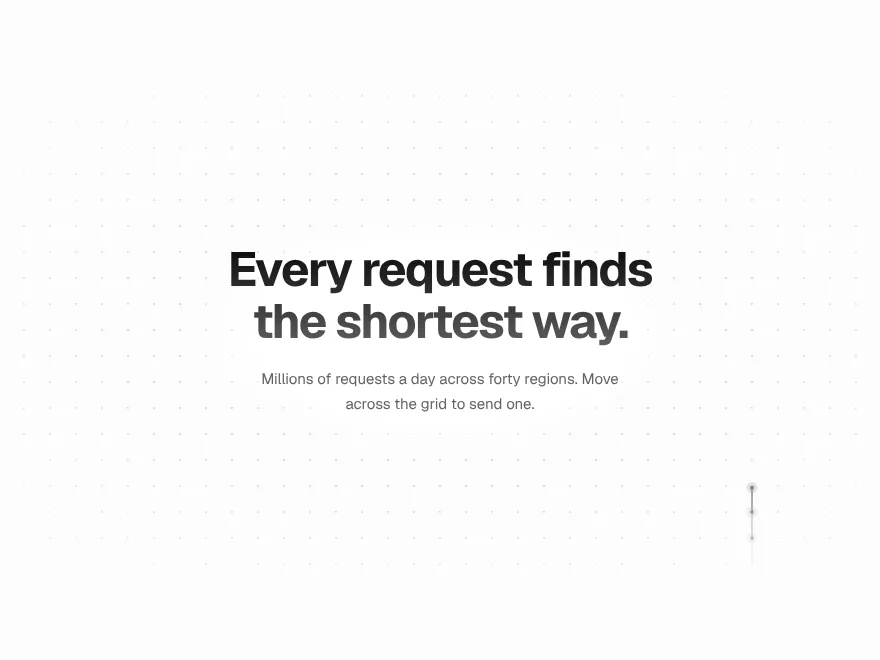
Signal Grid
Interactive dot grid with travelling pulses.
 Free
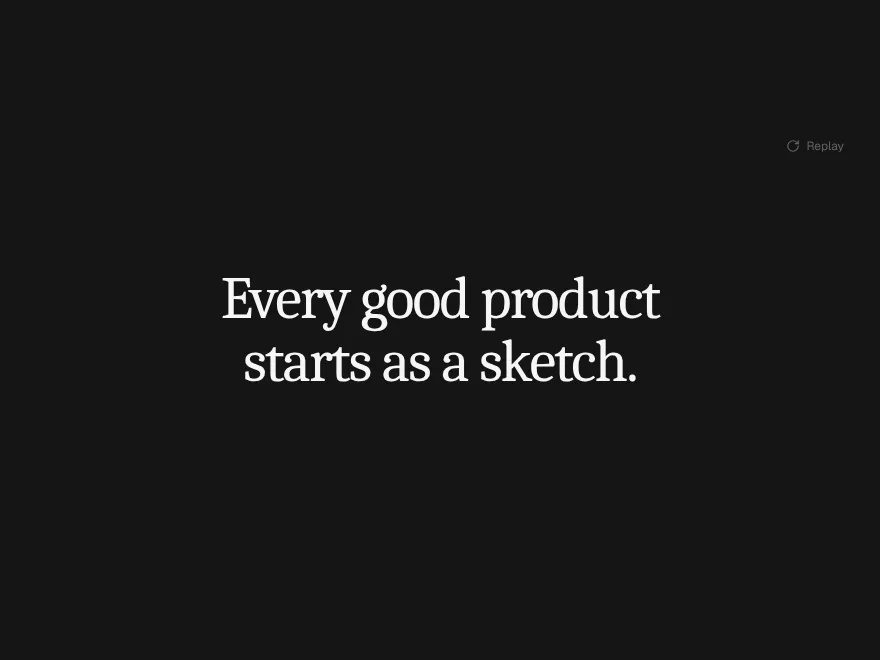
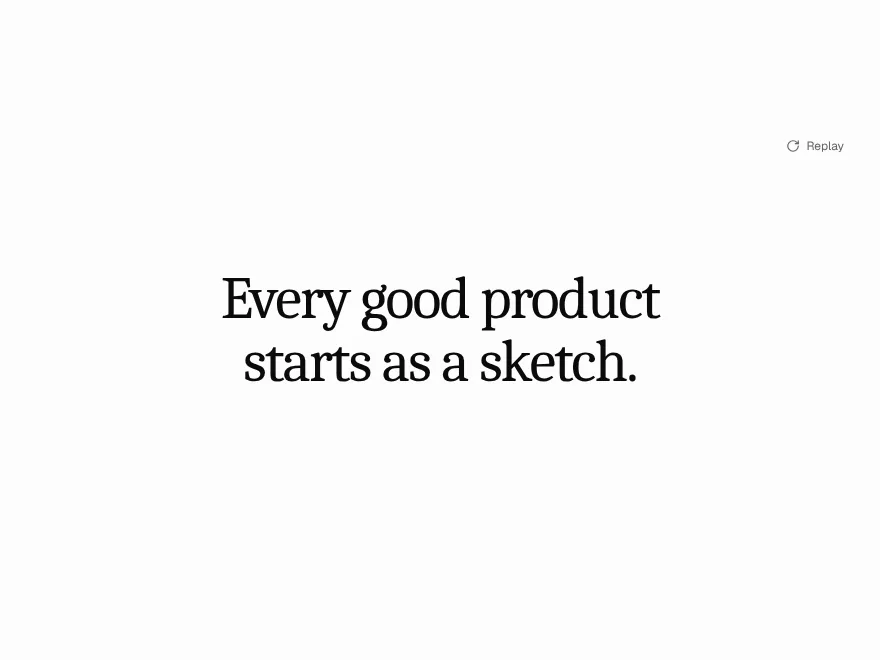
Ink Bleed Heading
Heading that spreads in like ink.
 Free
Pressure Button
Button that presses down and ripples.
 NewFree
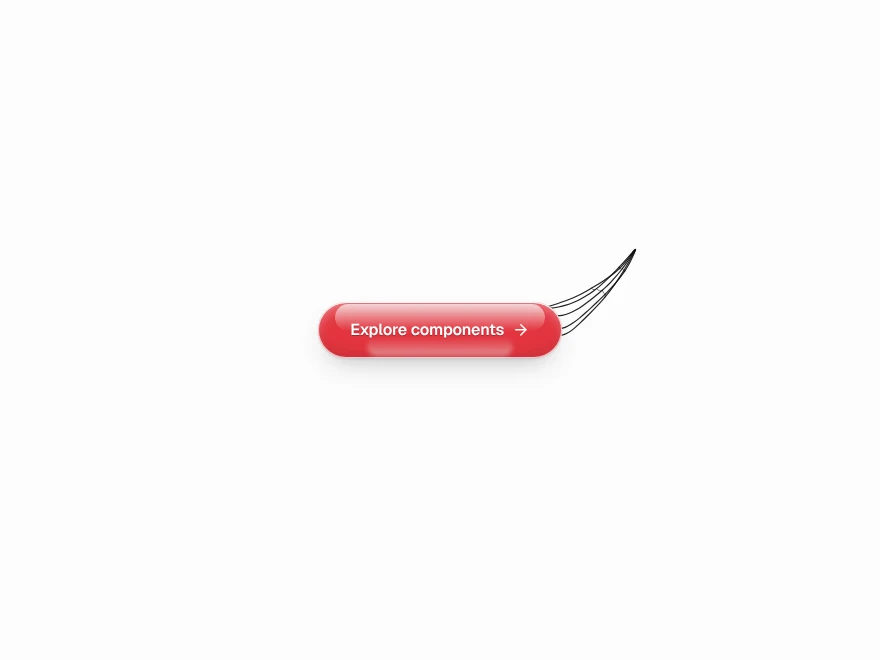
Web Shot Button
Glass button that shoots silk at the pointer.