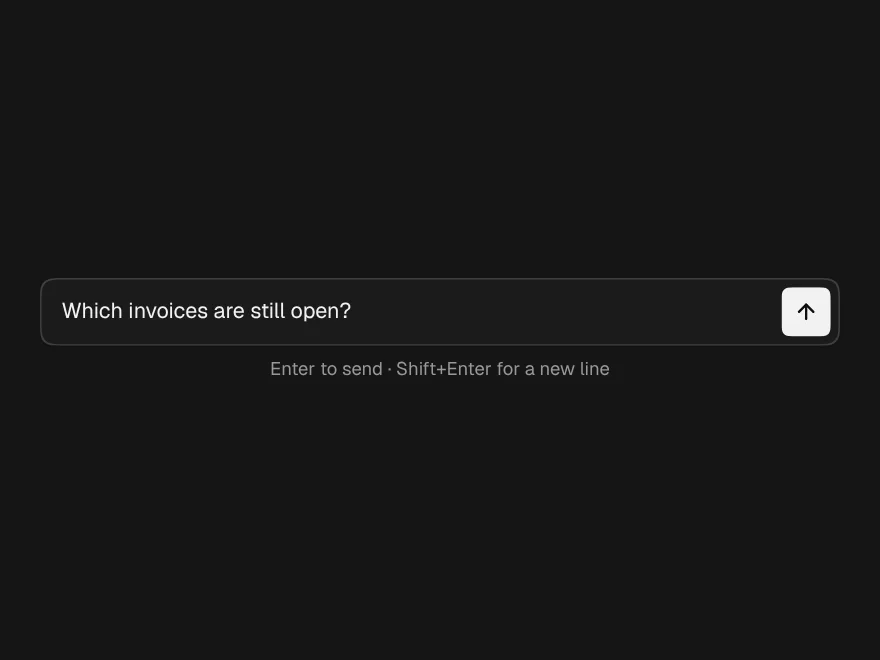
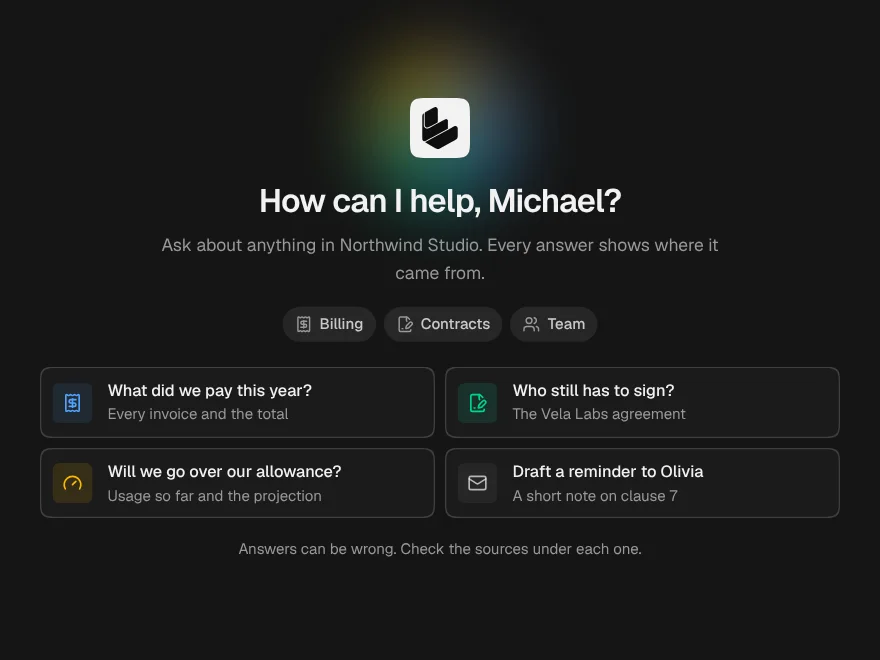
Chatbot
One chat in four places: a floating widget, an embedded panel, a copilot sidebar or a full page.
PROGet Chatbot and 168 other Pro components with pro lifetime — Get Pro
- Category
- AI Chat
- Access
- ProPro · unlocked
- Source
- 616 lines · one file
- States
- 10 drawn
- Kind
- Block
- Added
- 14 Oct 2026
The decision inside it
Asking back is part of the answer
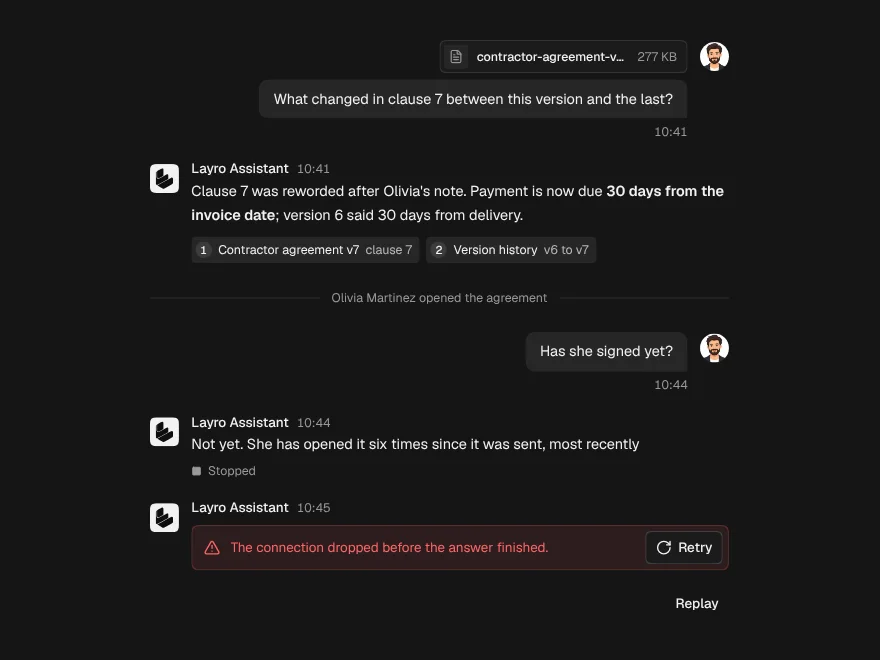
A choice, a question or a Confirm arrives in the same stream as the text, and the pick is sent on as the next message so the model sees it. Nothing runs from the widget: what Confirm does stays in your app.
When to use it
Use Chatbot when the chat has to live somewhere specific: a launcher in the corner of a site (floating), a panel in a dashboard (embedded), an assistant docked beside a document (sidebar) or a whole page. The conversation is AI Chat with the same onSend; answers can also yield choices, a question or a confirm, and the pick comes back as the next message and through onAction. Your app owns the model, history, uploads and whatever Confirm does.
Installation
How you get it
Paste this into Claude Code, Cursor, Codex or any coding agent. It installs the file and uses it as it is, instead of writing a new one.
Use Liro's Chatbot for this.
Install it: npx shadcn@latest add @liro/chatbot
(the @liro registry is set up in components.json, with LIRO_KEY in .env.local)
Import it from @/components/ui/chatbot.
Do not rewrite or restyle it. Pass my data through its props
and keep its built-in states.
For the full brief with every prop and the mistakes assistants usually make, use Copy prompt above. Pro components install through the @liro registry with your CLI token: see the Namespaced tab.
Usage
"use client";

import { Chatbot } from "@/components/ui/chatbot";
import type { AIChatRequest } from "@/components/ui/ai-chat";

async function* send({ messages, signal }: AIChatRequest) {
  const res = await fetch("/api/chat", { method: "POST", body: JSON.stringify({ messages }), signal });
  const reader = res.body!.pipeThrough(new TextDecoderStream()).getReader();
  for (;;) {
    const { done, value } = await reader.read();
    if (done) return;
    yield value;
  }
  // To ask back, yield events as well as text:
  // yield { type: "choices", choices: [{ label: "Upload a file" }, { label: "Not now" }] };
  // yield { type: "confirm", title: "Start the import?", confirmLabel: "Start", cancelLabel: "Cancel" };
}

export function SiteAssistant() {
  return (
    <Chatbot
      variant="floating"
      assistant={{ name: "Liro Assistant", detail: "Connected" }}
      welcome={{ title: "How can I help?", starters: ["Where is my order?", "Change my plan"] }}
      onSend={send}
      onAction={({ confirmed, choice }) => {
        if (confirmed) startImport(); // your code runs the action
      }}
    />
  );
}

function startImport() {}
API reference
“Copy prompt” above puts a full brief on your clipboard, install command, dependencies, props, and the mistakes an assistant usually makes with this component.
Props
Read from the component’s own TypeScript interface when the site is built, so this table cannot drift from the file you install.
| Type | Notes | ||
|---|---|---|---|
variant | ChatbotVariant | No | – |
assistant | ChatbotAssistant | No | – |
open | boolean | No | Floating and sidebar: open state. Leave out to let it manage itself. |
defaultOpen | boolean | No | – |
onOpenChange | (open: boolean) => void | No | – |
position | "bottom-right" | "bottom-left" | No | Floating: which corner. Default bottom-right. |
contained | boolean | No | Position against the nearest positioned parent rather than the window. |
onClear | () => void | No | The bin was pressed; the thread is already cleared. |
launcherLabel | string | No | Floating: the launcher's name. Default "Open chat". |
unread | number | No | Floating: a count on the launcher while closed. |
context | React.ReactNode | No | Sidebar: what the assistant is looking at, under the header. |
defaultWidth | number | No | Sidebar: start width in px. Default 380; drag the edge to change it. |
headerActions | React.ReactNode | No | Extra buttons in the header, before the built-in ones. |
history | ChatbotHistory | No | Past conversations, opened from the clock button in the header. |
conversationId | string | No | The conversation on screen. Changing it swaps the thread to `defaultMessages`. |
Dependencies
npm packages
clsxframer-motionlucide-reacttailwind-mergeLiro foundations, installed alongside it
liro-themeai-chatbuttontooltipStates
All of them are drawn by the component. None is left for you to design.
- Floating
- Sidebar
- Embedded
- Full page
- Past chats
- Choices
- Question
- Confirm
- Handoff
- Failed
Accessibility
- Keyboard reachable throughout, in visual order
- Focus trapped in overlays, Escape closes them
- Focus returns to whatever opened it
- Live regions announce what changed, not that something did
- Honours prefers-reduced-motion
Responsive behavior
- Sizes to its container, not the viewport
- Usable from 320px up
- Pointer-based interaction, so trackpad and touch both work
- No hover-only affordances
More like Chatbot
All AI Chat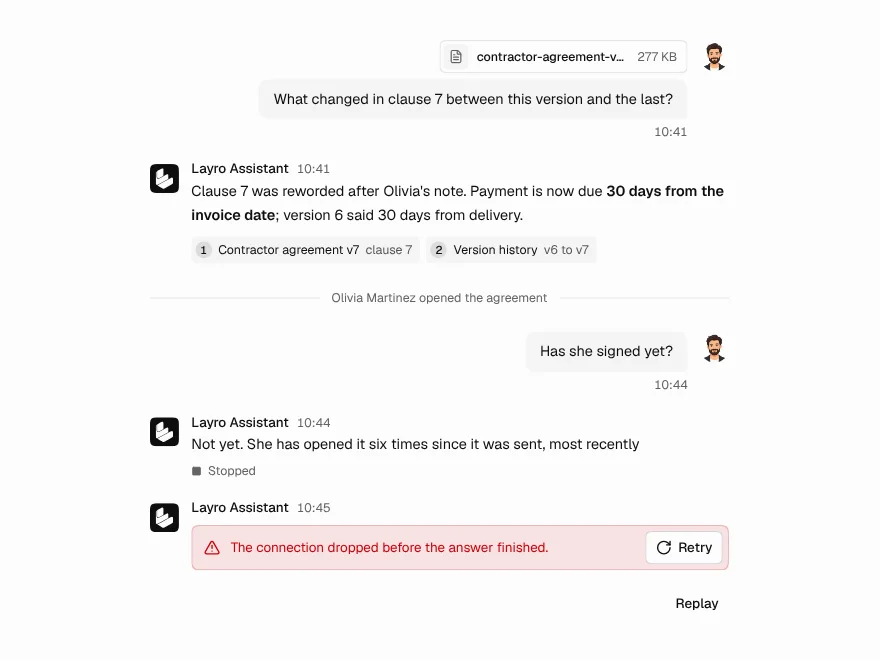 Free
Chat Message
Chat message bubble with sources and attachments.
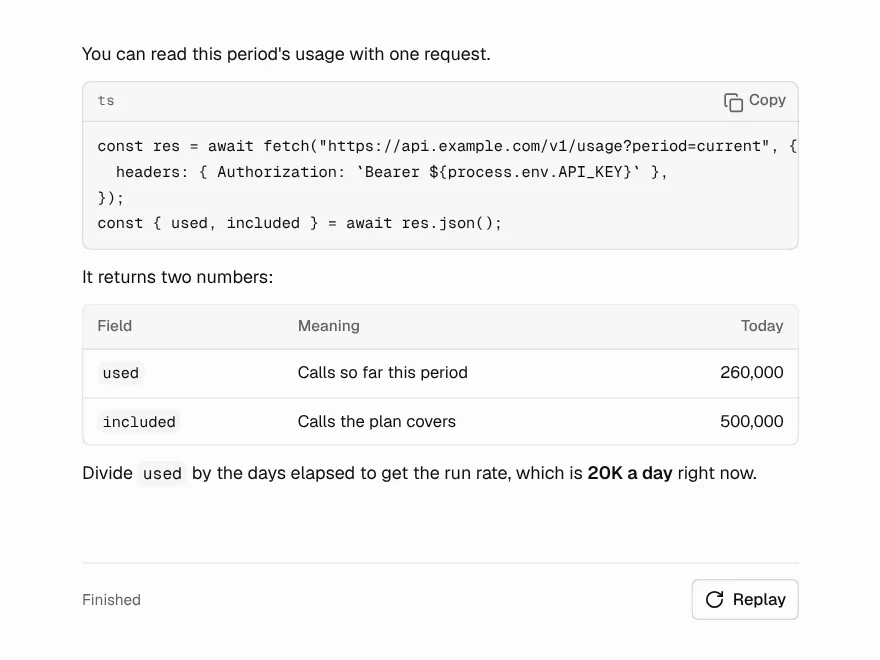 Free
Streaming Response
AI answer that streams in word by word.
 Free
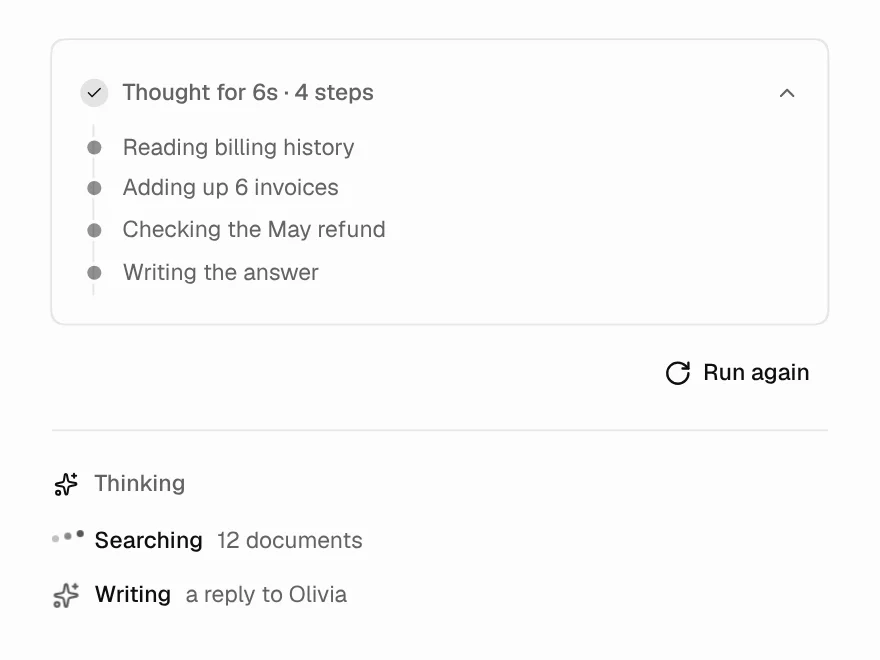
Thinking State
Loading state while the AI is thinking.
 Free
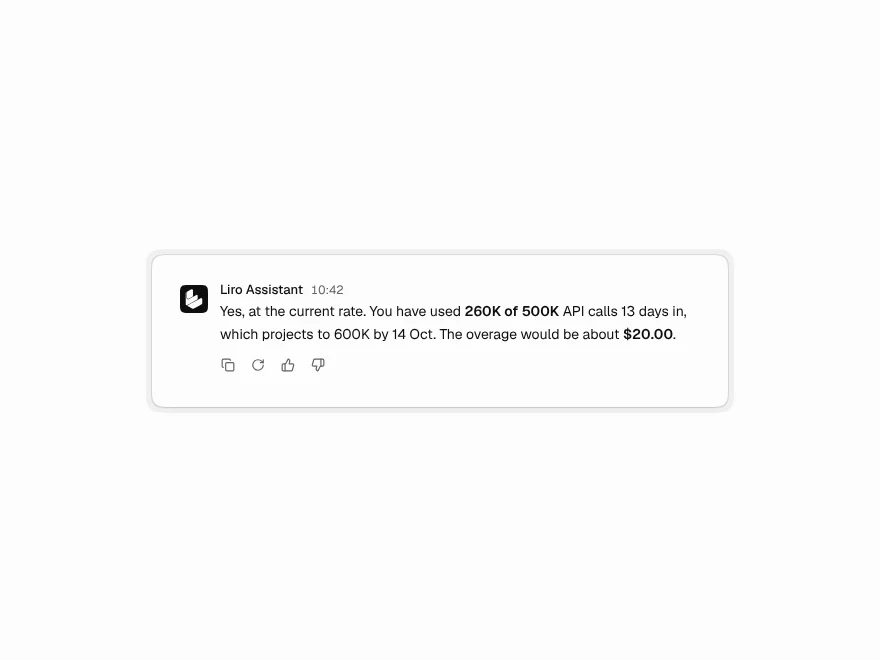
Message Actions
Copy, regenerate and rate buttons for AI replies.
 Free
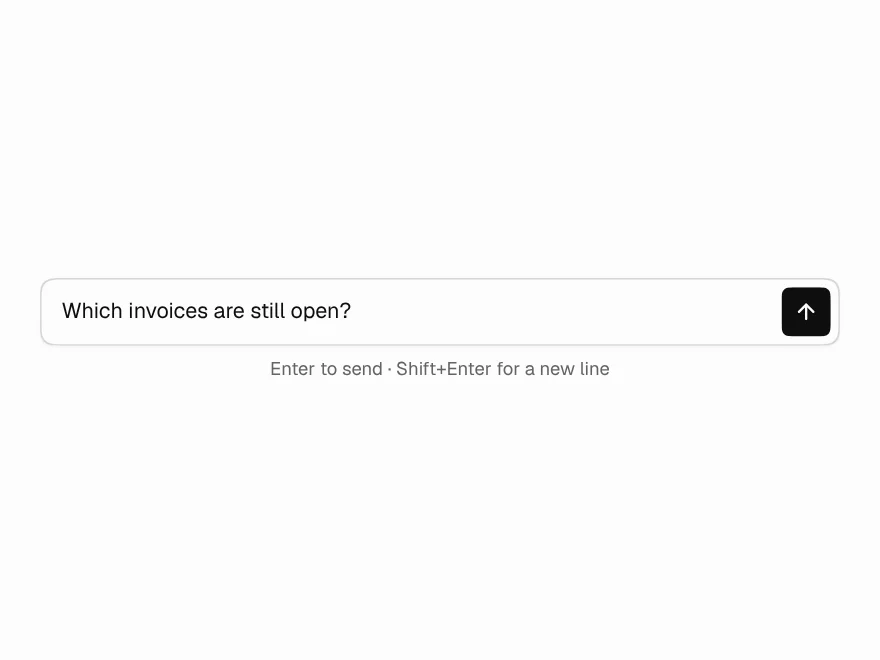
Prompt Input
Auto-growing prompt box with send and stop.
 Free
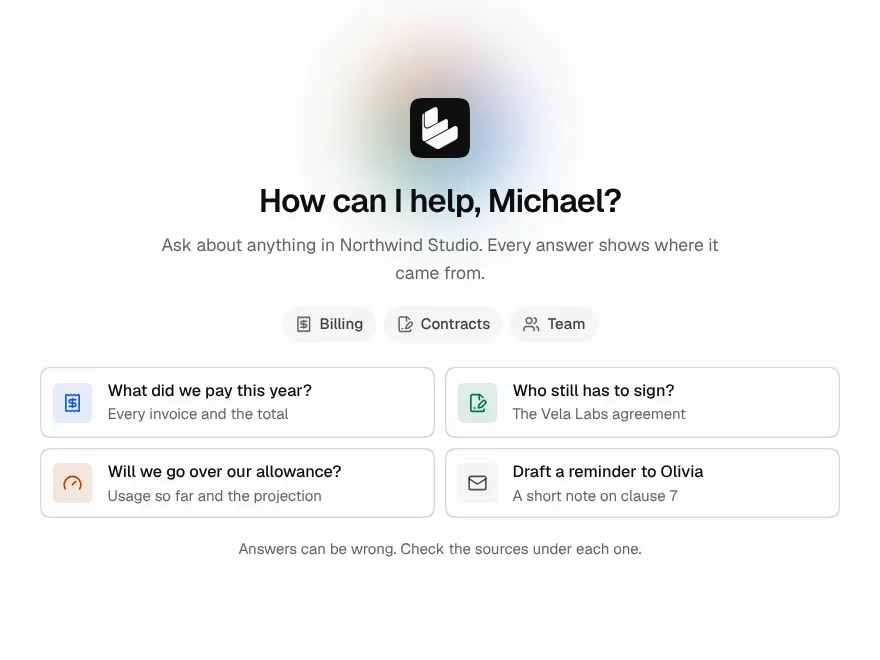
Chat Empty State
Welcome screen for a new AI chat.