Agent Fleet
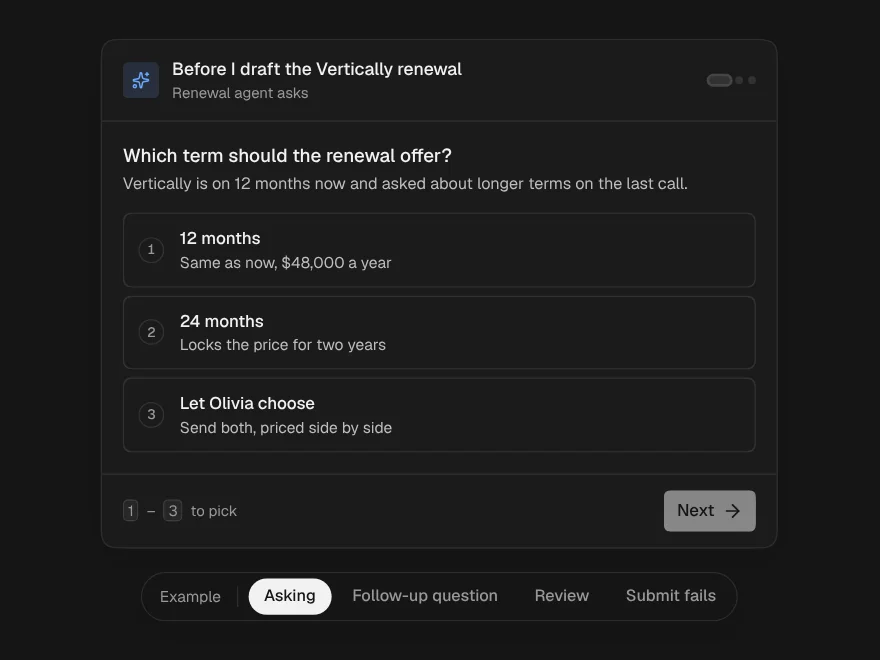
Every agent you run at a glance, sorted by what needs you, with a header pill.
A card per agent: what it is doing, how far along, its sub-agents and how long it has waited on you. The ones that need you sort to the top, then failures, then the ones that went quiet. As a pill it sits in a header and opens to the same list.
PROGet Agent Fleet and 176 other Pro components with pro lifetime — Get Pro
- Category
- AI Agent
- Access
- ProPro · unlocked
- Source
- 441 lines · one file
- States
- 6 drawn
- Added
- 13 Nov 2026
The decision inside it
Silence is not running
An agent whose last heartbeat is older than the limit shows as not responding, with how long it has been quiet, instead of a cheerful running badge. Waiting time counts time waiting on you, not run time.
When to use it
Use Agent Fleet to show every agent you run at a glance, with the ones that need a person on top and the ones that went quiet marked. Use variant="pill" in an app header. For one agent's run use Agent Run Status; for queued work use Agent Queue.
Installation
How you get it
Paste this into Claude Code, Cursor, Codex or any coding agent. It installs the file and uses it as it is, instead of writing a new one.
Use Liro's Agent Fleet for this.
Install it: npx shadcn@latest add @liro/agent-fleet
(the @liro registry is set up in components.json, with LIRO_KEY in .env.local)
Import it from @/components/ui/agent-fleet.
Do not rewrite or restyle it. Pass my data through its props
and keep its built-in states.
For the full brief with every prop and the mistakes assistants usually make, use Copy prompt above. Pro components install through the @liro registry with your CLI token: see the Namespaced tab.
Usage
import { AgentFleet, type FleetAgent } from "@/components/ui/agent-fleet";

export function FleetPanel({ agents, open, api }: {
  agents: FleetAgent[];
  open: (id: string) => void;
  api: { pause: (id: string, pause: boolean) => Promise<void>; restart: (id: string) => Promise<void> };
}) {
  return <AgentFleet agents={agents} staleAfter={90} onOpen={open} onPause={api.pause} onRestart={api.restart} />;
}
API reference
“Copy prompt” above puts a full brief on your clipboard, install command, dependencies, props, and the mistakes an assistant usually makes with this component.
Props
Read from the component’s own TypeScript interface when the site is built, so this table cannot drift from the file you install.
| Type | Notes | ||
|---|---|---|---|
agents | FleetAgent[] | Yes | – |
staleAfter | number | No | Seconds without a heartbeat before a running agent counts as not responding. Default 60. |
title | string | No | – |
variant | "panel" | "pill" | No | `panel` (default) or a compact `pill` for a header that opens to the list. |
defaultOpen | boolean | No | For the pill: start opened. |
onOpen | (id: string) => void | No | Opens an agent: its thread, its run. |
onPause | (id: string, pause: boolean) => void | Promise<void> | No | Pauses or resumes a running agent. May return a promise. |
onRestart | (id: string) => void | Promise<void> | No | Restarts an agent that failed or stopped responding. May return a promise. |
now | Date | number | No | – |
look | Look | No | – |
Dependencies
npm packages
clsxframer-motionlucide-reacttailwind-mergeLiro foundations, installed alongside it
liro-themebuttonStates
All of them are drawn by the component. None is left for you to design.
- Busy fleet
- Needs you
- Not responding
- All quiet
- Pill in a header
- Action fails
Accessibility
- Keyboard reachable throughout, in visual order
- Focus trapped in overlays, Escape closes them
- Focus returns to whatever opened it
- Live regions announce what changed, not that something did
- Honours prefers-reduced-motion
Responsive behavior
- Sizes to its container, not the viewport
- Usable from 320px up
- Pointer-based interaction, so trackpad and touch both work
- No hover-only affordances
More like Agent Fleet
All AI Agent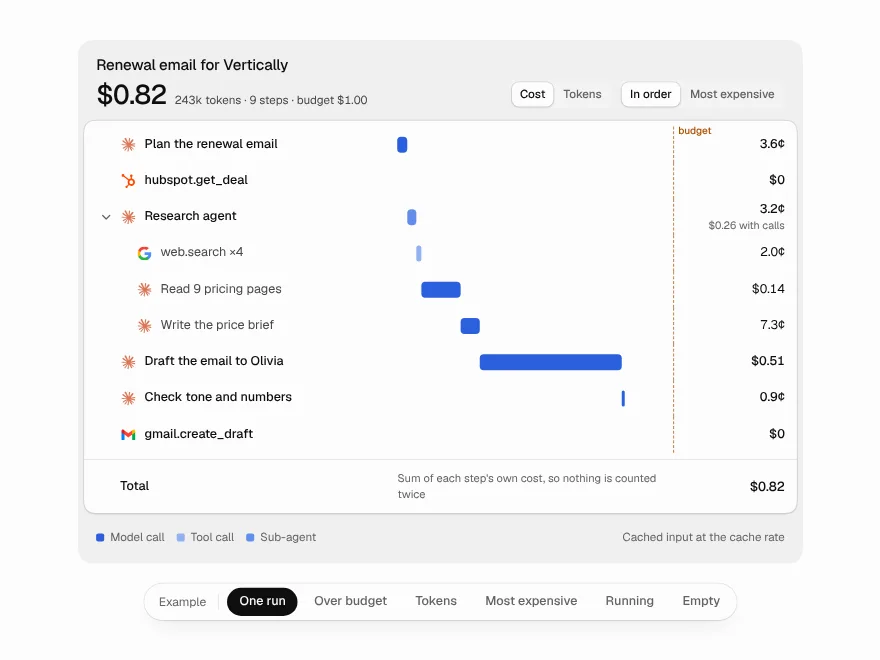 NewPro
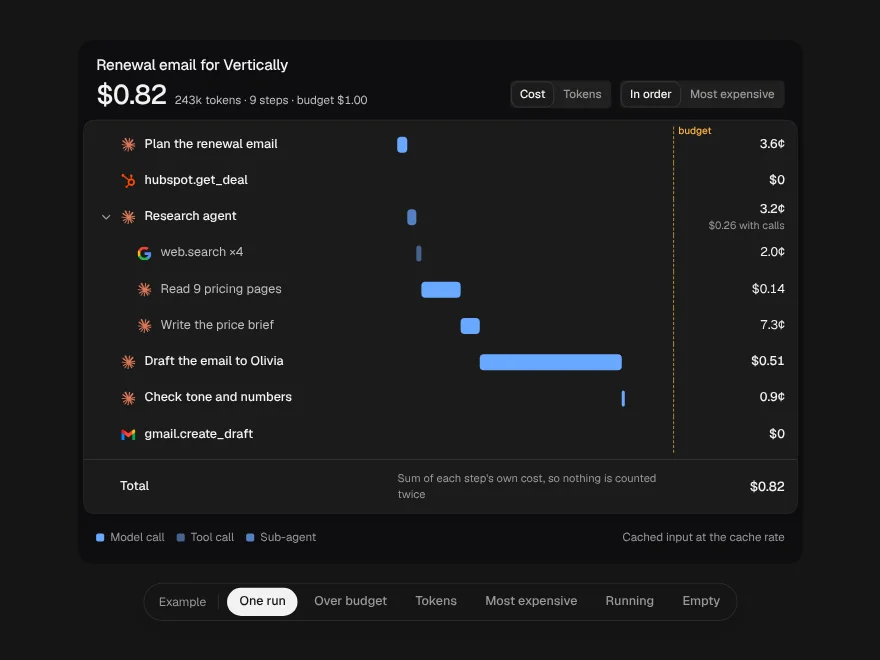
Cost Waterfall
Where the money and tokens of an agent run go, step by step, without double counting.
 NewPro
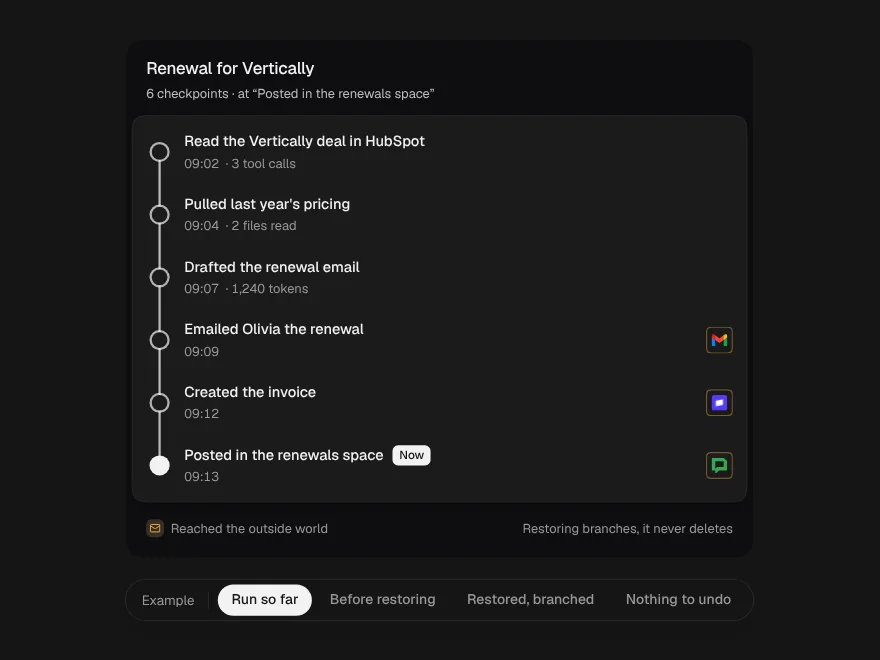
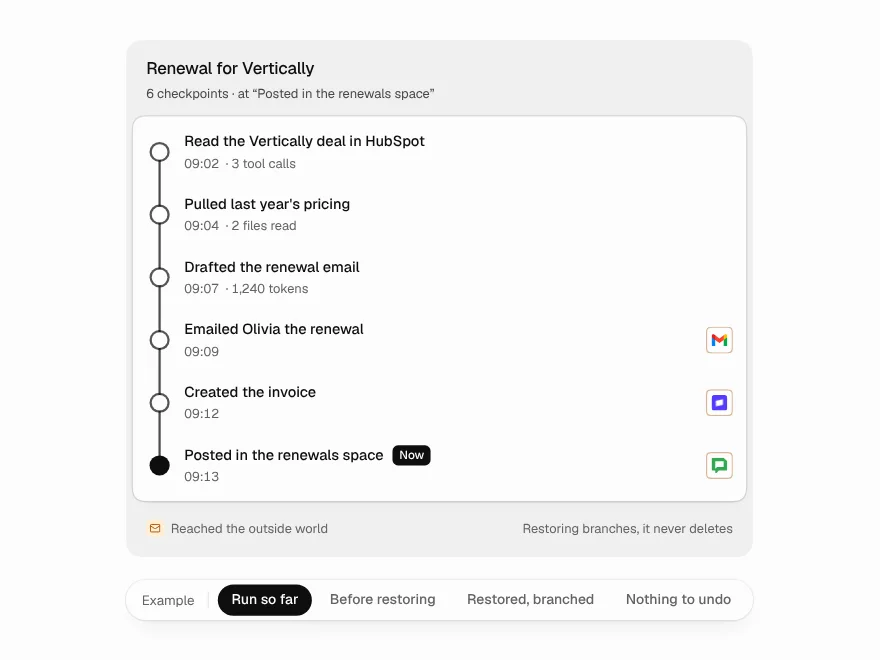
Agent Checkpoints
An agent run as restore points; going back branches instead of deleting.
 NewPro
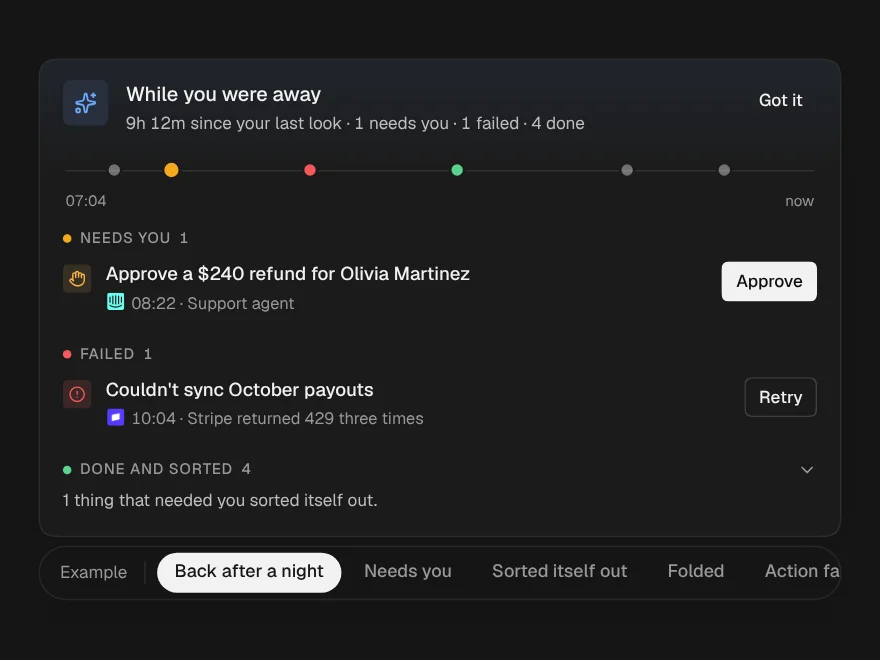
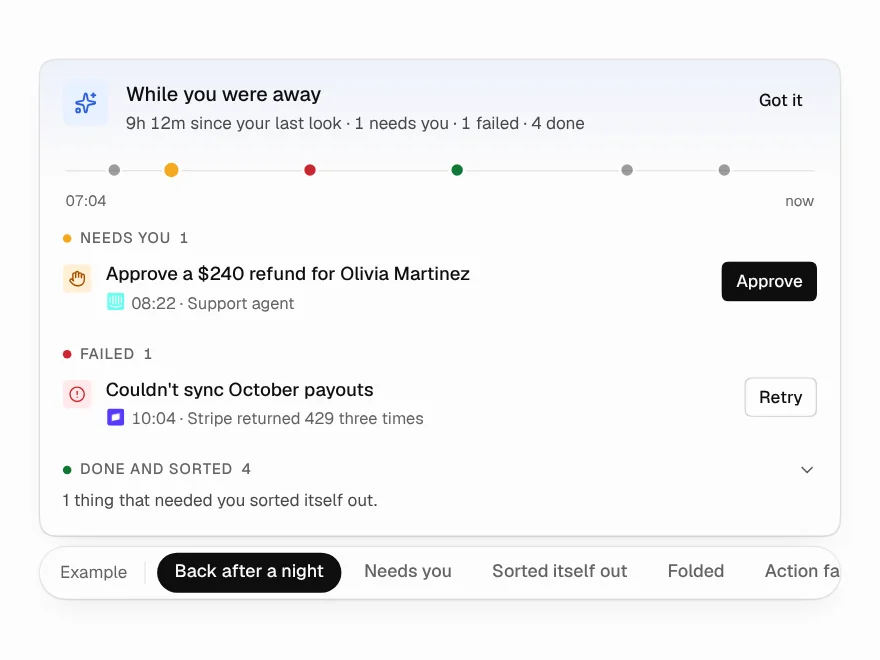
Away Summary
What happened while you were away, from the last message you actually saw.
 NewPro
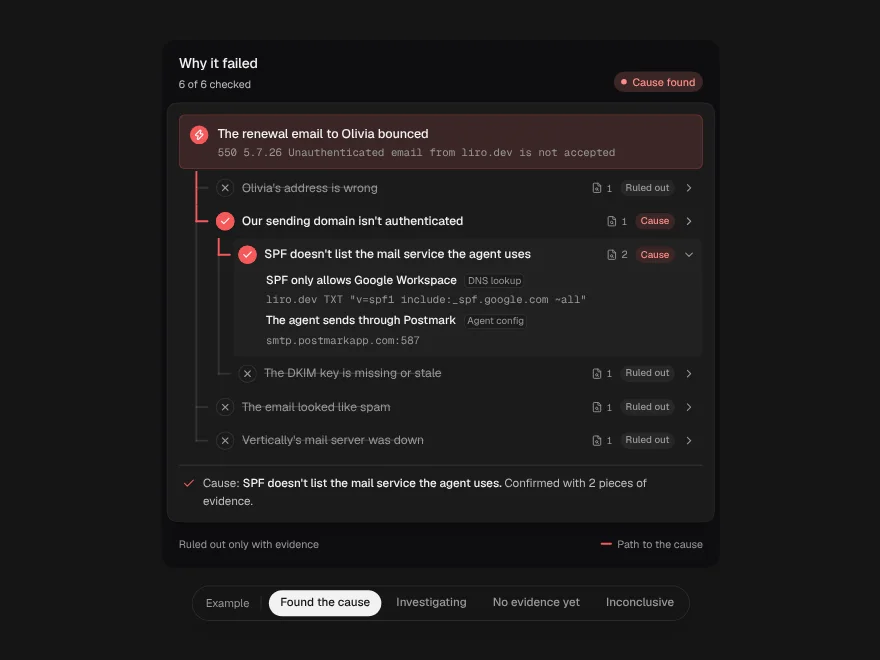
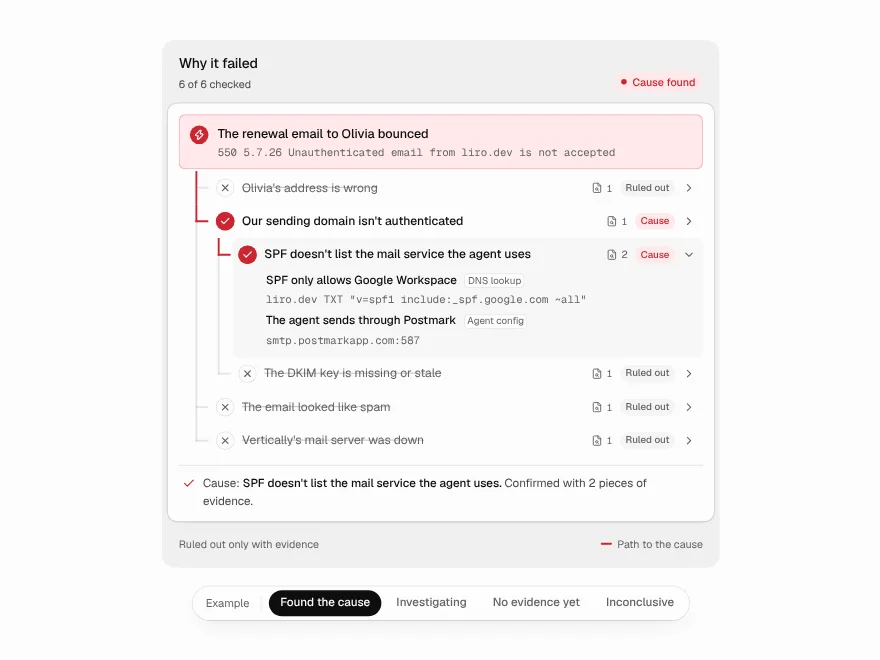
Root Cause Tree
How an agent finds why a run failed, as a tree of checked guesses.
 NewFree
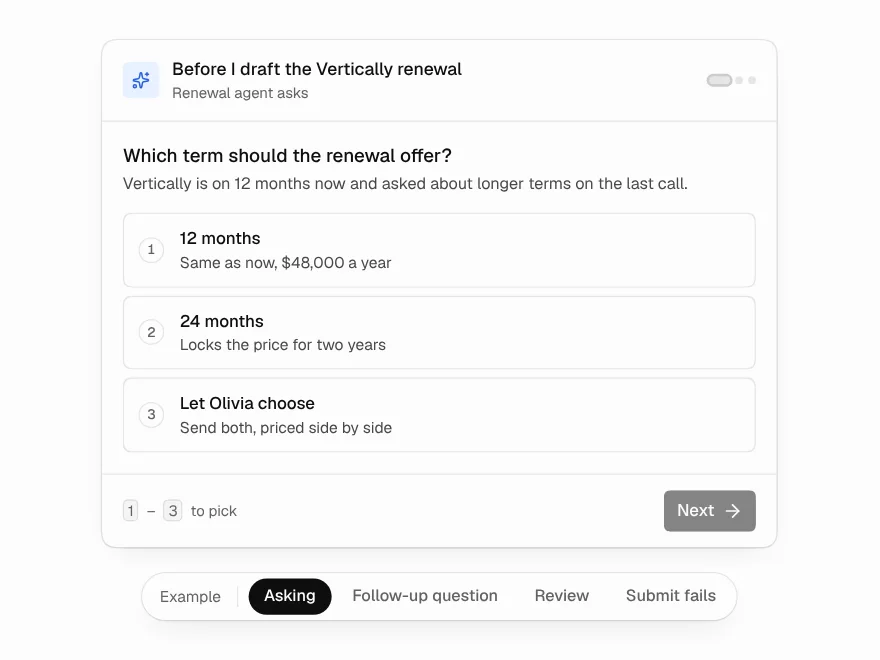
Questionnaire
Questions an agent asks mid-run, one at a time, with answers that stay consistent.
 NewPro
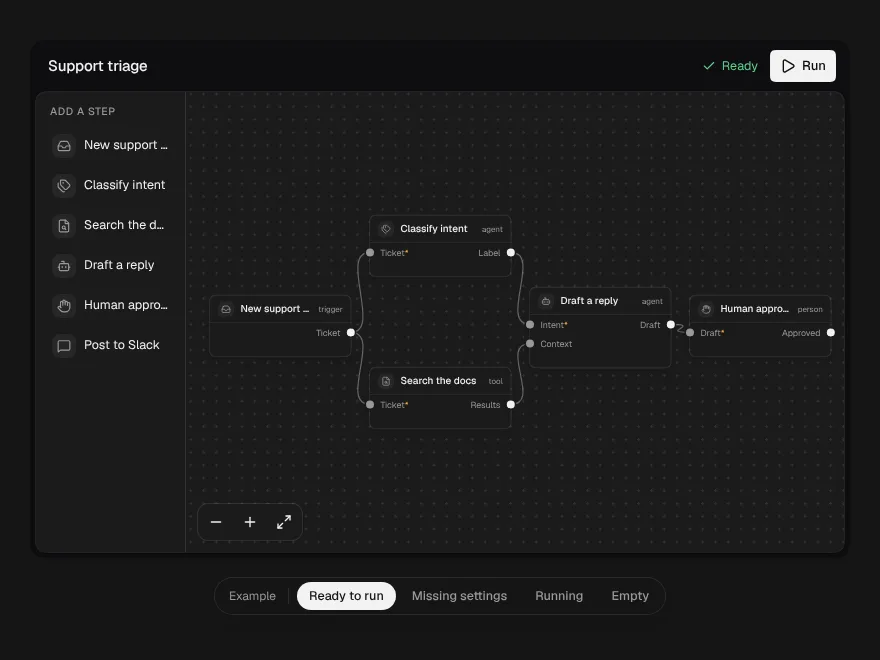
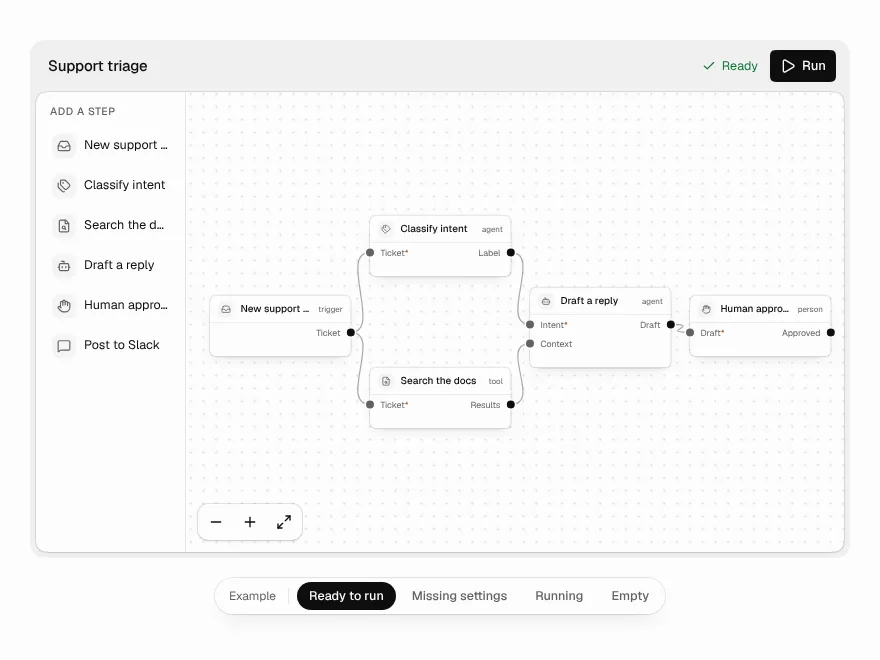
Workflow Builder
A node canvas for agent workflows that refuses broken wiring as you draw it.