Access Review
Evidence on every row, and a bulk action that refuses the dormant accounts.
PROGet Access Review and 168 other Pro components with pro lifetime — Get Pro
- Category
- Workspace
- Access
- ProPro · unlocked
- Source
- 477 lines · one file
The decision inside it
The bulk button refuses the accounts the review exists for
“Keep the 3 with recent activity” does exactly that. The accounts nobody has touched in sixty days come out one at a time, with their evidence, or not at all. A Keep All is compliance theatre with an audit log.
When to use it
Use Access Review for a periodic access check: every grant with its last use, dormant ones flagged, keep or remove per row, and a finish step that reports what was kept and removed.
Installation
How you get it
Paste this into Claude Code, Cursor, Codex or any coding agent. It installs the file and uses it as it is, instead of writing a new one.
Use Liro's Access Review for this.
Install it: npx shadcn@latest add @liro/access-review
(the @liro registry is set up in components.json, with LIRO_KEY in .env.local)
Import it from @/components/ui/access-review.
Do not rewrite or restyle it. Pass my data through its props
and keep its built-in states.
For the full brief with every prop and the mistakes assistants usually make, use Copy prompt above. Pro components install through the @liro registry with your CLI token: see the Namespaced tab.
Usage
import { AccessReview, type AccessGrant } from "@/components/ui/access-review";

const grants: AccessGrant[] = [
  { id: "g1", name: "Ada Moss", email: "ada@vertically.dev", role: "admin", scope: "Billing", lastUsedDays: 2, uses: 41 },
  { id: "g2", email: "old.contractor@agency.io", role: "member", scope: "Contracts", lastUsedDays: 120, uses: 1 },
];

export function QuarterlyReview({ finish }: { finish: (kept: string[], removed: string[]) => void }) {
  return <AccessReview title="Q4 access review" grants={grants} dormantAfter={90} onComplete={finish} />;
}
API reference
“Copy prompt” above puts a full brief on your clipboard, install command, dependencies, props, and the mistakes an assistant usually makes with this component.
Props
Read from the component’s own TypeScript interface when the site is built, so this table cannot drift from the file you install.
| Type | Notes | ||
|---|---|---|---|
grants | AccessGrant[] | No | – |
title | string | No | – |
dormantAfter | number | No | Days without use after which an account is dormant and refuses to be kept in bulk. Default 60. |
onDecide | (id: string, keep: boolean) => void | No | – |
onComplete | (kept: string[], removed: string[]) => void | No | – |
look | Look | No | Layered sets it in a tray, the heading above the card and the status in the strip below. Flat is one card. |
Dependencies
npm packages
clsxframer-motionlucide-reacttailwind-mergeLiro foundations, installed alongside it
liro-themeavatarrole-chipAccessibility
- Keyboard reachable throughout, in visual order
- Focus trapped in overlays, Escape closes them
- Focus returns to whatever opened it
- Live regions announce what changed, not that something did
- Honours prefers-reduced-motion
Responsive behavior
- Sizes to its container, not the viewport
- Usable from 320px up
- Pointer-based interaction, so trackpad and touch both work
- No hover-only affordances
More like Access Review
All Workspace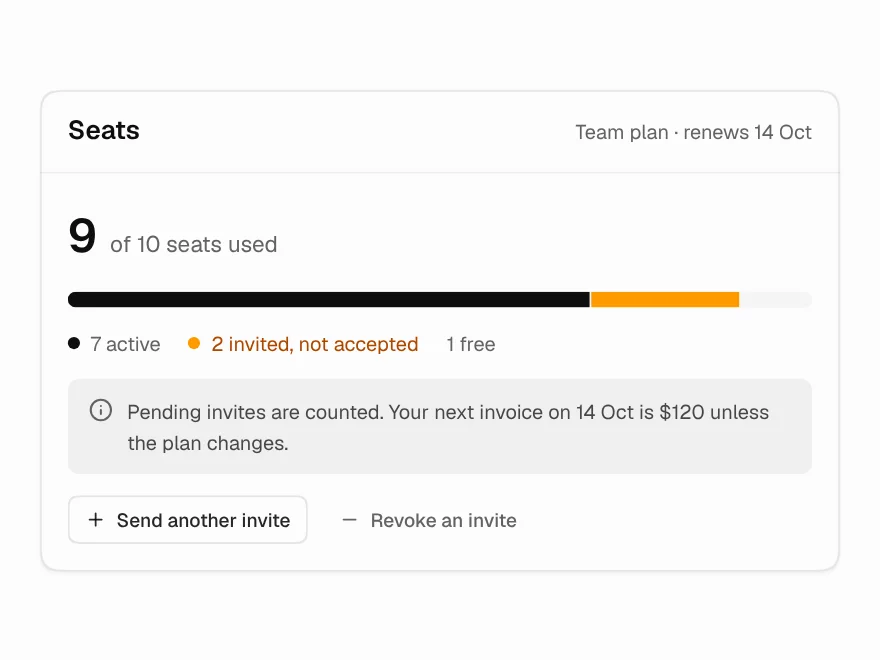 Pro
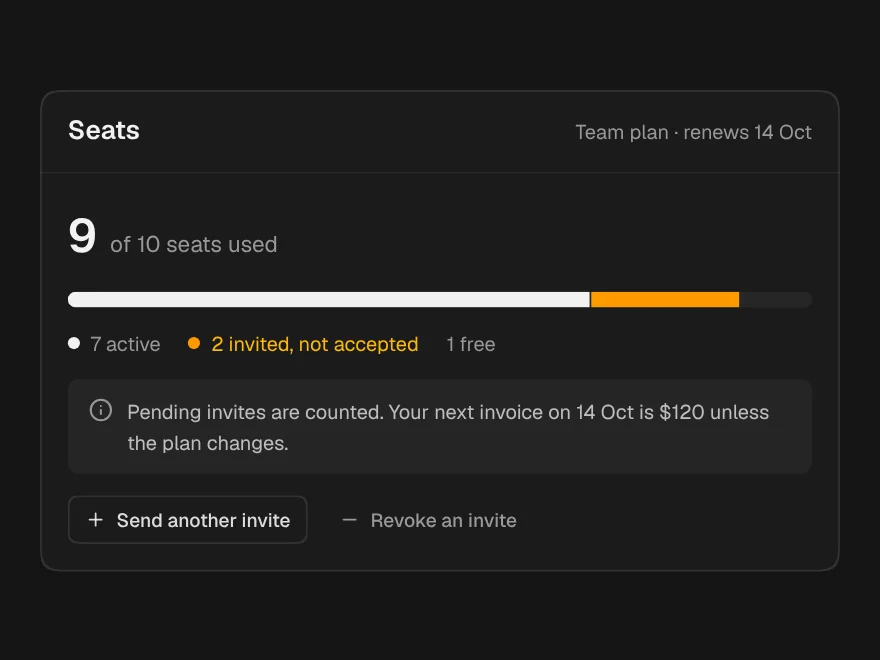
Seat Usage & Limits
Seat usage meter with pending invites.
 Pro
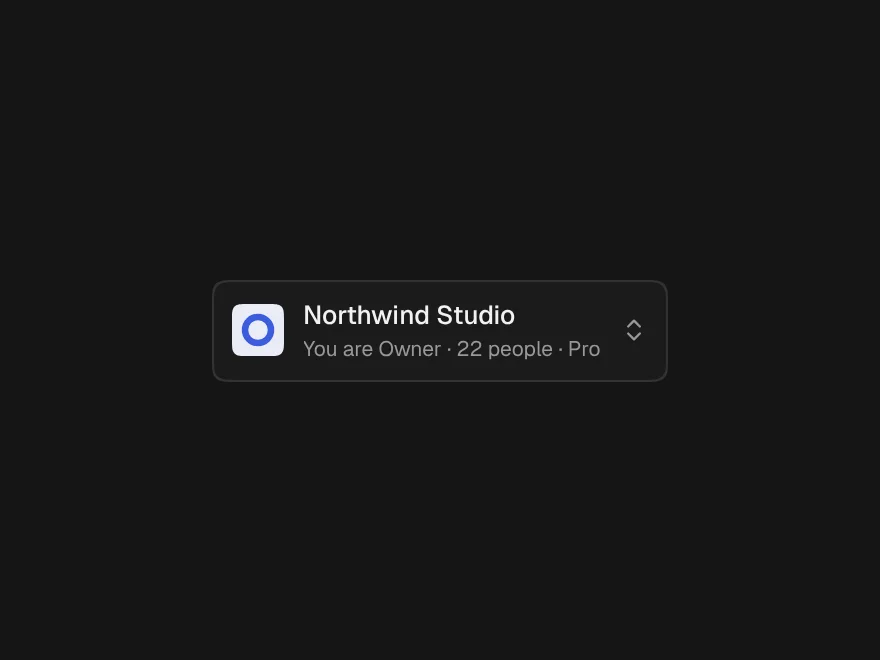
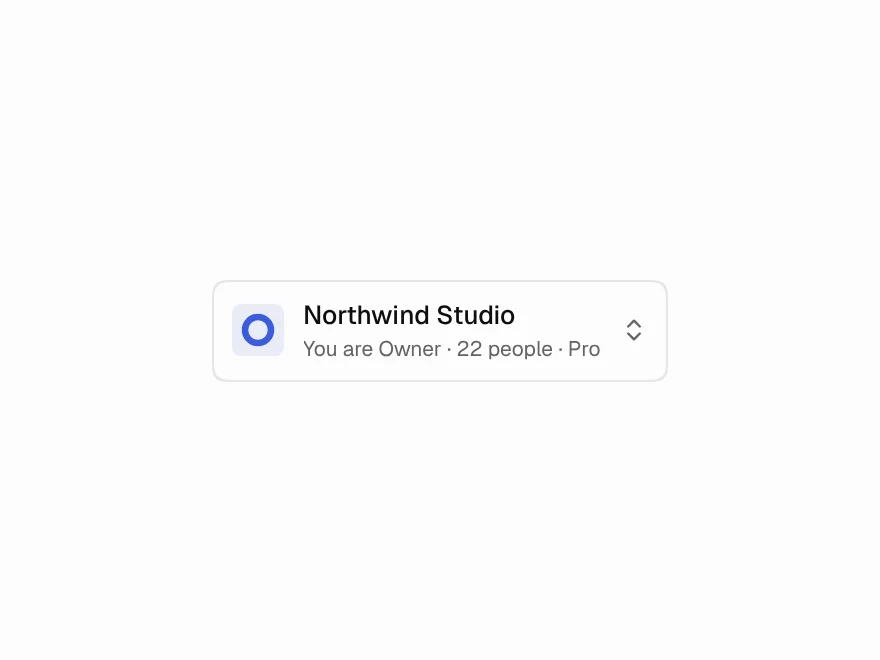
Team Switcher
Workspace switcher showing your role in each.
 Pro
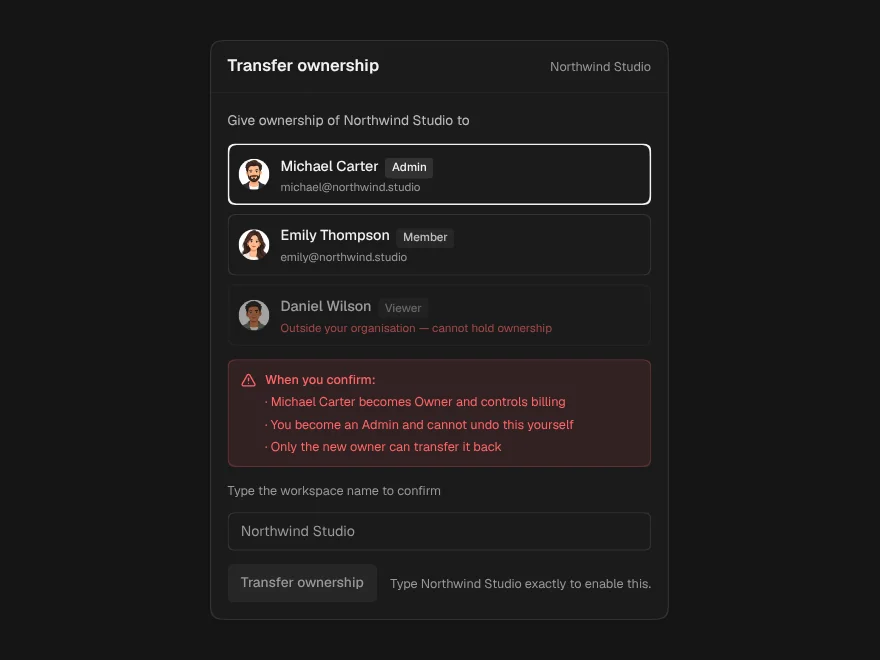
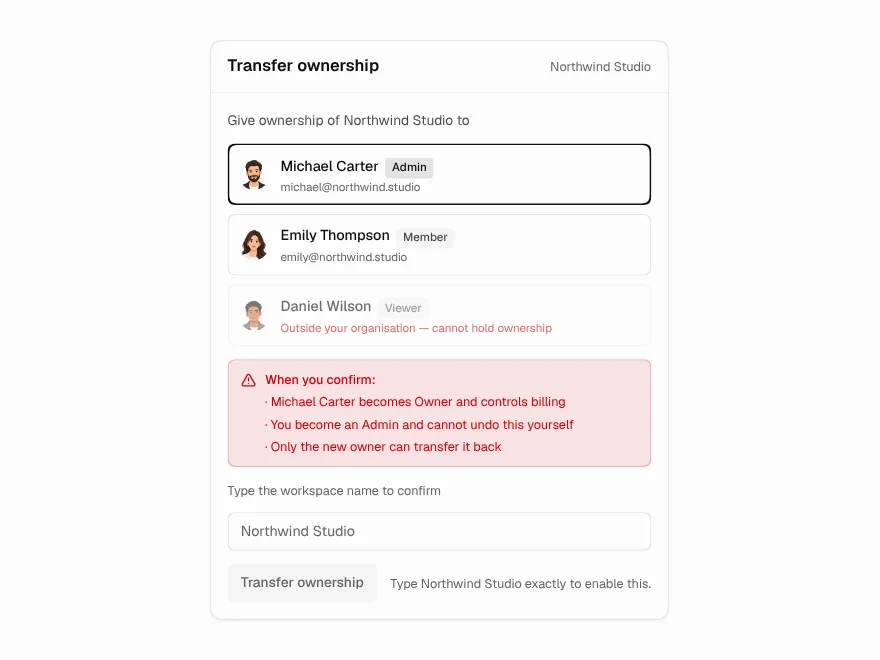
Transfer Ownership
Safe transfer of workspace ownership.
 Pro
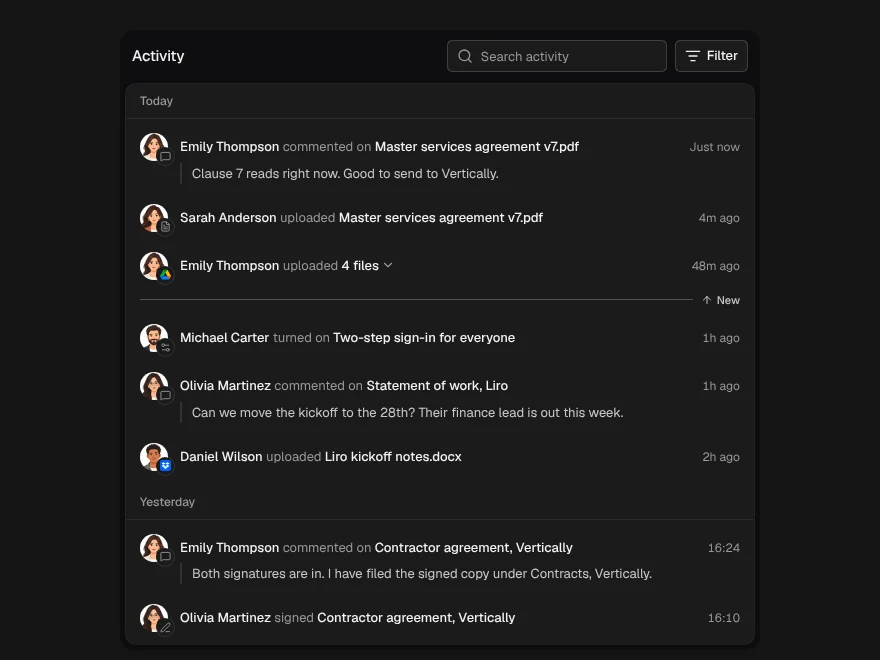
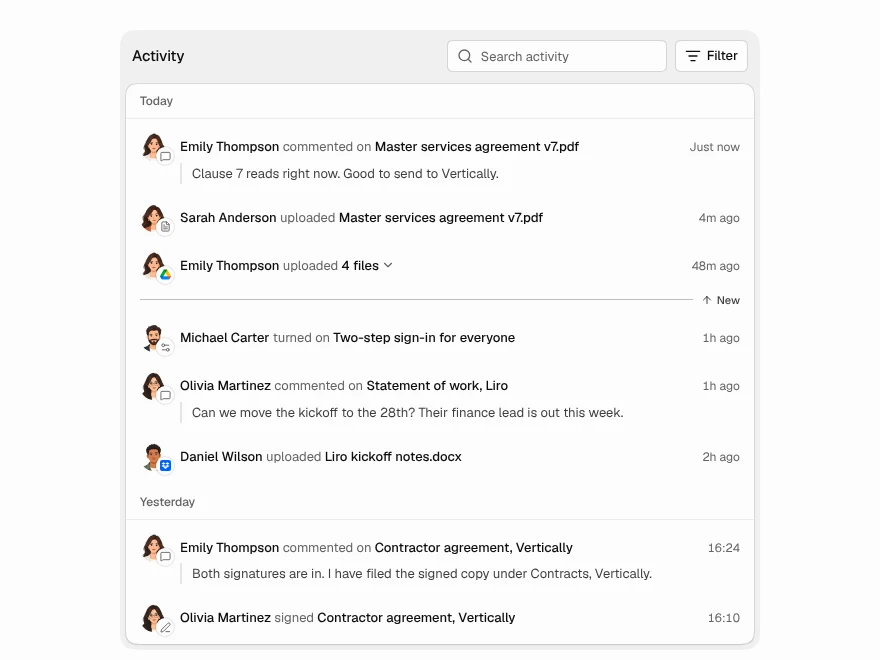
Activity Feed
Live team activity feed grouped by day.
 Pro
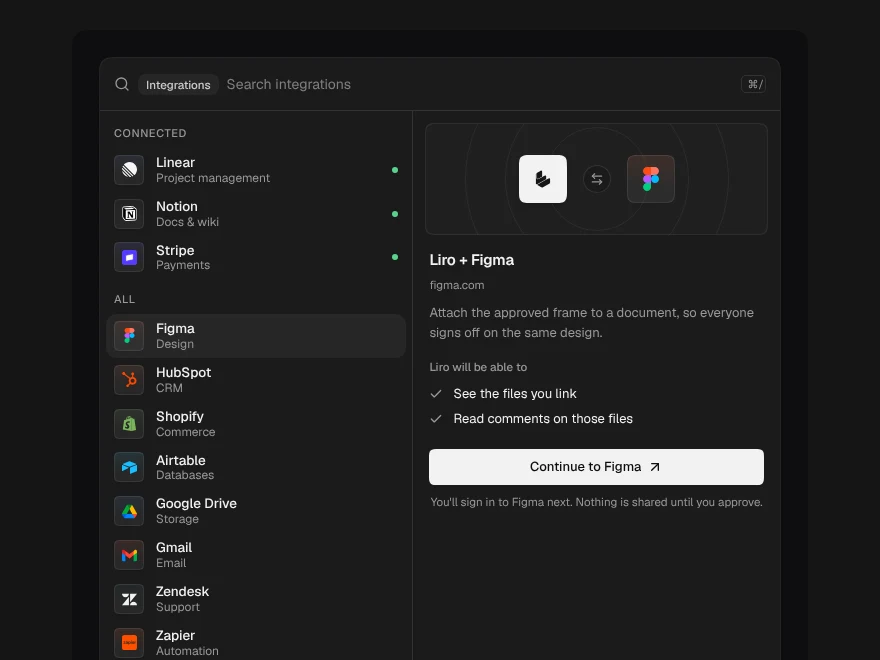
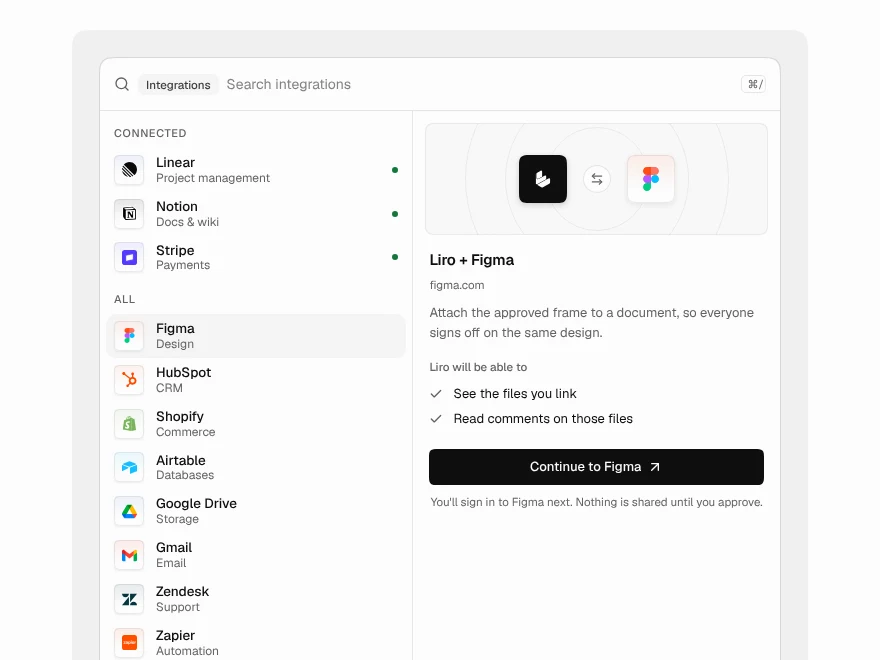
Integration Picker
Search and connect app integrations.
 Pro
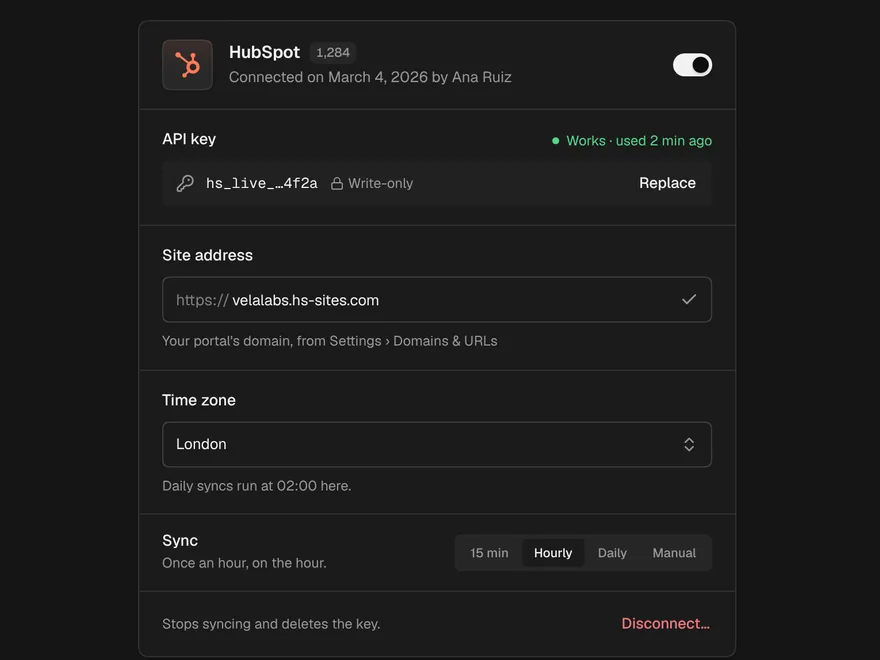
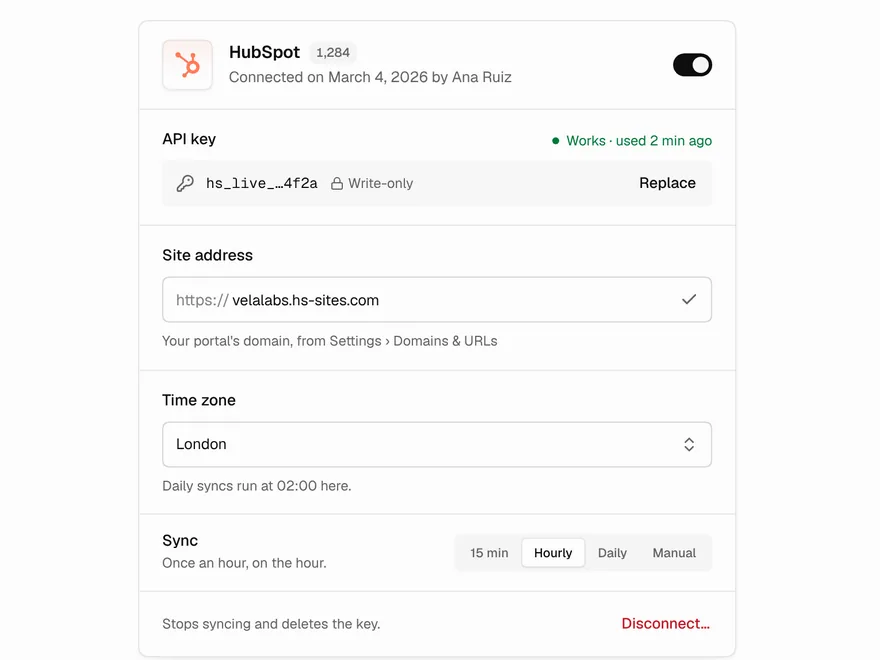
Integration Settings
Settings card for one connected integration.