Resizable Panels
Split panes you can drag or resize with the keyboard, nested in either direction.
- Category
- Navigation & layout
- Access
- Free with an account
- Source
- 64 lines · one file
When to use it
Use Resizable Panels to split a screen into panels people resize by dragging or with the keyboard: a list and its details, an editor and its preview (react-resizable-panels 2 underneath).
Installation
How you get it
Paste this into Claude Code, Cursor, Codex or any coding agent. It installs the file and uses it as it is, instead of writing a new one.
Use Liro's Resizable Panels for this.
Install it: npx shadcn@latest add @liro/resizable
(the @liro registry is set up in components.json, with LIRO_KEY in .env.local)
Import it from @/components/ui/resizable.
Do not rewrite or restyle it. Pass my data through its props
and keep its built-in states.
For the full brief with every prop and the mistakes assistants usually make, use Copy prompt above. Free components install through the @liro registry with your CLI token: see the Namespaced tab.
Usage
import { ResizableHandle, ResizablePanel, ResizablePanelGroup } from "@/components/ui/resizable";

export function InboxLayout({ list, detail }: { list: React.ReactNode; detail: React.ReactNode }) {
  return (
    <div className="h-[600px]">
      <ResizablePanelGroup direction="horizontal" autoSaveId="inbox">
        <ResizablePanel defaultSize={35} minSize={25}>{list}</ResizablePanel>
        <ResizableHandle withGrip />
        <ResizablePanel>{detail}</ResizablePanel>
      </ResizablePanelGroup>
    </div>
  );
}
API reference
“Copy prompt” above puts a full brief on your clipboard, install command, dependencies, props, and the mistakes an assistant usually makes with this component.
Dependencies
npm packages
clsxreact-resizable-panelstailwind-mergeLiro foundations, installed alongside it
liro-themeAccessibility
- Keyboard reachable throughout, in visual order
- Focus trapped in overlays, Escape closes them
- Focus returns to whatever opened it
- Live regions announce what changed, not that something did
- Honours prefers-reduced-motion
Responsive behavior
- Sizes to its container, not the viewport
- Usable from 320px up
- Pointer-based interaction, so trackpad and touch both work
- No hover-only affordances
More like Resizable Panels
All Navigation & layout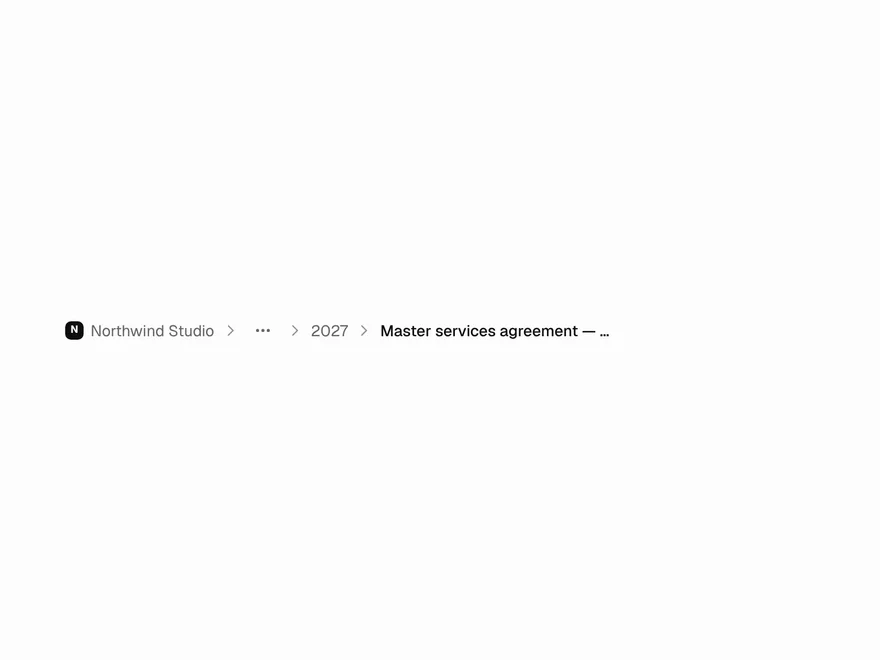 Free
Breadcrumb
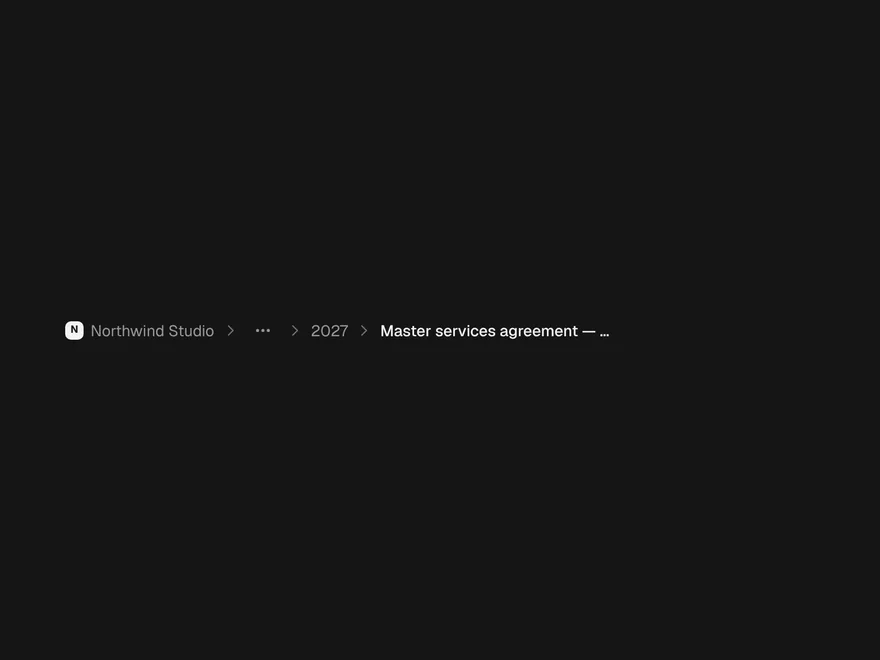
Breadcrumb navigation that folds long paths.
 Pro
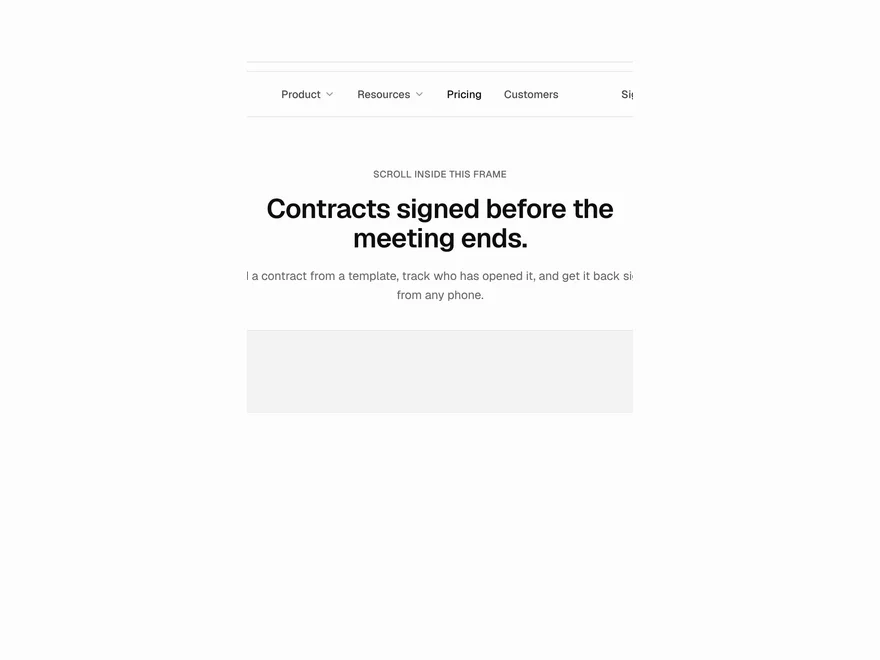
Animated Navbar
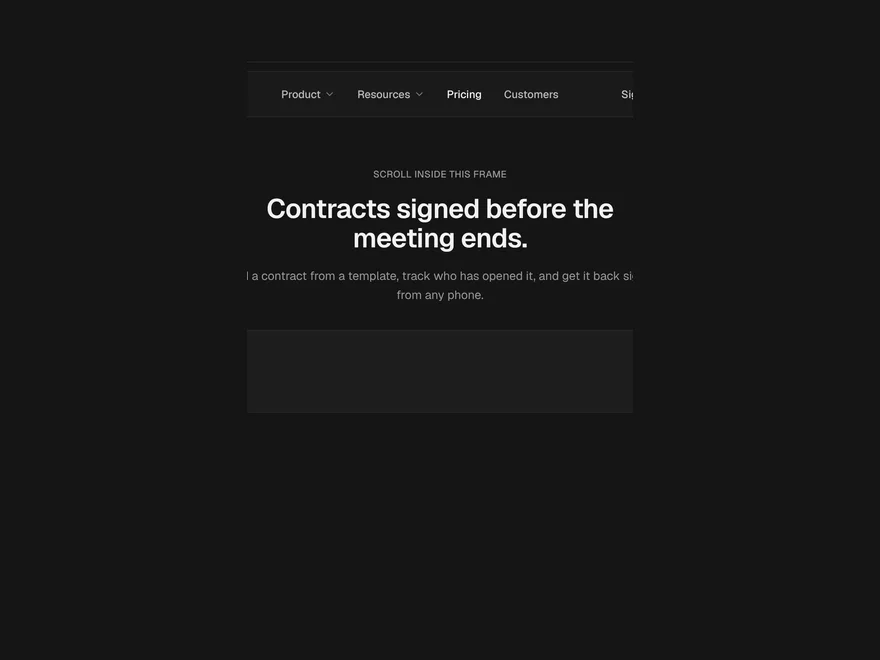
Animated website navbar with dropdowns.
 Pro
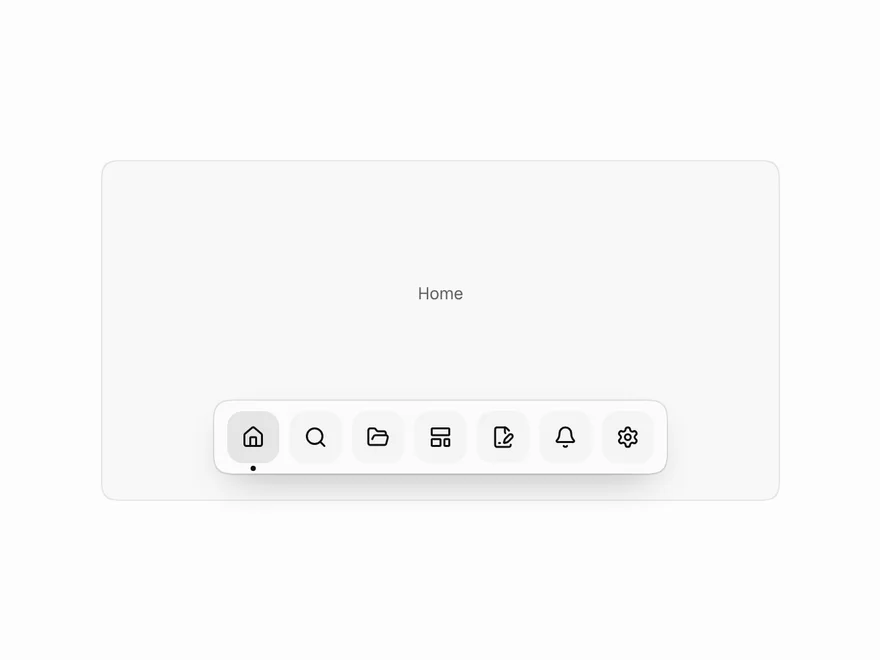
Floating Dock
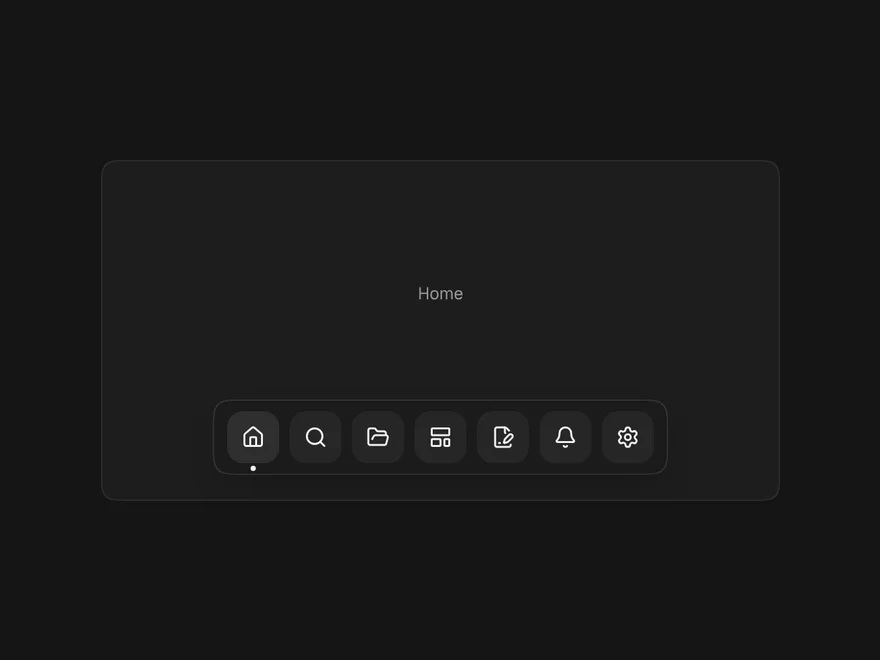
macOS-style floating dock.
 NewFree
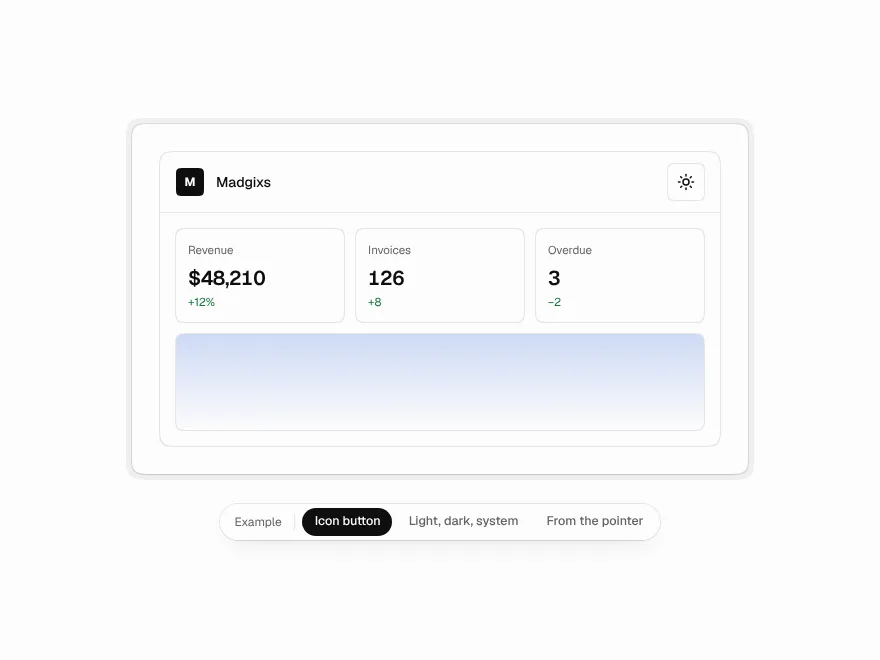
Theme Toggle
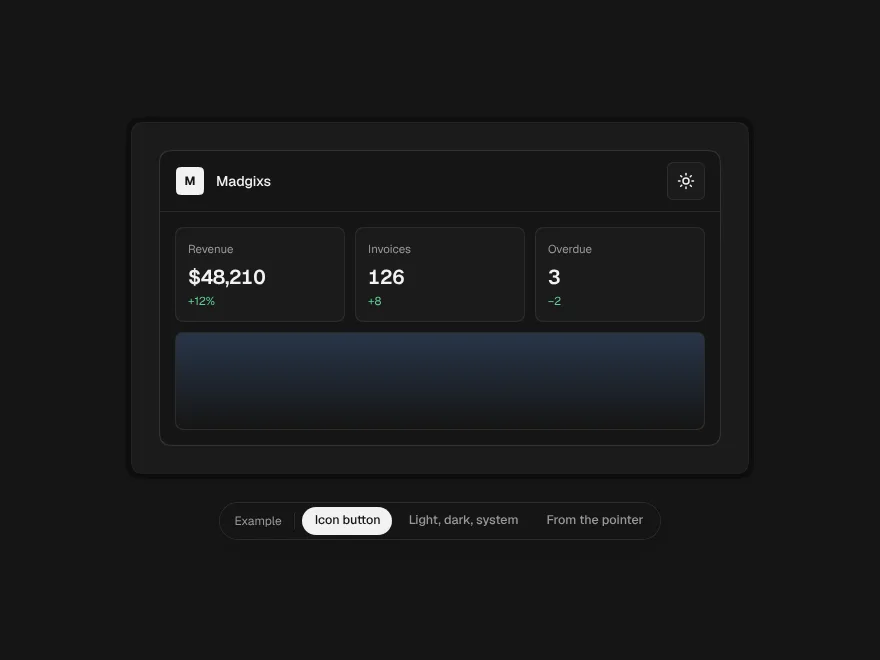
A light and dark switch, or light, dark and system, with the new theme spreading out as a circle.
 Free
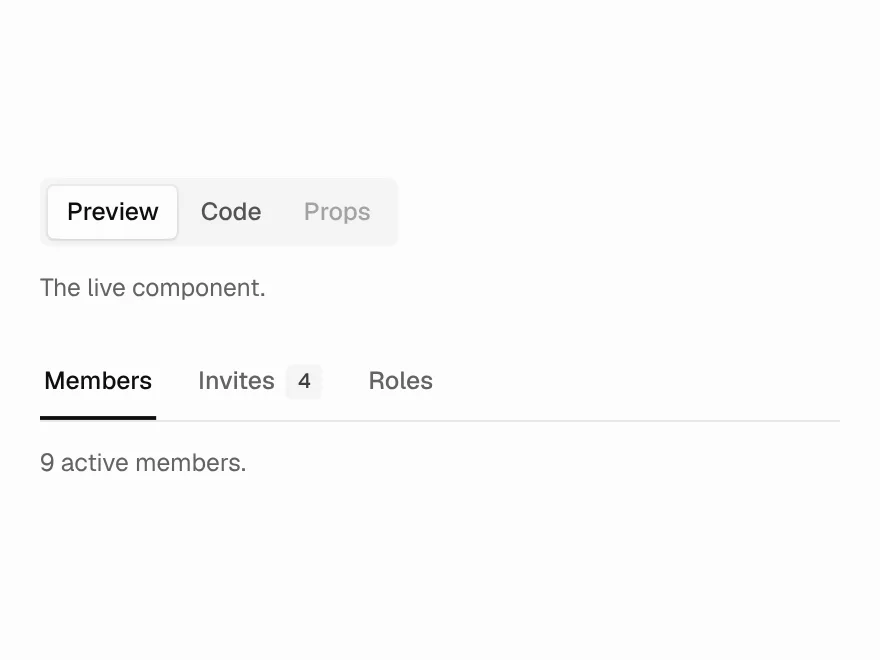
Tabs
Tabs with counts, segmented or underlined.
 BlockPro
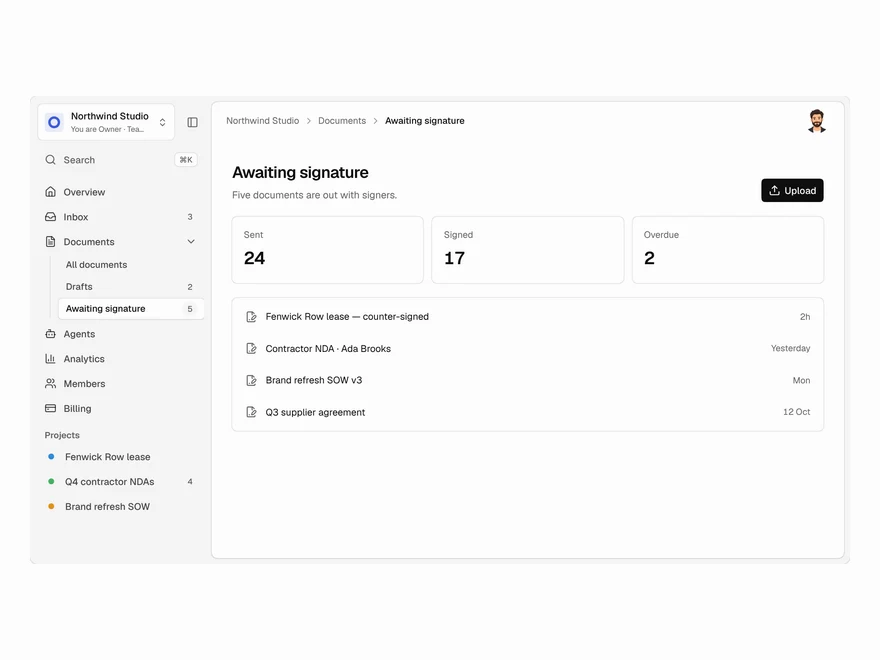
App Shell
App layout with sidebar and top bar.