Ingestion Pipeline
Files going into a knowledge base, each with its own chain of steps.
PROGet Ingestion Pipeline and 168 other Pro components with pro lifetime — Get Pro
- Category
- RAG & Evals
- Access
- ProPro · unlocked
- Source
- 464 lines · one file
- States
- 7 drawn
- Added
- 12 Oct 2026
The decision inside it
No invented progress bars
A percentage is drawn only for a step that reports one. Everything else says which step is running, because a bar that guesses is worse than none.
When to use it
Use Ingestion Pipeline to show documents moving through indexing: each file's stages (parse, chunk, embed, index) with progress, errors and retry or cancel. Pass items; it groups and counts them.
Installation
How you get it
Paste this into Claude Code, Cursor, Codex or any coding agent. It installs the file and uses it as it is, instead of writing a new one.
Use Liro's Ingestion Pipeline for this.
Install it: npx shadcn@latest add @liro/ingestion-pipeline
(the @liro registry is set up in components.json, with LIRO_KEY in .env.local)
Import it from @/components/ui/ingestion-pipeline.
Do not rewrite or restyle it. Pass my data through its props
and keep its built-in states.
For the full brief with every prop and the mistakes assistants usually make, use Copy prompt above. Pro components install through the @liro registry with your CLI token: see the Namespaced tab.
Usage
import { IngestionPipeline, type IngestionItem } from "@/components/ui/ingestion-pipeline";

const items: IngestionItem[] = [
  {
    id: "f1",
    name: "refund-policy.pdf",
    status: "completed",
    stages: [
      { id: "parse", label: "Parse", status: "completed" },
      { id: "embed", label: "Embed", status: "completed" },
    ],
  },
  {
    id: "f2",
    name: "pricing.docx",
    status: "running",
    stages: [
      { id: "parse", label: "Parse", status: "completed" },
      { id: "embed", label: "Embed", status: "running", progress: 0.4 },
    ],
  },
];

export function IndexingStatus({ retry }: { retry: (id: string) => void }) {
  return <IngestionPipeline title="Knowledge base" items={items} onRetry={(item) => retry(item.id)} />;
}
API reference
“Copy prompt” above puts a full brief on your clipboard, install command, dependencies, props, and the mistakes an assistant usually makes with this component.
Props
Read from the component’s own TypeScript interface when the site is built, so this table cannot drift from the file you install.
| Type | Notes | ||
|---|---|---|---|
items | IngestionItem[] | Yes | – |
title | React.ReactNode | No | Over the list. Default "Knowledge base". |
onItemSelect | (item: IngestionItem) => void | No | – |
onRetry | (item: IngestionItem) => void | Promise<void> | No | Adds Retry to failed files. May return a promise. |
onCancel | (item: IngestionItem) => void | Promise<void> | No | Adds Cancel to queued and running files. May return a promise. |
onOpenSource | (item: IngestionItem) => void | No | Adds "Open" to each file. |
pendingIds | string[] | No | Ids with an action already in flight, if you track that yourself. |
action | React.ReactNode | No | An action for the header: "Add files". |
Dependencies
npm packages
clsxframer-motionlucide-reacttailwind-mergeLiro foundations, installed alongside it
liro-themebadgebuttonstatetabsStates
All of them are drawn by the component. None is left for you to design.
- Queued
- Processing
- Ready
- Failed
- Retrying
- Cancelling
- Empty
Accessibility
- Keyboard reachable throughout, in visual order
- Focus trapped in overlays, Escape closes them
- Focus returns to whatever opened it
- Live regions announce what changed, not that something did
- Honours prefers-reduced-motion
Responsive behavior
- Sizes to its container, not the viewport
- Usable from 320px up
- Pointer-based interaction, so trackpad and touch both work
- No hover-only affordances
More like Ingestion Pipeline
All RAG & Evals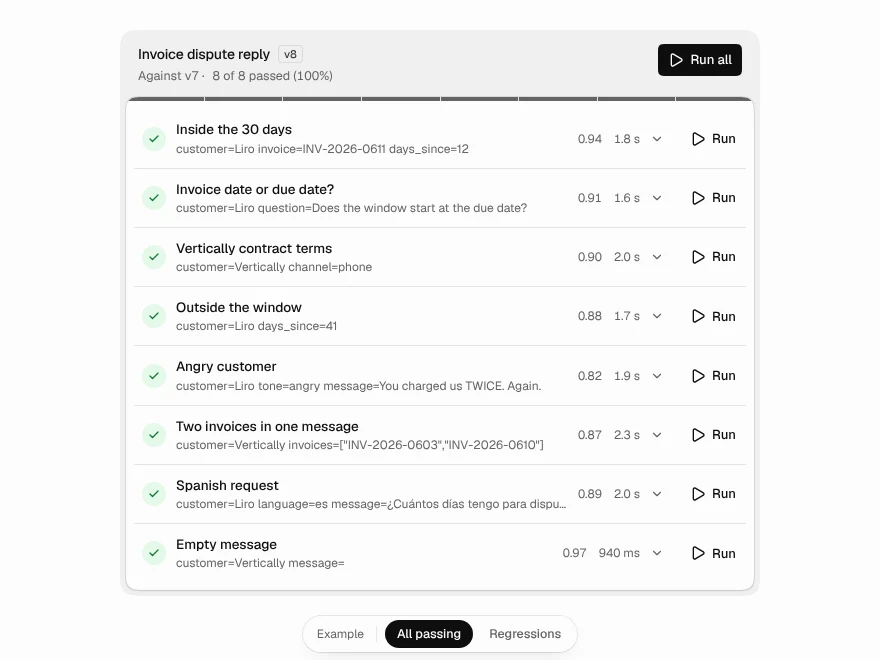 Pro
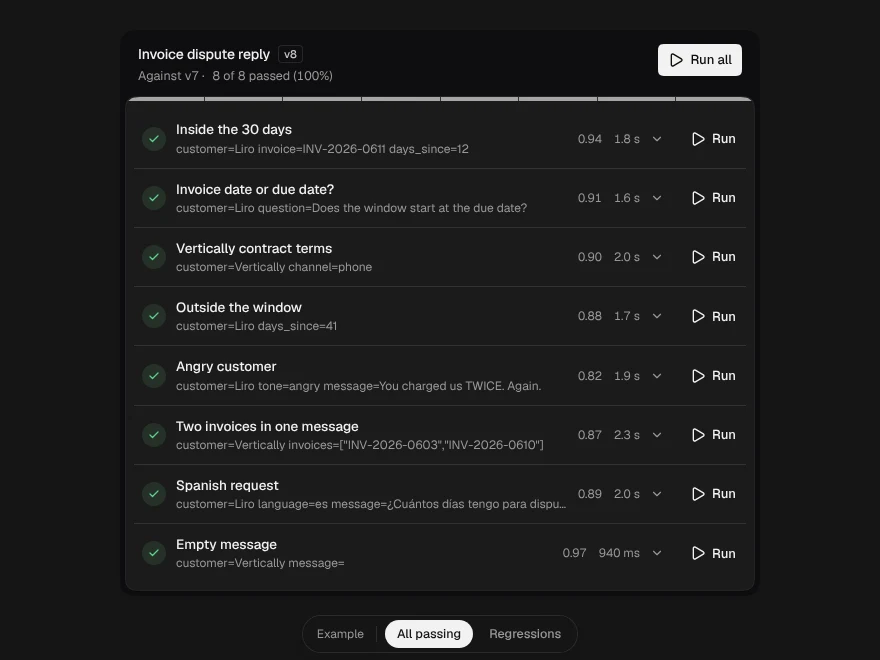
Prompt Test Matrix
Test a prompt against cases and catch regressions.
 Pro
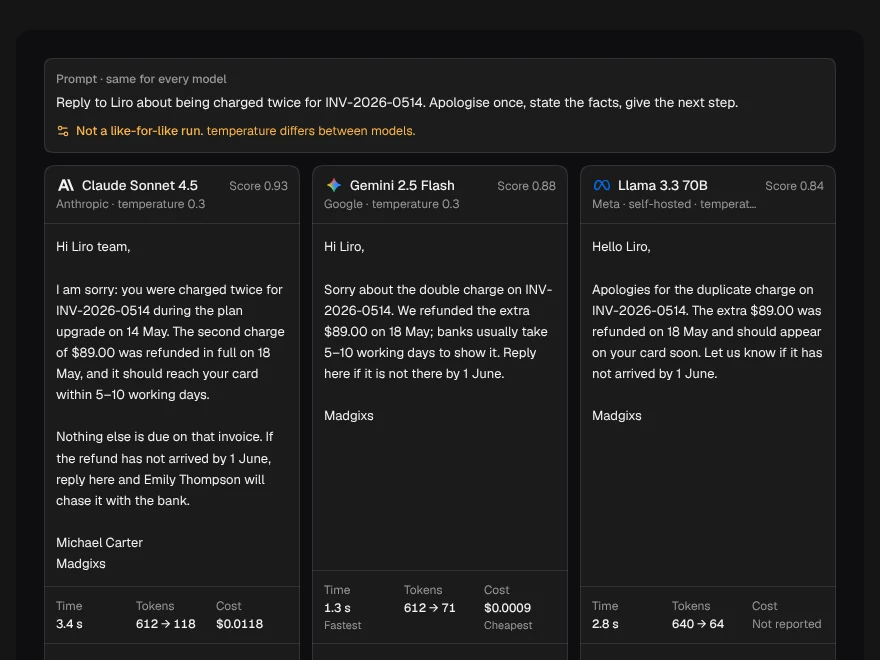
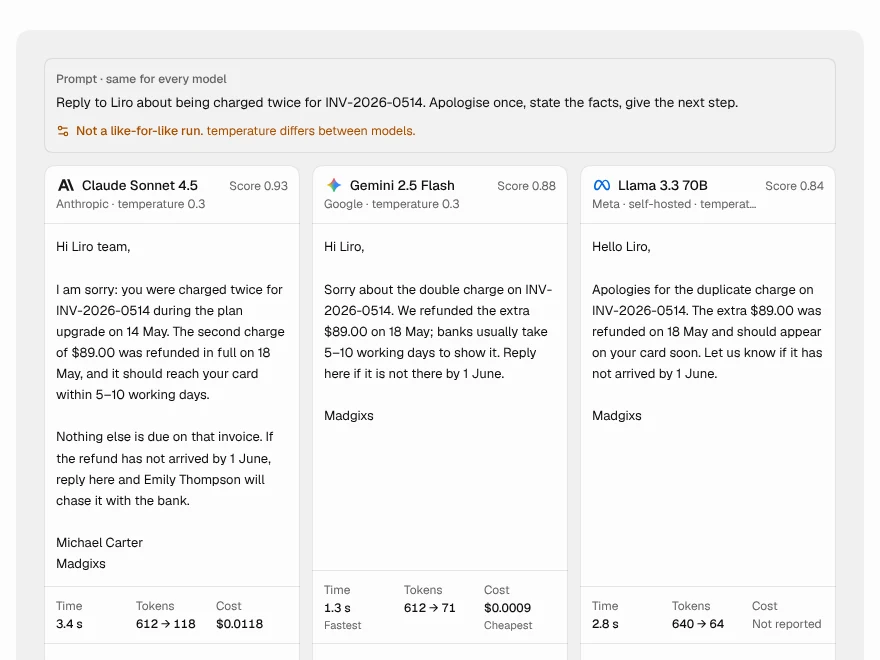
Model Comparison
Compare answers from several AI models side by side.
 Pro
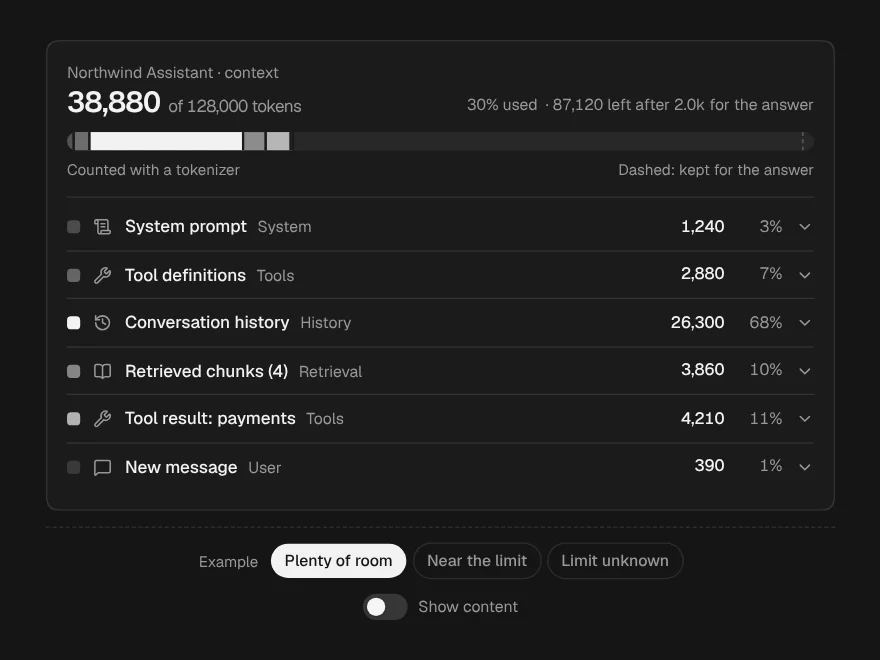
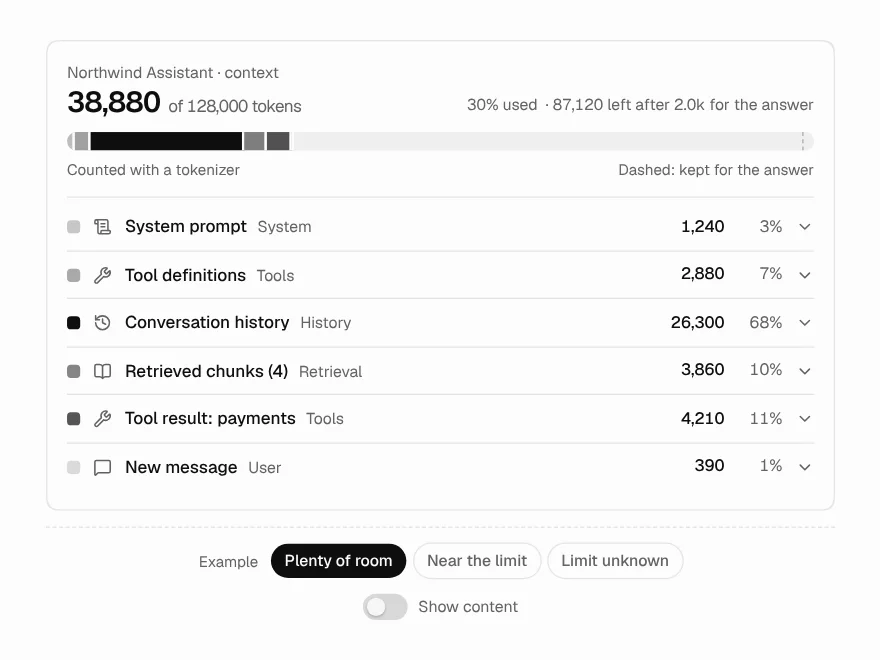
Context Window
Breakdown of what fills an LLM context window.
 Pro
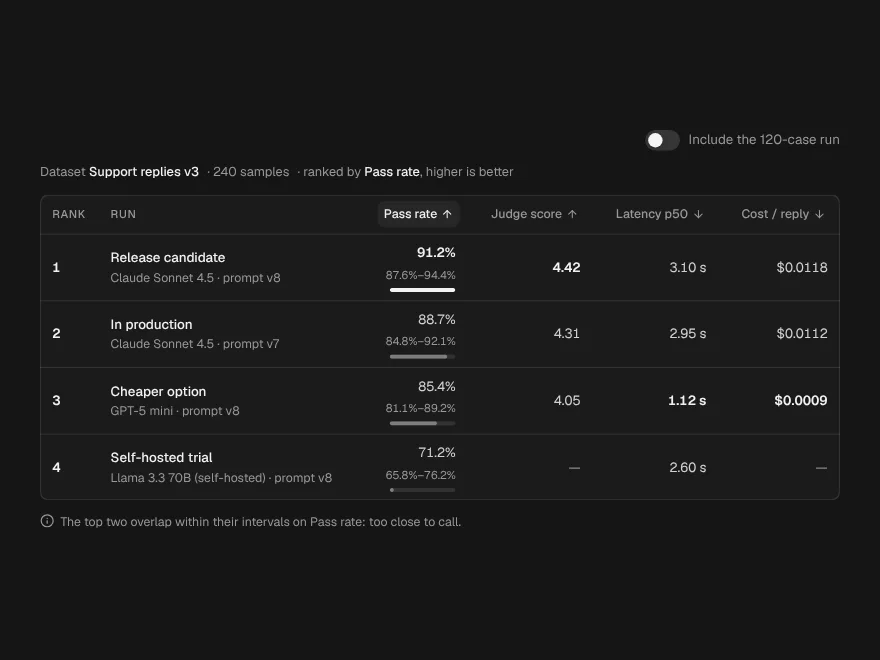
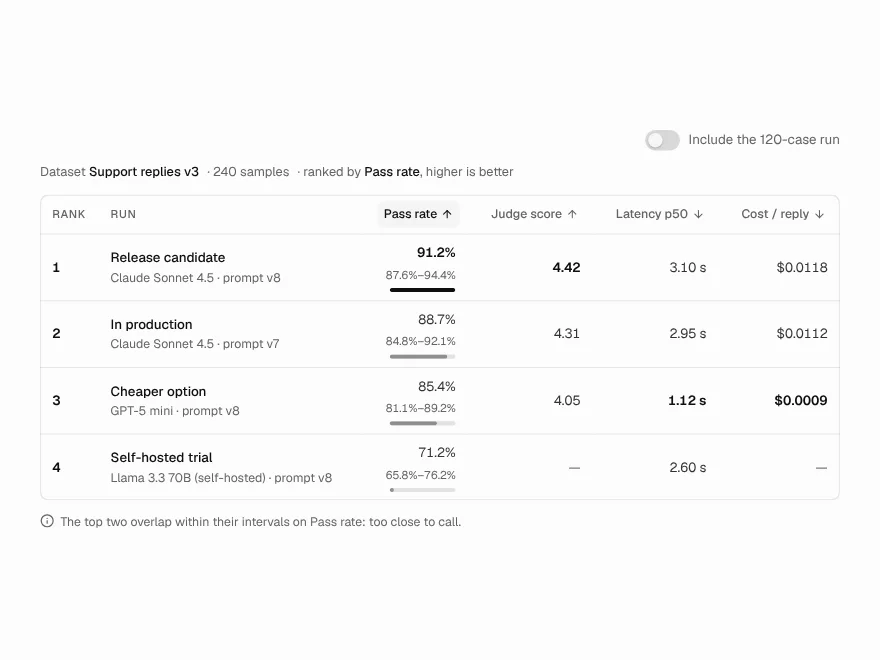
Eval Leaderboard
Leaderboard ranking models on an evaluation.
 Pro
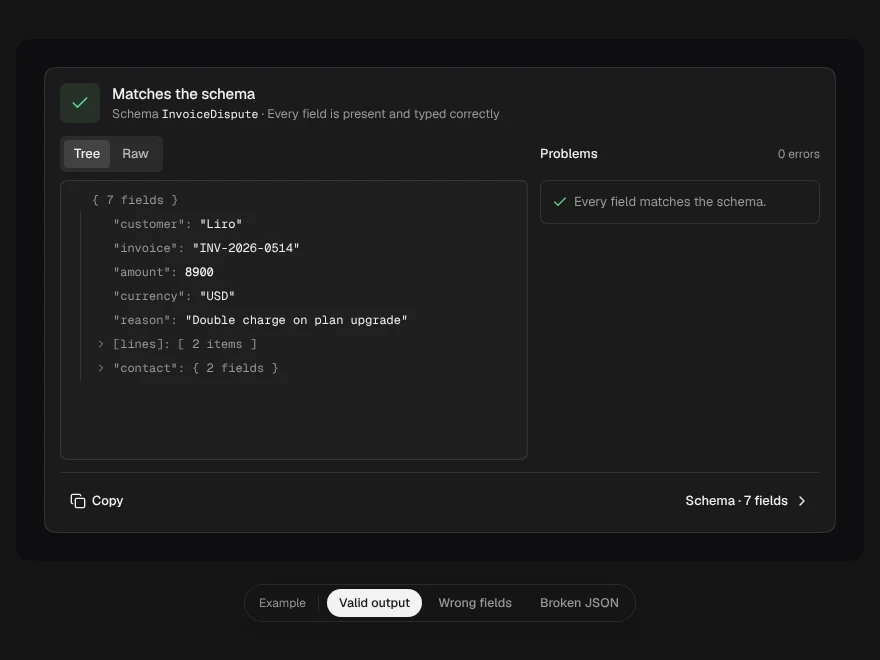
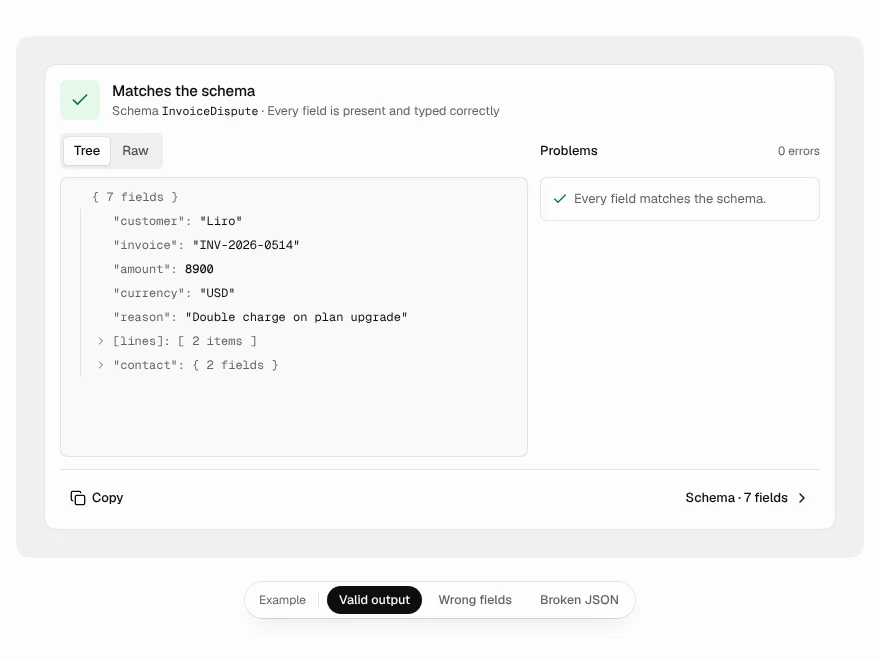
Output Validator
Validate LLM JSON output against a schema.
 Pro
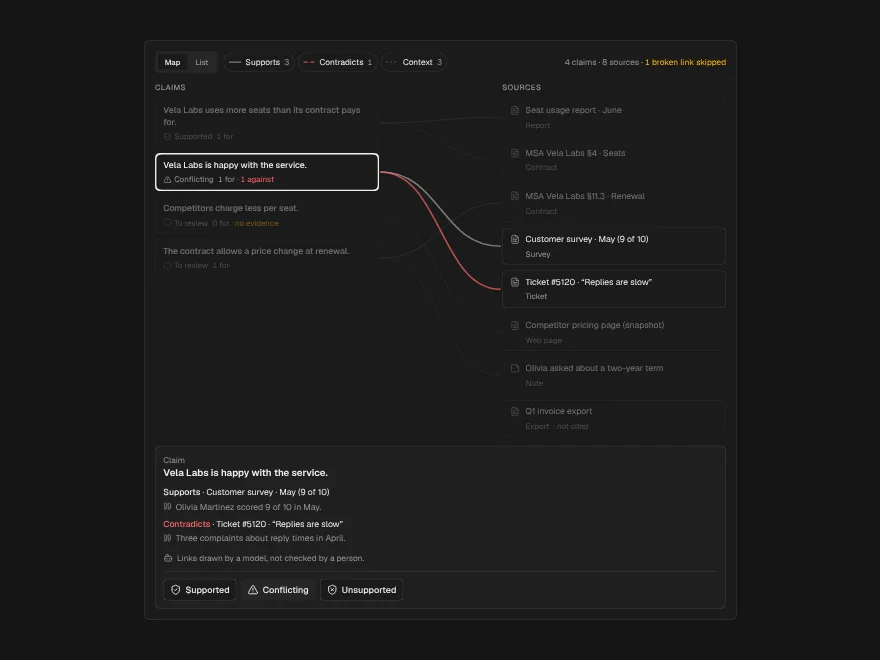
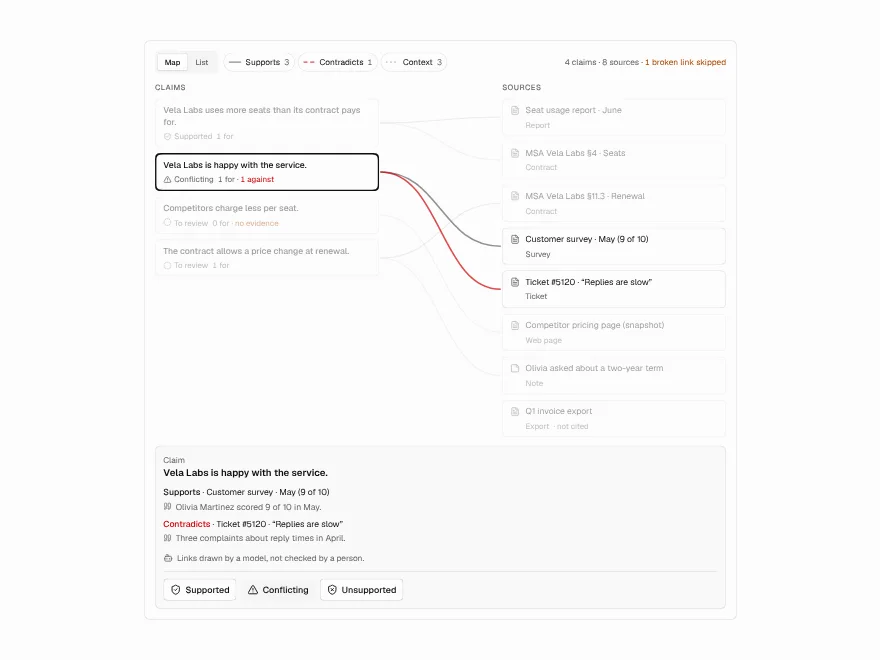
Evidence Map
Map of claims and the sources behind them.