Fan-out Grid
One job split across many workers, every task a cell on a live grid.
PROGet Fan-out Grid and 168 other Pro components with pro lifetime — Get Pro
- Category
- AI Agent
- Access
- ProPro · unlocked
- Source
- 343 lines · one file
- States
- 7 drawn
- Added
- 2 Nov 2026
The decision inside it
Retry touches only the failed cells, and time left comes from real durations
Retrying a whole batch to fix 12 failures burns the money twice. Retry re-runs only the failed cells and says how many. The estimate uses how long finished cells actually took across the workers running now, so it doesn't stall at 90% like a count-based bar.
When to use it
Use Fan-out Grid when one agent job is split into many parallel tasks (enrich 500 rows, review 80 files) and people need to watch progress, cost and failures. For one run step by step use Trace Waterfall.
Installation
How you get it
Paste this into Claude Code, Cursor, Codex or any coding agent. It installs the file and uses it as it is, instead of writing a new one.
Use Liro's Fan-out Grid for this.
Install it: npx shadcn@latest add @liro/fan-out-grid
(the @liro registry is set up in components.json, with LIRO_KEY in .env.local)
Import it from @/components/ui/fan-out-grid.
Do not rewrite or restyle it. Pass my data through its props
and keep its built-in states.
For the full brief with every prop and the mistakes assistants usually make, use Copy prompt above. Pro components install through the @liro registry with your CLI token: see the Namespaced tab.
Usage
import { FanOutGrid, type FanTask } from "@/components/ui/fan-out-grid";

export function FanOutPanel({ tasks, api }: {
  tasks: FanTask[];
  api: { retry: (ids: string[]) => Promise<void>; cancel: () => Promise<void> };
}) {
  return <FanOutGrid title="Enrich 500 accounts" tasks={tasks} onRetryFailed={api.retry} onCancel={api.cancel} />;
}
API reference
“Copy prompt” above puts a full brief on your clipboard, install command, dependencies, props, and the mistakes an assistant usually makes with this component.
Props
Read from the component’s own TypeScript interface when the site is built, so this table cannot drift from the file you install.
| Type | Notes | ||
|---|---|---|---|
tasks | FanTask[] | Yes | – |
title | string | No | – |
onRetryFailed | (ids: string[]) => void | Promise<void> | No | Re-runs these failed tasks only. May return a promise. |
onCancel | () => void | Promise<void> | No | Stops the job; queued cells are cancelled. May return a promise. |
onSelect | (id: string) => void | No | Called when a cell is chosen with a click or Enter. |
now | Date | number | No | Fix the clock, for screenshots and tests. |
look | Look | No | – |
Dependencies
npm packages
clsxframer-motionlucide-reacttailwind-mergeLiro foundations, installed alongside it
liro-themebuttonStates
All of them are drawn by the component. None is left for you to design.
- Queued
- Running
- Some failed
- Retrying
- Done
- Cancelled
- Action failed
Accessibility
- Keyboard reachable throughout, in visual order
- Focus trapped in overlays, Escape closes them
- Focus returns to whatever opened it
- Live regions announce what changed, not that something did
- Honours prefers-reduced-motion
Responsive behavior
- Sizes to its container, not the viewport
- Usable from 320px up
- Pointer-based interaction, so trackpad and touch both work
- No hover-only affordances
More like Fan-out Grid
All AI Agent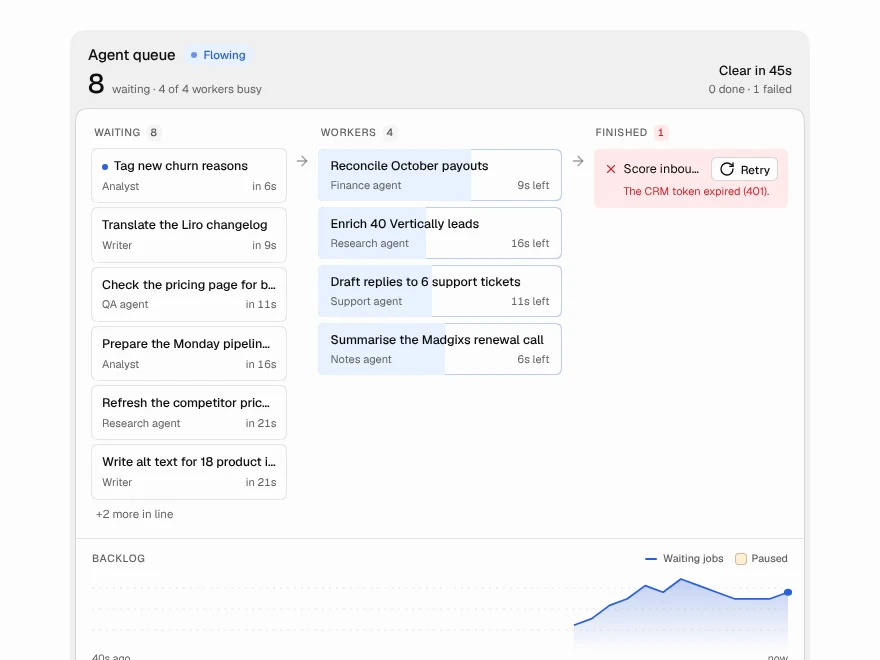 NewPro
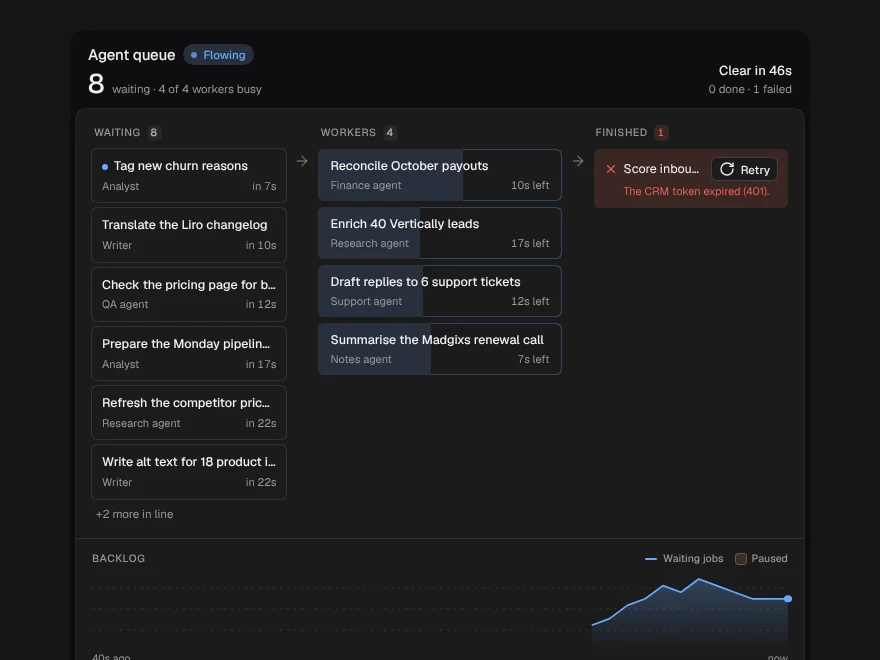
Agent Queue
The work waiting for your agents: worker slots, the line behind them and the backlog.
 NewPro
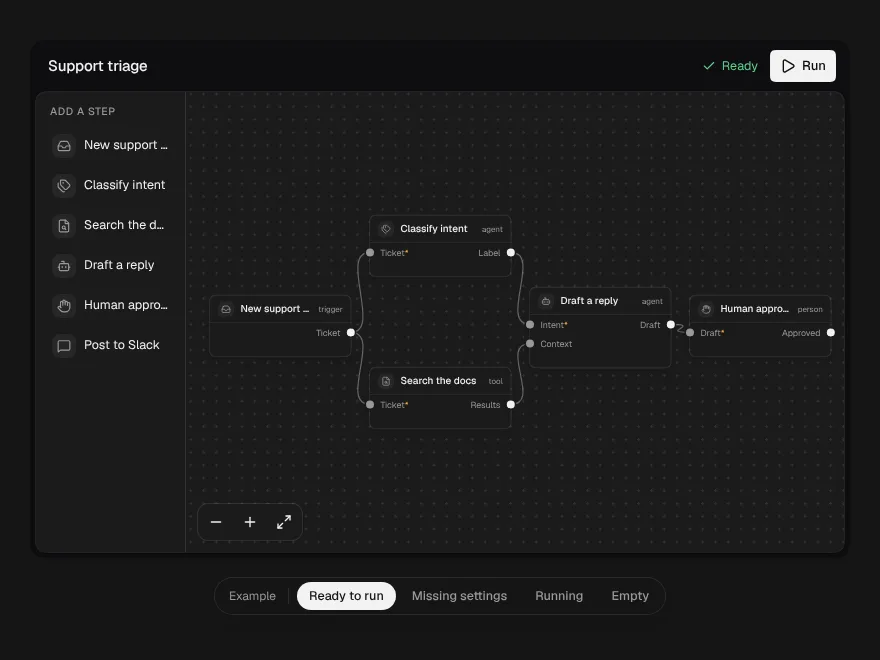
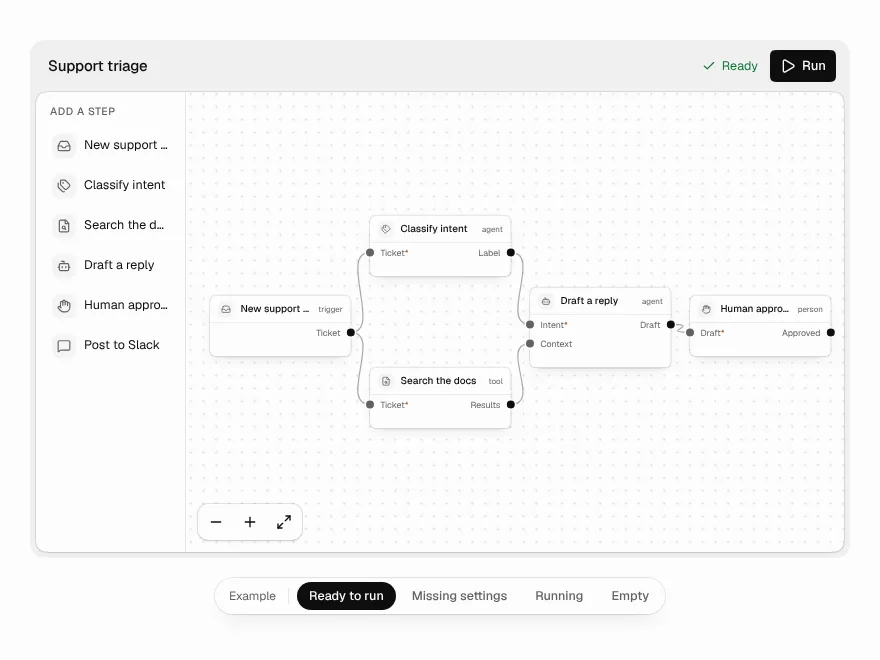
Workflow Builder
A node canvas for agent workflows that refuses broken wiring as you draw it.
 NewPro
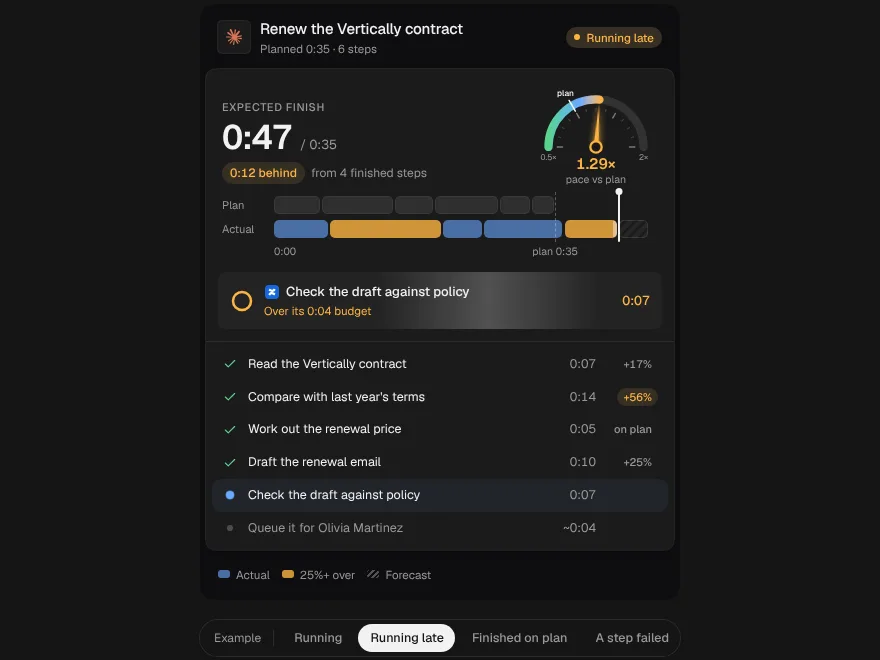
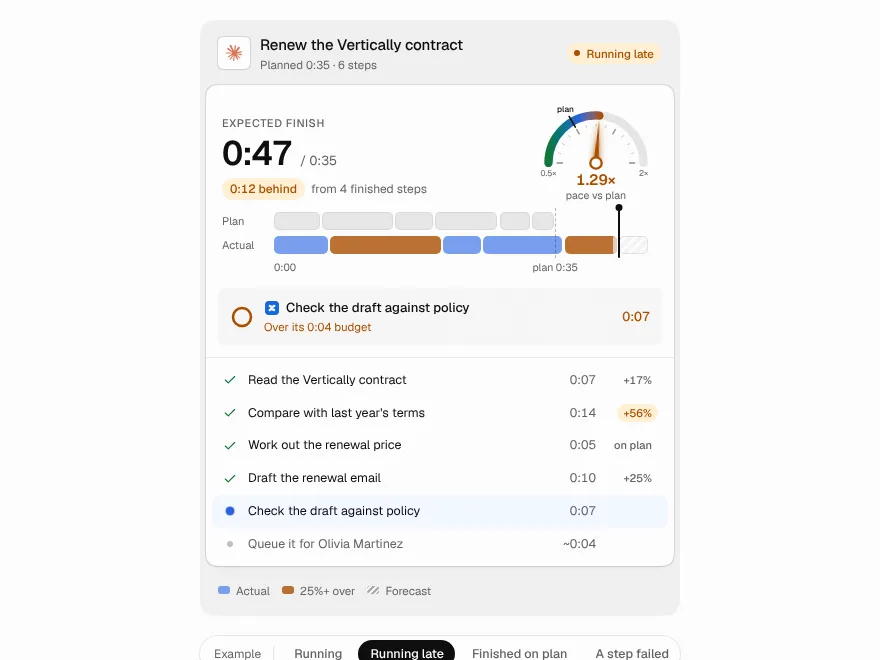
Plan vs Actual
An agent's plan and its real run as two lanes on one clock, with a pace dial and a finish time that rolls over.
 NewPro
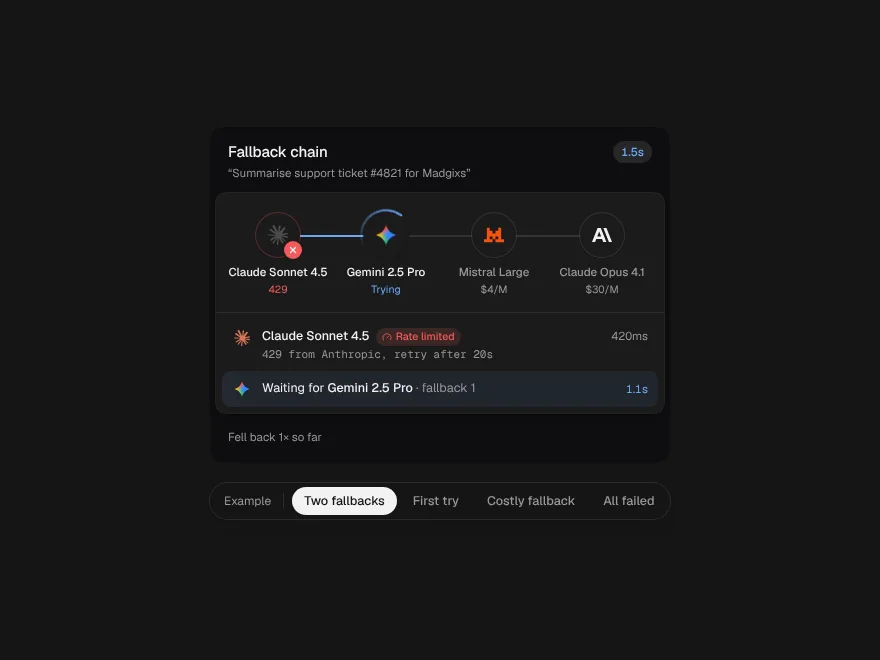
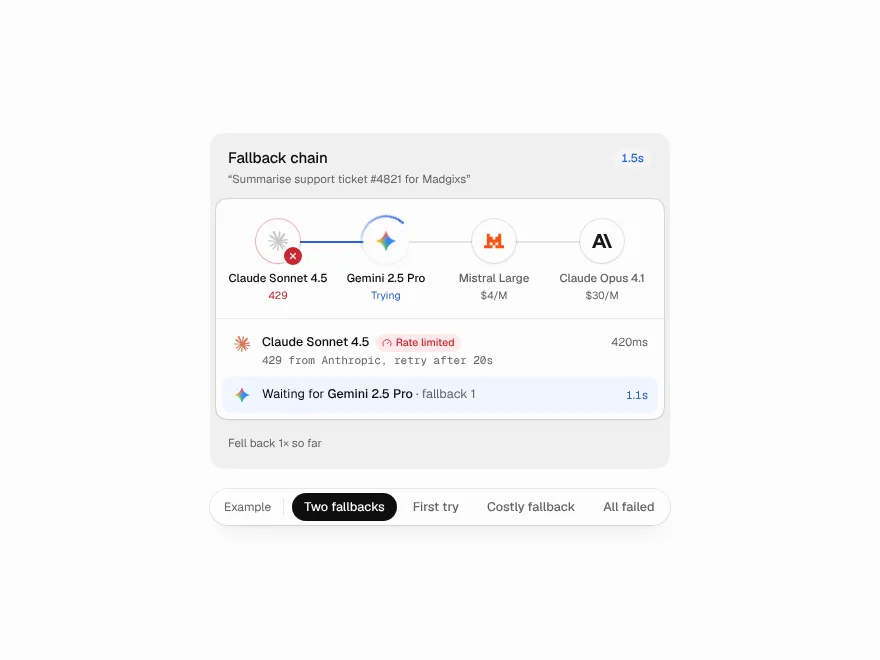
Fallback Chain
A request passed from model to model like a relay, with why each one failed and a receipt for the detour.
 NewPro
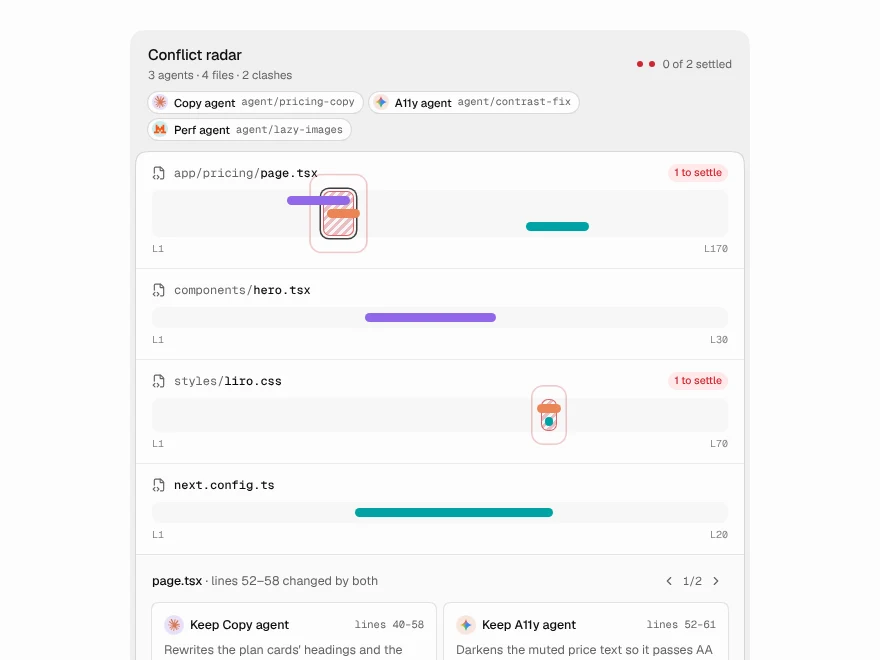
Conflict Radar
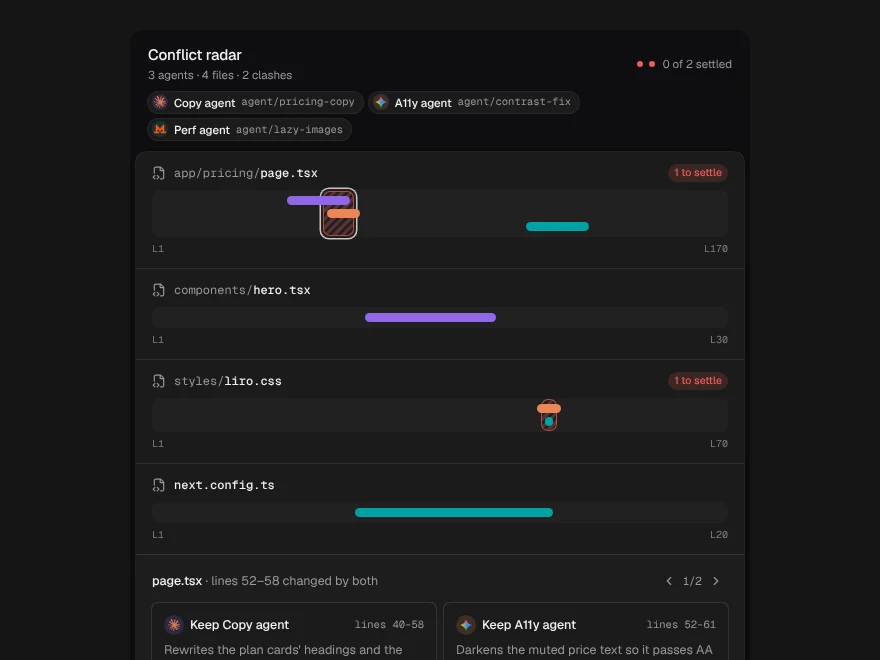
Parallel agents drawn as a minimap of each file, with the lines where their changes collide marked before merge.
 NewPro
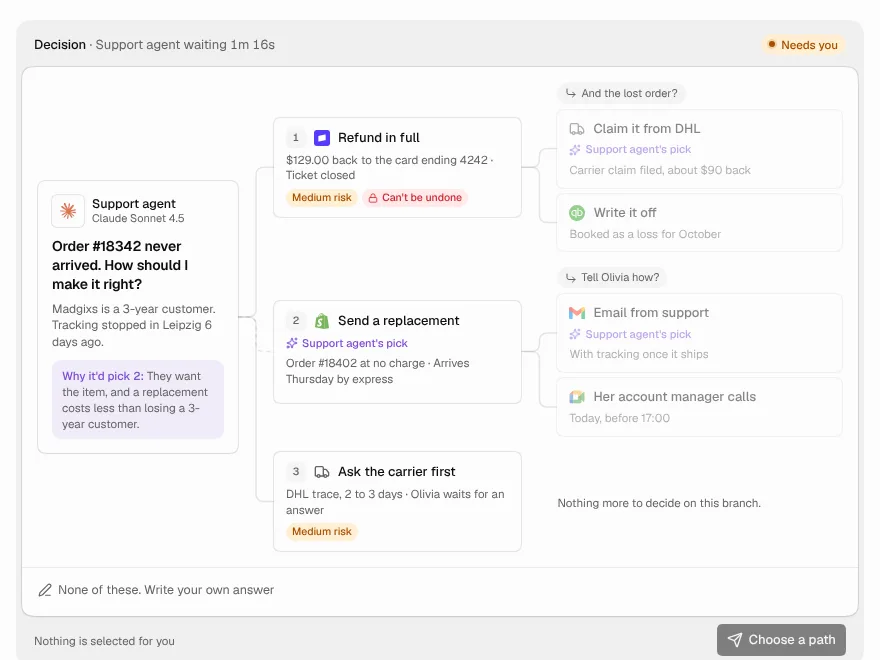
Decision Tree
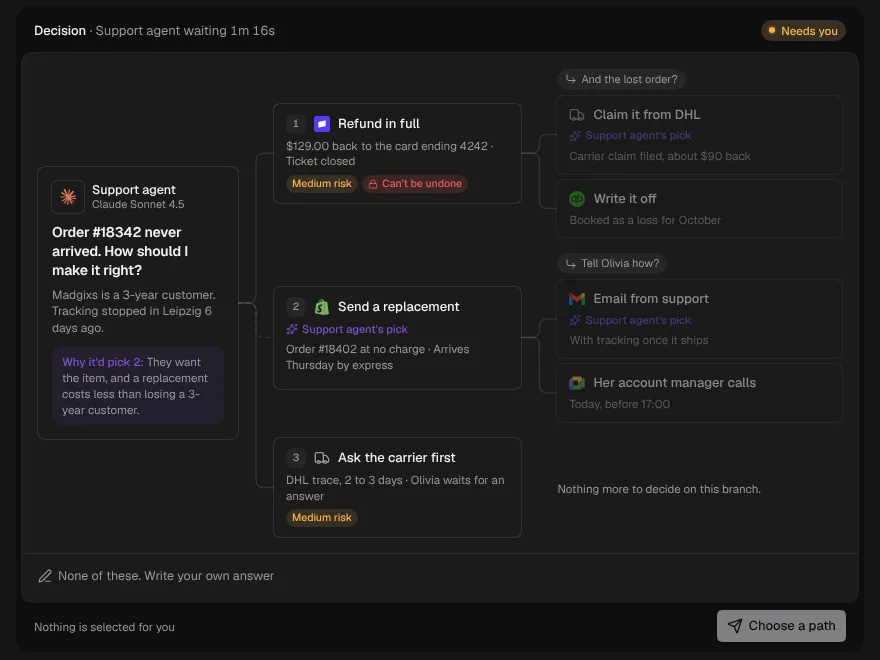
An agent stuck at a fork lays the whole decision out as a tree: options, the follow-up each one leads to, and the path you pick lit end to end.