Sub-agent Tree
An orchestrator and its sub-agents as a live tree, with costs that add up.
PROGet Sub-agent Tree and 168 other Pro components with pro lifetime — Get Pro
- Category
- AI Agent
- Access
- ProPro · unlocked
- Source
- 611 lines · one file
- States
- 7 drawn
- Added
- 21 Oct 2026
The decision inside it
A failure travels up
A parent showing a tick while a grandchild failed is how a broken result gets shipped. A failure marks every ancestor with a red dot and "1 failed below", even when the branch is folded, and totals that include running work say "so far".
When to use it
Use Sub-agent Tree to show an orchestrator and the agents it started: status, model, cost and time per agent, with branch totals and failures that travel up. For one agent's steps over time use Agent Timeline; for agents side by side in time use Agent Lanes.
Installation
How you get it
Paste this into Claude Code, Cursor, Codex or any coding agent. It installs the file and uses it as it is, instead of writing a new one.
Use Liro's Sub-agent Tree for this.
Install it: npx shadcn@latest add @liro/agent-tree
(the @liro registry is set up in components.json, with LIRO_KEY in .env.local)
Import it from @/components/ui/agent-tree.
Do not rewrite or restyle it. Pass my data through its props
and keep its built-in states.
For the full brief with every prop and the mistakes assistants usually make, use Copy prompt above. Pro components install through the @liro registry with your CLI token: see the Namespaced tab.
Usage
import { AgentTree, type AgentNode } from "@/components/ui/agent-tree";

const run: AgentNode = {
  id: "lead", name: "Lead", role: "Orchestrator", status: "running", cost: 0.04,
  children: [
    { id: "research", name: "Research", role: "Researcher", model: "Deep", status: "done", cost: 0.31 },
    { id: "writer", name: "Writer", role: "Writer", model: "Swift", status: "running", cost: 0.08 },
  ],
};

export function RunTree({ cancel }: { cancel: (id: string) => Promise<void> }) {
  return <AgentTree root={run} onCancel={cancel} />;
}
API reference
“Copy prompt” above puts a full brief on your clipboard, install command, dependencies, props, and the mistakes an assistant usually makes with this component.
Props
Read from the component’s own TypeScript interface when the site is built, so this table cannot drift from the file you install.
| Type | Notes | ||
|---|---|---|---|
root | AgentNode | Yes | – |
selectedId | string | No | Controlled selection. |
defaultSelectedId | string | No | – |
onSelect | (id: string) => void | No | – |
onCancel | (id: string) => void | Promise<void> | No | May return a promise. Called once per agent being cancelled, deepest first. |
folded | string[] | No | Controlled folded branches, by id. |
defaultFolded | string[] | No | – |
onFoldedChange | (ids: string[]) => void | No | – |
currency | string | No | ISO 4217. Default "USD". |
now | Date | number | No | Fix the clock, for screenshots and tests. |
look | Look | No | Layered sets it in a tray, the heading above the card and the status in the strip below. Flat is one card. |
Dependencies
npm packages
clsxframer-motionlucide-reacttailwind-mergeLiro foundations, installed alongside it
liro-themebuttonStates
All of them are drawn by the component. None is left for you to design.
- Running
- Waiting on you
- Done
- Failed below
- Folded
- Cancelling
- Cancelled
Accessibility
- Keyboard reachable throughout, in visual order
- Focus trapped in overlays, Escape closes them
- Focus returns to whatever opened it
- Live regions announce what changed, not that something did
- Honours prefers-reduced-motion
Responsive behavior
- Sizes to its container, not the viewport
- Usable from 320px up
- Pointer-based interaction, so trackpad and touch both work
- No hover-only affordances
Used in a screenAll screens
More like Sub-agent Tree
All AI Agent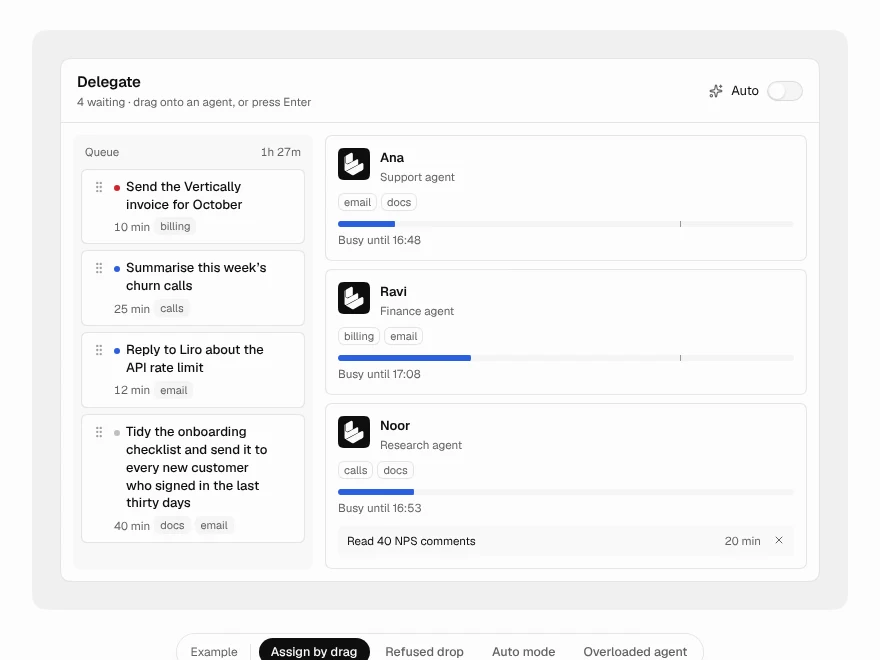 Pro
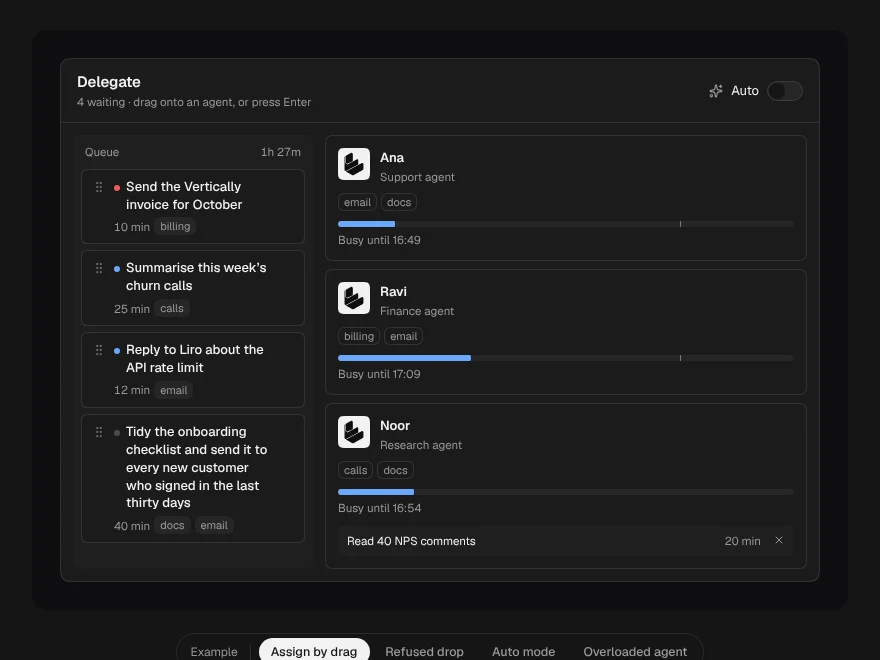
Delegate Board
Drag tasks onto AI agents to assign them.
 Pro
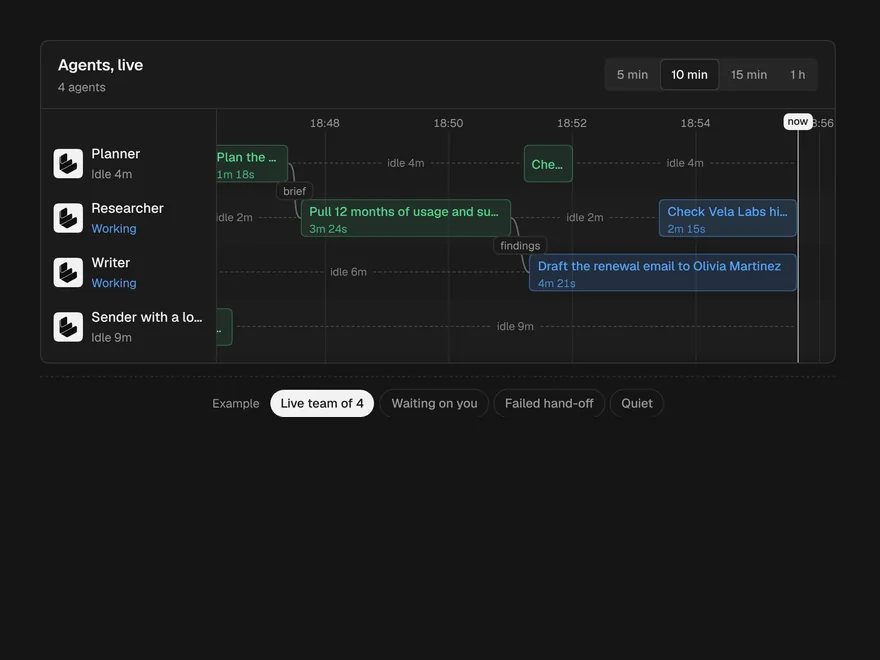
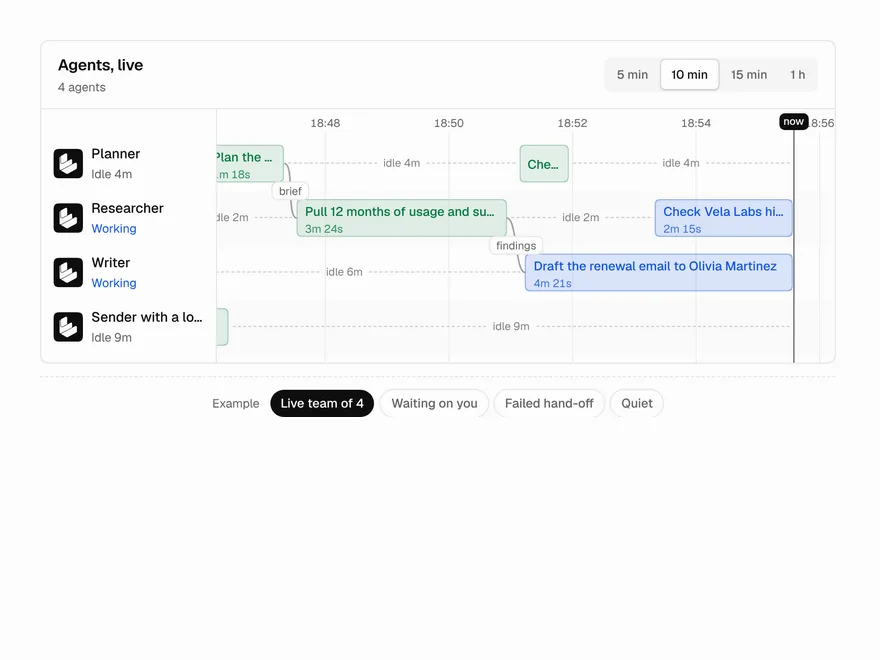
Agent Lanes
Multi-agent timeline with one lane per agent.
 Pro
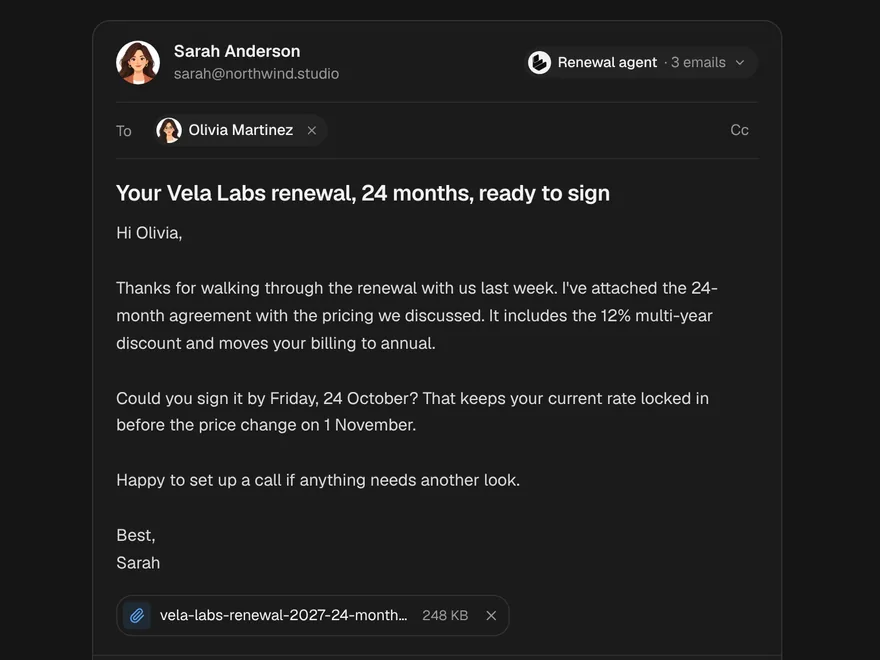
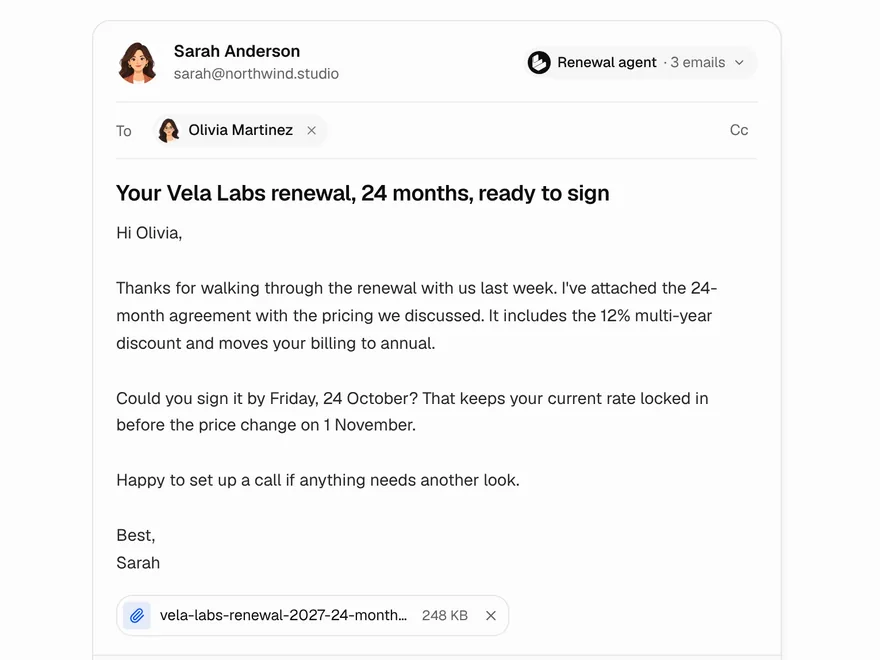
Agent Email Draft
AI-written email to review, retone and send.
 Pro
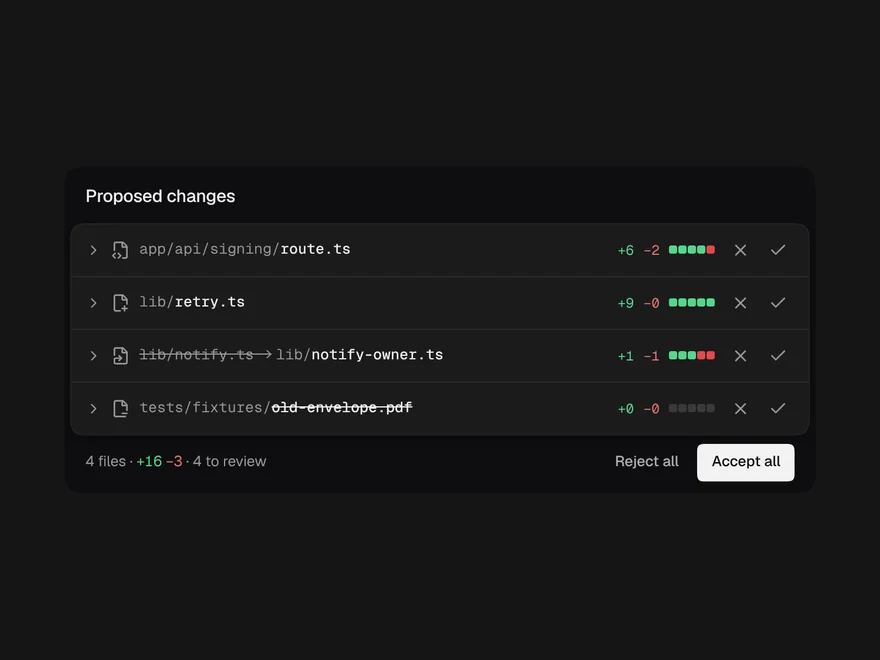
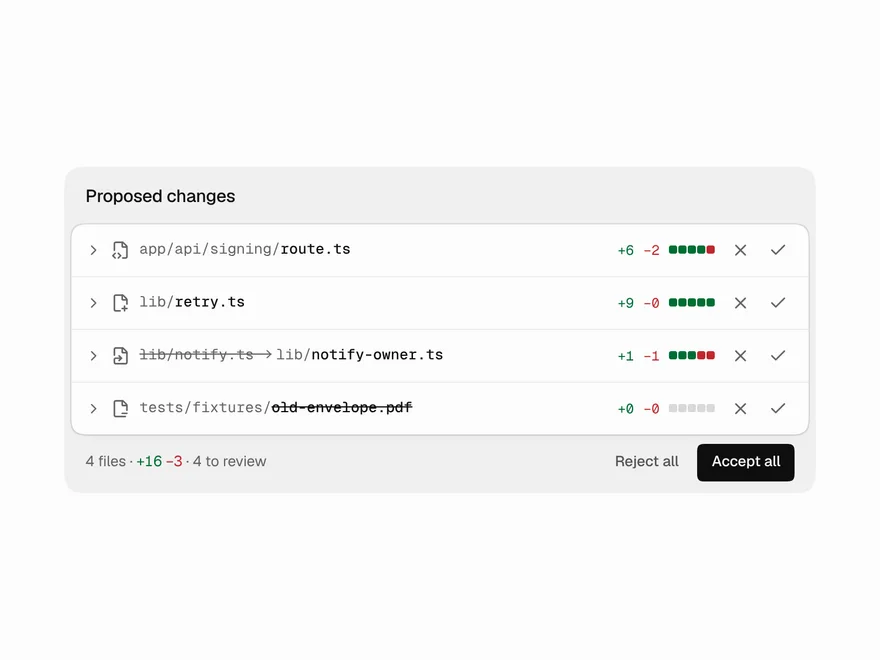
Code Diff View
Code diff of agent changes with accept and reject.
 Pro
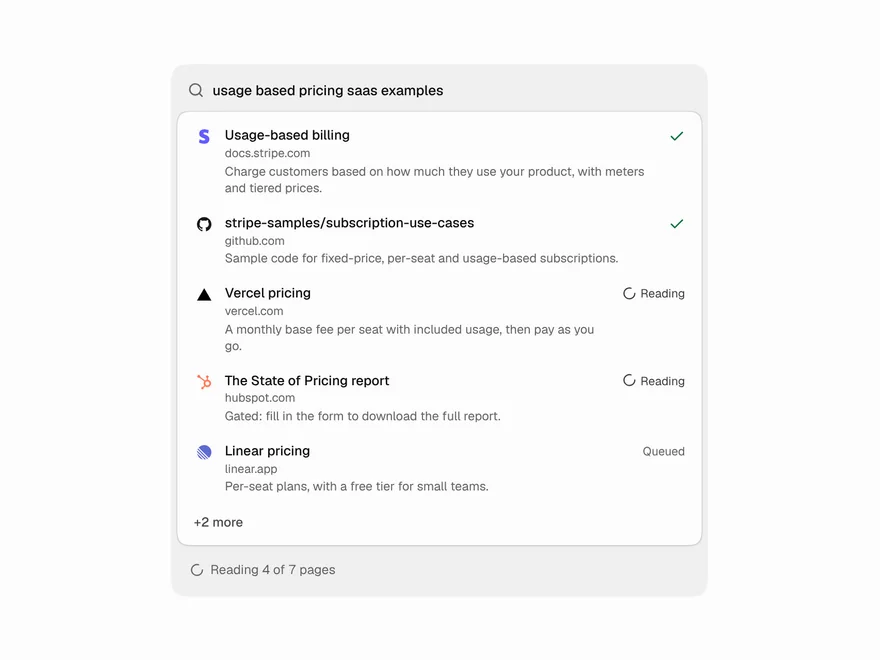
Web Search Results
Live list of pages an agent is searching.
 Pro
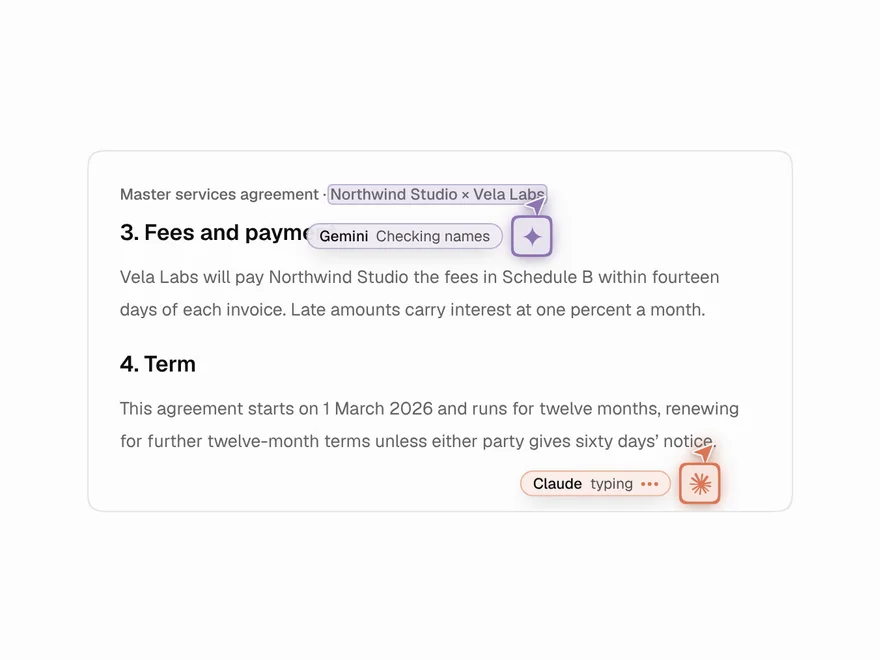
Agent Cursors
Named cursors for AI agents editing a document.