- Claude Code
- Cursor
- Codex
- VS Code Copilot
- Windsurf
- Gemini CLI
Where builders
and agents find
components that work
The React component library for AI products and SaaS dashboards. 270 production-ready React, TypeScript and Tailwind CSS components, 93 of them free, that your agent installs through MCP, so you stop burning credits on spacing, states and dark mode.
Claude Code
Liro has a Code Editor screen. I'll take its recipe and install it rather than writing one from scratch.
File tree, tabs, syntax colours and an agent chat whose edits you accept one at a time.
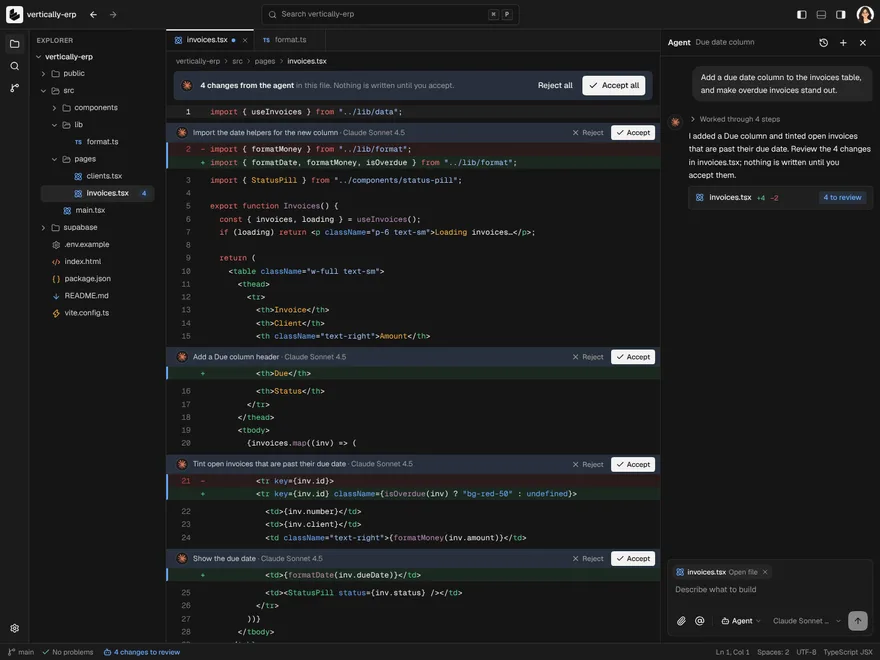
Code Editor
components/screens/code-editor-screen.tsx
Done. The screen is running on localhost:3000.
A real run: Claude Code with Liro MCP connected, one prompt. Recorded as it happened.
Building UI with AI took hours.
Now, it's one install.
Every AI builder knows the loop: prompt the screen, fix the spacing, fix dark mode, fix what that broke, and still never quite the right one. Start from a finished component instead.
Streaming chat
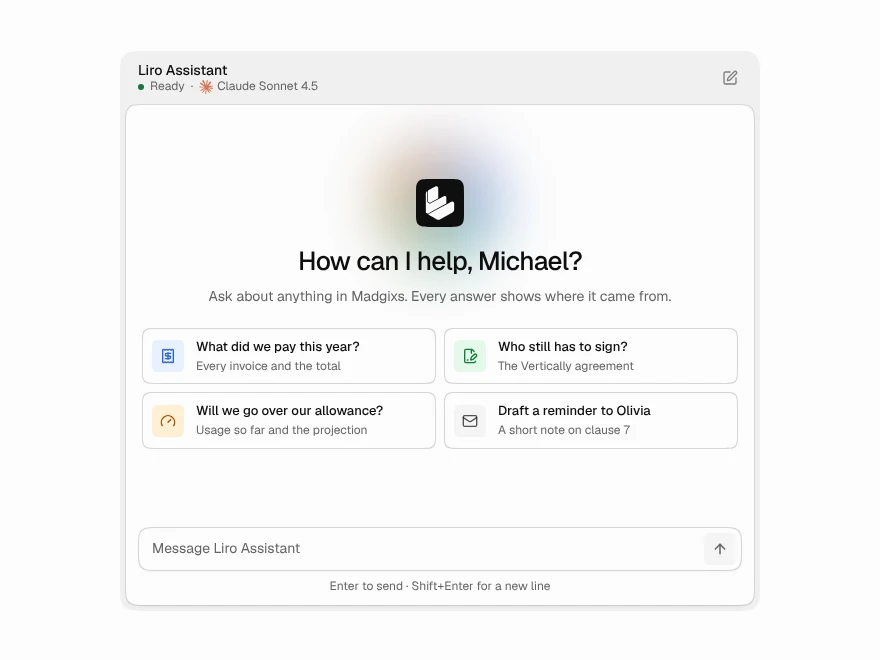
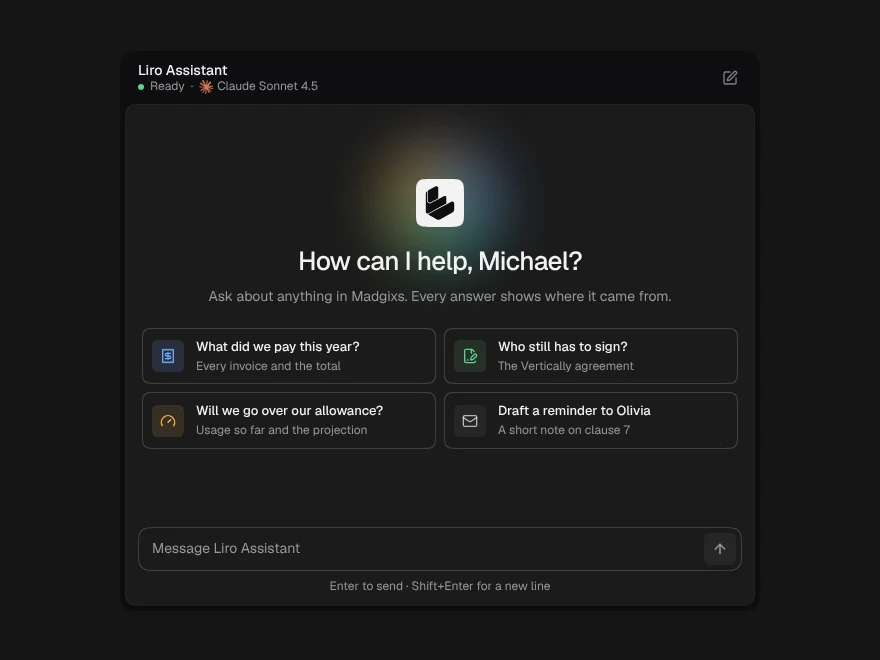 AI ChatComplete AI chat window with streaming replies.
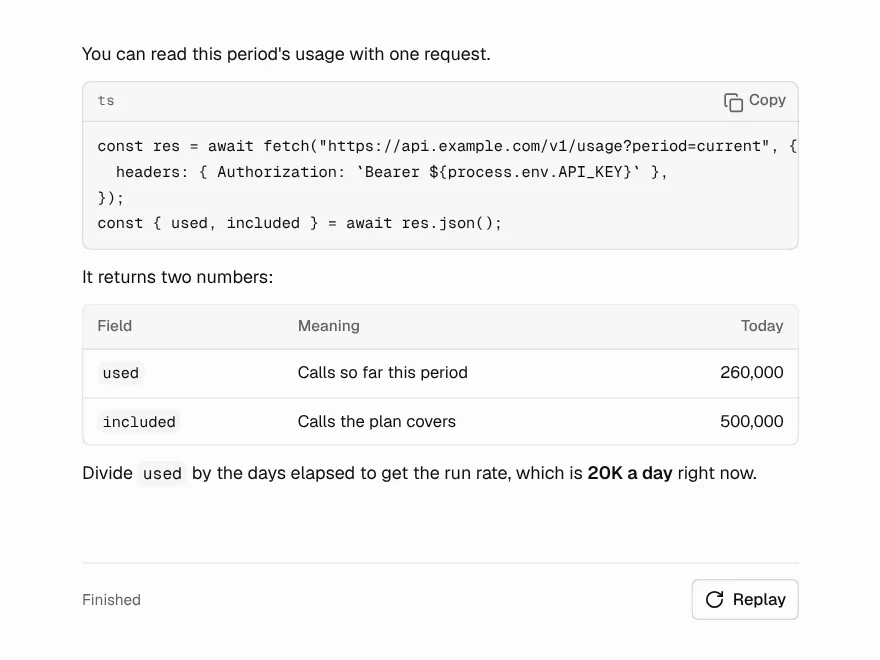
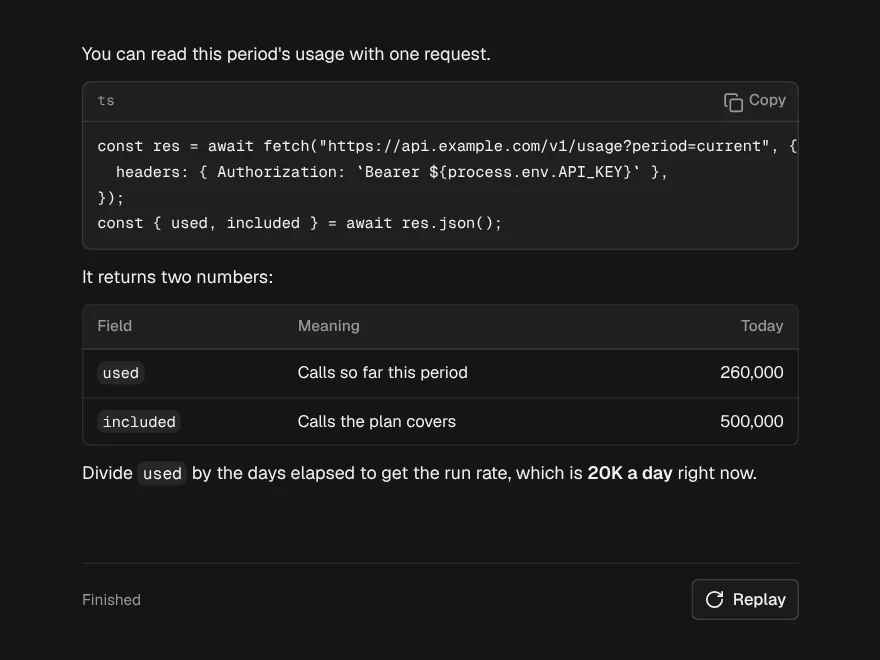 Streaming ResponseAI answer that streams in word by word.
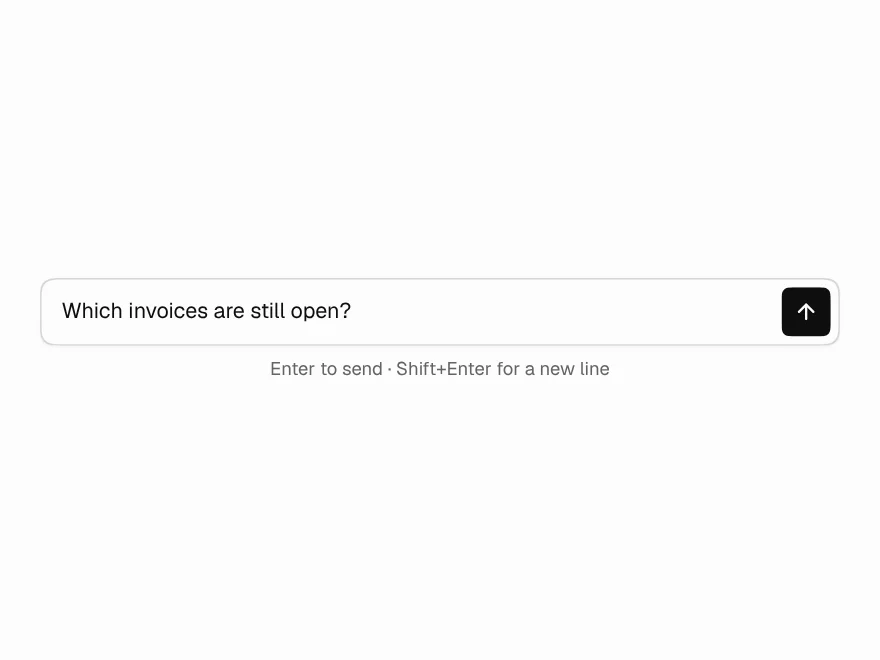
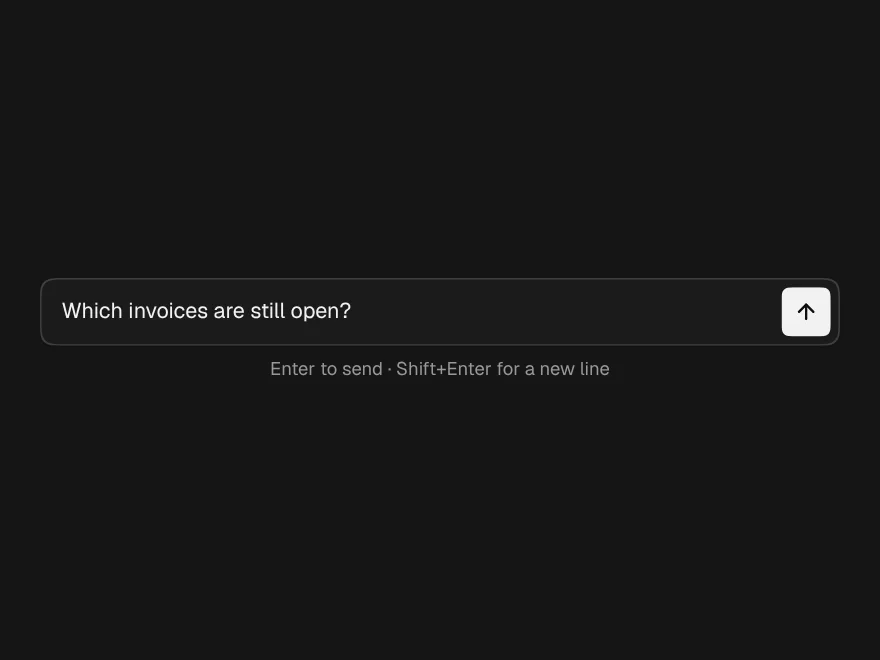 Prompt InputAuto-growing prompt box with send and stop.
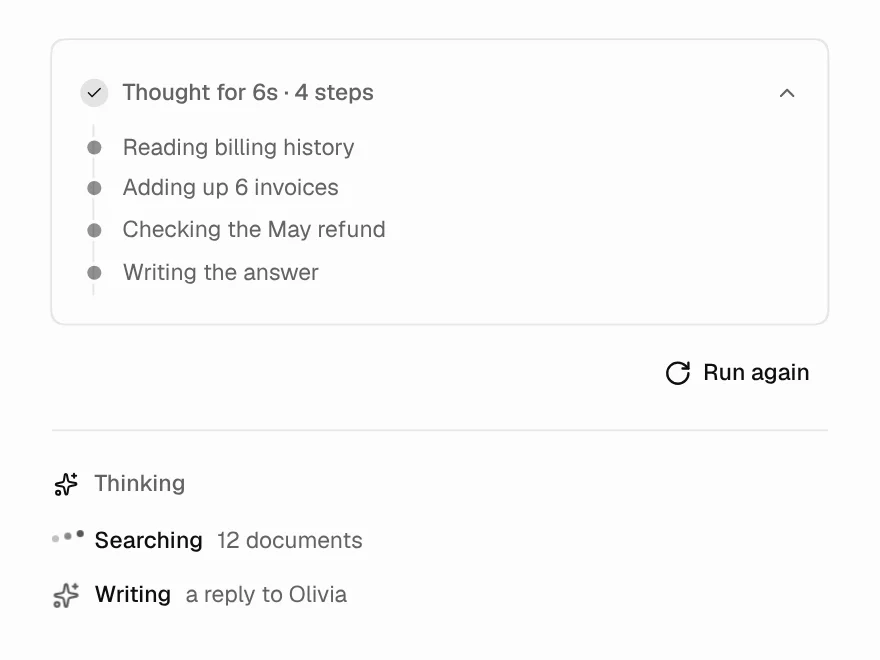
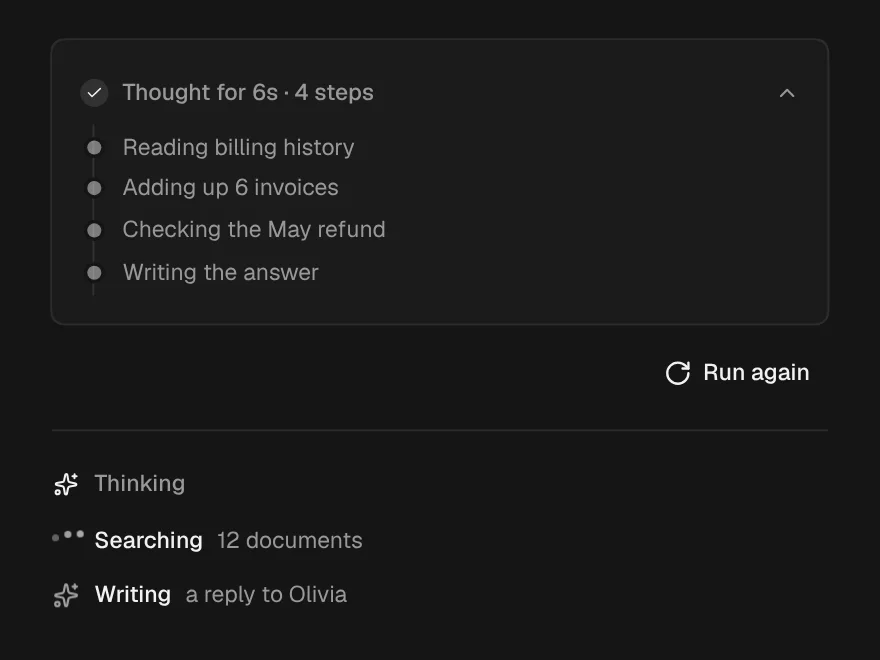 Thinking StateLoading state while the AI is thinking.
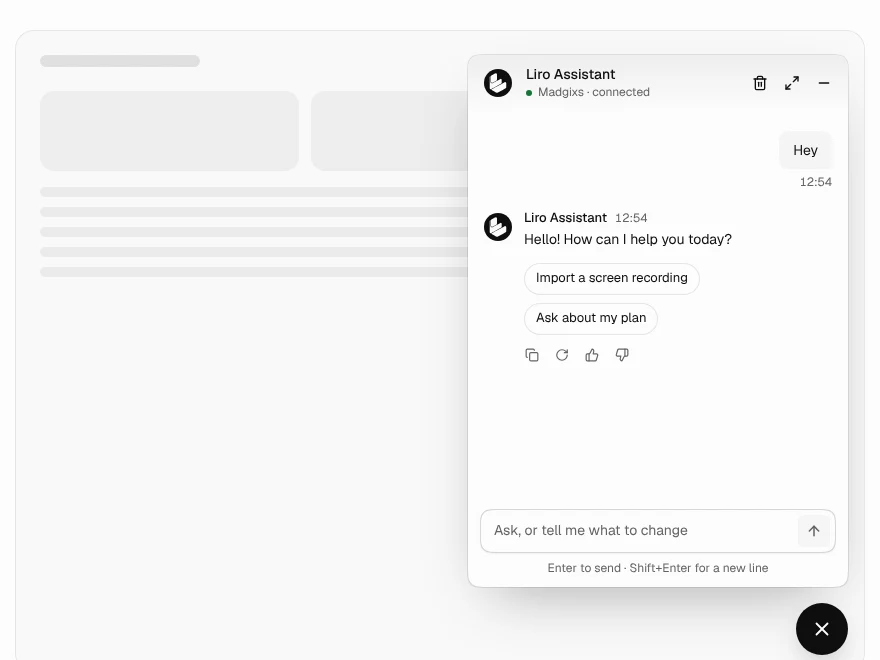
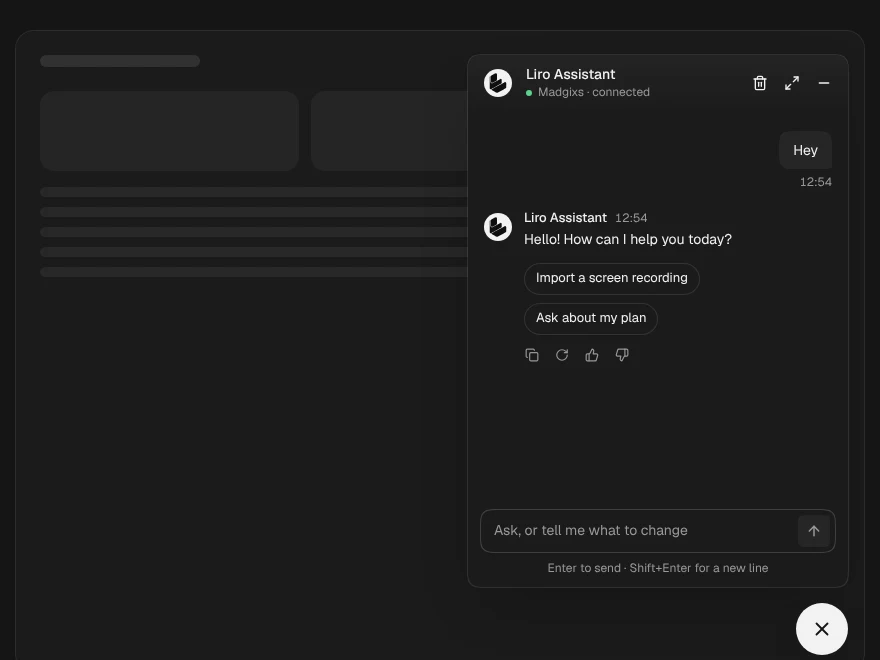 ChatbotAI chatbot as a widget, panel, sidebar or page.

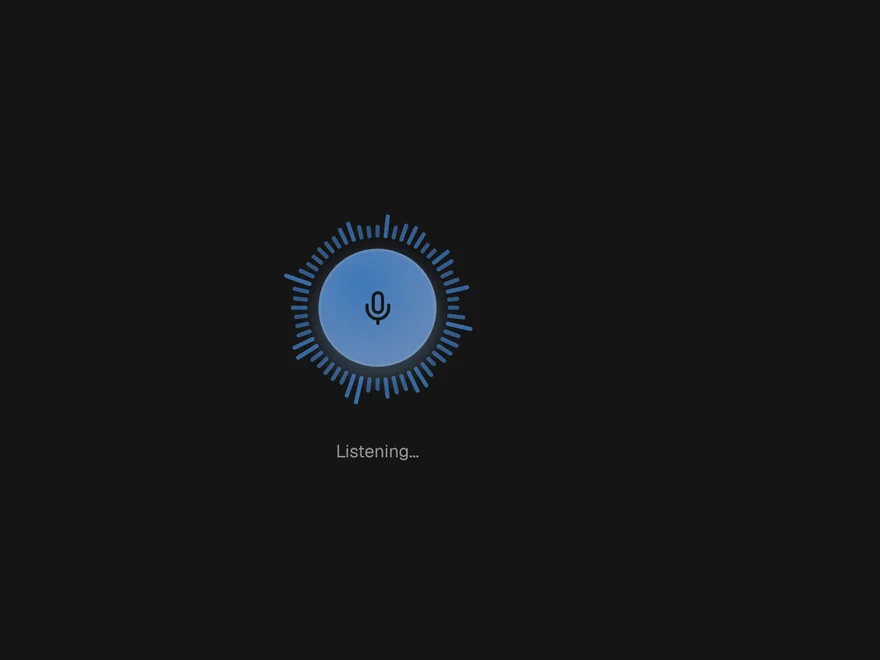 Voice OrbAnimated voice assistant orb for talk mode.
Same screen. Every detail finished.
Left: what a prompt to an AI builder usually gives you. Right: the same screen from Liro, running, with real states, spacing and motion. Drag the handle.
Move your cursor across the window.Drag the handle across the window.


One library
for all your needs.
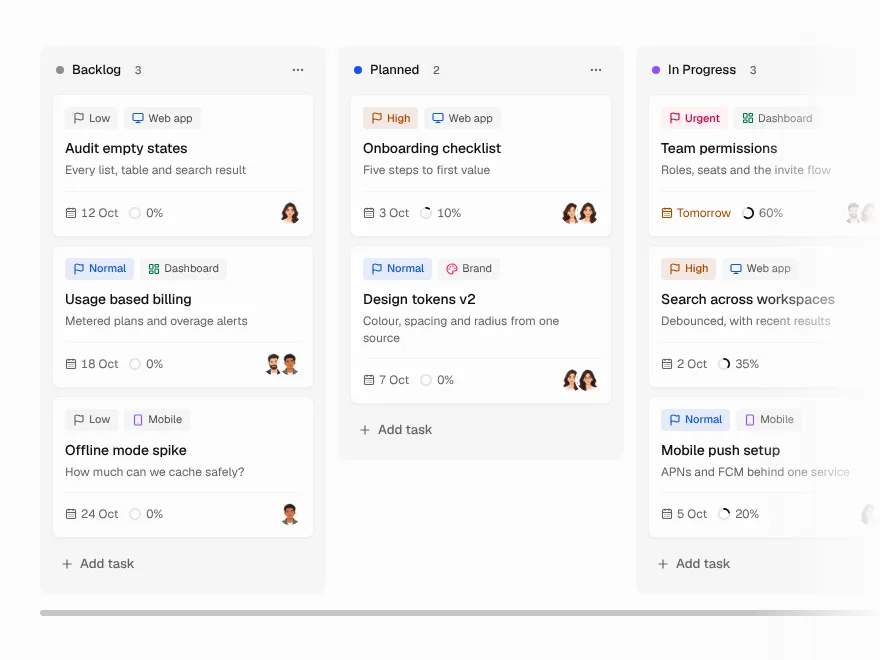
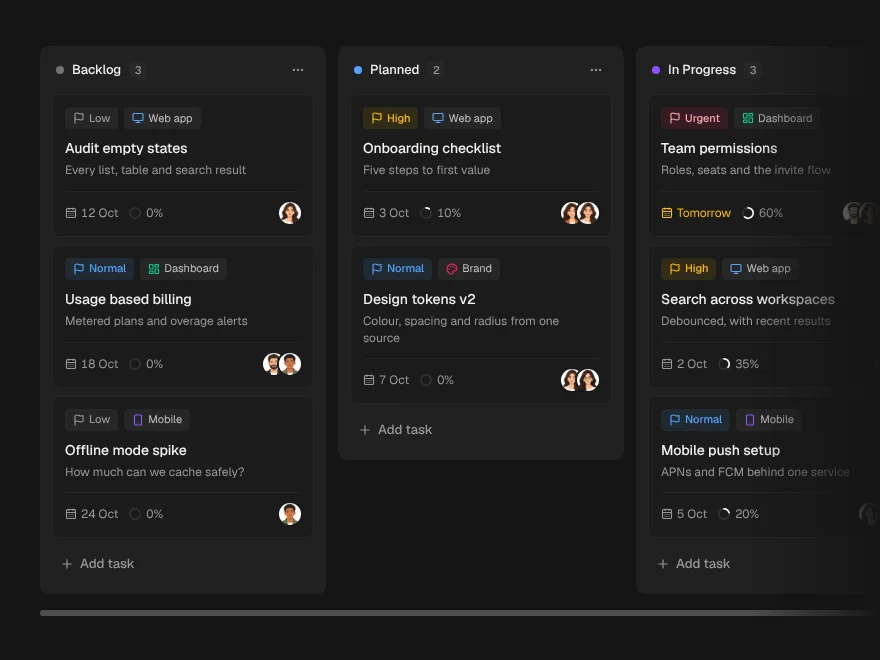
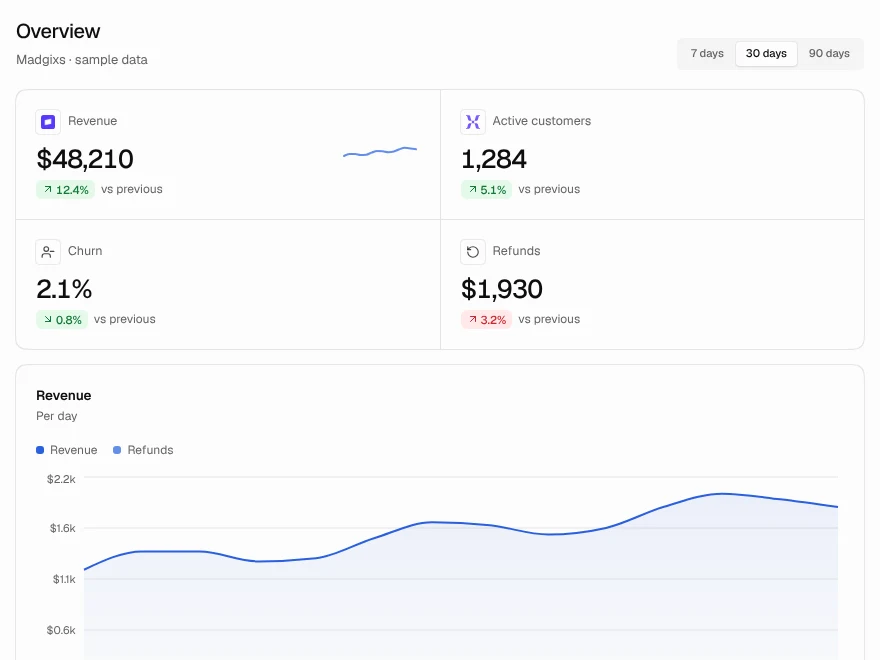
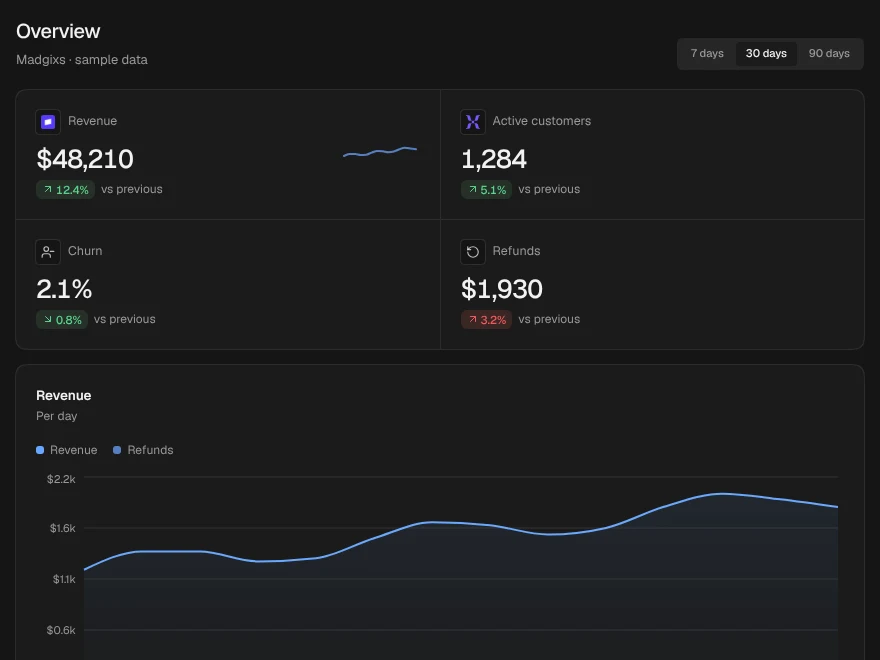
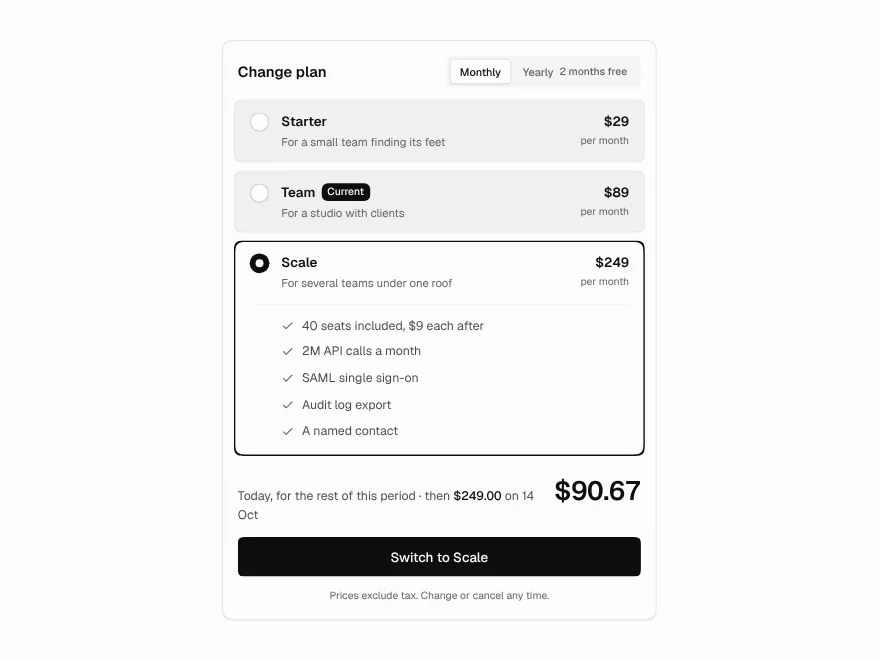
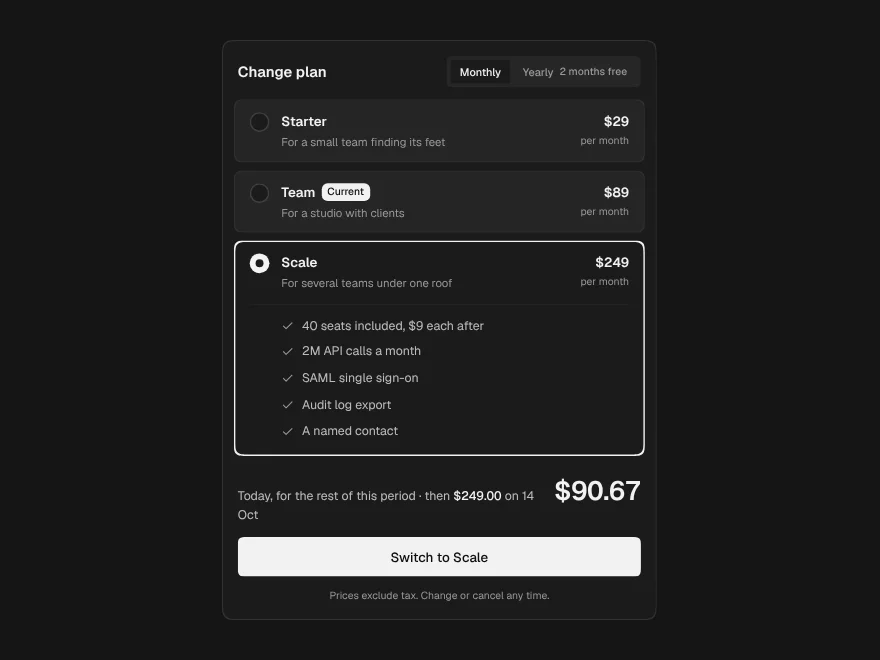
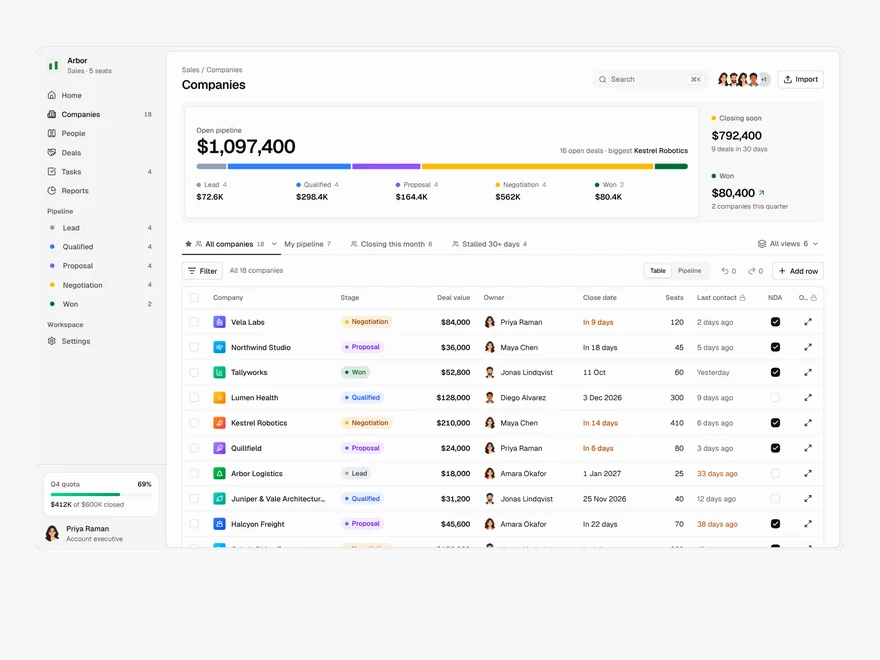
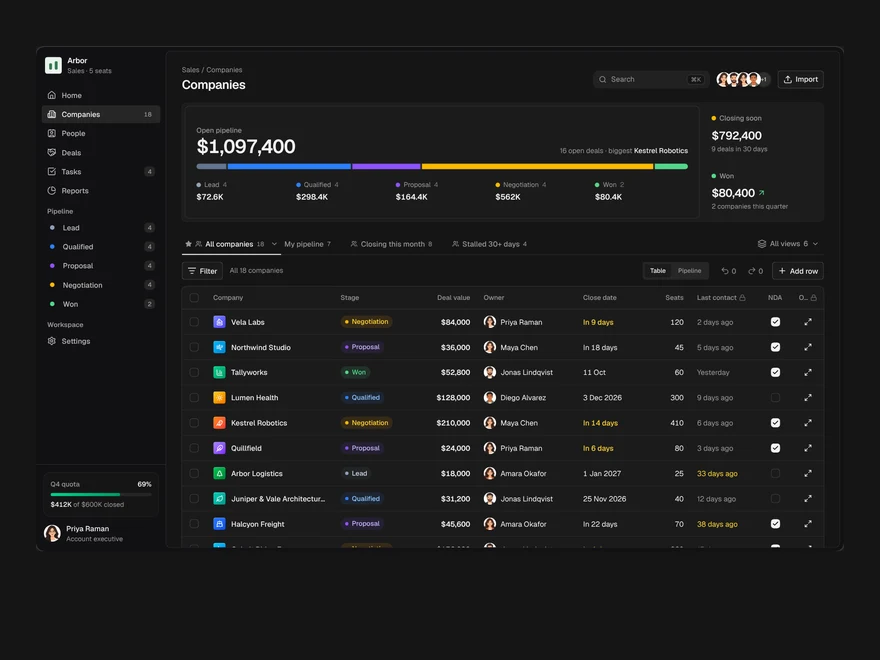
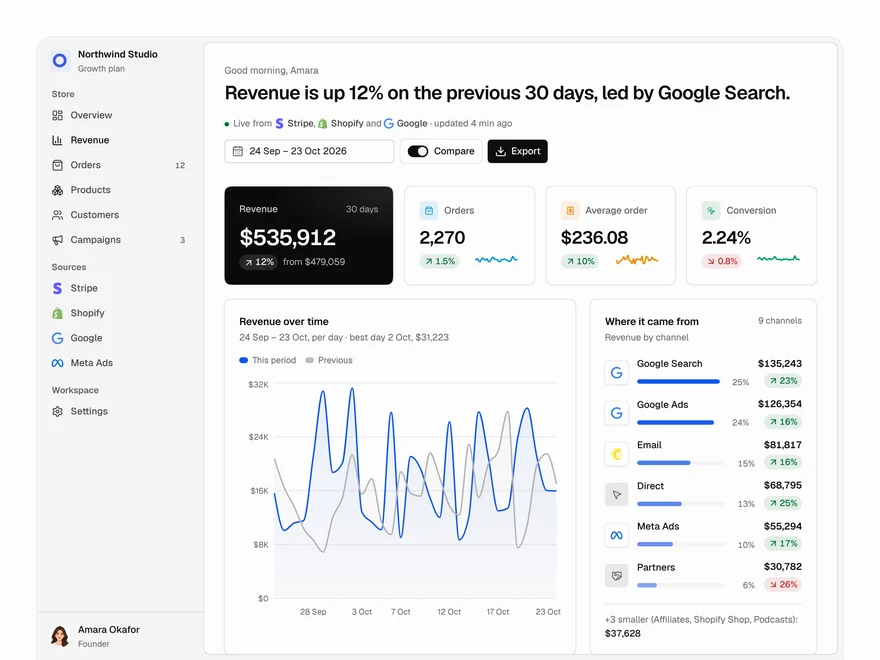
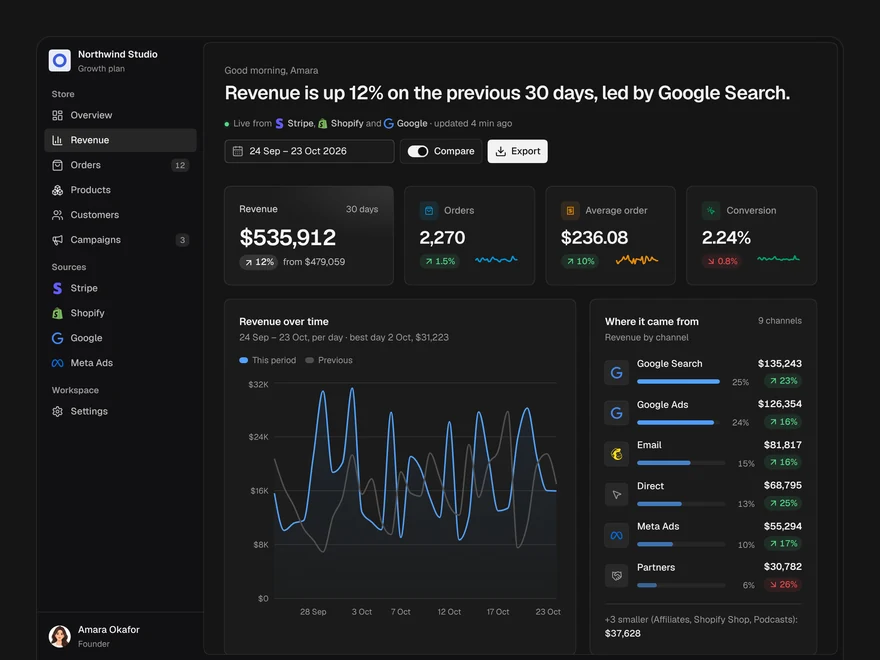
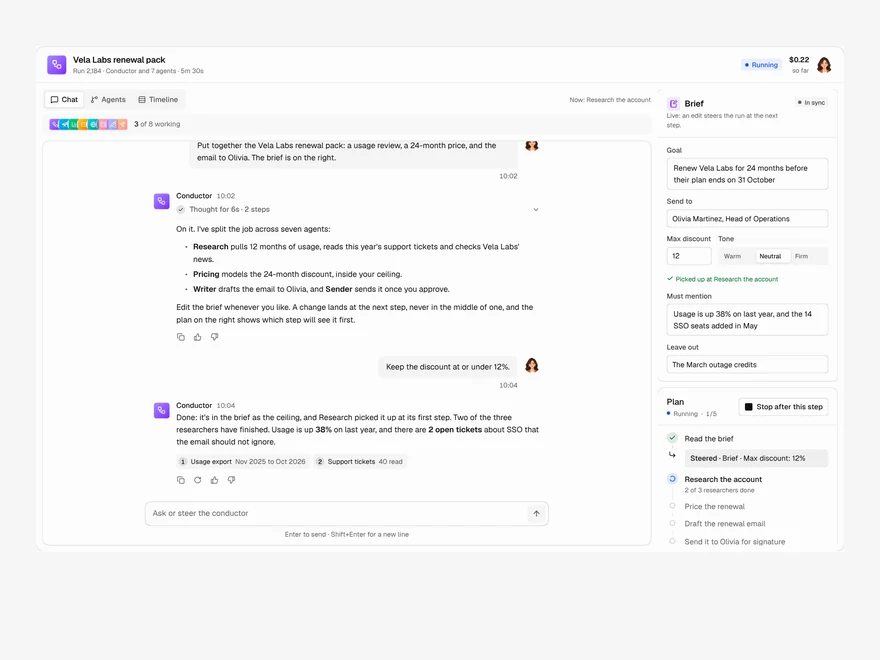
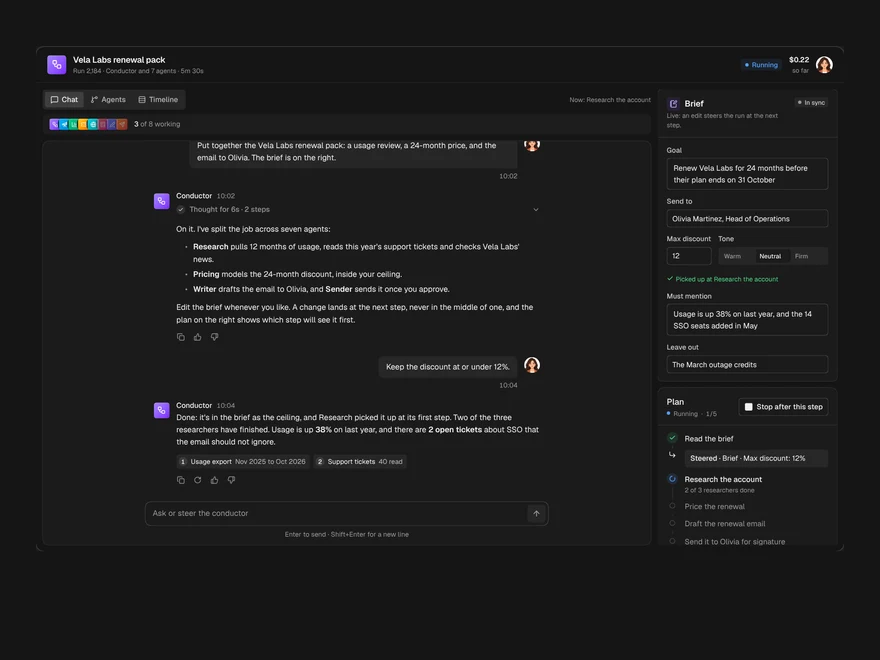
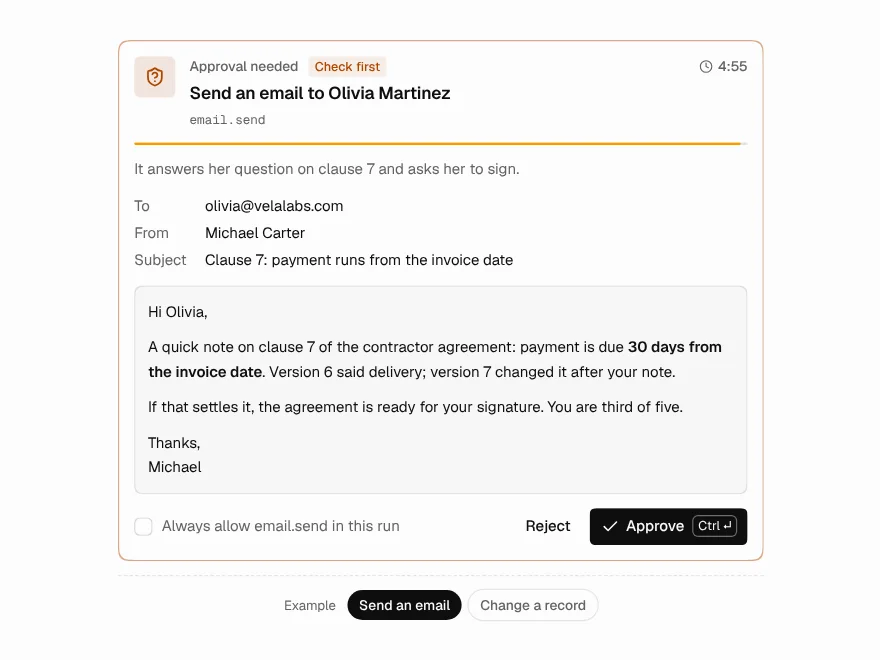
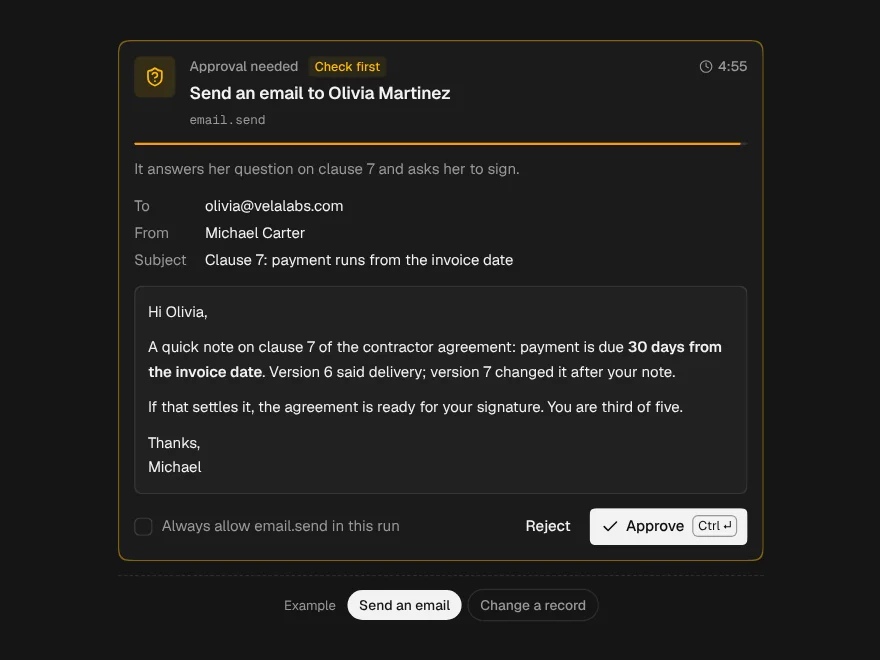
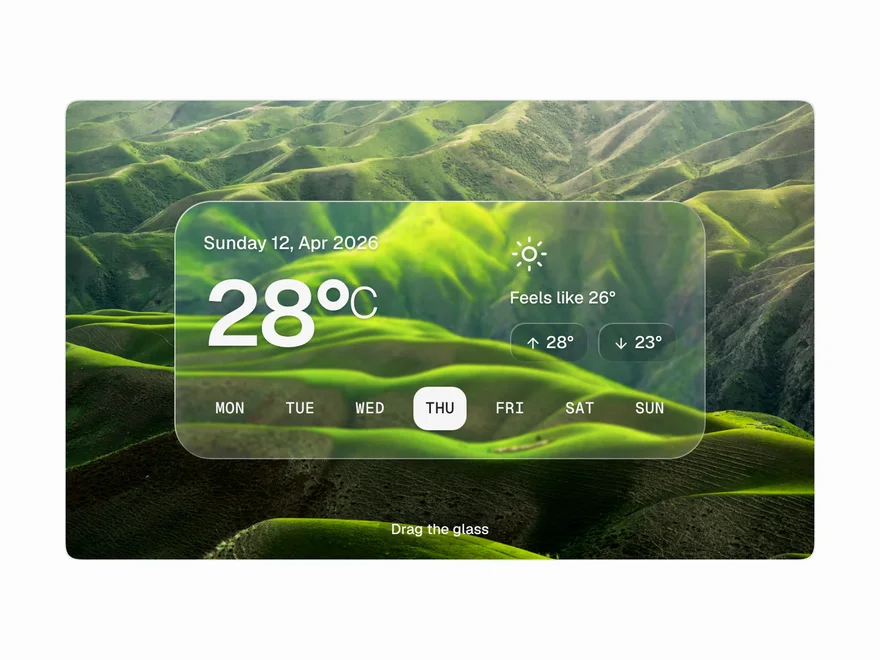
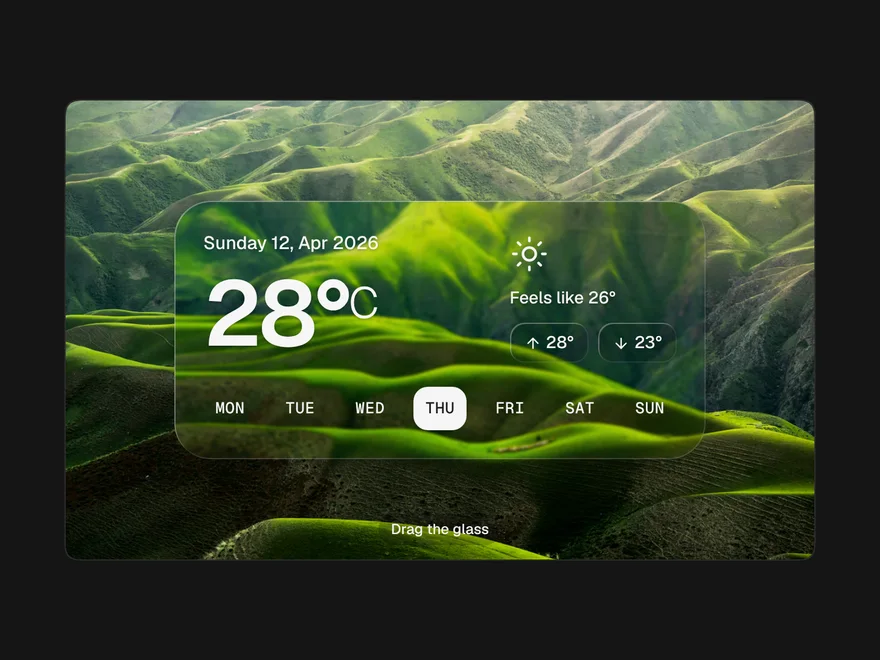
Give your AI agents
access to Liro.
Connect once. Claude Code, Cursor, Codex and other MCP tools then search every component, read its props and install the right one.
- Claude Code
- Cursor
- Codex
- Copilot
- Windsurf
- Gemini CLI
 Official MCP Registry
 mcp.so
 Cursor Directory
$ claude mcp add --transport http liro https://liro.dev/api/mcp --header "Authorization: Bearer $LIRO_KEY"
Added HTTP MCP server liro with URL: https://liro.dev/api/mcp to local config
$ claude mcp list
liro: https://liro.dev/api/mcp (HTTP) - ✓ Connected
$ npx shadcn@latest add @liro/settings-page @liro/members-table
✔ Checking registry.
✔ Installing dependencies.
✔ Created 2 files: components/ui/settings-page.tsx, components/ui/members-table.tsx
What people say after using it.
01 / 04·AI-powered development
We tried Liro with Claude through MCP, and honestly, the experience surprised us. We found the invoice and billing components we needed for our ERP. We're now planning to use Liro across our upcoming projects.
Sathish Kumar
Founder, Liro
Built for people who ship with AI.
Move the slider. Prompting a screen from scratch takes about six rounds of fixes; starting from Liro takes one.
You get back
6.7 h
and $14.25 in model credits this month, on 100 fewer fix-up rounds.
One payment of $179, every component and each future one. Estimates use an everyday coding model.
Building an AI agent?
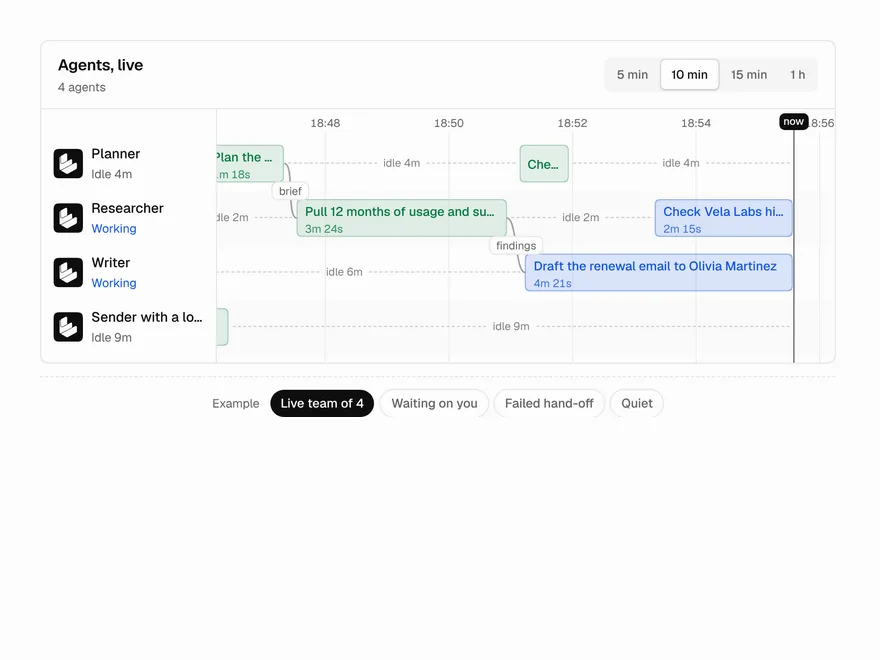
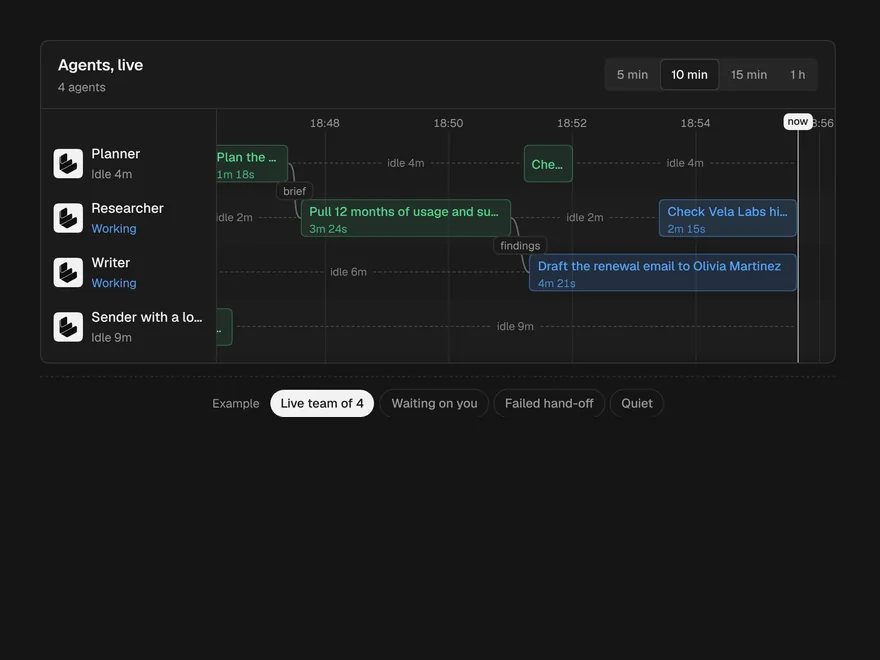
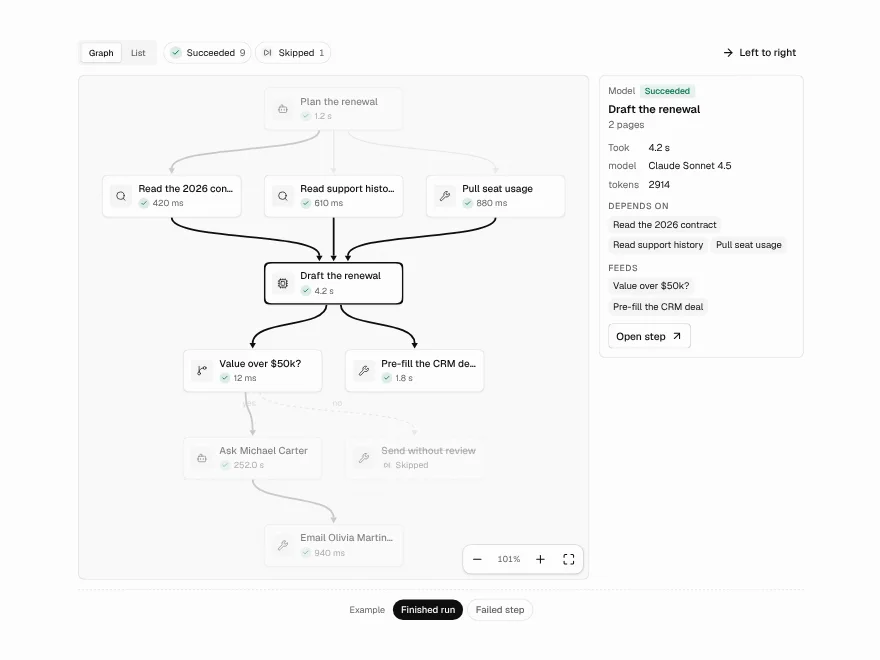
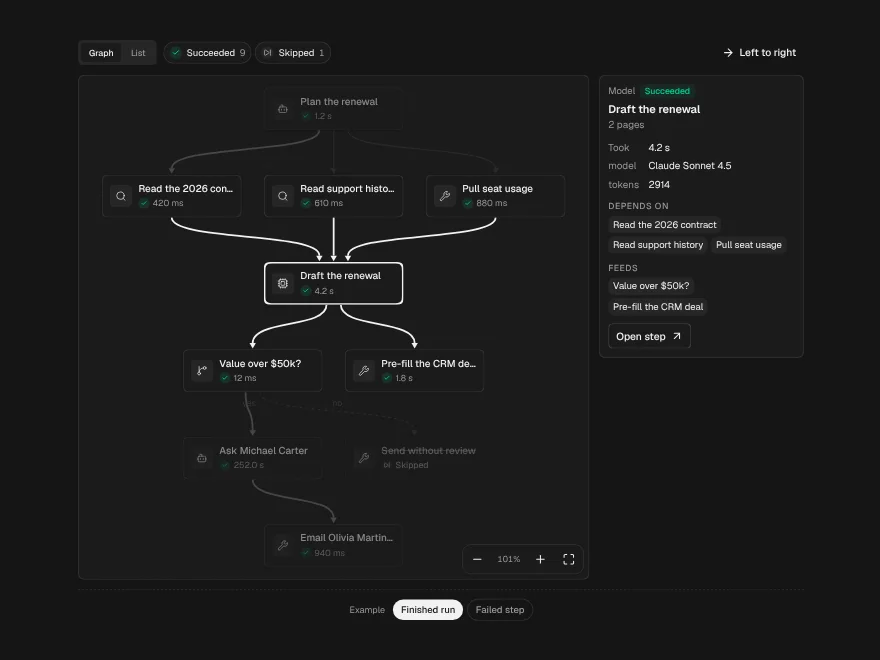
Agent UI goes deeper.
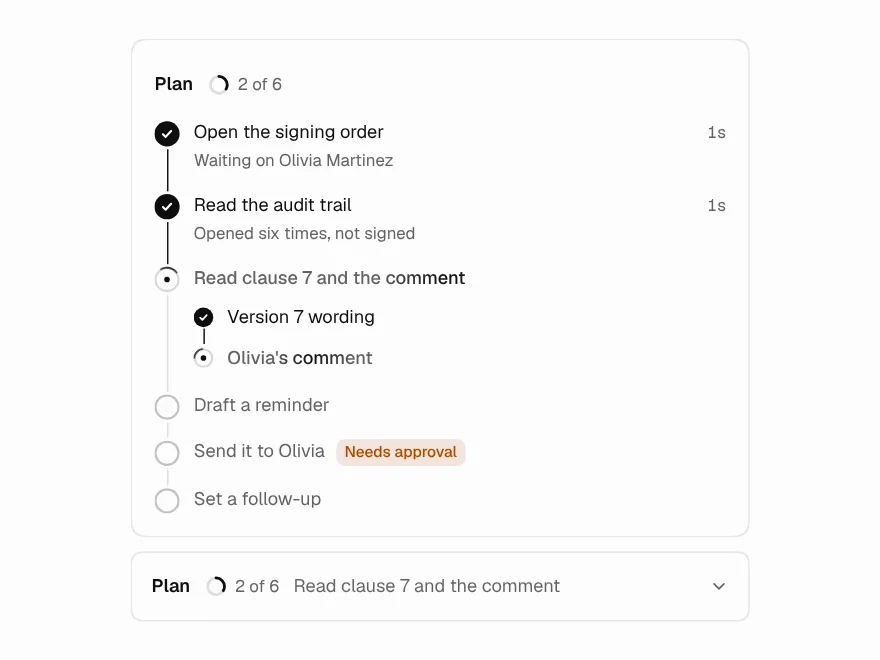
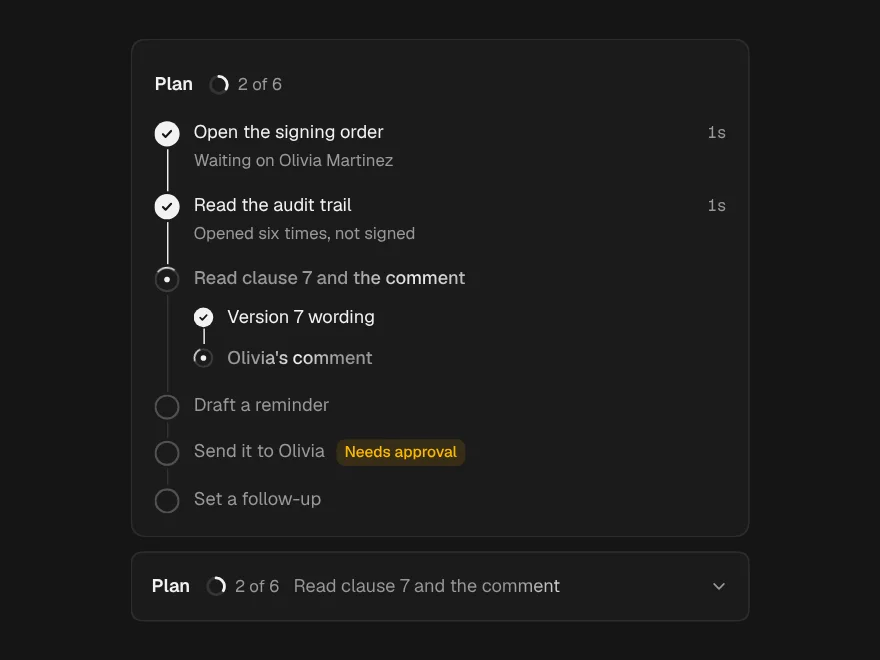
45 components for what agents actually do, from the first plan to the receipt at the end.
Start free. Pay once for all of it.
93 components are free with an account, so you can judge Liro in your own project first. Pro Lifetime is one payment for all 270 components and every screen; the Complete Bundle adds the templates.
Free
To try Liro in your own project
no card needed
- 93 selected free components
- Full source for every free component
- Live previews in light and dark
- shadcn CLI and Liro MCP for free components
- Commercial use
Pro Lifetime
RecommendedFor developers building production apps
no subscription
- All 270 components, including 177 Pro
- Every full-page screen
- Full Liro MCP access
- No daily limit on copying
- Future components and updates
- Priority email support
Templates are not included. Buy one below, or take the Bundle.
Complete Bundle
EverythingThe library plus ready-made products
no subscription
- Everything in Pro Lifetime
- All 4 templates, full source
- Commercial use
- Future component updates
- Templates released later sold separately


 4 templates included
Frequently asked questions
Everything worth knowing before you buy.